

Hello, aspiring Ethical Hackers. If you’re starting your journey in ethical hacking or cybersecurity, one of the first technical skills you’ll encounter is network scanning. Before security professionals can assess a network’s security, they need to understand what systems are present, which devices are active and what services are running. This helps answer these questions.
Think of it as creating a map of a digital environment. Just as a traveler studies a map before exploring a new city, cybersecurity professionals scan networks to understand their structure before performing further analysis.
NEW TO ETHICAL HACKING?
Start your ethical hacking journey with our FREE Beginner Ethical Hacker Starter Kit (2026 Edition).
Get beginner-friendly guidance to understand the fundamentals of ethical hacking and take your first steps into cybersecurity.
What is Network Scanning?
Network scanning is the process of gathering information about devices connected to a network. The goal is to identify,
- Active hosts
- Open ports
- Running services
- Network devices
- Available resources
Network scanning helps security professionals understand what systems exist within a network and how those systems communicate. In simple terms:
Network scanning is the process of discovering and mapping devices and services on a network.
Why is Network Scanning Important?
Before testing security, you need visibility of the network. Network scanning provides that visibility. It helps security professionals,
1. Discover Active Devices:
Networks often contain many connected systems, including:
- Computers
- Servers
- Routers
- Printers
- IoT devices
Scanning helps identify which devices are online.
2. Understand Network Structure:
Scanning provides insight into how devices are connected to each other and organized.
3. Identify Running Services:
Many devices provide services over the network. Examples include:
- Web services
- Email services
- File-sharing services
- Remote administration services
Understanding these services helps build a network profile.
4. Improve Security Awareness:
Organizations often discover forgotten or unmanaged devices through network scanning.
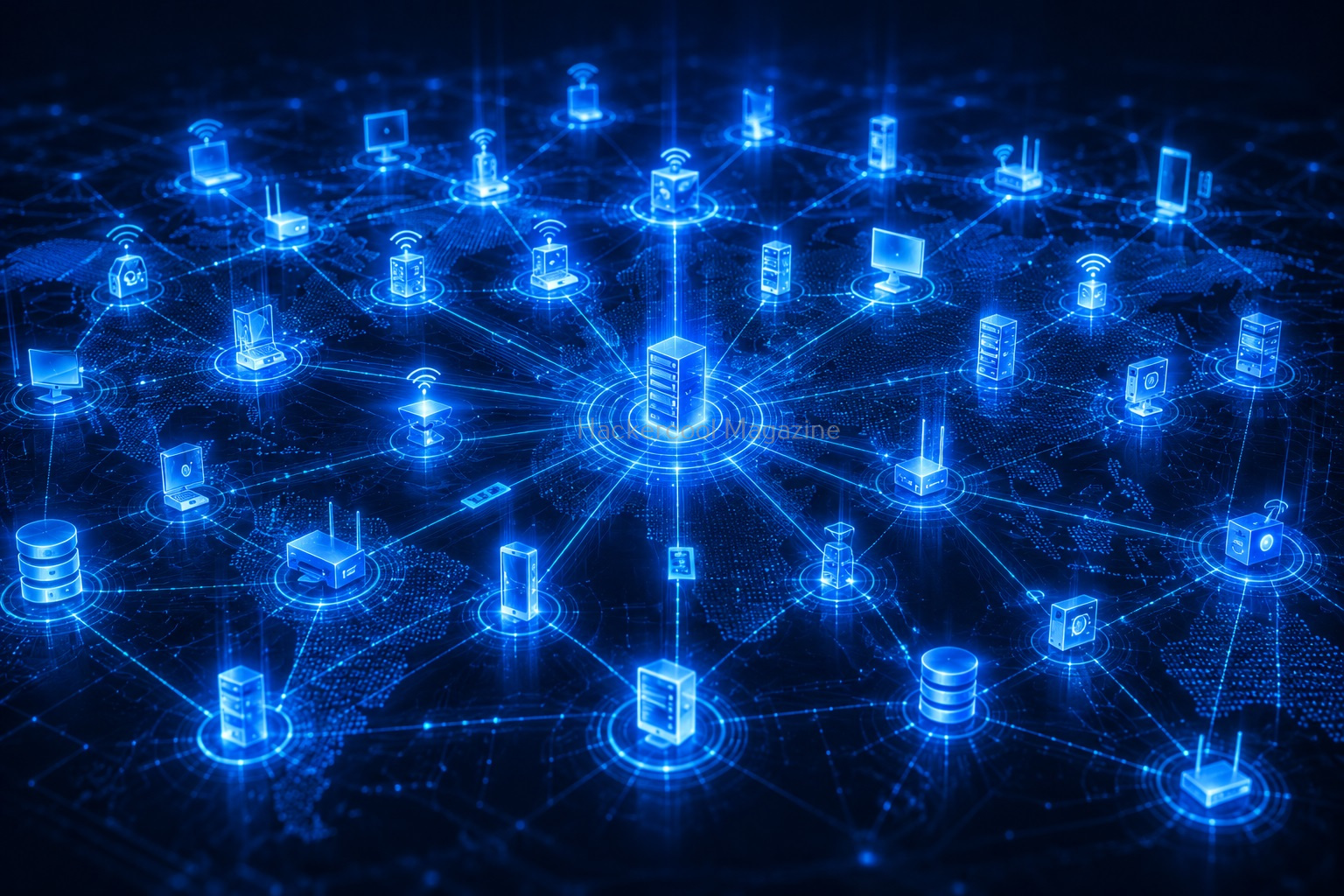
How Network Scanning Fits into Ethical Hacking
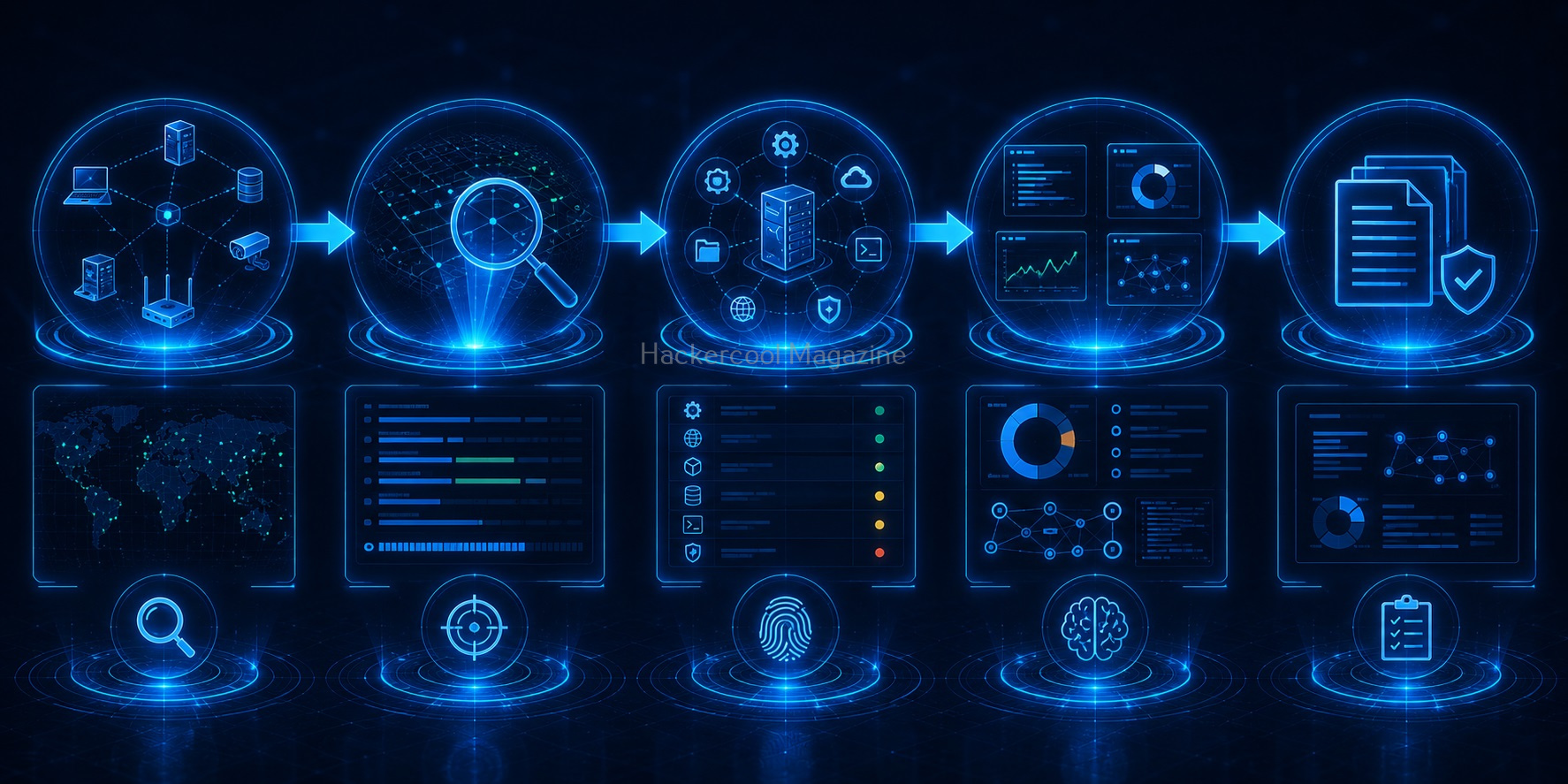
Network scanning is usually performed during the reconnaissance and enumeration phases of a security assessment. A typical workflow may look like this:
- Information Gathering
- Host Discovery
- Network Scanning
- Service Identification
- Vulnerability Analysis
- Reporting
Network scanning acts as a bridge between information gathering and deeper security analysis.
Understanding Hosts and Services
Before discussing scanning techniques, it’s important to understand two key concepts. They are Hosts and Services.
Hosts:
A host is any device connected to a network. Examples include:
- Desktop computers
- Servers
- Smartphones
- Network appliances
Each host typically has an IP address.
Services:
Services are programs that communicate over the network. Examples include:
- Web applications
- Email systems
- File-sharing services
Services usually listen on specific ports.
Understanding Ports
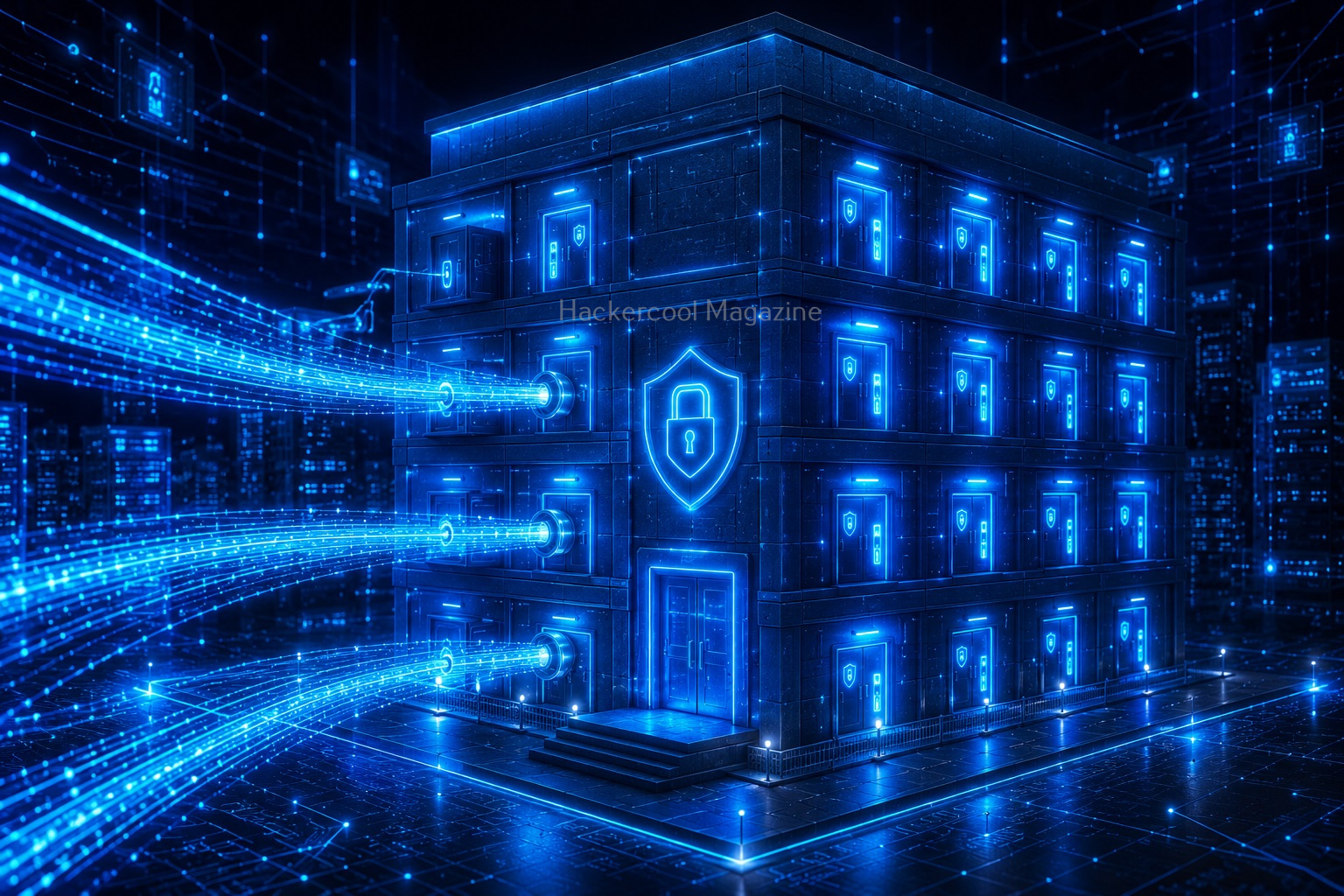
Ports are an important concept in networking. Think of a device as an office building. The IP address identifies the building. Ports represent individual doors. Different services use different doors to communicate.
Examples include:
- Web traffic
- Email traffic
- File transfers
Network scanning helps identify which doors are open.
Common Types of Network Scanning
There are several types of network scans. Beginners should focus on understanding what each scan attempts to discover.
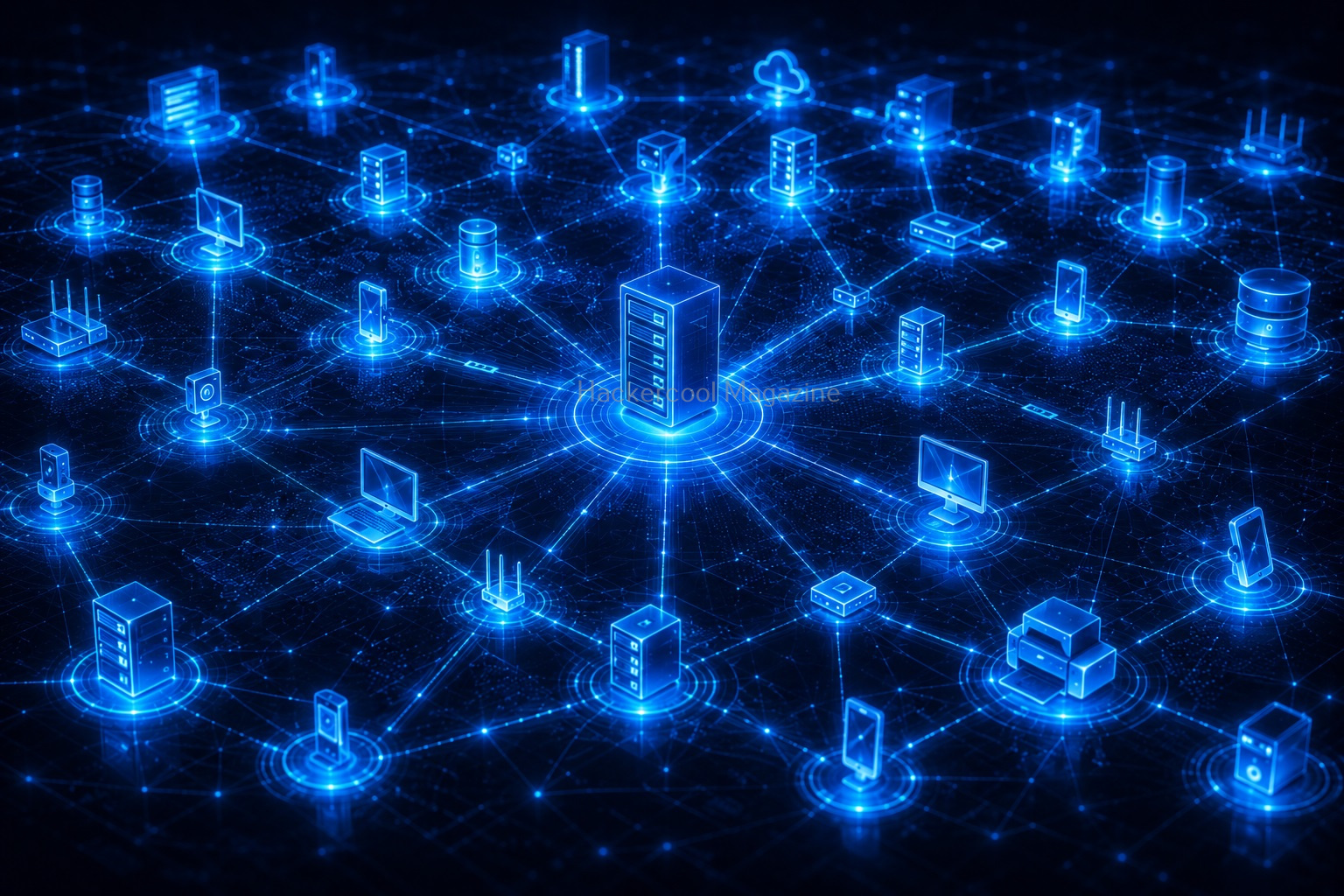
1. Host Discovery Scanning:
Host discovery identifies which devices are currently active. The goal is simple:
“Which systems are online?”
This is often the first step in a network assessment.
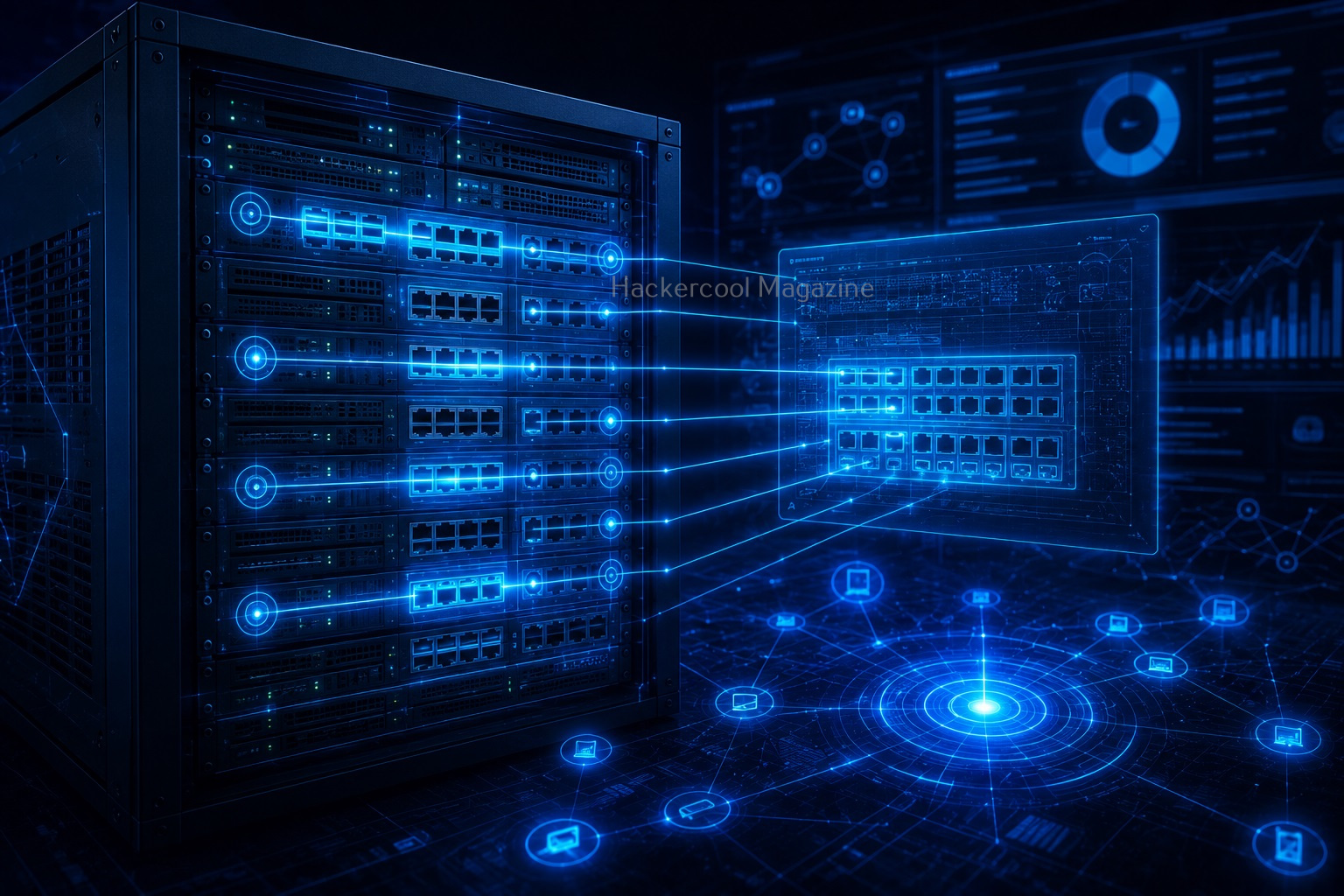
2. Port Scanning:
Port scanning determines which network ports are open. Open ports often indicate available services.
Examples:
- Web servers
- Remote access services
- Email services
Port scanning helps create a technical inventory of exposed services.
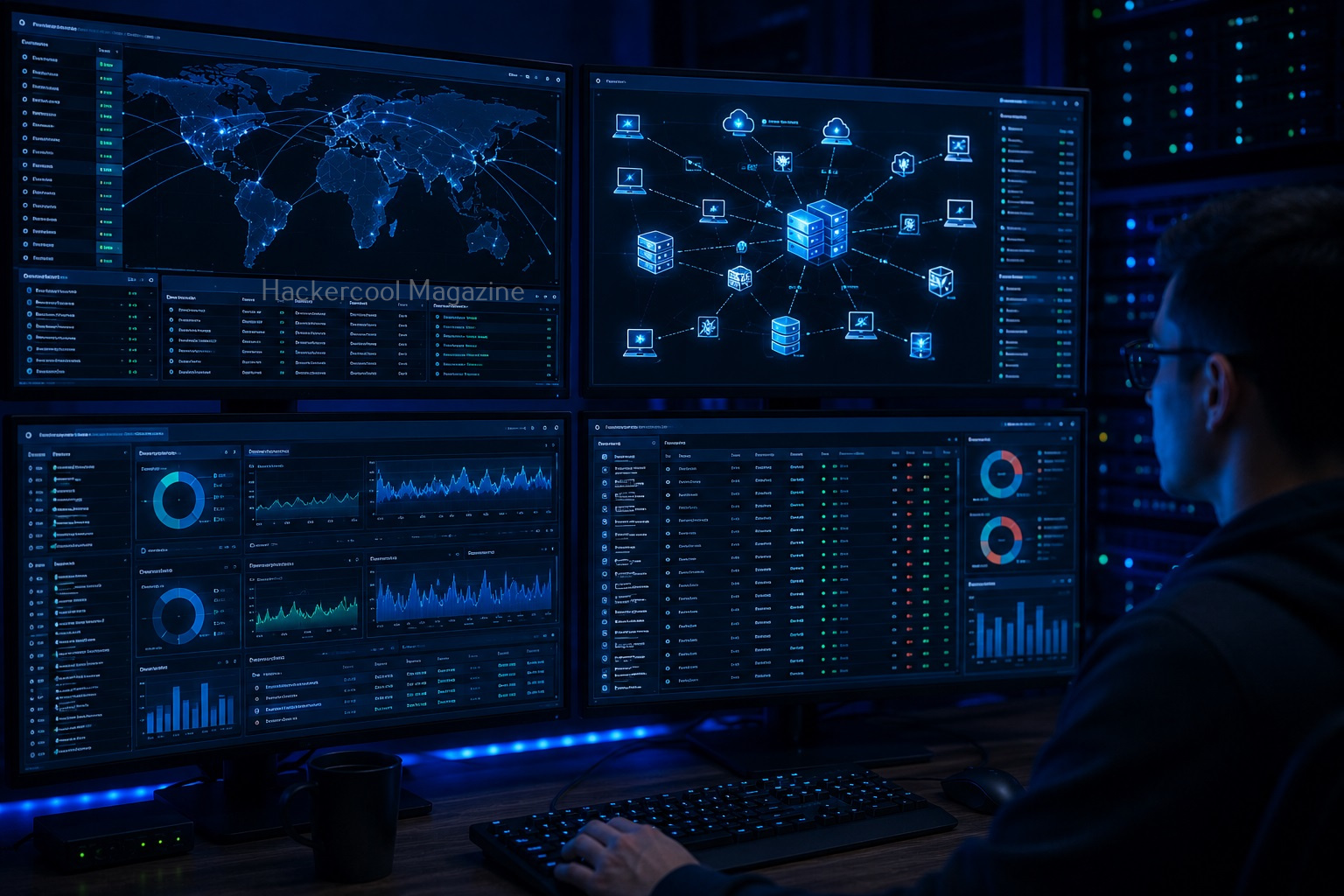
3. Service Detection:
Once open ports are identified, security professionals often determine what services are running.
Examples include:
- Web applications
- Database services
- File transfer services
This helps build a more detailed understanding of the environment.
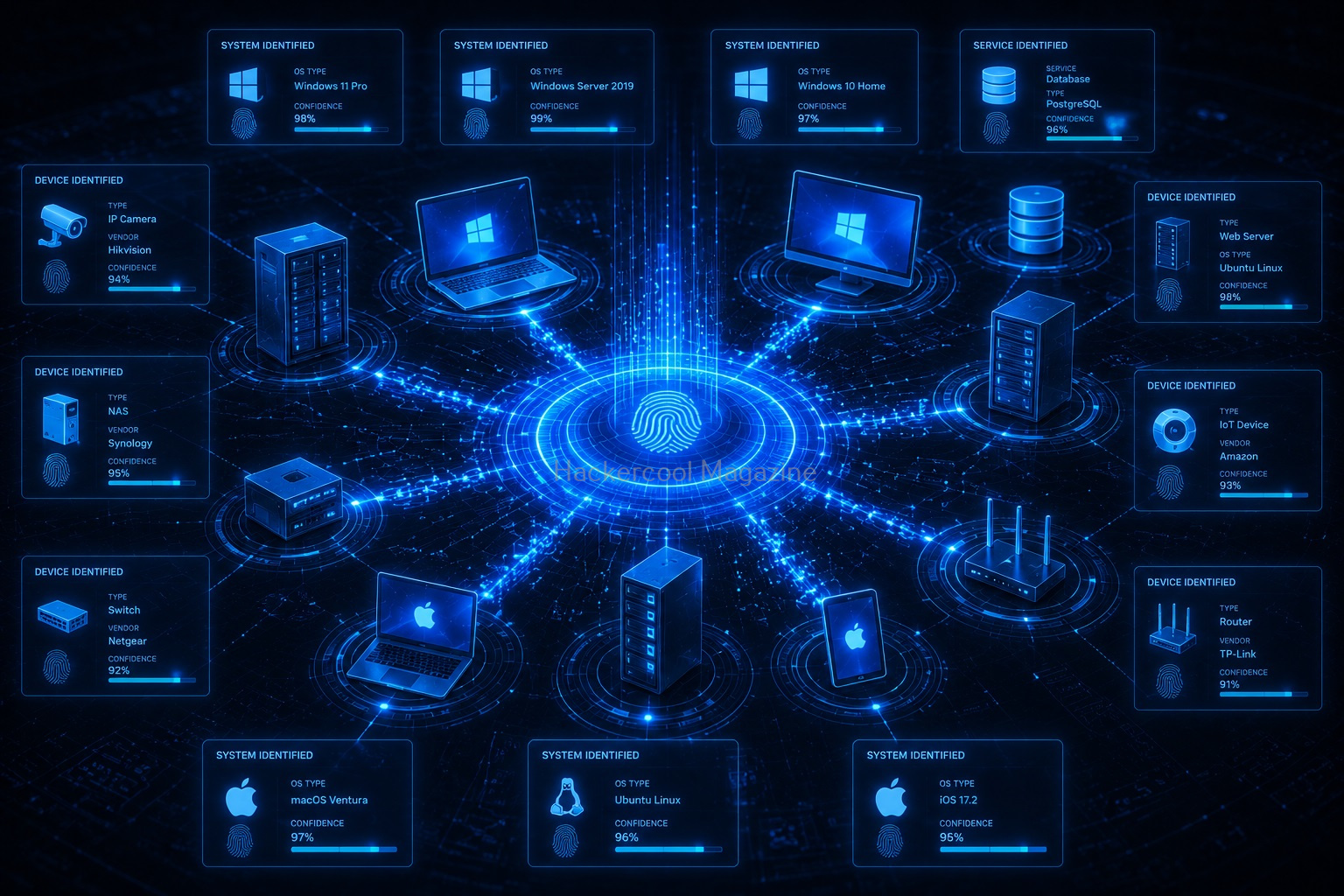
4. Operating System Identification:
Different operating systems often exhibit unique network characteristics. Network analysis may provide clues about whether a system is running:
- Linux
- Windows
- Network appliance software
This information can be useful during security assessments.
READY TO BUILD YOUR ETHICAL HACKING FOUNDATIONS?
Go beyond the basics. Develop the essential knowledge every aspiring ethical hacker needs.
Your learning package includes:
Networking Fundamentals
Linux Fundamentals
Windows Fundamentals
Web Fundamentals
Command Line Essentials
Virtual Labs
$1 INTRODUCTORY TRIAL
6 Foundation Resources + Full Magazine Access
Trial terms apply. Post-trial subscription billing is manual.
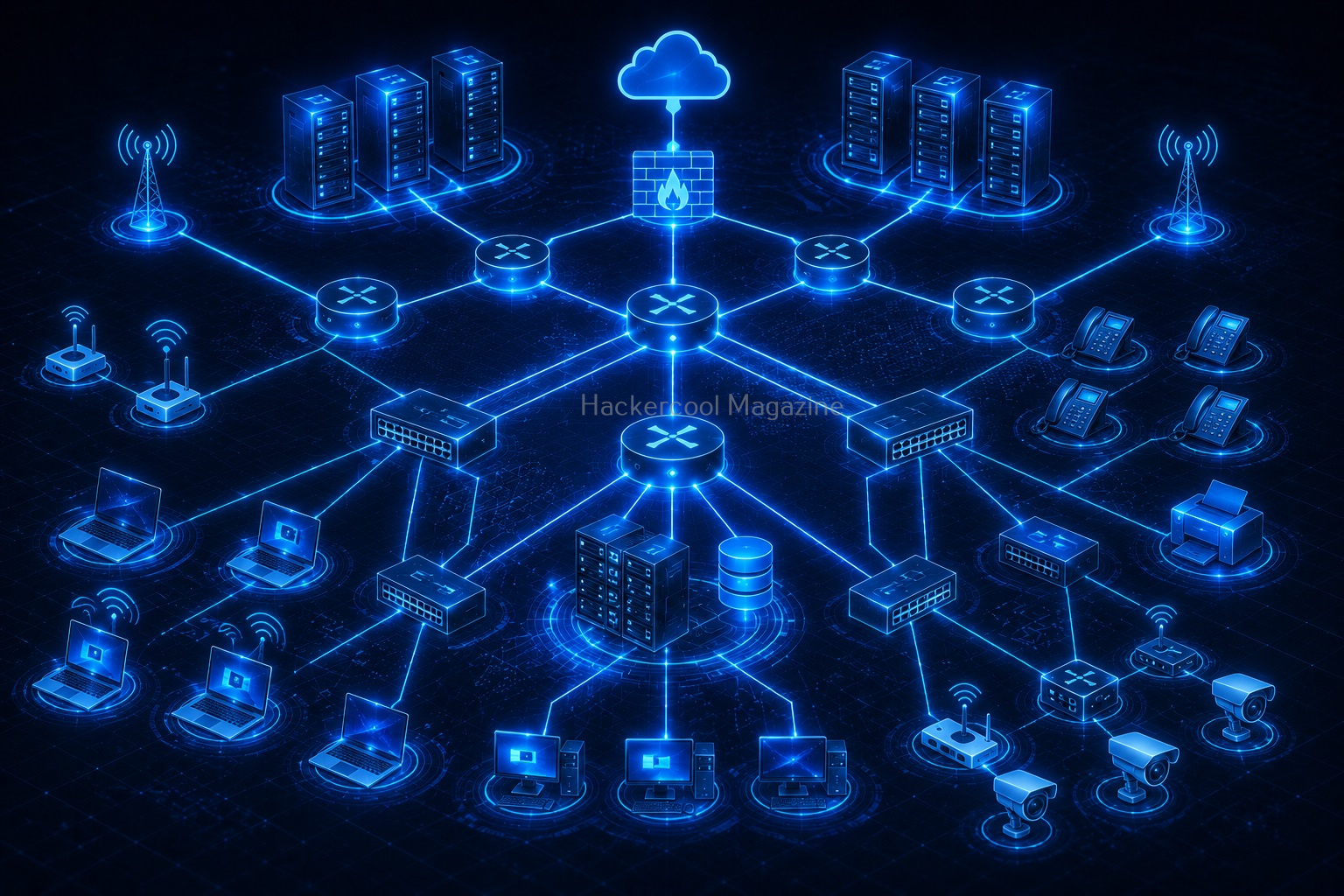
Network Mapping
One of the goals of scanning is creating a network map. A network map may include:
- Active hosts
- Services
- Connections
- Device roles
This visual understanding helps security teams manage and secure environments.
Information Gathered During Network Scanning
Network scans may reveal:
- IP addresses
- Hostnames
- Open ports
- Service information
- Operating system clues
- Network topology information
The collected data helps create a detailed picture of the environment.
Common Beginner Mistakes
Many beginners make similar mistakes when learning network scanning. Avoid these pitfalls.
1. Focusing Only on Tools:
Tools are useful, but understanding the information matters more. The goal is not simply running a scan. The goal is understanding the results.
2. Ignoring Networking Fundamentals:
Without basic networking knowledge, scan results may seem confusing. Learn:
- IP addressing
- Ports
- Protocols
- DNS
These fundamentals make scanning much easier to understand.
3. Forgetting Documentation:
Always record findings. Good documentation helps build professional habits.
4. Scanning Unauthorized Systems:
This is one of the most important rules. Only scan:
- Your own systems
- Practice labs
- Authorized environments
Always stay within legal and ethical boundaries.

Safe Practice Ideas for Beginners
You don’t need a large corporate network to learn network scanning. Safe options include:
Home Lab Networks:
Create a small practice environment using your own devices.

Virtual Machines:
Virtual machines allow you to build isolated environments for learning.
Educational Cybersecurity Labs:
Many training platforms provide safe environments specifically designed for beginners.
Personal Devices:
Explore your own authorized systems to better understand network visibility.
Skills Developed Through Network Scanning
Network scanning teaches more than technical knowledge. It develops important cybersecurity skills such as,
Observation:
Learning to identify patterns and anomalies.
Analysis:
Understanding what discovered information means.
Documentation:
Recording technical findings clearly.
Problem Solving:
Connecting pieces of information together.
Network Awareness:
Understanding how systems communicate.

How Network Scanning Helps Security Teams
Organizations use network scanning for many legitimate purposes. Examples include:
Asset Discovery:
Finding connected devices.
Security Assessments:
Identifying exposed services.
Network Management:
Understanding infrastructure.
Compliance Activities:
Maintaining visibility into systems.
Supporting investigations.
Network Scanning and Cybersecurity Careers
Network scanning is a foundational skill for many cybersecurity roles. Examples include:
- Security Analyst
- Penetration Tester
- Incident Responder
- Vulnerability Analyst
- Network Security Engineer
Learning network scanning builds a strong foundation for future specialization.

Conclusion
Network scanning is one of the most important skills for cybersecurity beginners. It teaches you how to discover and understand digital environments before performing deeper analysis. Rather than jumping straight into advanced topics, network scanning helps build the mindset of a security professional:
- Observe first
- Gather information
- Analyze findings
- Document results
Remember:
The goal of network scanning isn’t simply finding devices.
The goal is understanding the network. As your cybersecurity skills grow, network scanning will continue to be a valuable tool for investigation, assessment and security improvement.
YOUR ETHICAL HACKING JOURNEY STARTS HERE!
Not sure where to begin? Download our FREE 18-page Beginner Ethical Hacker Starter Kit (2026 Edition).
Take your first step towards building practical cybersecurity knowledge.