Web applications are part of everyday life. We use them to access email, manage bank accounts, shop online, communicate with others and store personal information. But behind every web application are servers, databases, authentication systems and software components that can contain security weaknesses.
A vulnerability in any of these components could expose sensitive information, allow unauthorized access or disrupt a service.
This is where the OWASP Top 10 becomes important.
Web application security is an important area of cybersecurity that beginners should explore after developing their technical foundations. If you are following our cybersecurity learning roadmap for beginners, understanding the OWASP Top 10 is an important step toward learning how to identify and assess common web application vulnerabilities.
The OWASP Top 10 is a widely recognized awareness document that highlights major security risks affecting web applications. It helps developers, security professionals and ethical hackers understand the weaknesses they should pay attention to when building or assessing applications.
In this guide, we will explore the OWASP Top 10:2025, understand each risk category and look at how organizations can reduce these security risks.
Before exploring web application vulnerabilities, beginners should understand cybersecurity fundamentals such as threats, vulnerabilities, risk assessment and the principles of confidentiality, integrity and availability.
NEW TO ETHICAL HACKING?
Start your ethical hacking journey with our FREE Beginner Ethical Hacker Starter Kit (2026 Edition).
Get beginner-friendly guidance to understand the fundamentals of ethical hacking and take your first steps into cybersecurity.

What Is the OWASP Top 10?
The Open Worldwide Application Security Project (OWASP) is a nonprofit organization that works to improve software and application security.
One of its best-known projects is the OWASP Top 10, which identifies ten important categories of web application security risks.
The list is intended to raise awareness and help organizations improve application security. It is not a complete list of every possible vulnerability, nor is it a guaranteed testing checklist. However, it provides an excellent starting point for learning web application security.
The latest edition is OWASP Top 10:2025. It includes updated categories reflecting changes in application development, software dependencies and security practices.

The OWASP Top 10:2025 List
The ten categories are:
- A01 – Broken Access Control
- A02 – Security Misconfiguration
- A03 – Software Supply Chain Failures
- A04 – Cryptographic Failures
- A05 – Injection
- A06 – Insecure Design
- A07 – Authentication Failures
- A08 – Software or Data Integrity Failures
- A09 – Security Logging and Alerting Failures
- A10 – Mishandling of Exceptional Conditions
Let’s understand each category with beginner-friendly examples.

1. Broken Access Control (A01)
Access control determines what an authenticated user is allowed to see or do within an application. For example, an online shopping website may allow customers to view their own orders, while administrators can manage orders belonging to all customers.
Broken access control occurs when an application fails to enforce these restrictions correctly.
Example:
Imagine a shopping website where customers can view their order details through a page associated with an order identifier. If the application does not verify that the requested order belongs to the logged-in customer, one customer might be able to access another customer’s order information.
Other examples include:
- Ordinary users accessing administrator-only functions.
- Users viewing another person’s private information.
- Applications allowing unauthorized changes to account data.
- Restrictions being enforced in the interface but not on the server.
Prevention:
Applications should enforce authorization checks on the server for every sensitive operation. They should follow the principle of least privilege, deny access by default and test permissions across different user roles.

2. Security Misconfiguration (A02)
Security misconfiguration happens when an application, server, database, cloud service or other component is configured insecurely. Even well-written software can become vulnerable when deployed with unsafe settings.
Example:
Imagine an organization deploying a web application while leaving a default administrator account active with its original password. An attacker who discovers the exposed administration interface may attempt to access it using those default credentials.
Other examples include:
- Unnecessary services or features left enabled.
- Public access to resources intended to be private.
- Excessive permissions on files and directories.
- Unnecessary error details exposed to users.
- Missing or incorrectly configured security headers.
Prevention:
Organizations should use secure configuration baselines, remove unnecessary services and default accounts, restrict administrative interfaces, apply appropriate permissions and regularly review server and cloud configurations.

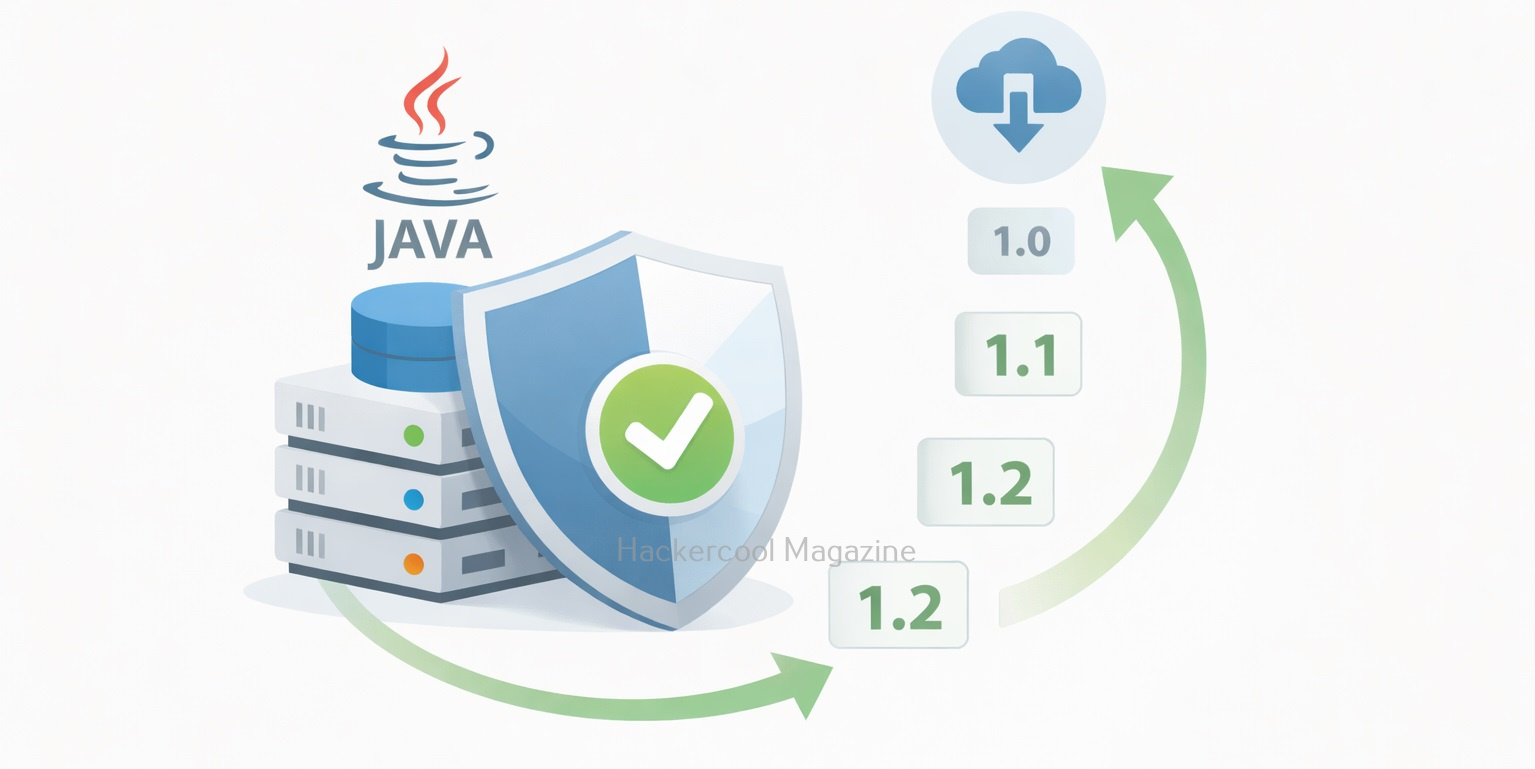
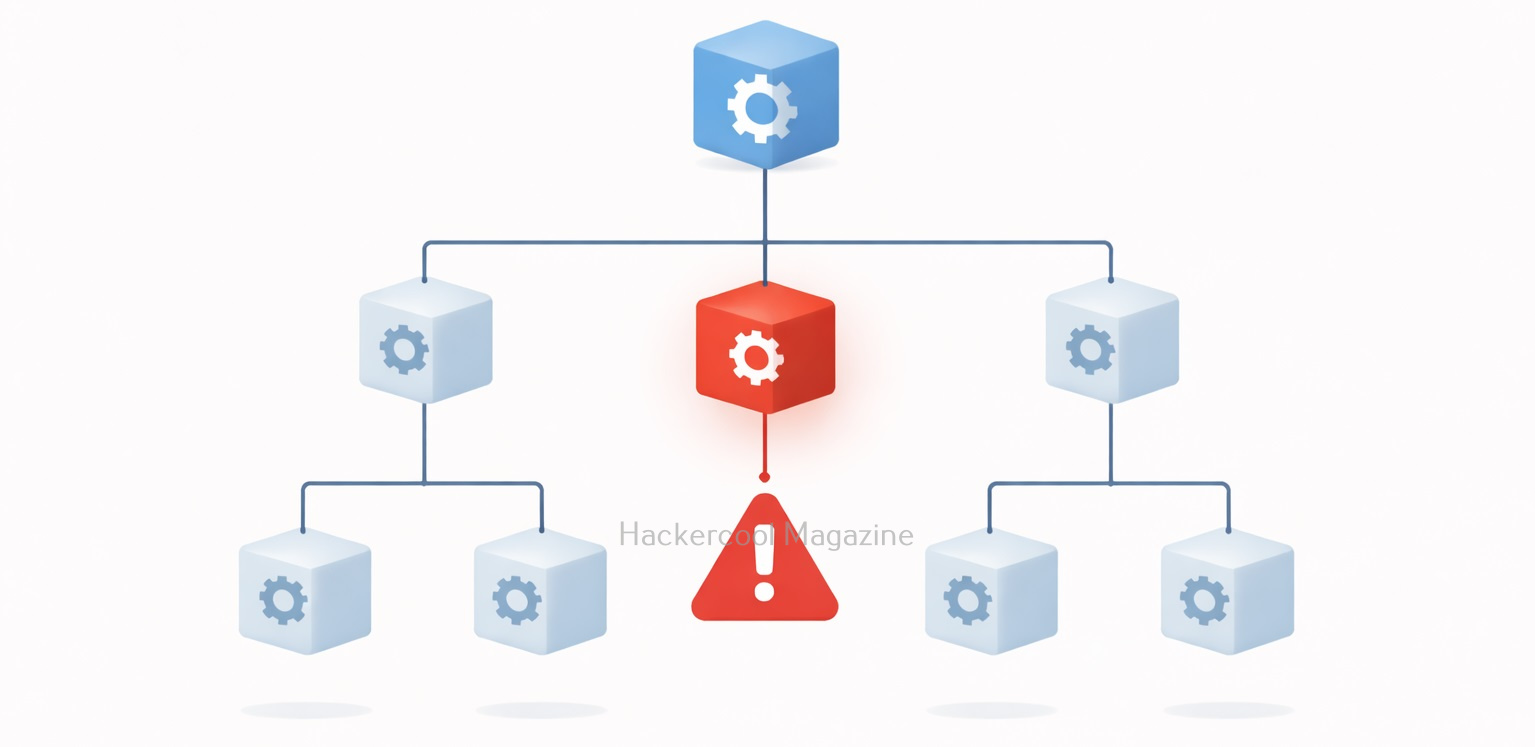
3. Software Supply Chain Failures (A03)
Modern applications rarely consist entirely of code written by one development team. They depend on external libraries, frameworks, packages, development tools, build systems and software distribution services.
A weakness or compromise anywhere in this ecosystem can affect the final application. Software supply chain failures occur when the security or integrity of these dependencies and processes cannot be trusted.
Example:
Imagine a web application using an external software library. The library’s maintainer account is compromised and an attacker introduces malicious code into a new release.
If the organization downloads and incorporates that compromised version without appropriate verification, its application may become affected.
Other risks include:
- Vulnerable third-party packages.
- Compromised software repositories.
- Malicious or counterfeit dependencies.
- Insecure build and deployment processes.
- Insufficient verification of software updates.
Prevention:
Organizations should maintain an inventory of dependencies, use trusted sources, review and update packages, verify software integrity, protect development environments and monitor supply chain security.

4. Cryptographic Failures (A04)
Cryptography protects sensitive information through techniques such as encryption, hashing and digital signatures. Cryptographic failures occur when sensitive data is not adequately protected because cryptographic controls are missing, weak or incorrectly implemented.
Example:
Imagine a website transmitting login credentials over an unencrypted HTTP connection. Someone with access to the communication path may be able to observe the information being transmitted.
Other examples include:
- Storing passwords in plaintext.
- Using outdated cryptographic algorithms.
- Poor encryption key management.
- Exposing sensitive information through insecure communication.
- Using encryption incorrectly.
Prevention:
Applications should use modern, well-maintained cryptographic libraries and protocols, protect sensitive data in transit and at rest, manage encryption keys securely and store passwords using suitable password-hashing algorithms rather than reversible encryption or plaintext.

5. Injection (A05)
Injection vulnerabilities occur when an application treats untrusted input as part of an instruction or command. This can happen when user input is incorporated into database queries, operating system commands or other interpretable expressions without appropriate safeguards.
Example:
Consider a website with a search or login feature that interacts with a database. If the application constructs database queries unsafely using user-supplied input, specially crafted input may change how the database interprets the query. Depending on the weakness, this could expose information or allow unauthorized database operations.
Common injection categories include:
- Injection vulnerabilities occur when applications handle untrusted input insecurely. SQL injection is a well-known example in which malicious input can interfere with database queries.
- Command injection.
- Some injection vulnerabilities affect the browser rather than the database. Cross-Site Scripting (XSS) allows attackers to inject malicious scripts into web pages viewed by other users.
- Other forms of interpreter-based injection.
Prevention:
Developers should use parameterized queries, safe APIs, appropriate input validation and context-aware output encoding. They should avoid constructing executable commands directly from untrusted input.

6. Insecure Design (A06)
Insecure design refers to security weaknesses that originate in the way an application is planned and designed. A system can be implemented without obvious coding errors and still be insecure if its underlying design does not account for important threats.
Example:
Imagine an online payment application that allows users to initiate unlimited payment attempts without appropriate transaction limits or abuse controls. Even if the payment code works as intended, the design may create opportunities for fraud or service abuse.
Other examples include:
- Missing authorization requirements in important workflows.
- No limits on sensitive operations.
- Weak account recovery processes.
- Insufficient protection for high-risk transactions.
- Missing security requirements during development.
Prevention:
Security should be considered from the design stage. Organizations should use threat modeling, define security requirements, consider abuse scenarios and design appropriate controls before implementing features.
READY TO BUILD YOUR ETHICAL HACKING FOUNDATIONS?
Go beyond the basics. Develop the essential knowledge every aspiring ethical hacker needs.
Your learning package includes:
Networking Fundamentals
Linux Fundamentals
Windows Fundamentals
Web Fundamentals
Command Line Essentials
Virtual Labs
$1 INTRODUCTORY TRIAL
6 Foundation Resources + Full Magazine Access
Trial terms apply. Post-trial subscription billing is manual.

7. Authentication Failures (A07)
Authentication is the process of verifying a user’s identity. Authentication failures occur when an application does not properly protect login, account recovery, identity verification or session-related processes.
Example:
Imagine a website that allows unlimited login attempts without appropriate protections. An attacker may repeatedly attempt to guess a user’s password.
Other examples include:
- Weak password requirements.
- Insecure account recovery mechanisms.
- Poorly protected authentication tokens.
- Missing protections against automated login attempts.
- Weak session invalidation after logout or account changes.
Prevention:
Applications should implement secure authentication mechanisms, support multi-factor authentication, apply appropriate login protections, securely manage sessions and protect account recovery processes.

8. Software or Data Integrity Failures (A08)
Software and data integrity failures occur when an application does not adequately verify that software, updates, code or important data have not been improperly modified. This category focuses on trust and integrity within the application’s own software and data processes.
Example:
Imagine an application that downloads an update and installs it without verifying that the update came from a trusted source and has not been altered. A malicious or modified update could introduce unwanted code into the application.
Other examples include:
- Unverified software updates.
- Unsafe deserialization of untrusted data.
- Insecure handling of serialized objects.
- Deployment processes that do not verify important artifacts.
Prevention:
Organizations should verify software and data integrity, use trusted update mechanisms, protect deployment pipelines, validate untrusted serialized data and apply appropriate digital signatures and integrity checks.

9. Security Logging and Alerting Failures (A09)
Security logging records important events, while alerting helps organizations recognize and respond to suspicious activity. Logging and alerting failures occur when security events are not recorded properly, monitored effectively or converted into actionable alerts.
Example:
Imagine an attacker repeatedly attempting to access an administrator account. If the application does not record these attempts or generate appropriate alerts, security teams may fail to recognize the suspicious activity.
Other examples include:
- Missing authentication and authorization logs.
- Logs that do not contain useful event details.
- Sensitive information unnecessarily stored in logs.
- No alerting for important security events.
- Logs that are not protected against unauthorized modification.
Prevention:
Organizations should record relevant security events, protect log storage, monitor suspicious activity, configure meaningful alerts and establish an incident response process. Logging alone is not enough. Security teams must be able to recognize important events and respond appropriately.

10. Mishandling of Exceptional Conditions (A10)
Applications regularly encounter unexpected situations, such as network failures, invalid input, unavailable services, resource exhaustion and unexpected processing errors. Mishandling of exceptional conditions occurs when applications do not handle these situations safely and consistently.
Example:
Imagine an online payment application that encounters a database timeout while processing a transaction. If the application handles the failure incorrectly, it might leave the transaction in an inconsistent state, report an incorrect result or allow an operation to proceed without the necessary checks.
Other examples include:
- Applications exposing sensitive internal details through error messages.
- Failing to enforce security checks when a component becomes unavailable.
- Incorrect handling of unexpected input or processing states.
- Resource management errors during failures.
- Logic errors that occur under unusual conditions.
Prevention:
Developers should implement safe error handling, validate application states, use secure failure behavior, protect sensitive error information and test how the application responds to unexpected conditions.

Why Is the OWASP Top 10 Important?
The OWASP Top 10 is useful because it gives developers and security professionals a shared starting point for understanding web application risks. For developers, it highlights common areas where secure coding and design practices are needed.
For organizations, it helps guide application security reviews, development policies and risk management. For ethical hackers, it provides a foundation for learning how web applications can become vulnerable and how to assess them responsibly.
However, the OWASP Top 10 should not be treated as a complete security checklist. An application can have serious weaknesses that do not fit neatly into one of these categories. A proper security assessment must consider the application’s architecture, business logic, technology and threat environment.

How Can Beginners Learn the OWASP Top 10?
If you are new to ethical hacking, do not try to learn all ten categories at once.
Build your foundation step by step:
- Learn HTTP, HTTPS, DNS and basic networking.
- Understand how browsers, web servers and databases communicate.
- Learn HTML, JavaScript and basic server-side programming concepts.
- Understand authentication, authorization, cookies and sessions.
- Study each OWASP Top 10 category individually.
- Practice in intentionally vulnerable training applications and authorized labs.
- Learn how to document security findings and explain their impact.

Tools such as Burp Suite Community Edition and OWASP ZAP can help beginners understand web application requests and responses in controlled testing environments. Only test applications you own or have explicit permission to assess. Never use training techniques against real websites without authorization.

Conclusion
The OWASP Top 10 provides an important introduction to the security risks that affect modern web applications.
From broken access control and injection to software supply chain failures and improper error handling, each category highlights a different way an application can become vulnerable.
Understanding these risks helps developers build safer applications and helps aspiring ethical hackers develop the knowledge required to assess web security responsibly. If you are beginning your cybersecurity journey, the OWASP Top 10 is one of the best places to start learning web application security.
Once you understand these common security risks, explore our guide to ethical hacking for beginners to discover the next skills, tools and practical exercises you should learn to develop your security testing abilities.
YOUR ETHICAL HACKING JOURNEY STARTS HERE!
Not sure where to begin? Download our FREE 18-page Beginner Ethical Hacker Starter Kit (2026 Edition).
Take your first step towards building practical cybersecurity knowledge.