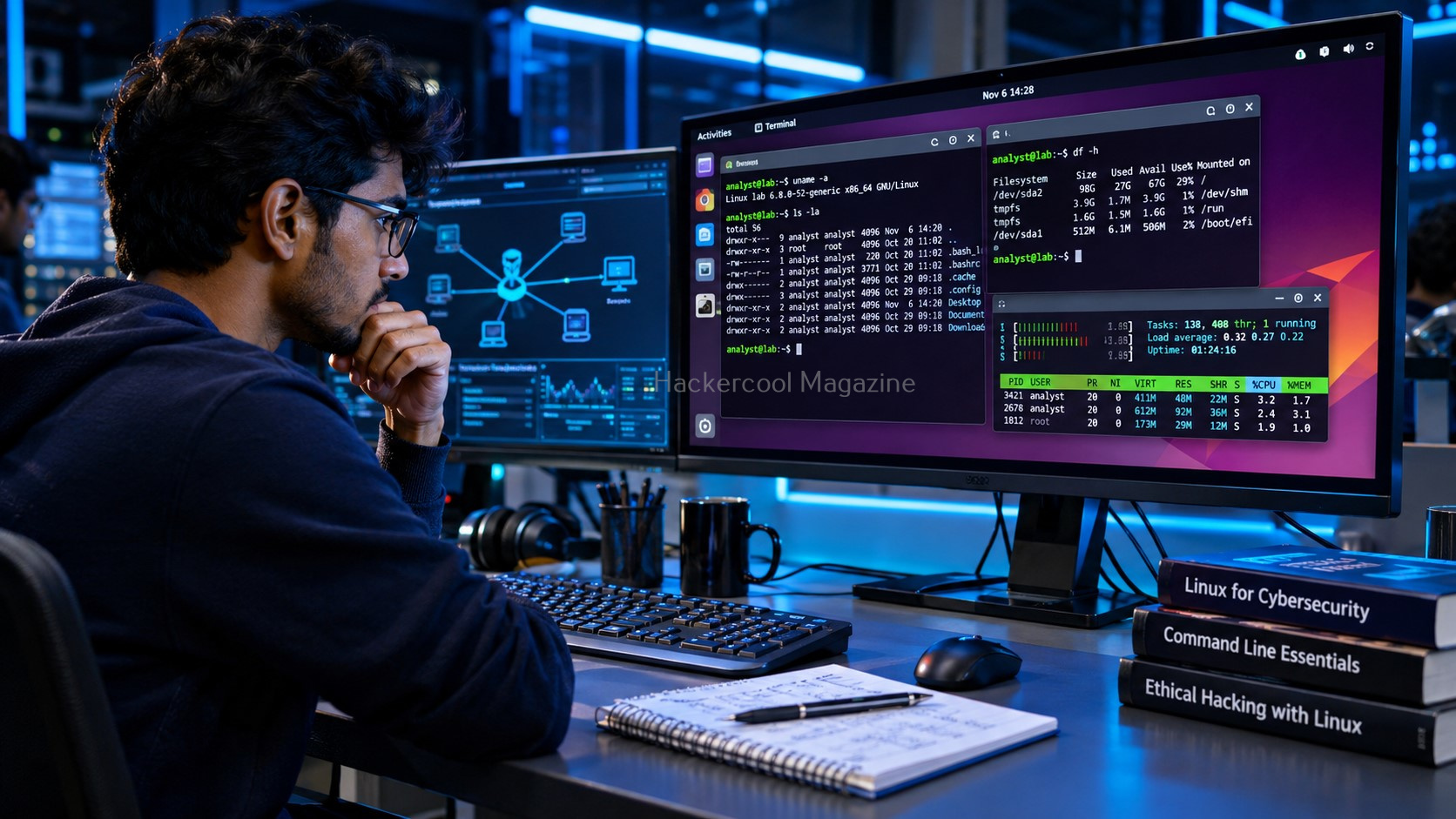
Linux is one of the most important operating systems to understand when learning ethical hacking. It powers web servers, cloud infrastructure, network services and many of the environments cybersecurity professionals investigate.
It is also the platform behind many popular security tools. But beginners often make one mistake: they start installing tools before learning how to use the operating system itself.
You don’t need to become a Linux expert overnight. Start by understanding a handful of essential commands and how they help you explore a system, inspect files, understand users and investigate activity.
In this guide, we’ll introduce some useful Linux commands for ethical hacking beginners.
NEW TO ETHICAL HACKING?
Start your ethical hacking journey with our FREE Beginner Ethical Hacker Starter Kit (2026 Edition).
Get beginner-friendly guidance to understand the fundamentals of ethical hacking and take your first steps into cybersecurity.
Why Should Ethical Hackers Learn Linux?
Linux provides an environment for working with files, users, permissions, processes, network connections and system logs. These are not just system administration topics. They are also important in cybersecurity.
For example:
- File permissions help you understand who can access sensitive information.
- Process inspection helps you identify programs running on a system.
- Network commands help you understand connectivity and listening services.
- Log analysis helps you investigate system and authentication activity.
- Shell scripting helps automate repetitive tasks.
Learning these fundamentals makes security tools less intimidating. As a beginner, focus on understanding the operating system before moving to advanced security techniques.

Navigate the Linux Filesystem
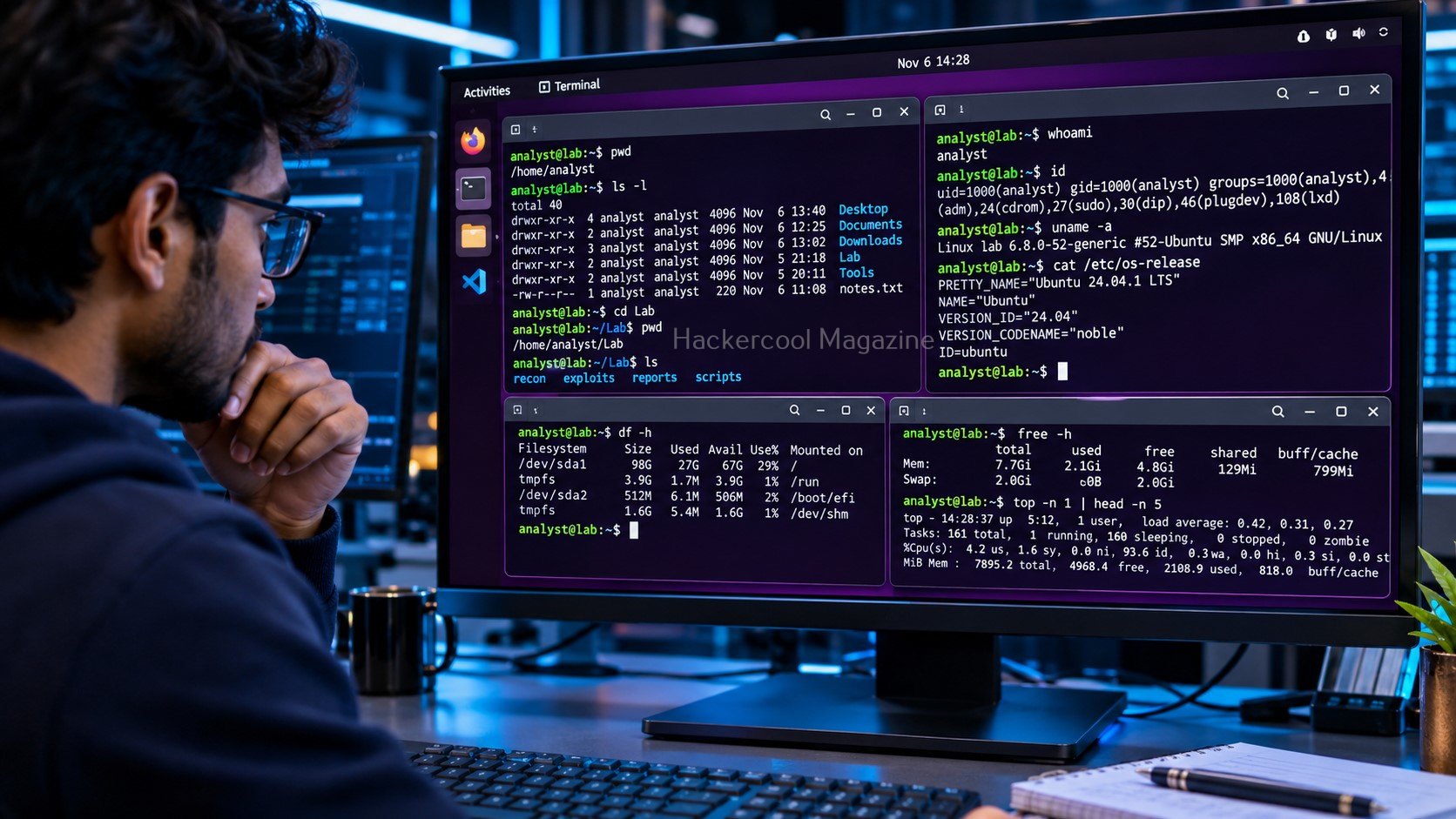
Linux uses a hierarchical filesystem that begins at the root directory, represented by /.
Unlike Windows, Linux does not primarily organize its filesystem using drive letters. Directories such as /home, /etc, /var and /tmp serve different purposes.
Start with these commands:
pwd
The above command displays your current working directory.
$ ls
Lists files and directories in the current location.
cd Documents
Changes your current directory.
Why does this matter in ethical hacking?
Security professionals frequently inspect configuration files, application directories, logs and user data. Knowing where you are and how to navigate the filesystem is a basic skill you’ll use throughout your Linux work.
Create, Copy and Manage Files
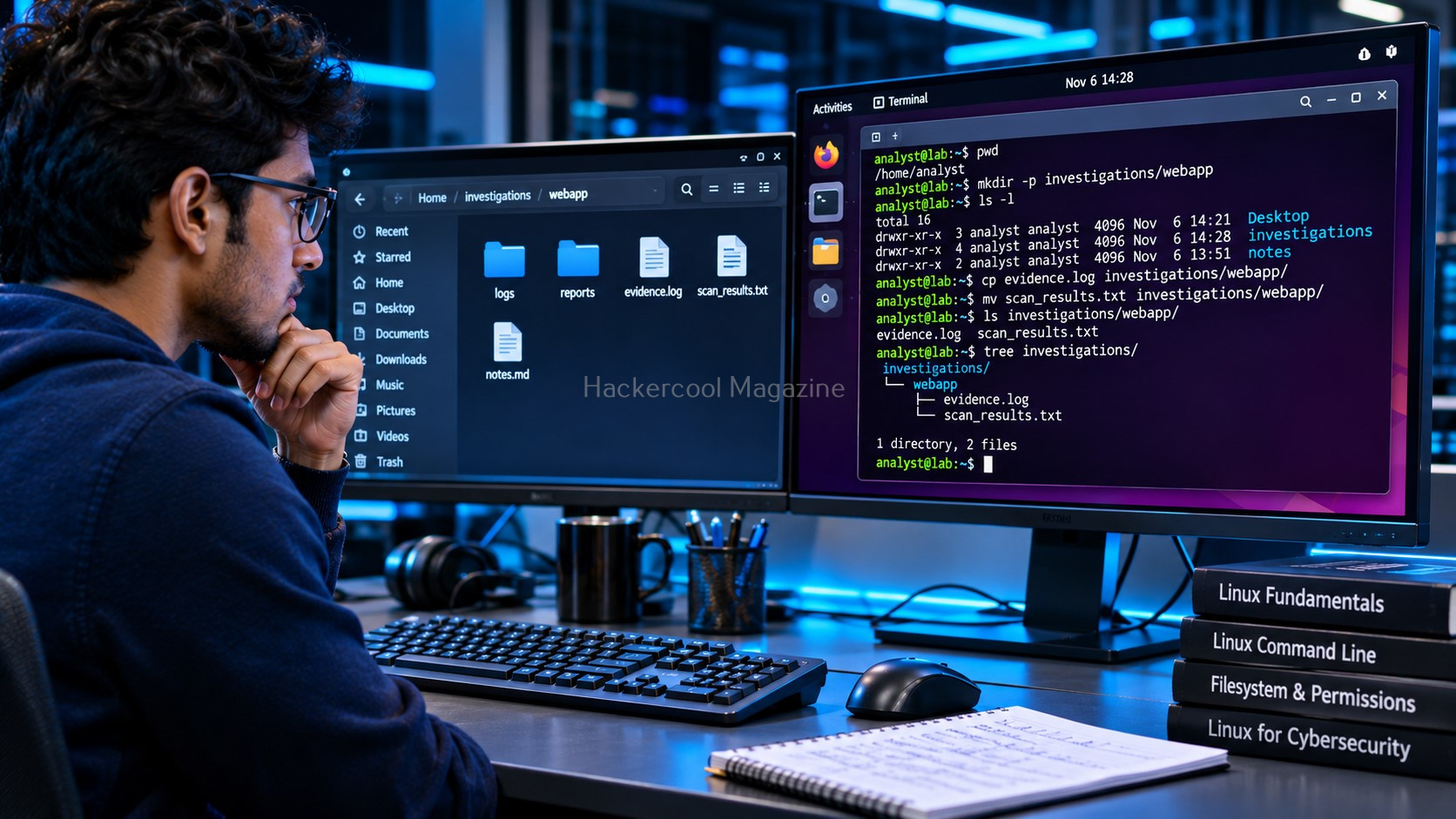
Linux provides simple commands for managing files and directories.
mkdir lab
Creates a directory named lab.
touch notes.txt
Creates an empty file named “notes.txt”.
cp notes.txt backup.txt
Copies a file.
mv backup.txt old-backup.txt
Moves or renames a file.
You should also understand the rm command, which removes files. Be careful: deleting files with rm generally does not move them to a traditional recycle bin.
For ethical hacking beginners, file management is useful when organizing scan results, saving notes, preparing lab directories and working with investigation evidence.
Read and Search Files
Cybersecurity work often involves examining configuration files, application output and system logs. Linux provides several commands to help you read information.
cat notes.txt
Displays a file’s contents.
less application.log
Opens a file for page-by-page viewing.
The grep command searches for specific text.
For example:
grep "error" application.log
This searches the file for lines containing the word error.
Why is this useful?
Imagine reviewing a large log file. Instead of manually reading every line, you can search for terms associated with a particular event. This is a simple introduction to a skill used in security investigations and troubleshooting.
Understand Linux Users and Permissions
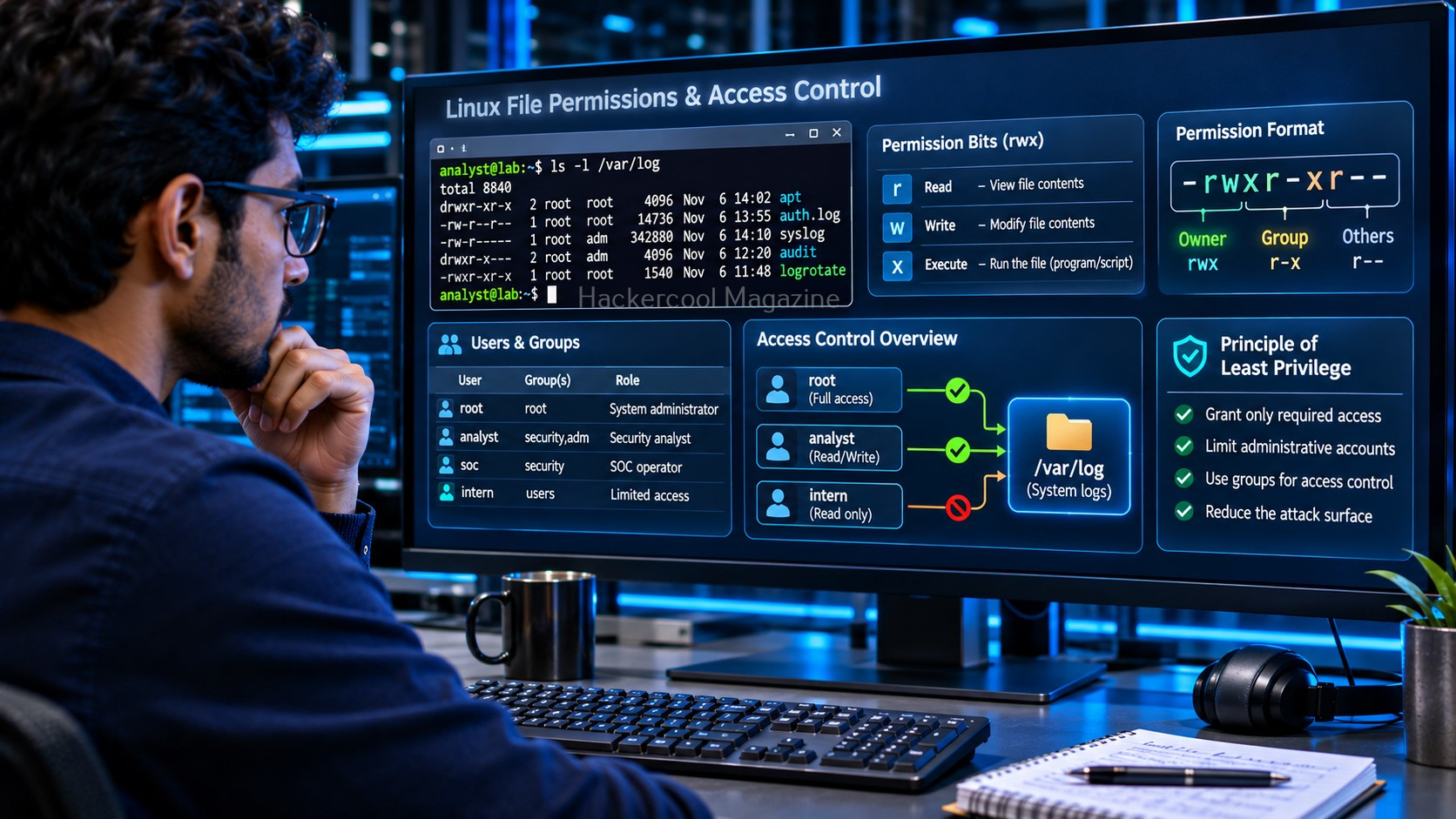
Linux supports multiple user accounts. Each account has an identity and permissions that determine what it can access or modify.
Use:
whoami
To identify the current user.
$id
To display user and group information.
File permissions are another important concept. Linux commonly represents permissions using three basic categories:
- Read (r): Permission to read a file.
- Write (w): Permission to modify a file.
- Execute (x): Permission to execute a file.
You can inspect permissions using:
ls -l
You may also encounter chmod, which changes file permissions and chown, which changes file ownership.
Why should ethical hackers care?
Incorrect permissions can expose sensitive files, credentials, configuration information or application data. Understanding permissions helps you recognize potential security weaknesses during an authorized assessment.
READY TO BUILD YOUR ETHICAL HACKING FOUNDATIONS?
Go beyond the basics. Develop the essential knowledge every aspiring ethical hacker needs.
Your learning package includes:
Networking Fundamentals
Linux Fundamentals
Windows Fundamentals
Web Fundamentals
Command Line Essentials
Virtual Labs
$1 INTRODUCTORY TRIAL
6 Foundation Resources + Full Magazine Access
Trial terms apply. Post-trial subscription billing is manual.

Inspect Running Processes and Services
A process is a running program. Linux systems use processes and background services to perform different tasks.
To view running processes, use:
ps aux
For interactive process monitoring:
top
You may also encounter systemctl on systems that use systemd. It helps administrators inspect and manage services.
For example:
systemctl status ssh
This checks the status of the SSH service.
From a security perspective, understanding processes and services helps you investigate what is running on a system and identify services that may need further review.
Explore Basic Linux Networking Commands
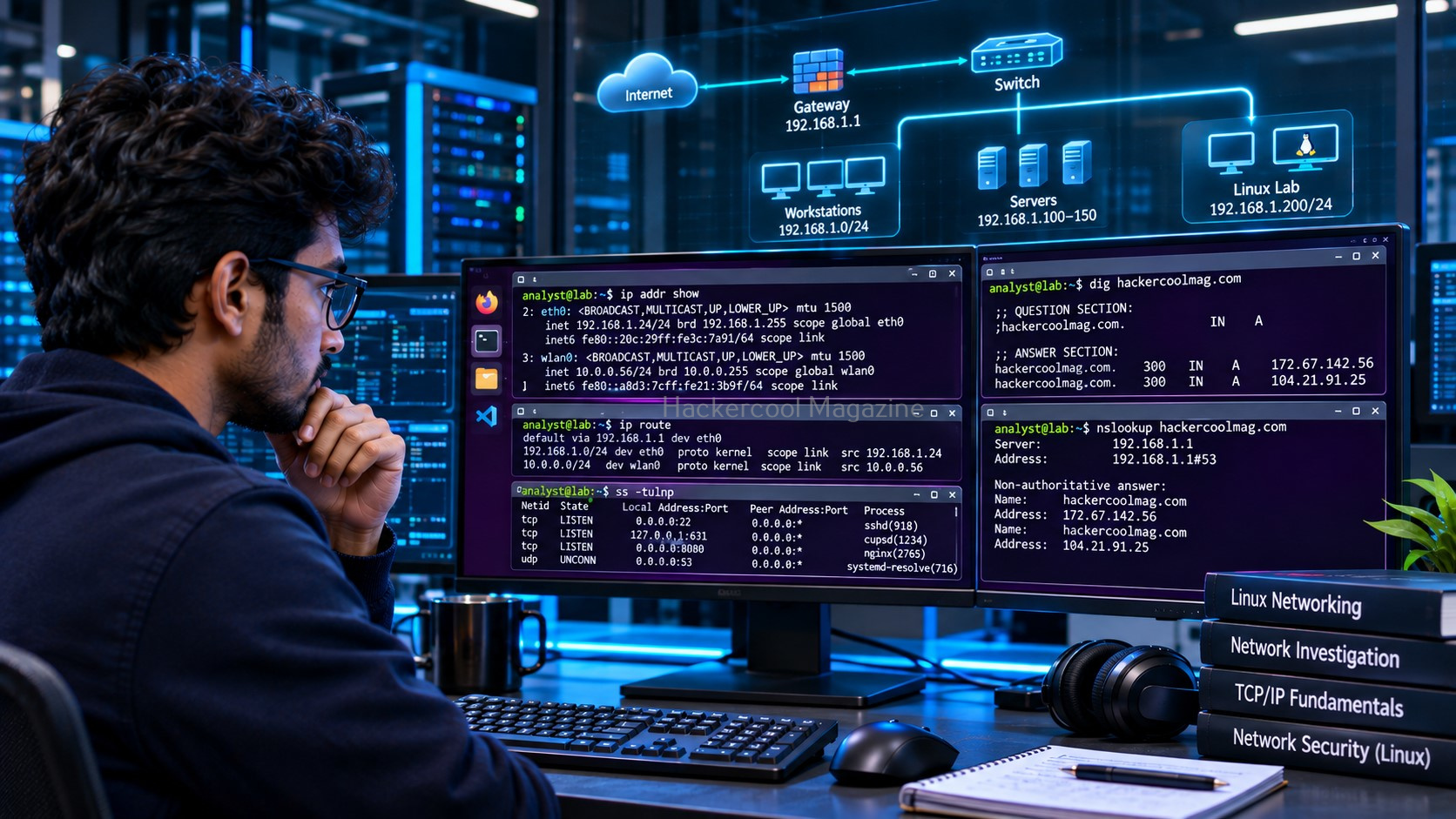
Ethical hacking involves understanding how systems communicate. Linux includes commands that help you inspect network configuration and connectivity.
ip addr
Displays network interface addresses.
ip route
Displays routing information.
ping 192.168.1.1
Tests connectivity to the specified address.
ss -tuln
Displays listening network sockets.
These commands provide an initial view of a Linux system’s network configuration and listening services. They are useful starting points before moving to dedicated network discovery and packet analysis tools. Only test systems and networks you own or have explicit permission to assess.
Commands such as ip, ping, ss and traceroute help ethical hackers examine network configurations, test connectivity and identify active connections. Understanding networking fundamentals makes these commands easier to use effectively.
Learn to Read Linux Logs
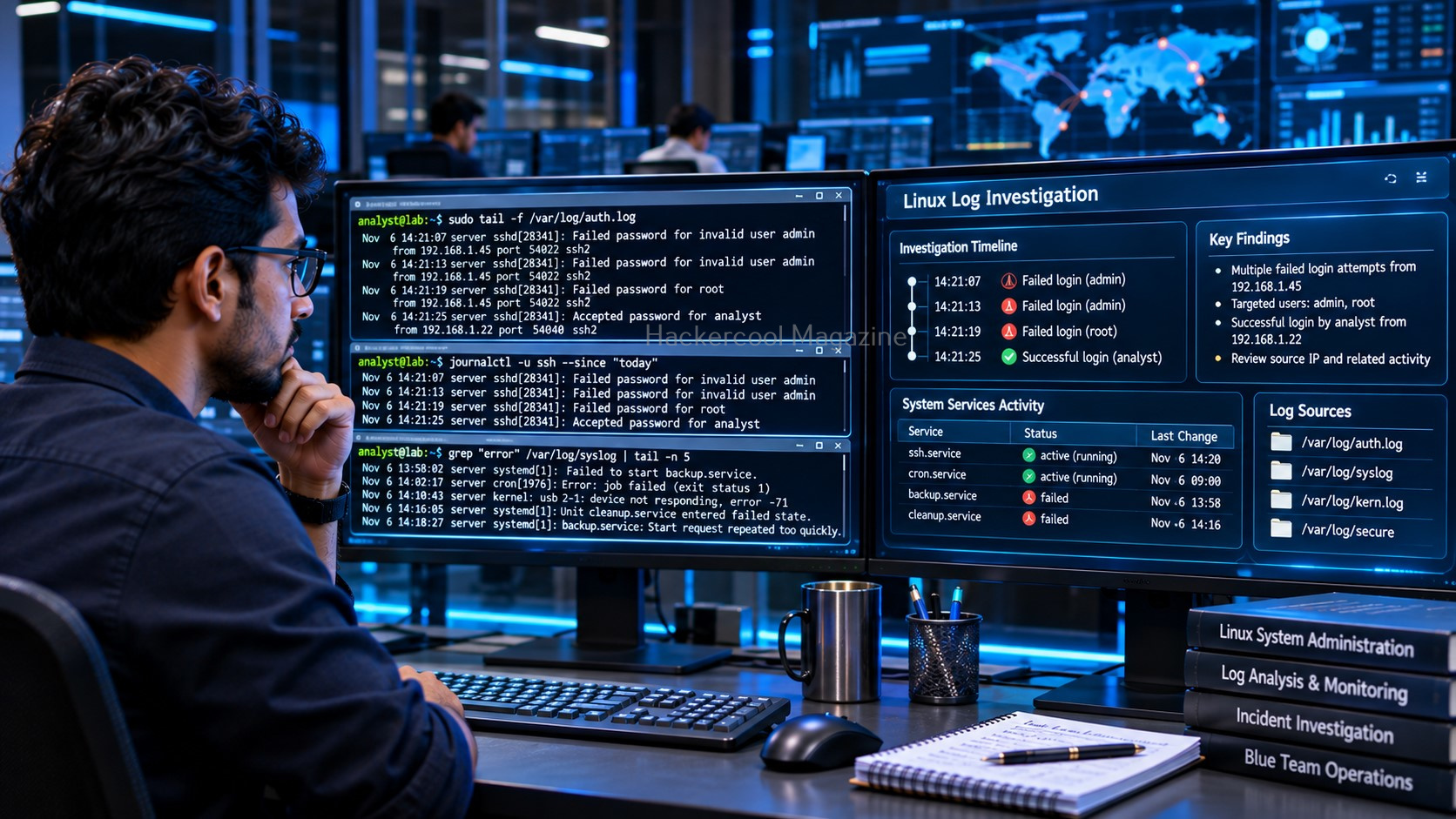
Logs record system and application activity. They can help administrators and security professionals understand what happened on a system.
Many Linux systems store log files under:
/var/log/
You can inspect a log using:
less /var/log/auth.log
The exact log files available depend on the Linux distribution and logging configuration.
You can search for failed authentication attempts with:
grep -i "failed" /var/log/auth.log
This is a simple example of how command-line skills can support security investigations.
Combine Commands to Work More Efficiently
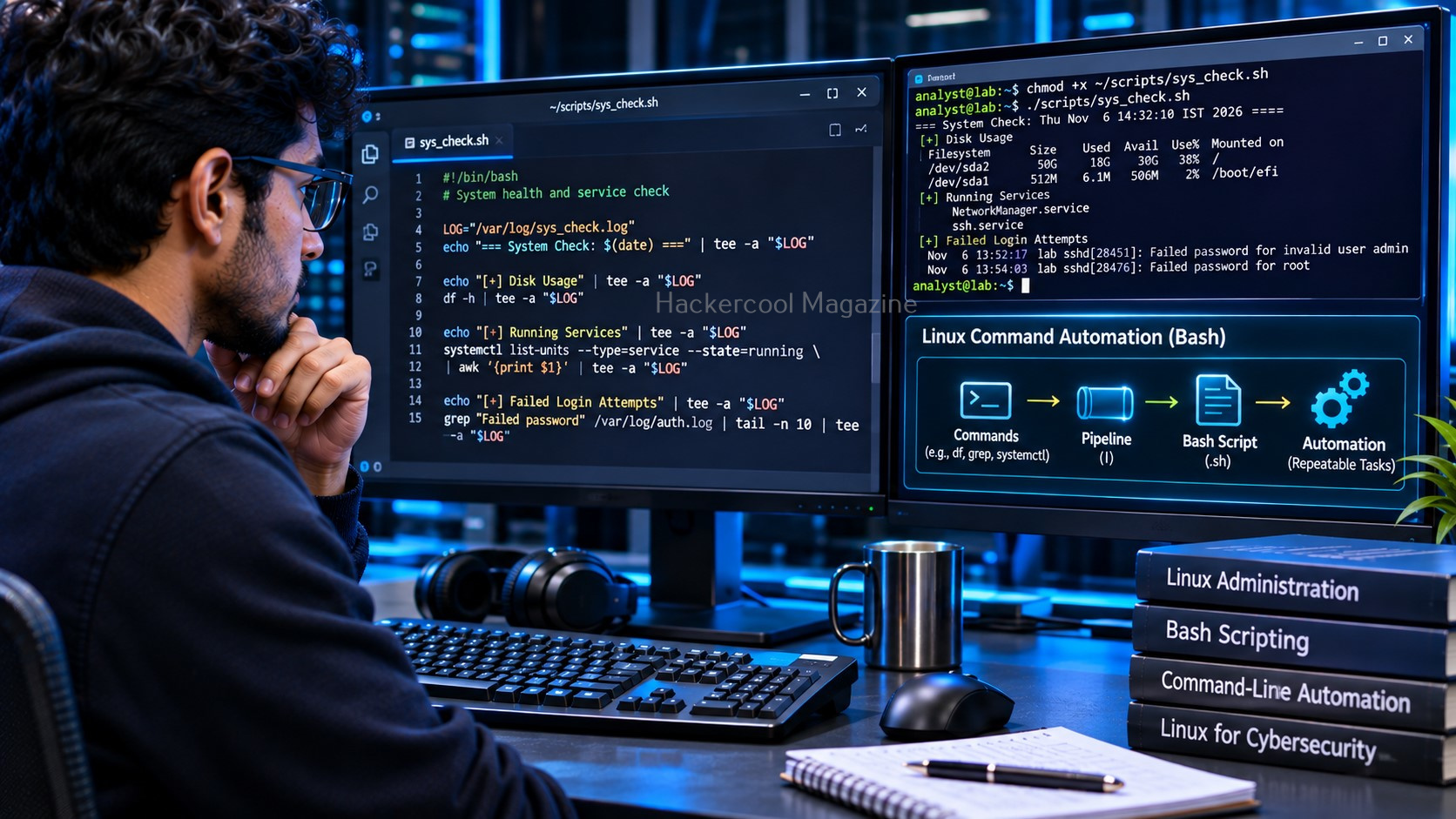
One of the most useful features of the Linux command line is the ability to connect commands using pipes.
For example:
ps aux | grep ssh
The first command displays running processes. The pipe sends that output to grep, which searches for entries containing ssh.
This approach becomes especially useful when working with large outputs. As you gain experience, you can learn redirection, command chaining and Bash scripting to automate repetitive tasks.
What Should You Learn After These Commands?
Learning a few commands is only the beginning. A strong Linux foundation also requires understanding:
- The Linux filesystem and important directories
- File permissions and ownership
- Users, groups and elevated privileges
- Processes and system services
- Networking and package management
- Logs and basic security investigation
- Shell concepts, pipes and redirection
- Bash scripting and automation
A good learning sequence is to begin with the terminal, move to filesystem navigation and file management, then study permissions, users, processes, networking and logs. Learn scripting and security tools after you are comfortable with the fundamentals.
Although Linux commands are widely used in ethical hacking, security professionals also need to understand Windows command-line tools such as CMD and PowerShell when assessing Windows environments.
Build Your Linux Foundation Before Learning Security Tools
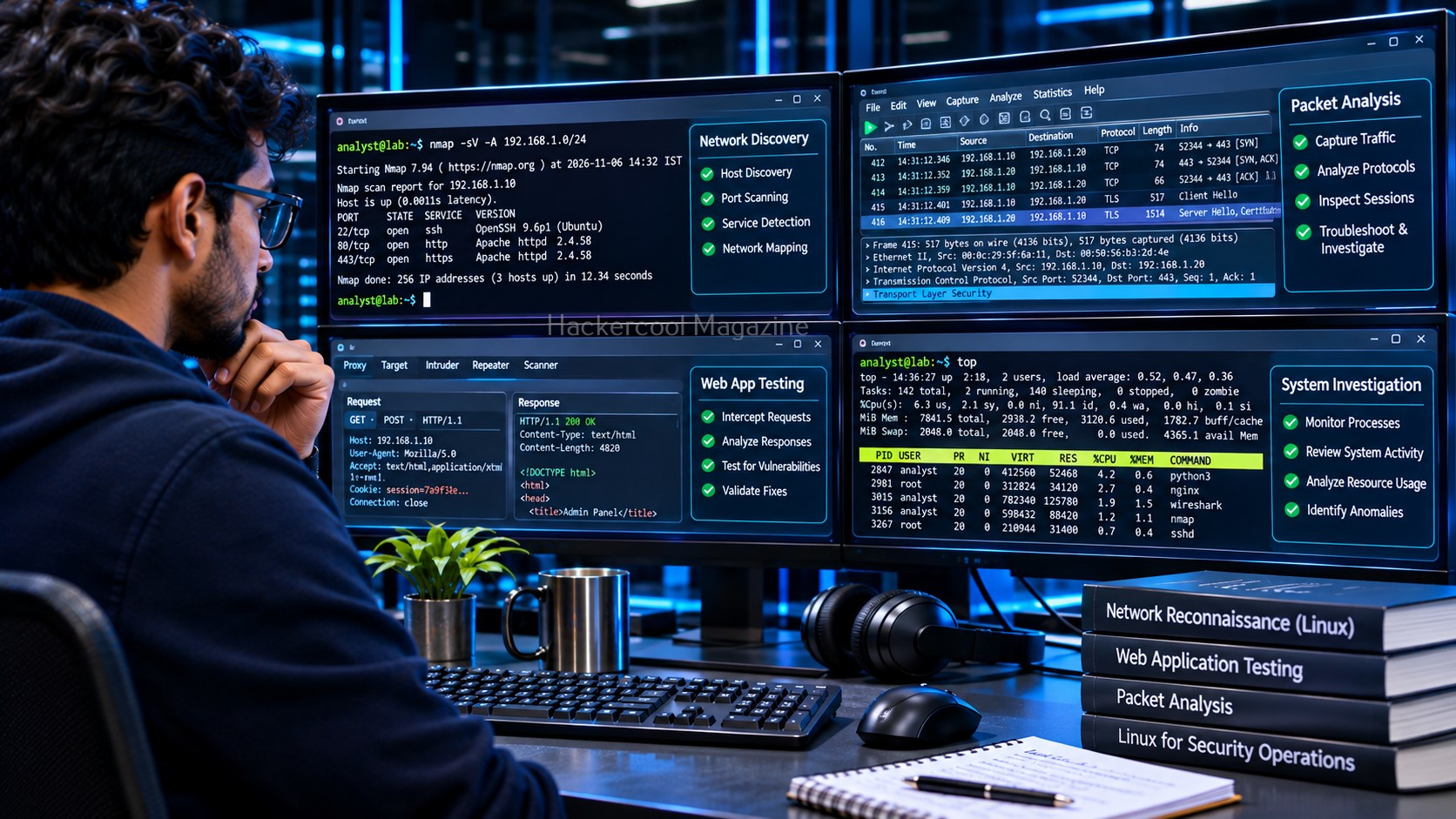
Tools such as Nmap, Wireshark, Burp Suite, Gobuster and Metasploit are widely used in cybersecurity workflows. But knowing a tool’s name or command does not mean you understand what is happening underneath.
While Linux networking commands provide basic information about network connectivity, dedicated tools such as Nmap network scanning help security professionals discover live hosts and identify exposed services.
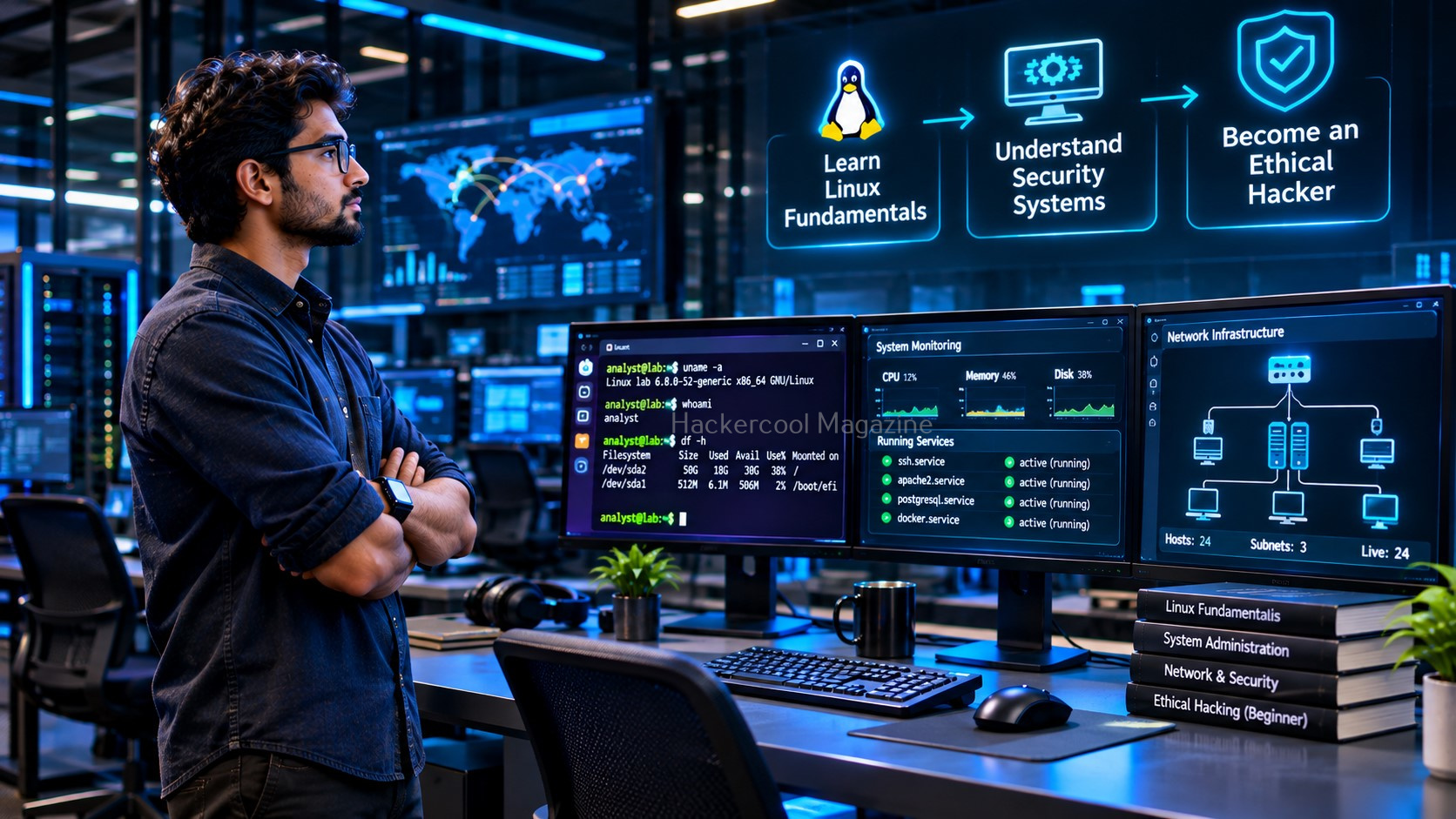
Linux knowledge helps you understand the environment in which many of these tools operate. The goal is not to memorize hundreds of commands. It is to understand how users, files, permissions, processes, services, networks and logs work together.
Want to go beyond the basics?
The Hackercool Magazine $1 Trial includes the complete Linux Fundamentals beginner resource, designed to help you build your knowledge step by step. It covers the Linux command line, filesystem, file management, permissions, users, processes, services, networking, logs, Bash scripting, a beginner lab, a command reference and a knowledge check.
Start with the fundamentals. Practice in a safe lab. Then move on to security tools with a better understanding of the system behind them.
Explore the Hackercool Magazine $1 Trial and start building your Linux foundation.
YOUR ETHICAL HACKING JOURNEY STARTS HERE!
Not sure where to begin? Download our FREE 18-page Beginner Ethical Hacker Starter Kit (2026 Edition).
Take your first step towards building practical cybersecurity knowledge.