Posted on

Velociraptor for Beginners: A Tool for Endpoint Forensics

Hello, aspiring Cyber Forensic Investigators. In our previous blogpost, you have learnt about digital forensics in detail. In this article, you will learn about Velociraptor, a tool used in EndPoint Forensics.

As organizations grow and endpoints multiply, digital forensics and incident response (DFIR) teams need ways to investigate systems quickly, remotely and at scale. Traditional forensics tools work well for single machines, but they can struggle in large, distributed environments. This is where this tool comes in.

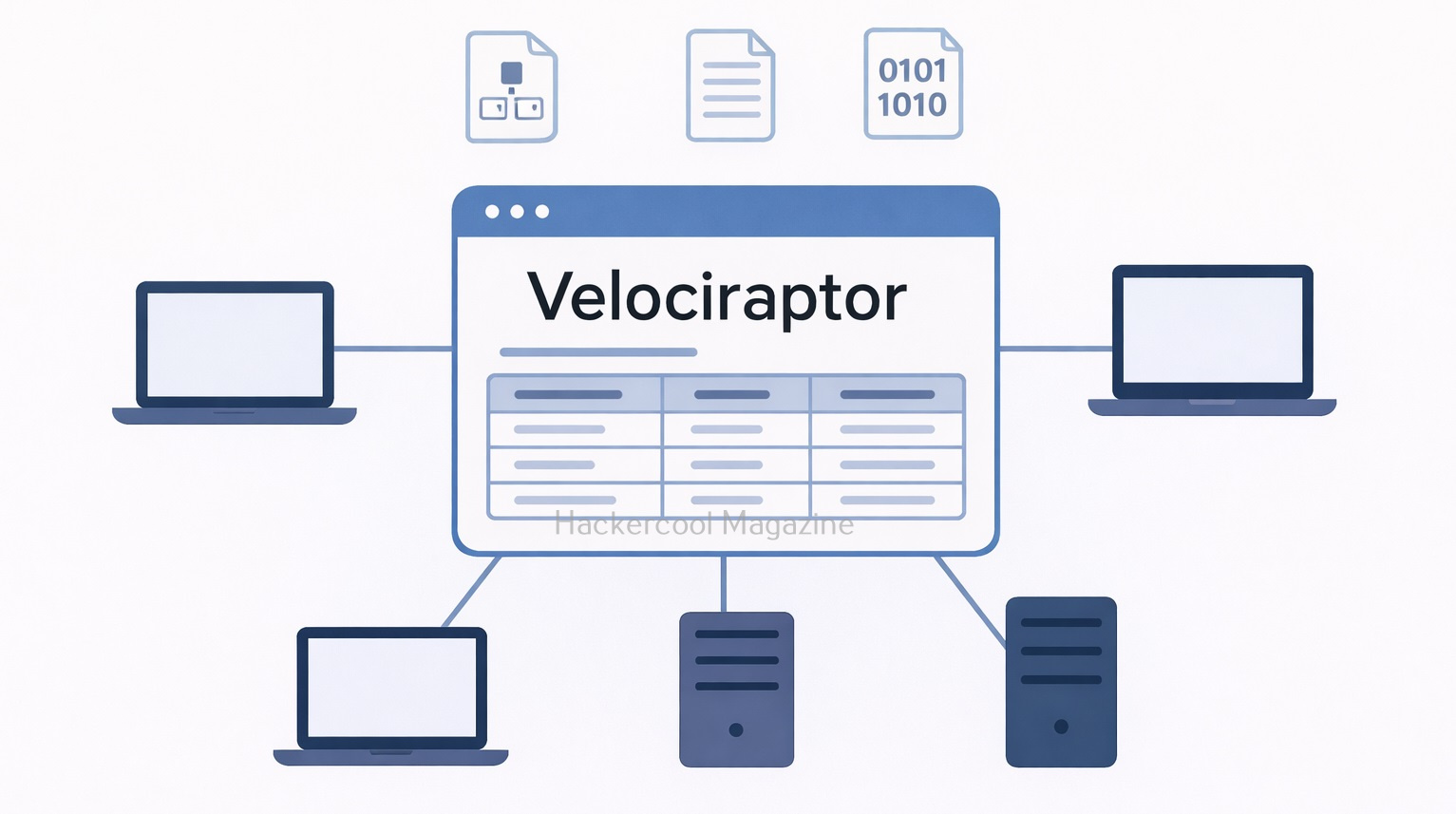
Velociraptor is a modern DFIR platform designed to help investigators collect evidence and hunt for threats across many endpoints at once. For beginners, it may look complex at first, but its core ideas are surprisingly approachable.
What Is Velociraptor?

It is an endpoint visibility and digital forensics platform that allows investigators to query systems, collect artifacts and respond to incidents in real time. It is commonly used by DFIR teams to perform investigations across Windows, Linux and macOS systems.

Originally developed by Rapid7, it is widely adopted in the security community because it focuses on live response and scalable forensics, rather than traditional disk-only analysis.

At its core, Velociraptor answers a simple question:
“What is happening on my endpoints right now and how can I safely collect evidence?”
How Velociraptor Works?

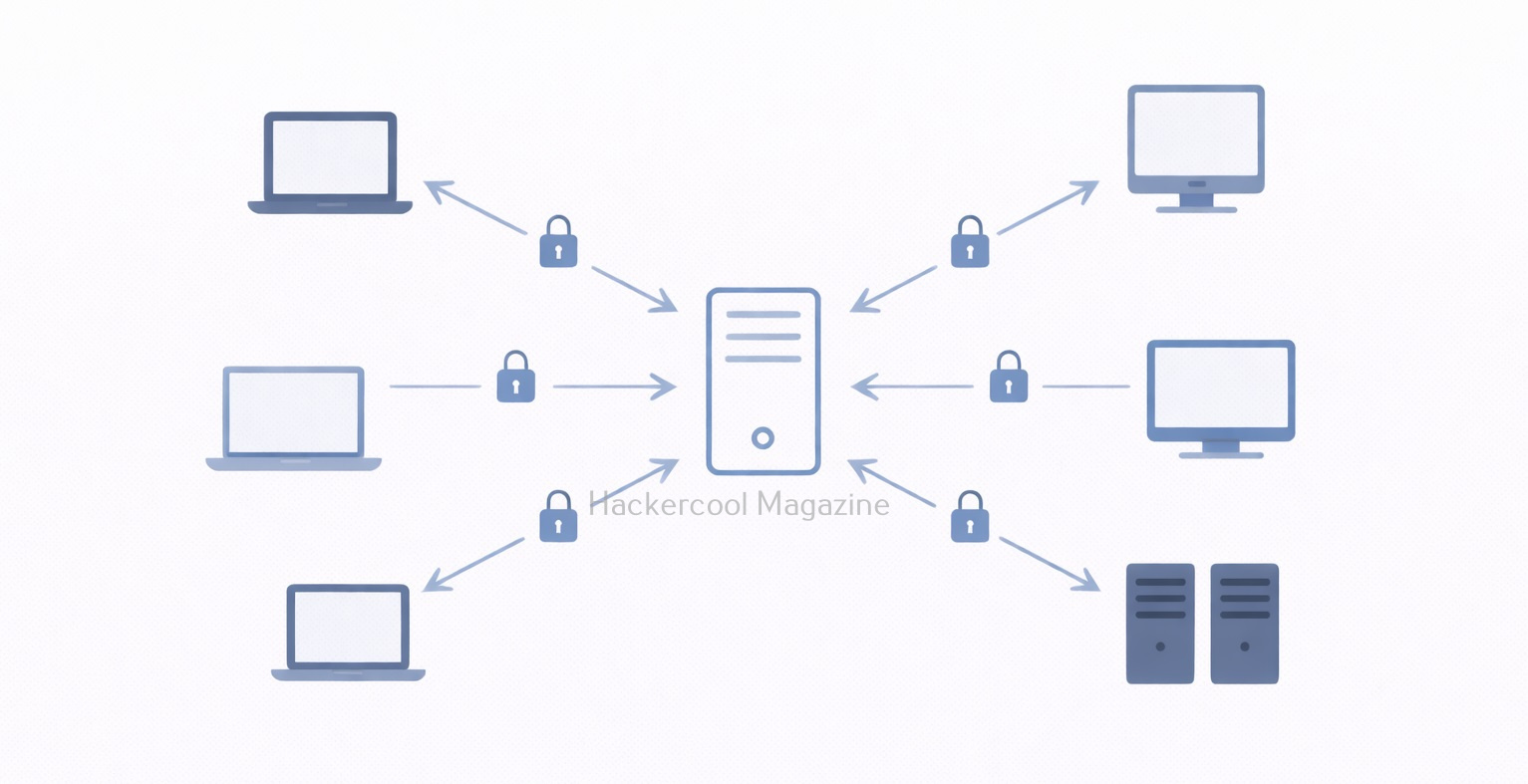
Velociraptor follows a client–server model in which,

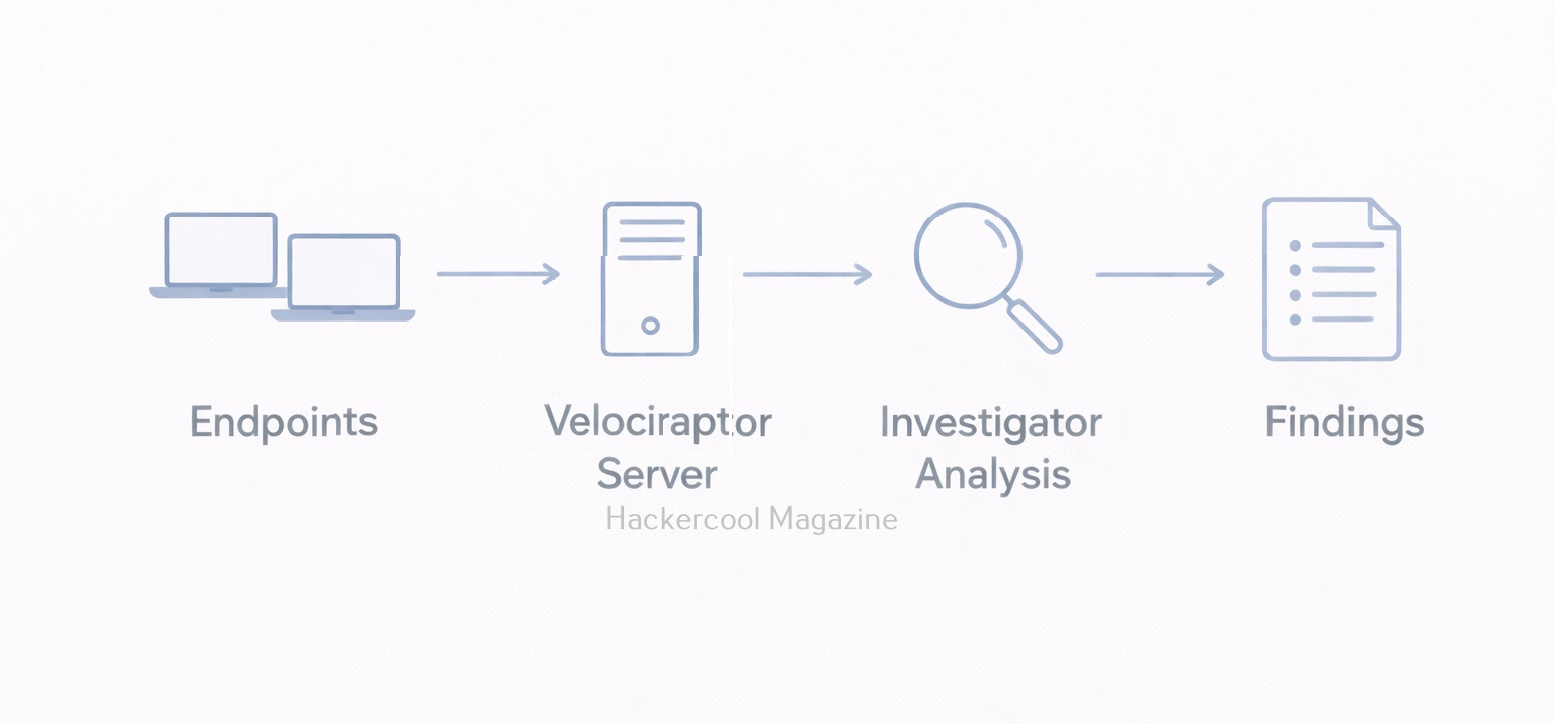
  • Velociraptor clients run on endpoint devices (laptops, servers, workstations)
  • A Velociraptor server manages communication, queries and evidence collection

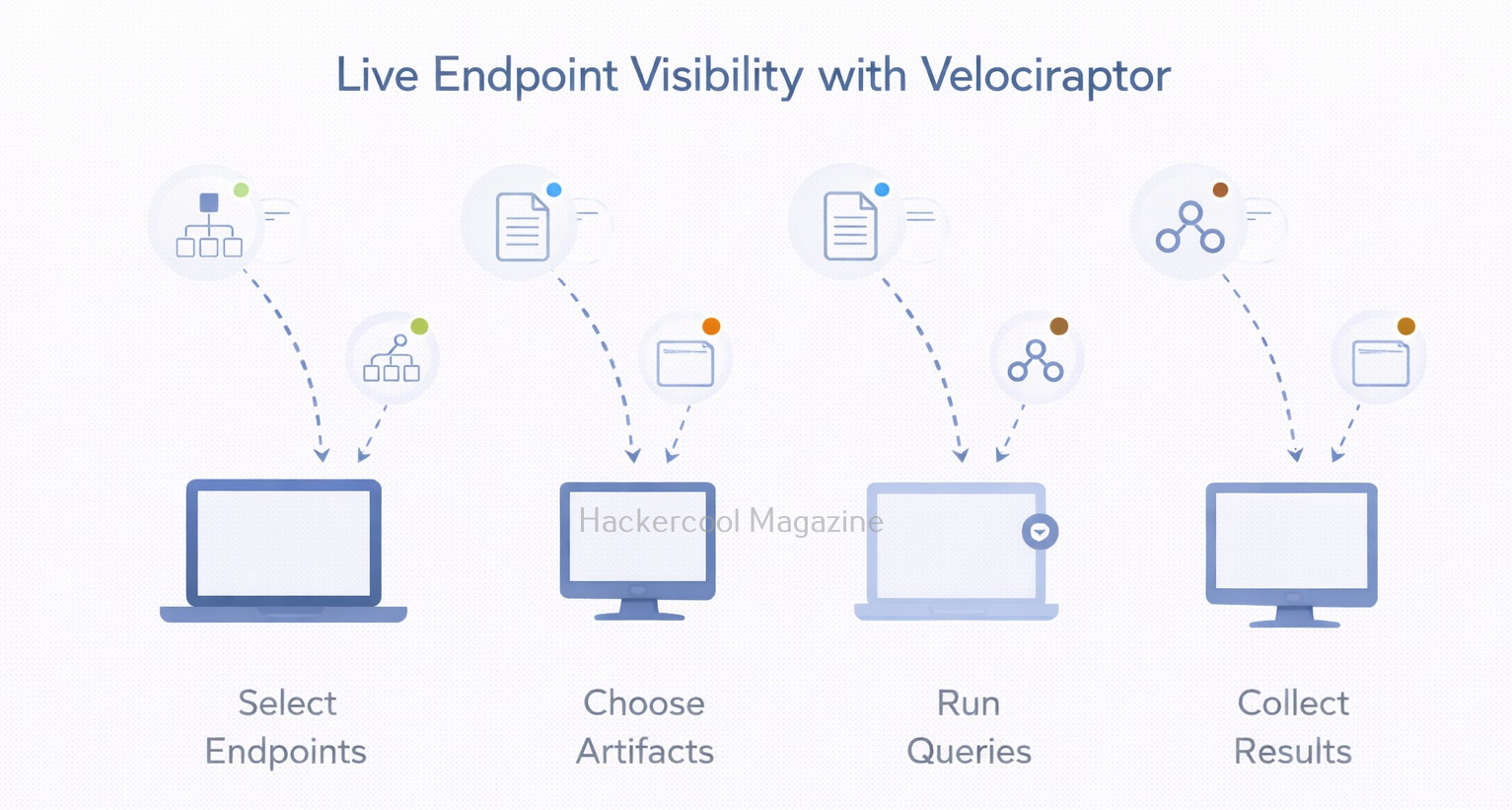
Investigators send queries or artifact requests from the server and selected endpoints respond with results. This allows evidence collection without interrupting users or shutting systems down.
What Are Artifacts in Velociraptor?

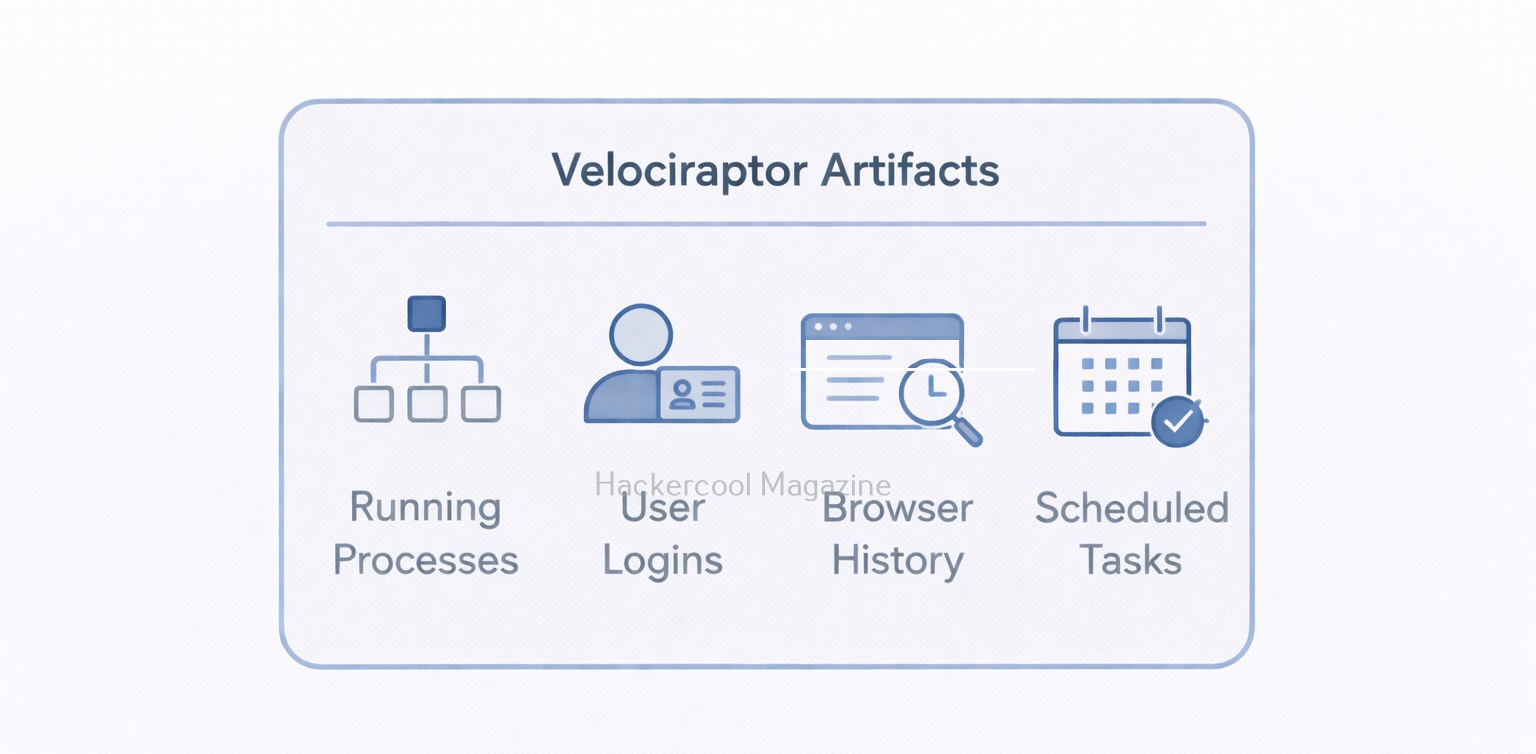
Artifacts are one of the most important concept of Velociraptor tool. An artifact is a predefined set of instructions that tells Velociraptor:

  • What data to collect
  • Where to collect it from
  • How to format the results

Examples of artifacts include:

  • Running processes
  • User logins
  • Browser history
  • Scheduled tasks
  • Autoruns and persistence mechanisms

Instead of writing scripts from scratch, beginners can use existing artifacts to collect common forensic evidence safely and consistently.

Common Use Cases of Velociraptor

Velociraptor is useful in many real-world scenarios. These include:

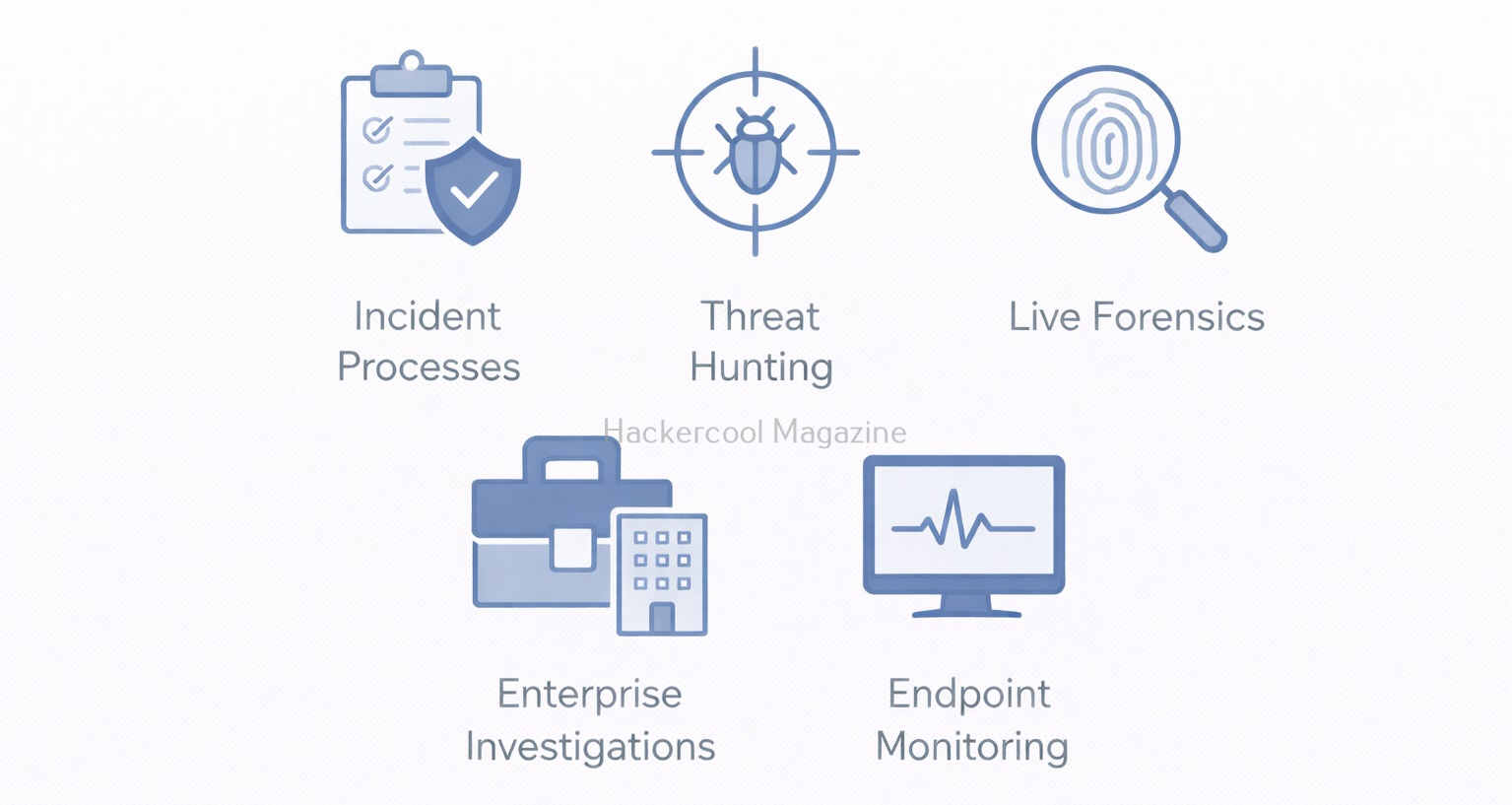
  • Incident response – Investigating compromised endpoints
  • Threat hunting – Searching for suspicious behavior across systems
  • Live forensics – Collecting volatile data without powering off machines
  • Enterprise investigations – Responding to alerts across hundreds or thousands of endpoints
  • Post-incident review – Understanding what happened and when

Many investigations involve no malware files at all, but instead focus on misuse of credentials, persistence mechanisms or unusual system behavior.
Velociraptor vs Traditional Forensics Tools

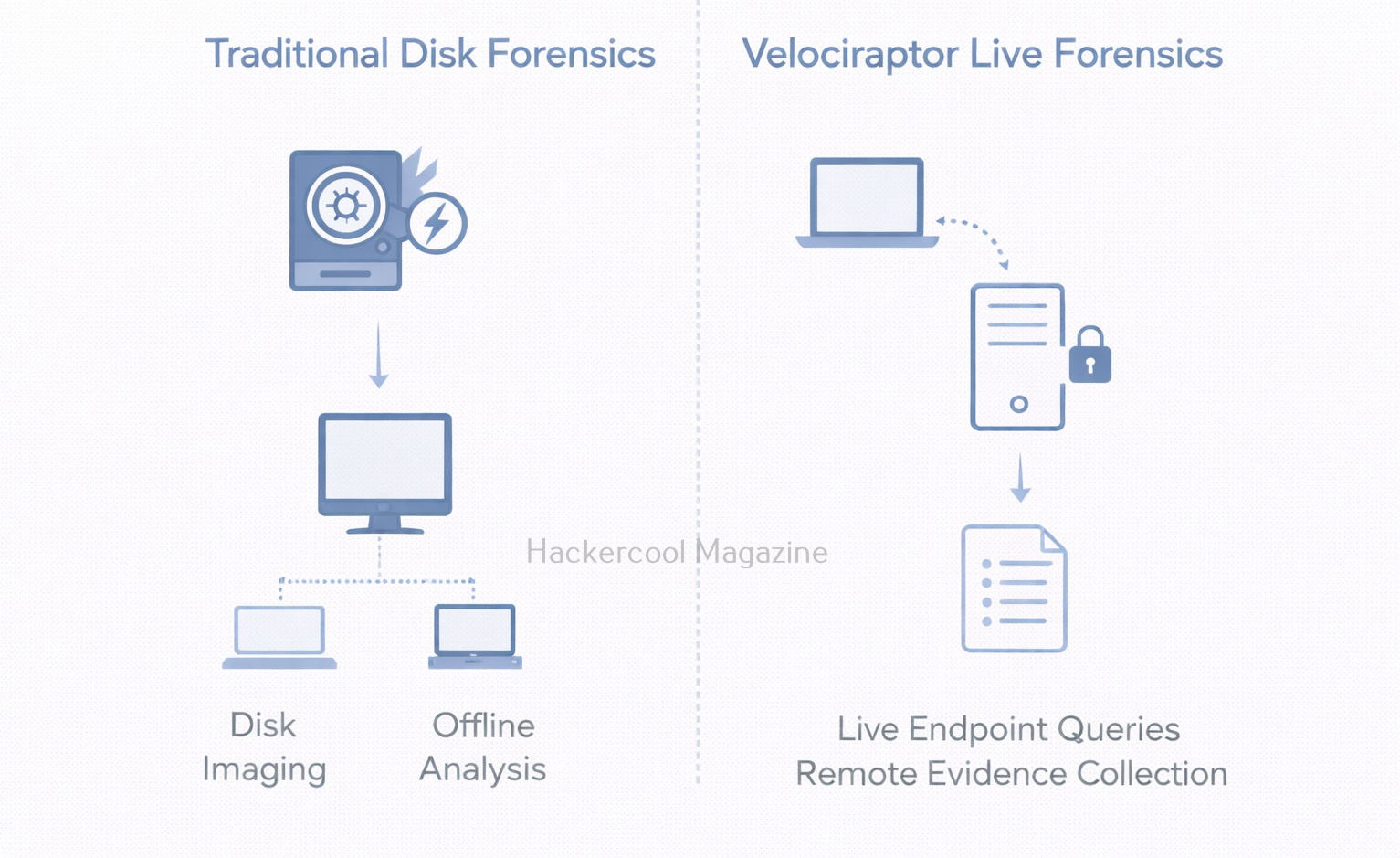
Now, let’s see the difference between Velociraptor and Traditional Forensics Tools.

Traditional Forensics Tools:

  • Focus on disk images
  • Often offline
  • Best for deep historical analysis

Velociraptor:

  • Focuses on live endpoints
  • Works remotely and at scale
  • Best for rapid investigation and response

Velociraptor does not replace traditional tools. It complements them.
A Simple Workflow For Beginners

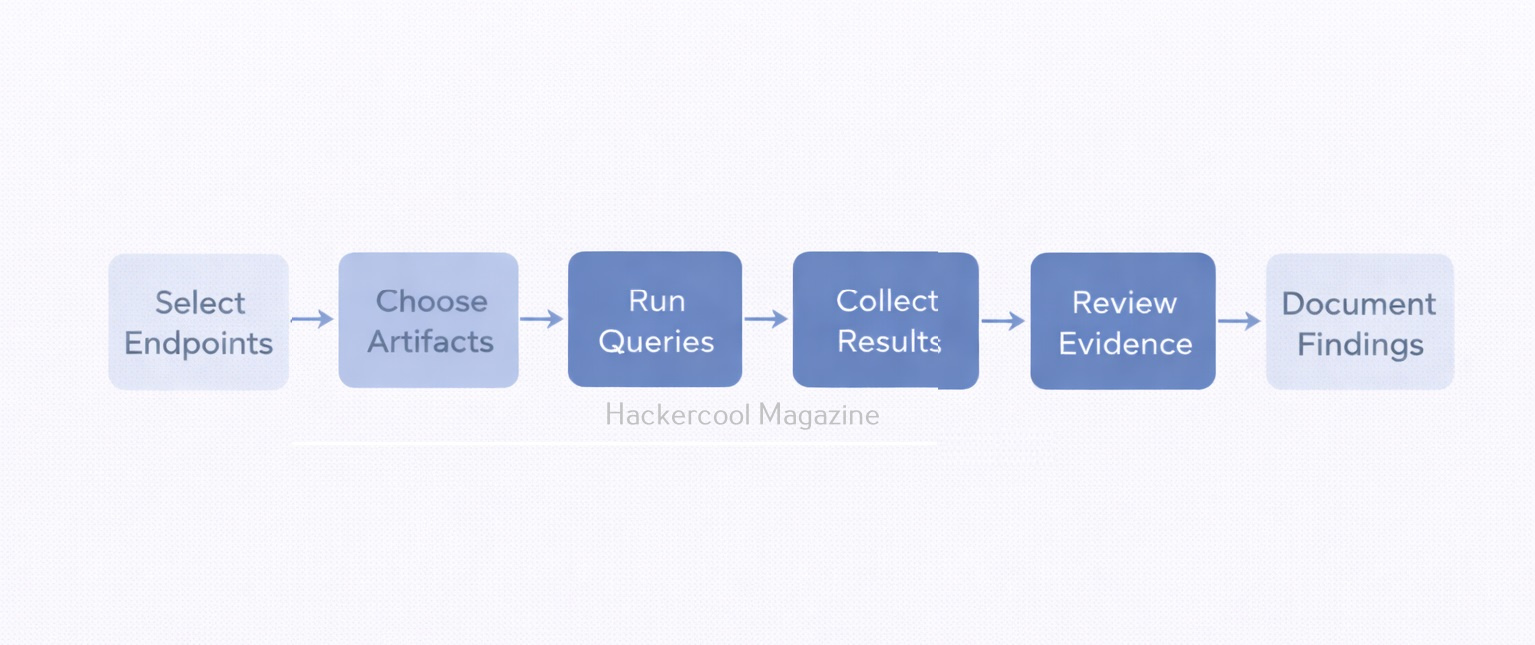
A basic Velociraptor workflow might look like this:

  1. Identify endpoints of interest
  2. Select relevant artifacts
  3. Run queries from the server
  4. Collect and review results
  5. Export evidence for documentation
  6. Correlate findings with logs or disk analysis

Beginners should focus on understanding results, not just memorizing queries.

Why Learning Velociraptor is valuable

Velociraptor is increasingly used in:

  • Incident response teams
  • Blue team operations
  • Threat hunting programs
  • Enterprise DFIR environments

For beginners, learning Velociraptor builds skills in:

  • Endpoint visibility
  • Live response
  • Scalable investigations
  • Modern DFIR workflows

These skills are highly relevant in today’s cloud-connected, remote-work world.
Challenges Beginners Should Expect

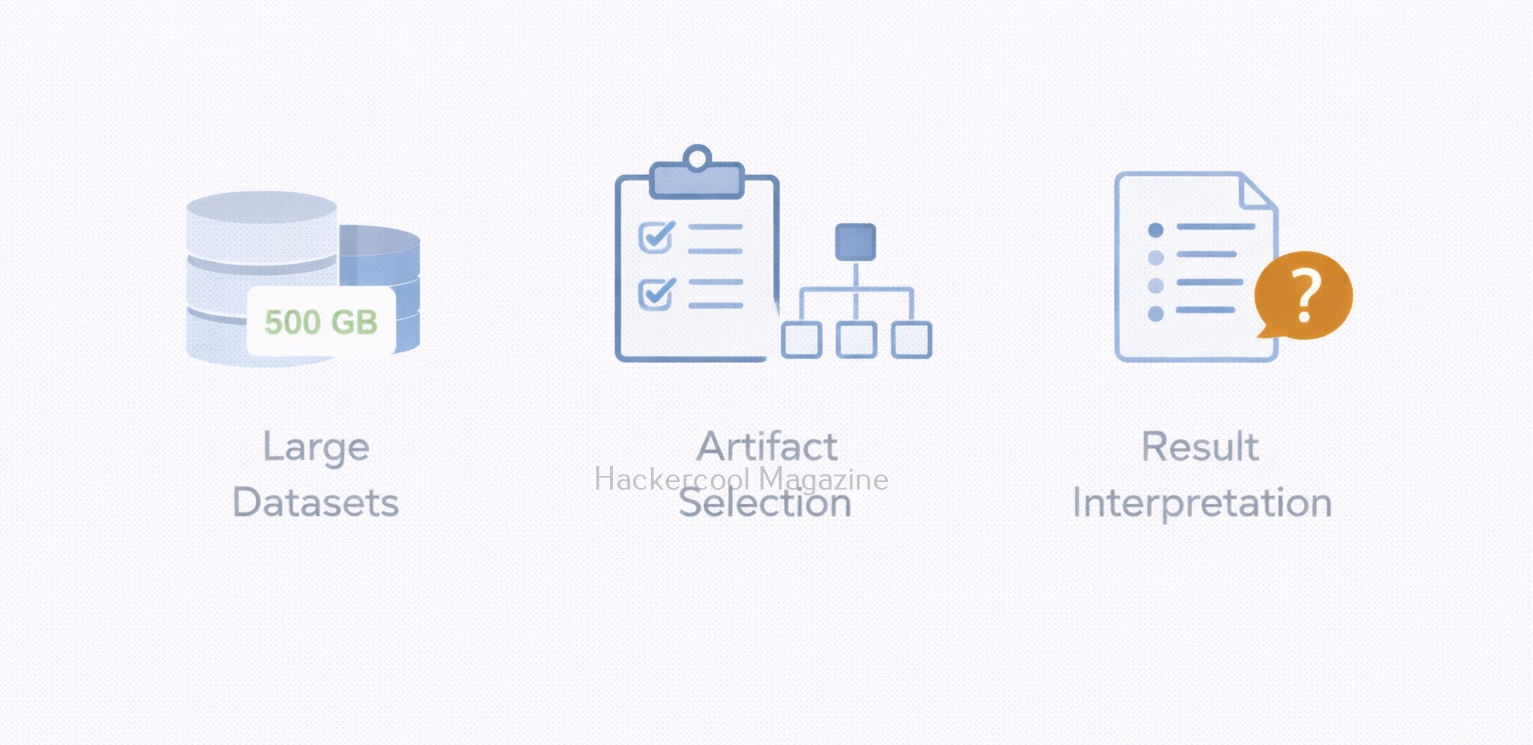
Like any powerful tool, Velociraptor comes with learning challenges. These are,

  • Understanding artifacts and query logic
  • Managing large amounts of data
  • Avoiding unnecessary data collection
  • Interpreting results correctly

These challenges are normal. The goal is not perfection, but progressive understanding.
Conclusion

Velociraptor teaches you an important lesson: modern forensics is about asking the right questions at the right time. Instead of focusing only on disks and files, investigators focus on endpoints, behavior and artifacts. As threats continue to evolve, tools like Velociraptor are becoming essential parts of the modern forensic toolkit.

Posted on

Beginners guide to Memory forensics

Hello, aspiring Cyber Forensic Investigators. In our previous blogpost, you learnt in detail about digital forensics. In this article, you will learn about Memory Forensics. When most people think about digital forensics, they imagine hard drives, deleted files and disk images. While disk forensics is still important, many modern attacks leave their most valuable evidence somewhere else entirely—in system memory (RAM). This is where memory forensics comes in.

It focuses on analyzing volatile memory to understand what was happening on a system while it was running. For beginners, it can feel intimidating, but the core ideas are easier than they appear to be.

What Is Memory Forensics?

Memory forensics is the process of capturing and analyzing the contents of a system’s RAM to identify malicious activity, suspicious processes or any other unauthorized behavior. RAM contains data that never gets written to disk or only exists briefly, such as running processes, active network connections, encryption keys and injected code.

To put it simply, unlike disk forensics, which looks at what was stored, it looks at what was happening right now or just moments ago.

Why Memory Forensics Is Important?

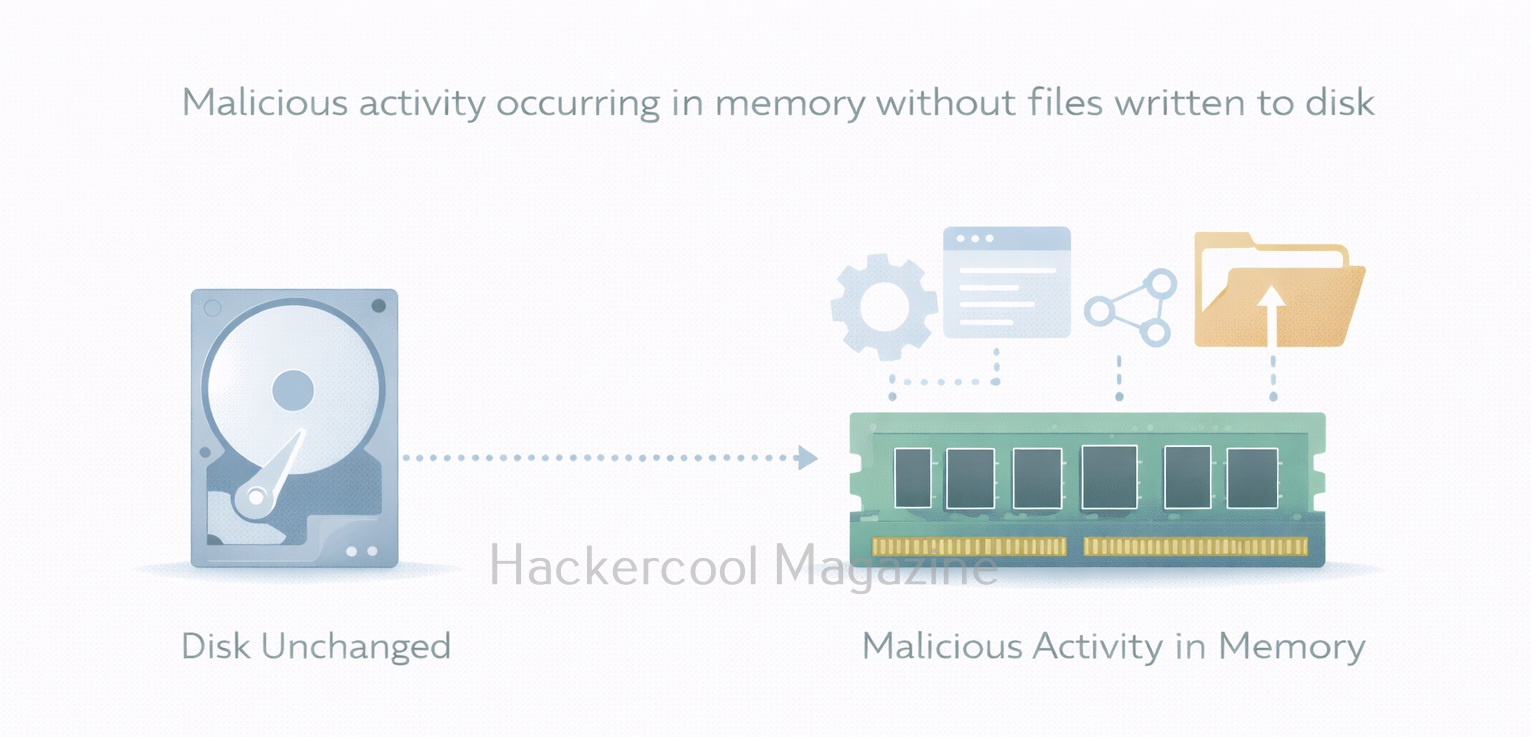
Modern attacks often avoid writing files to disk. Instead, attackers rely on:

  • In-memory malware
  • Credential theft from running processes
  • Fileless attacks using built-in tools
  • Living-off-the-land techniques

If you only analyze the disk, you may completely miss these activities. Memory analysis helps investigators answer questions like:

  • What processes were running?
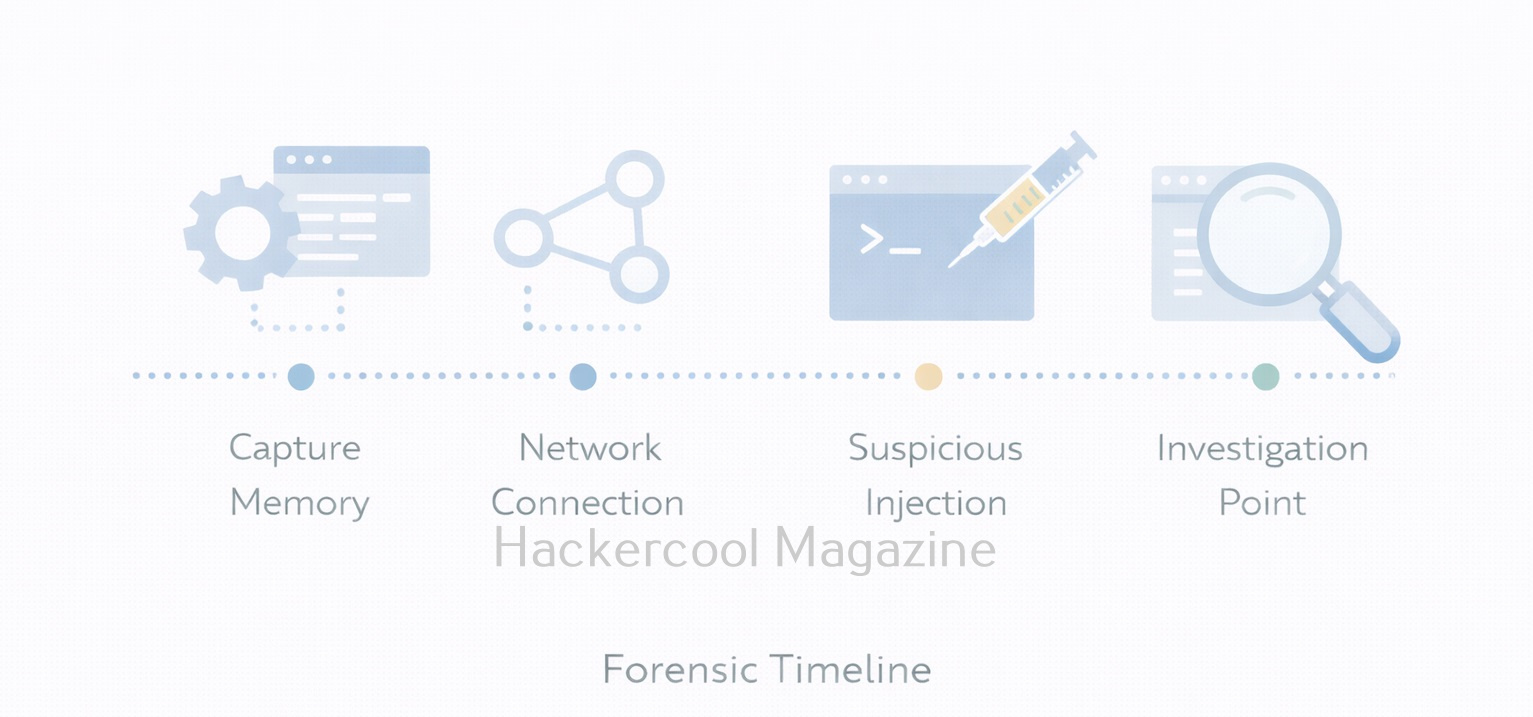
  • Was malicious code was injected into a legitimate process?
  • Were there suspicious network connections?
  • Were credentials present in memory?

For incident response, memory evidence is often the most time-sensitive and most revealing.

What Kind of Data Lives in RAM?

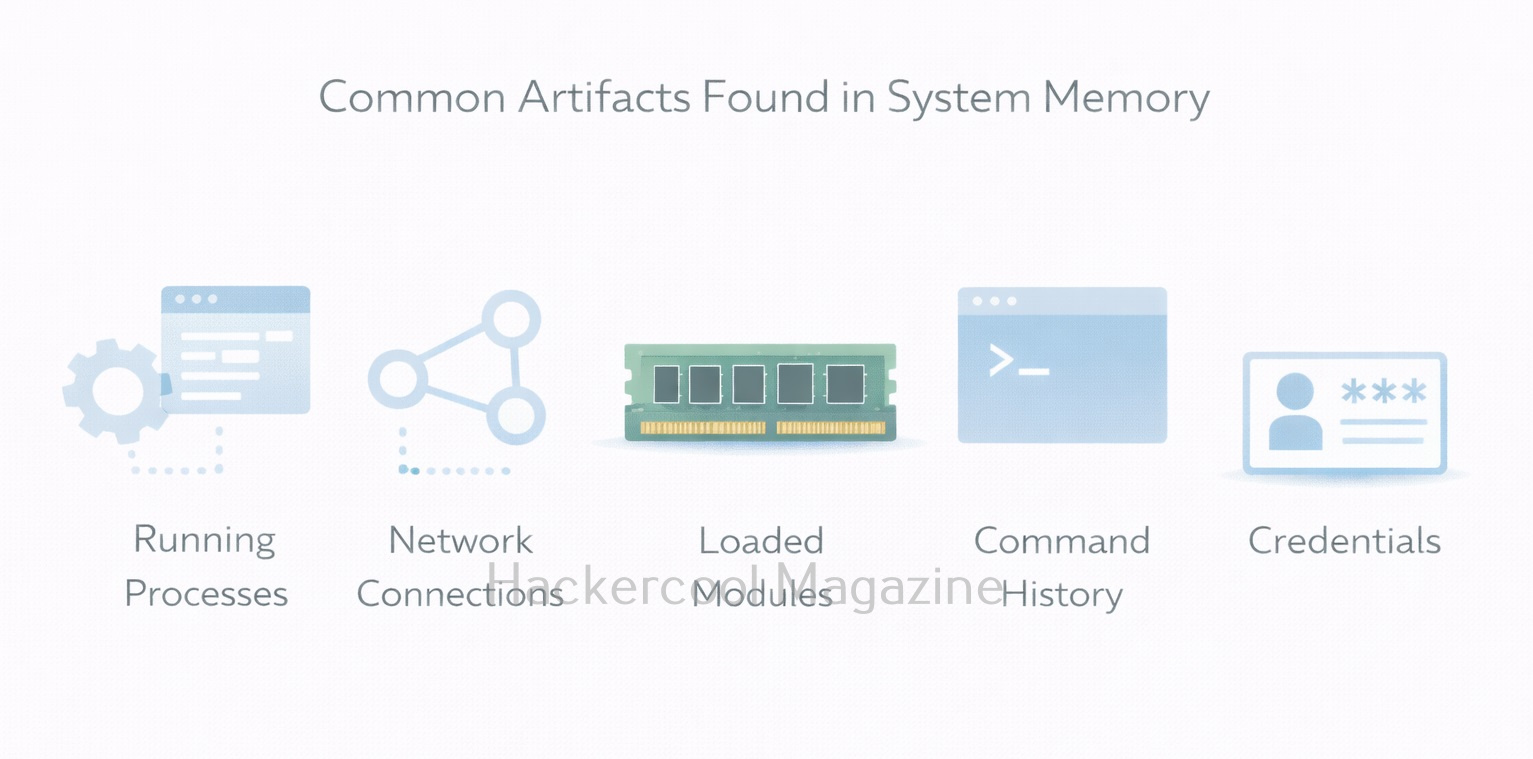
For beginners, it is very helpful to know what data RAM typically contains. It contains,

  • Running processes – active programs and services
  • Loaded modules and DLLs – libraries used by processes
  • Network connections – open sockets and connections
  • Command history – commands executed in shells
  • Credentials and tokens – sometimes present in memory
  • Injected or hidden code – common in advanced attacks

Not all of this data is always present, but memory analysis helps reveal relationships that disk analysis cannot.

Memory Forensics vs Disk Forensics

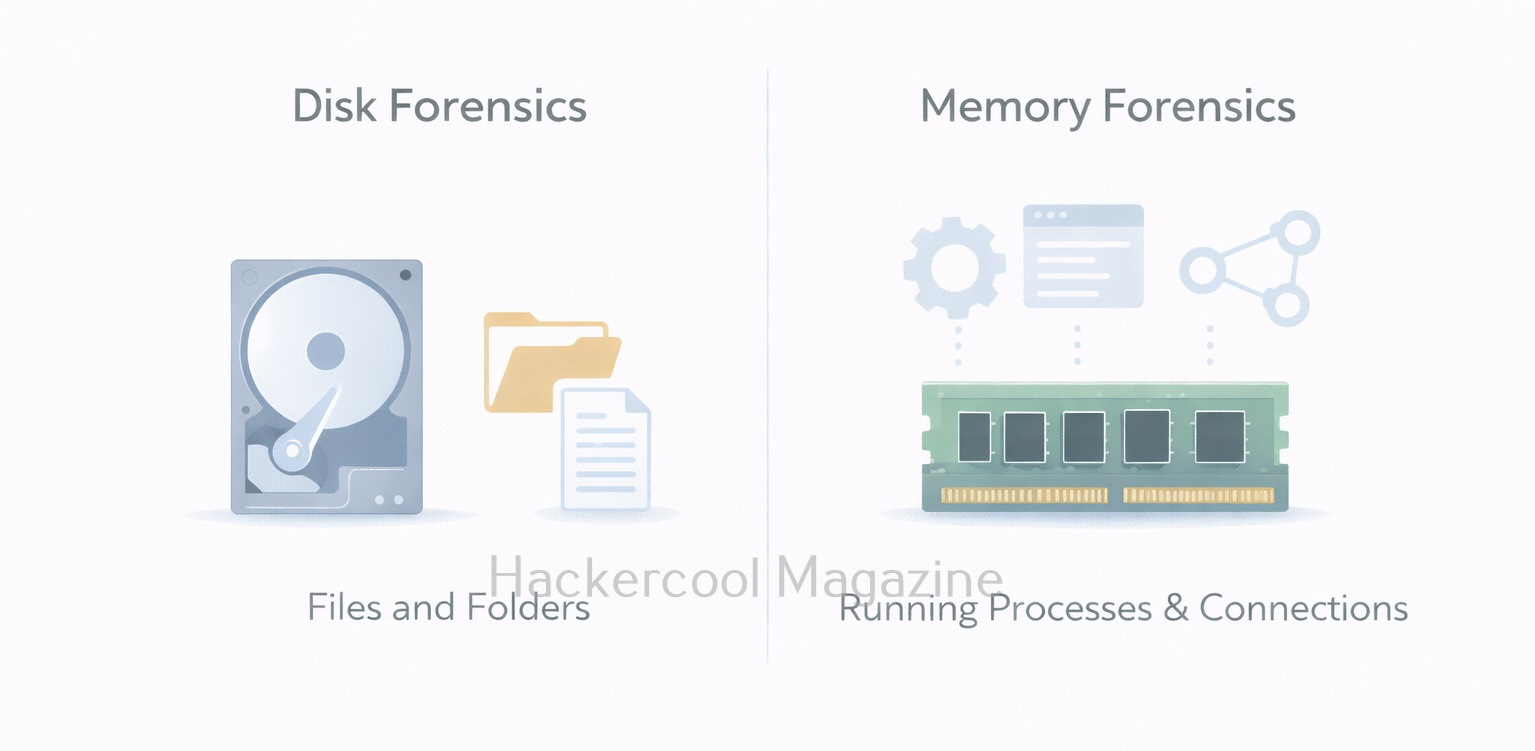
Understanding the difference between disk and memory forensics is critical. Here are the differences between them.

Disk Forensics:

  • Focuses on files and file systems
  • Evidence is persistent
  • Slower to change
  • Good for historical analysis

Memory Forensics:

  • Focuses on processes and activity
  • Evidence is volatile
  • Changes constantly
  • Best for live or recent incidents

Both approaches complement each other. Memory forensics rarely replaces disk forensics. It adds context and visibility.

Common Tools Used In Memory Forensics

One of the most widely used tools for memory analysis is Volatility Framework. It allows investigators to extract structured information from memory dumps, such as process lists, network connections and injected code. Other tools and frameworks exist, but beginners should focus on learning:

  • How memory dumps are captured
  • How analysis tools interpret operating system structures
  • How to correlate memory findings with logs and disk evidence

The goal is to understand concepts, not memorize commands.

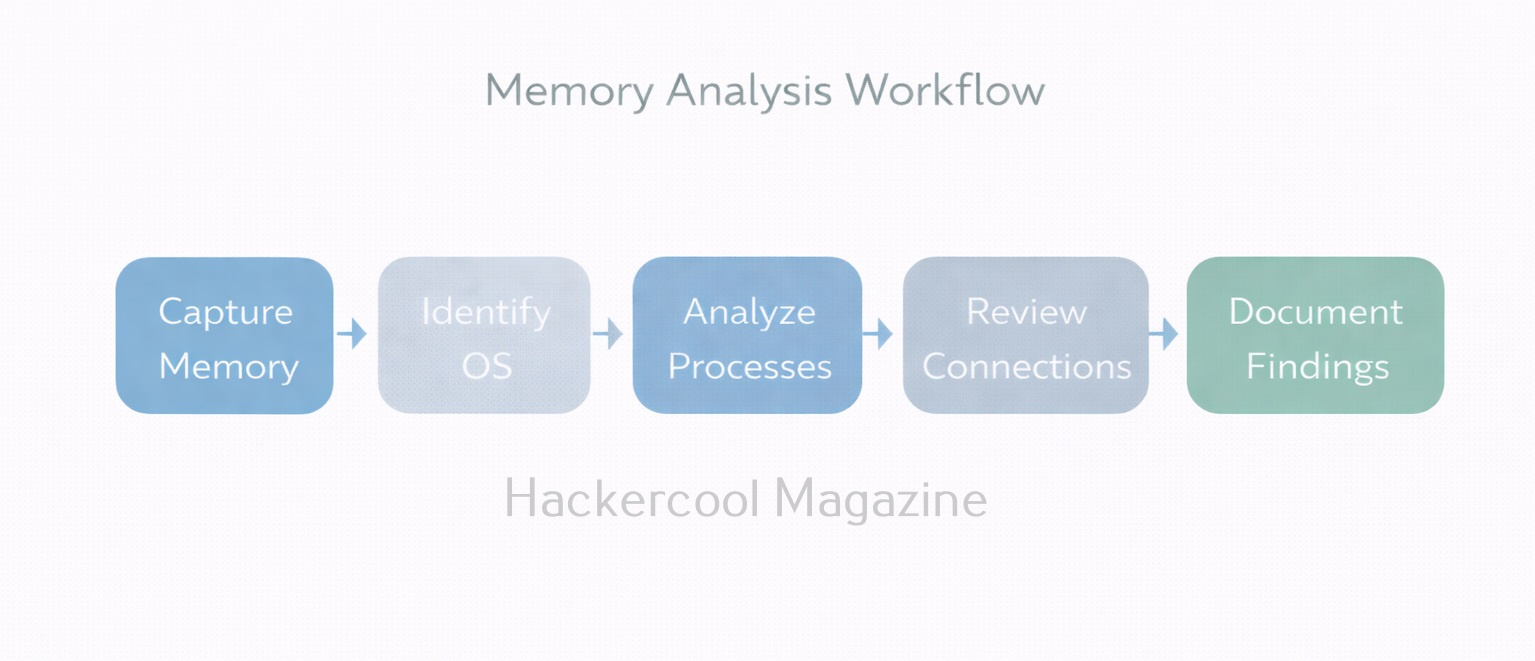
Typical Memory Forensics Workflow

A simplified beginner workflow of memory analysis looks like this:

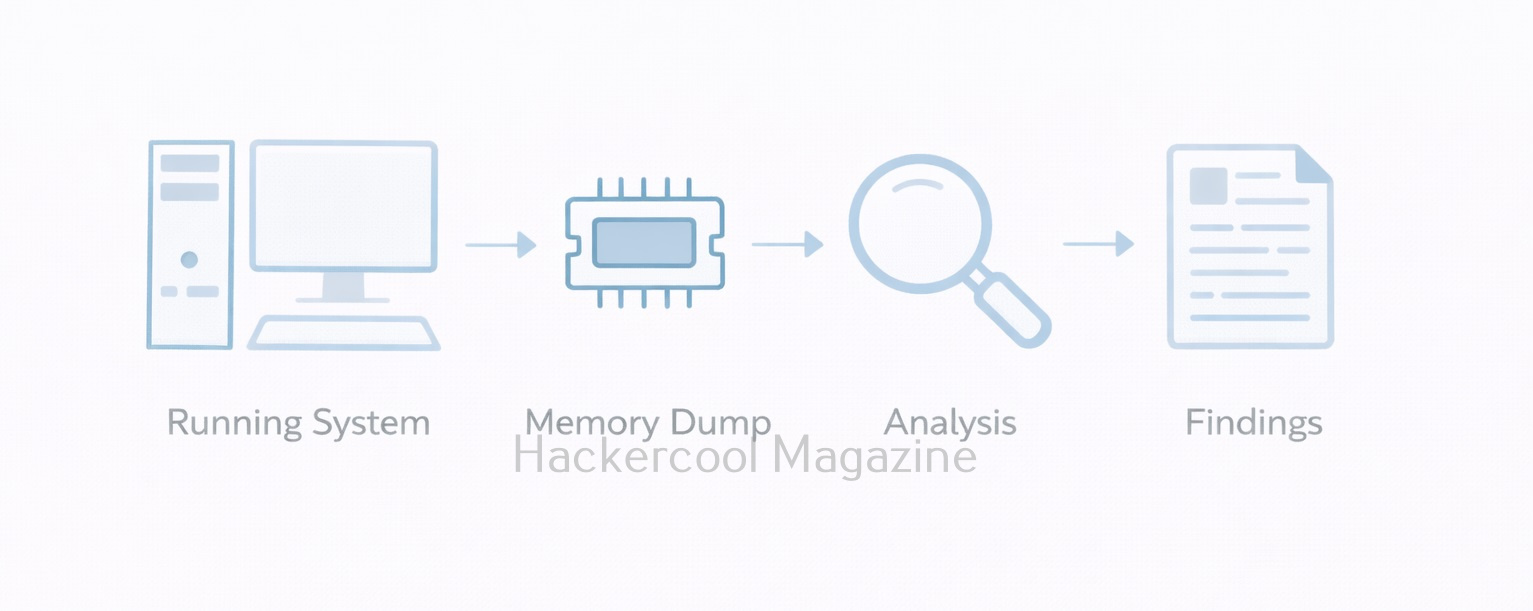
  1. Capture memory from a live system (before shutdown if possible)
  2. Identify the operating system and profile
  3. Analyze running processes
  4. Review network connections and handles
  5. Look for anomalies (hidden processes, unusual parent-child relationships)
  6. Document findings and correlate with other evidence

Each step builds context rather than relying on a single indicator.

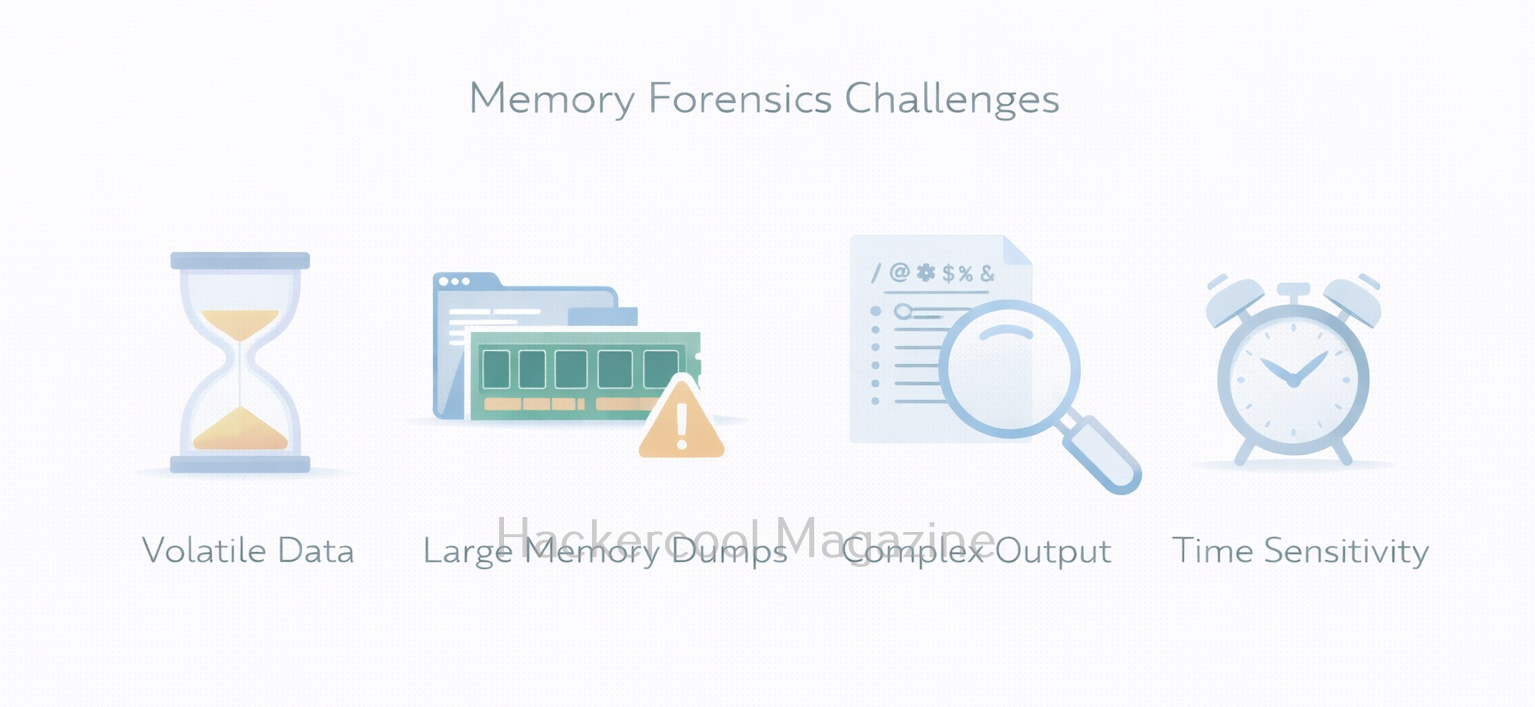
Challenges in Memory Forensics

This forensics comes with some real challenges. They are,

  • Volatility of data: Once the system shuts down, RAM is gone
  • Large data size: Memory dumps can be several gigabytes
  • Complex output: Tools return technical results that require interpretation
  • False positives: Not every unusual artifact is malicious

These challenges are normal. Beginners should focus on patterns and behavior, not perfection.

Best Practices for Beginners

If you’re new to memory forensics, you should always keep these principles in mind:

  • Capture memory early during incidents
  • Preserve original dumps and work on copies
  • Correlate memory findings with logs and disk evidence
  • Document assumptions and limitations
  • Practice using labs, not real systems

Remember that this is a skill built through repetition and observation.

Conclusion

As attacks increasingly target identity, credentials and live processes, memory forensics has become a core DFIR skill. It is especially important in:

For beginners, learning memory forensics also builds stronger understanding of operating systems and process behavior, which benefits both red and blue team roles. It teaches investigators to look beyond files and focus on live system behavior. While it may seem complex at first, the fundamentals are straightforward: capture memory, analyze activity and reconstruct what happened. In a world of fileless attacks and in-memory threats, memory forensics is no longer optional. it is an essential part of modern digital investigations.

Posted on

Beginners guide to Cloud Forensics

Hello, aspiring cyber forensic investigators. In our previous blogpost, you have learnt in detail about Digital Forensics. In this article, you will learn about Cloud Forensics. As organizations move more data and services to the cloud, security incidents are no longer confined to laptops, servers or on-premise networks. Many investigations today involve virtual machines, cloud storage, identity services and application logs that exist entirely online. Cloud forensics is the field that helps investigators collect and analyze this cloud-based evidence in a reliable and defensible way.

This article explains cloud forensics in plain language — what it is, how it differs from traditional forensics and what beginners should focus on first.

What Is Cloud Forensics?

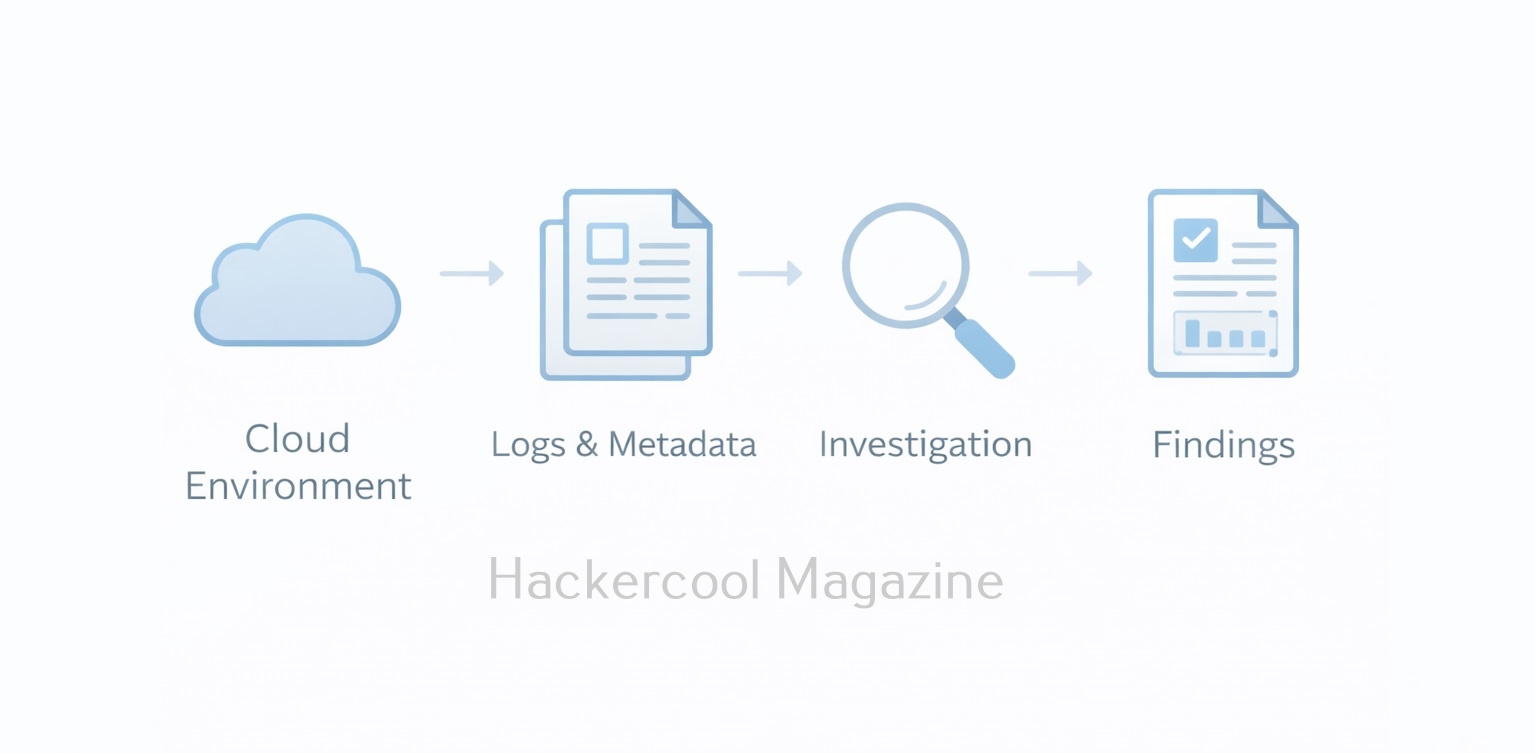
Cloud forensics is the process of identifying, collecting, preserving and analyzing digital evidence from cloud environments. These environments are provided by platforms such as Amazon Web Services, Microsoft Azure and Google Cloud Platform.

Instead of seizing physical devices, cloud investigations rely on logs, metadata, snapshots and API-based evidence made available by the cloud platform. The goal remains the same as traditional forensics: reconstruct what happened, when it happened and who was responsible.

How Cloud Forensics Differs from Traditional Forensics?

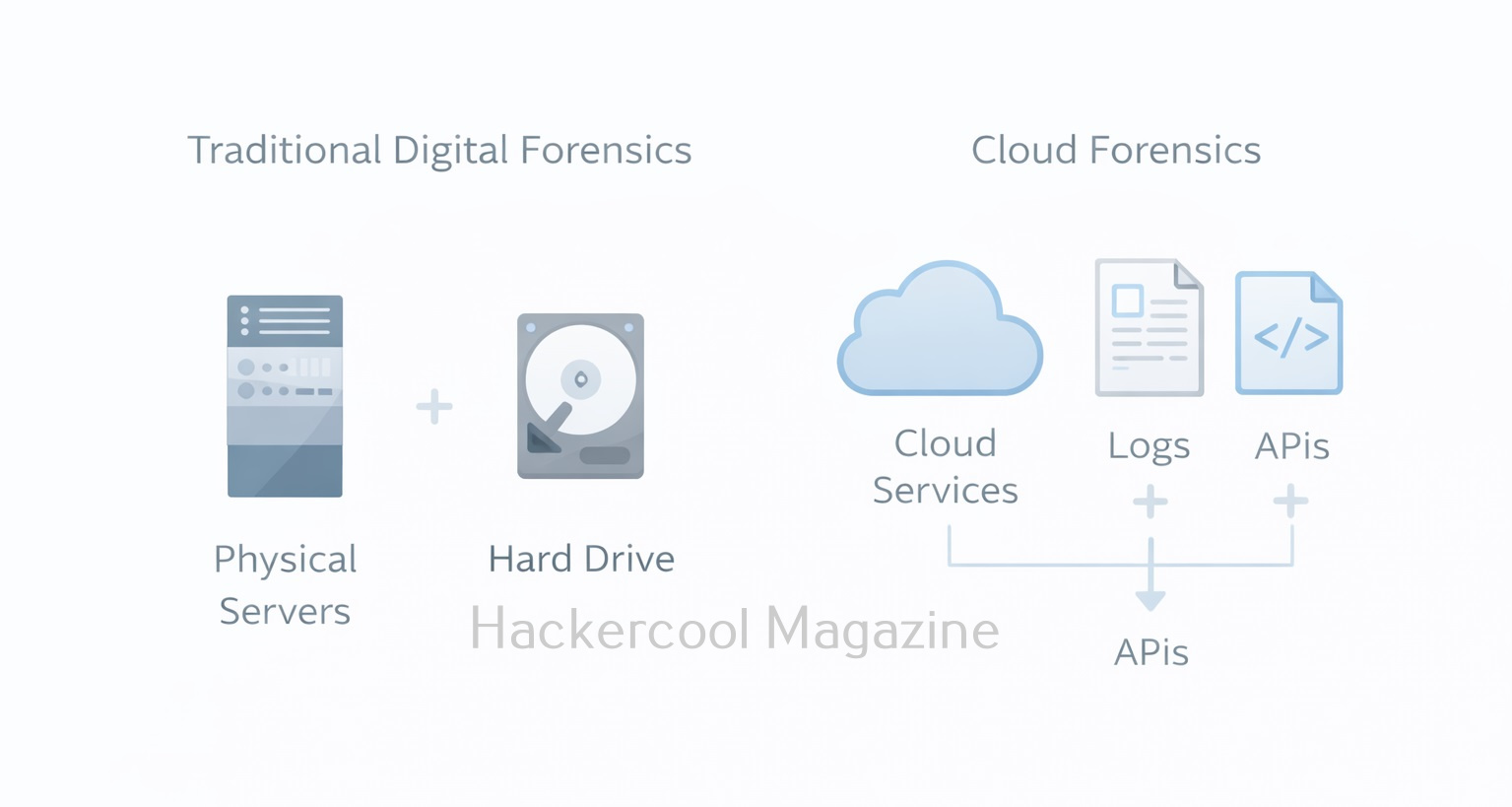
Beginners often assume cloud forensics works like disk forensics but there are important differences between them. Let’s see what are they.

1. No Physical access:

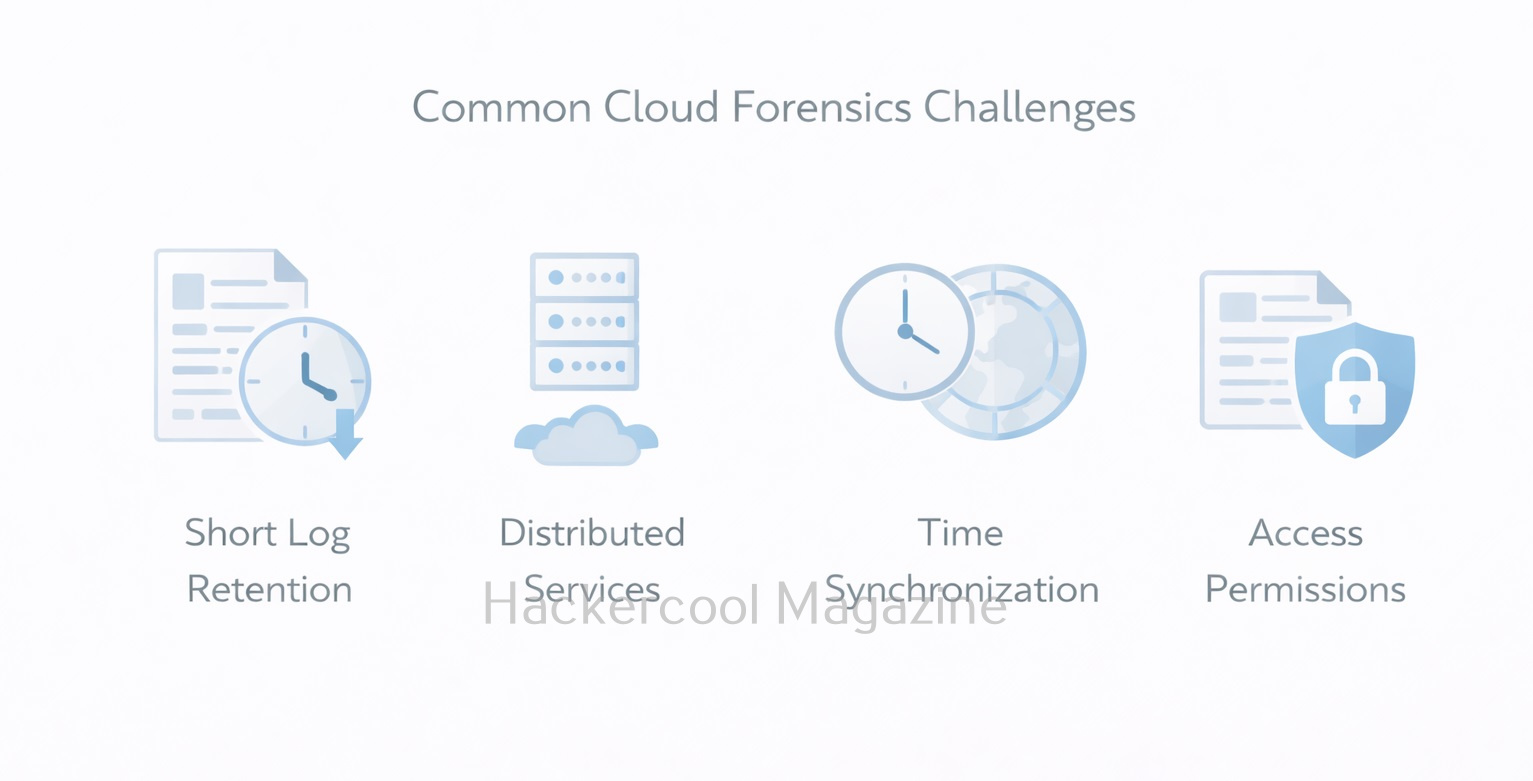
In traditional forensics, investigators image hard drives or memory. In the cloud, there is no direct access to physical hardware. Evidence is collected logically using provider tools and permissions.

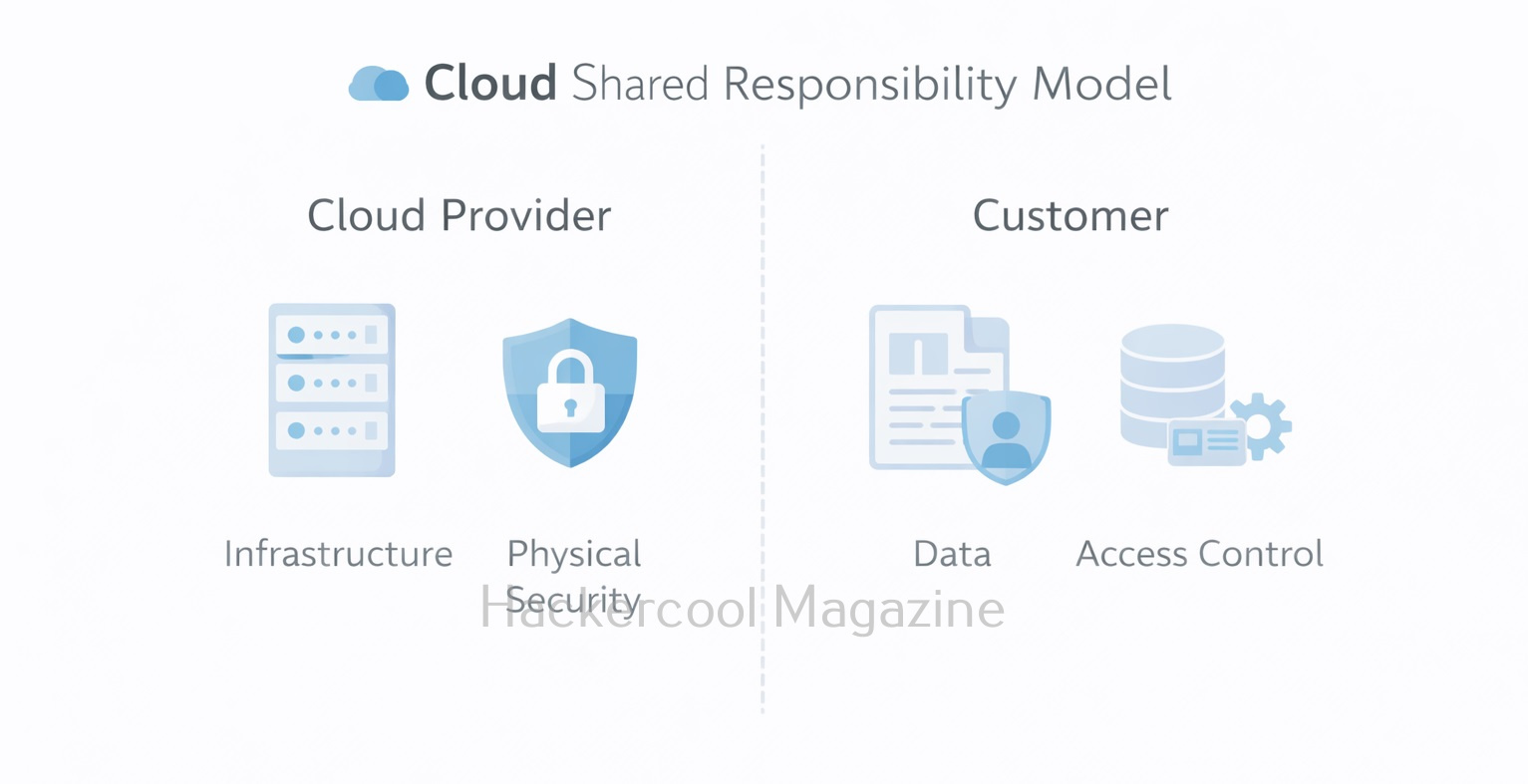
2. Shared responsibility model:

In Cloud, Cloud providers secure the infrastructure, while customers are responsible for their data, configurations and access controls. Investigators must understand which evidence is available to them and which is controlled by the provider.

3. Highly dynamic environments:

Cloud resources can be created and destroyed quickly. Virtual machines, containers and temporary storage may disappear within minutes, making timely evidence collection critical.

4. Logs are central:

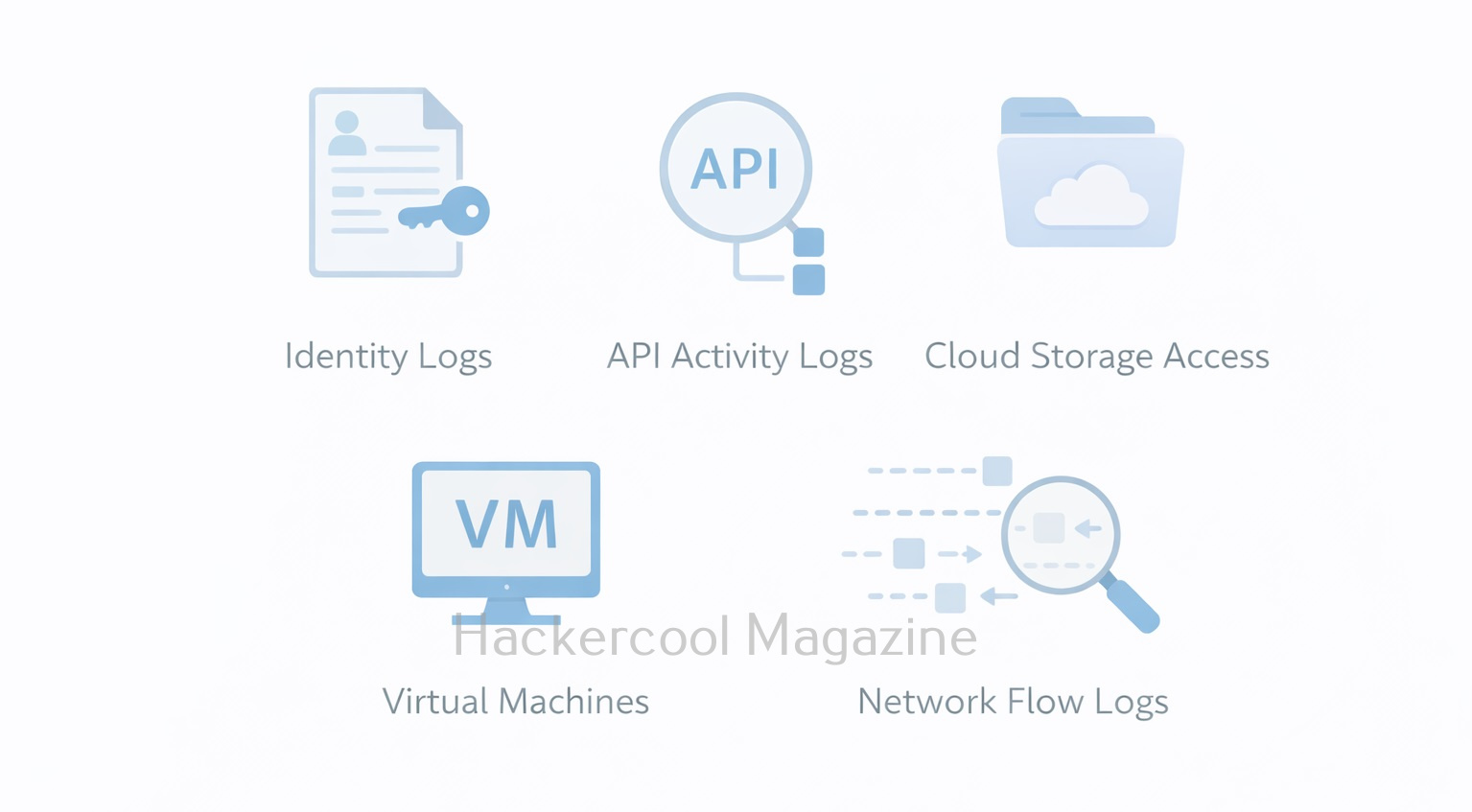
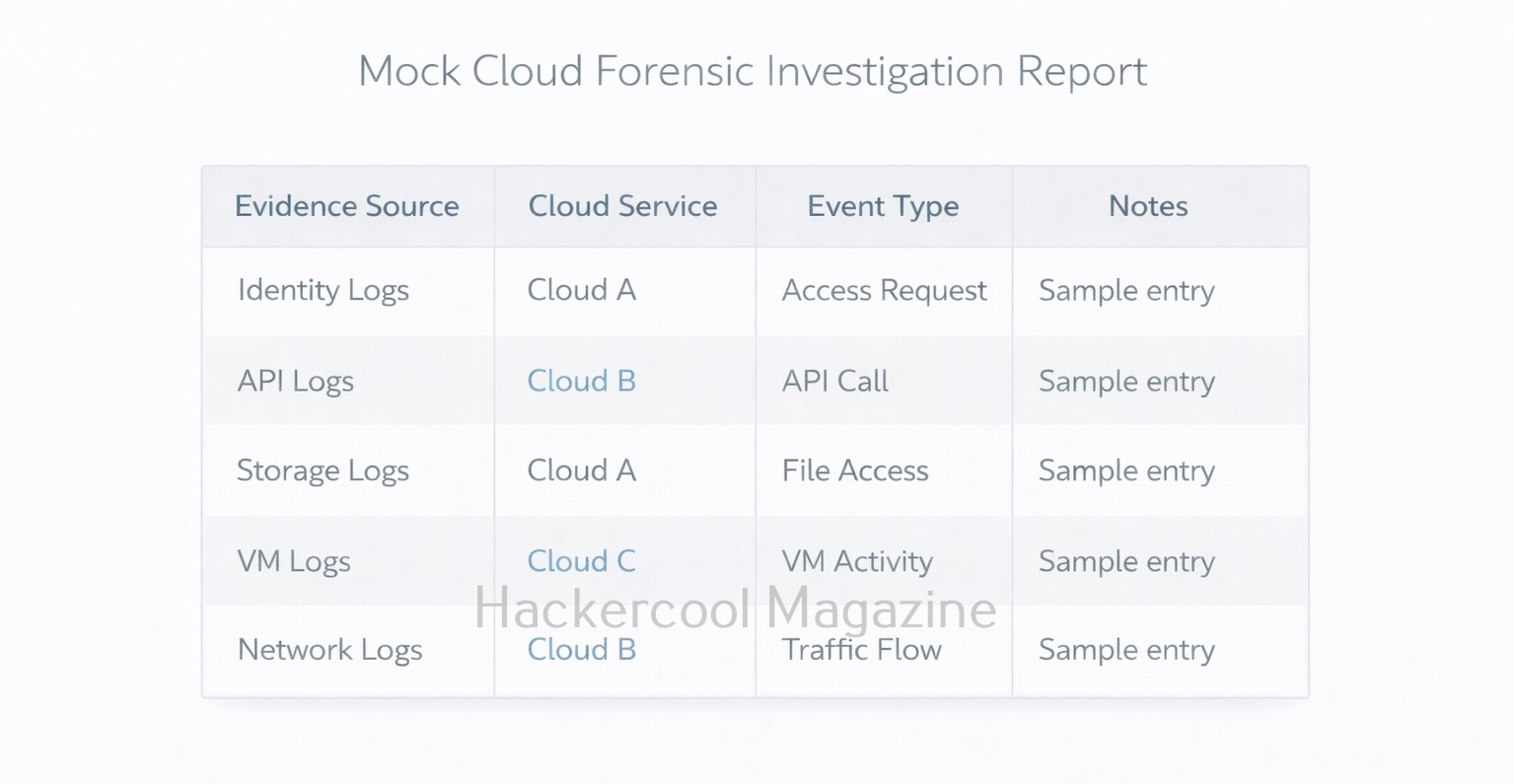
While disk images are still useful in some cases, cloud forensics heavily depends on logs—identity logs, API activity logs, storage access logs and network flow logs.

Common Sources Of Cloud Forensic Evidence

For beginners in cloud forensics, knowing where to look is the most important skill. Typical cloud evidence sources include:

1. Identity and access logs:

These contain logs related to Login attempts, role changes, token usage and API calls. These often reveal account compromise or abuse.

2. Computing resources:

Virtual machine metadata, snapshots, attached disks and system logs.

3. Cloud storage logs:

Records of file uploads, downloads, deletions and permission changes.

4. Network logs:

Network logs contain information like traffic flow logs, firewall logs and load balancer logs that show communication patterns.

5. Application logs:

Logs generated by cloud-hosted applications, often critical for timelines.

Common Cloud Forensics Use Cases

Cloud forensics is useful in many real-world investigations, such as:

  • Compromised cloud accounts caused by stolen credentials or leaked API keys
  • Data exposure incidents, such as publicly accessible storage buckets
  • Insider activity, where legitimate users misuse access
  • Unauthorized deployments, including crypto-mining or rogue services
  • Compliance and audit investigations, requiring proof of actions taken

In many cases involving Cloud, there is no malware involved. Instead, attackers abuse valid permissions and cloud features.

Best Practices for Beginners

If you are new to cloud forensics, these practices will help you get started safely.

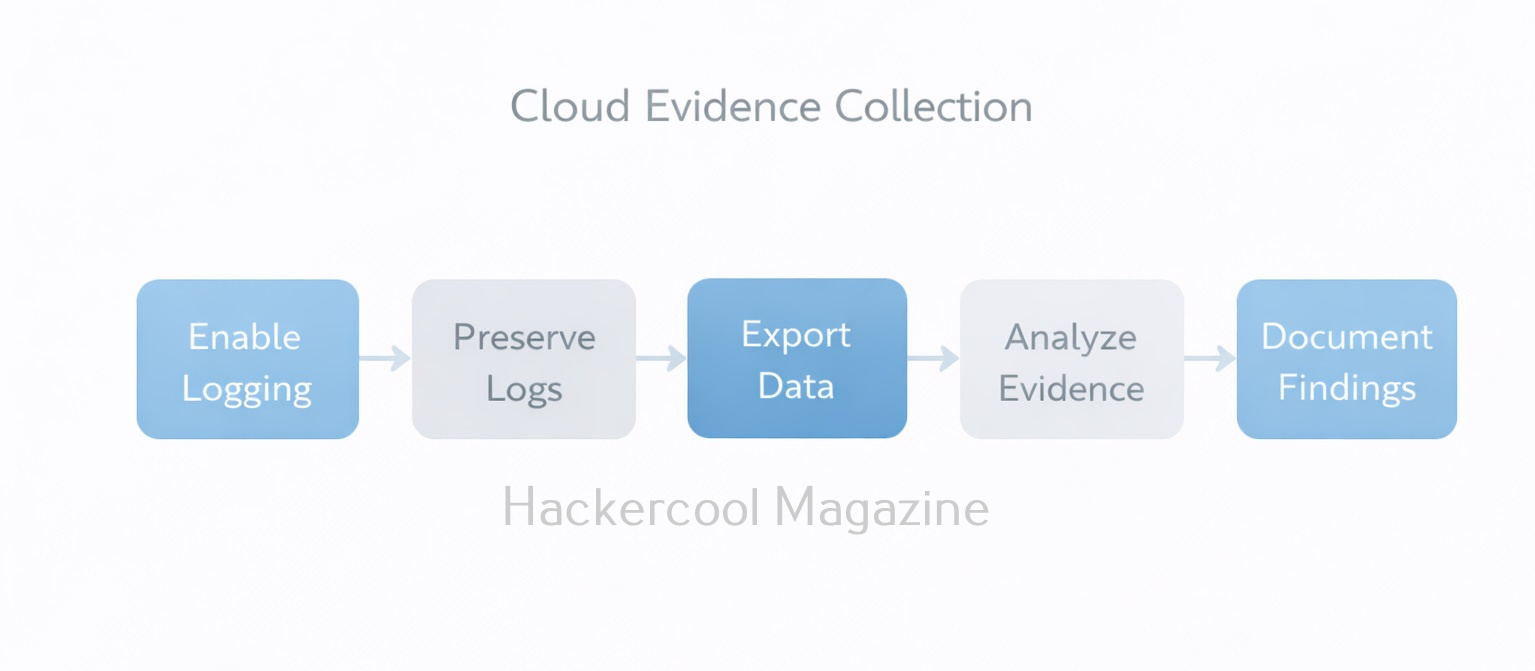
1. Enable logging before any incidents happen:

This is very important as you cannot investigate anything that was never recorded.

2. Preserve evidence early:

The earlier you preserve your evidence, the better it is. So, export logs and snapshots as soon as an incident is suspected.

3. Work with read-only access when possible:

This helps in avoiding modification of live environments during investigations.

4. Document every step:

Record information about every step you take in investigation like what data is collected, when is it collected and how is it collected.

5. Think in timelines:

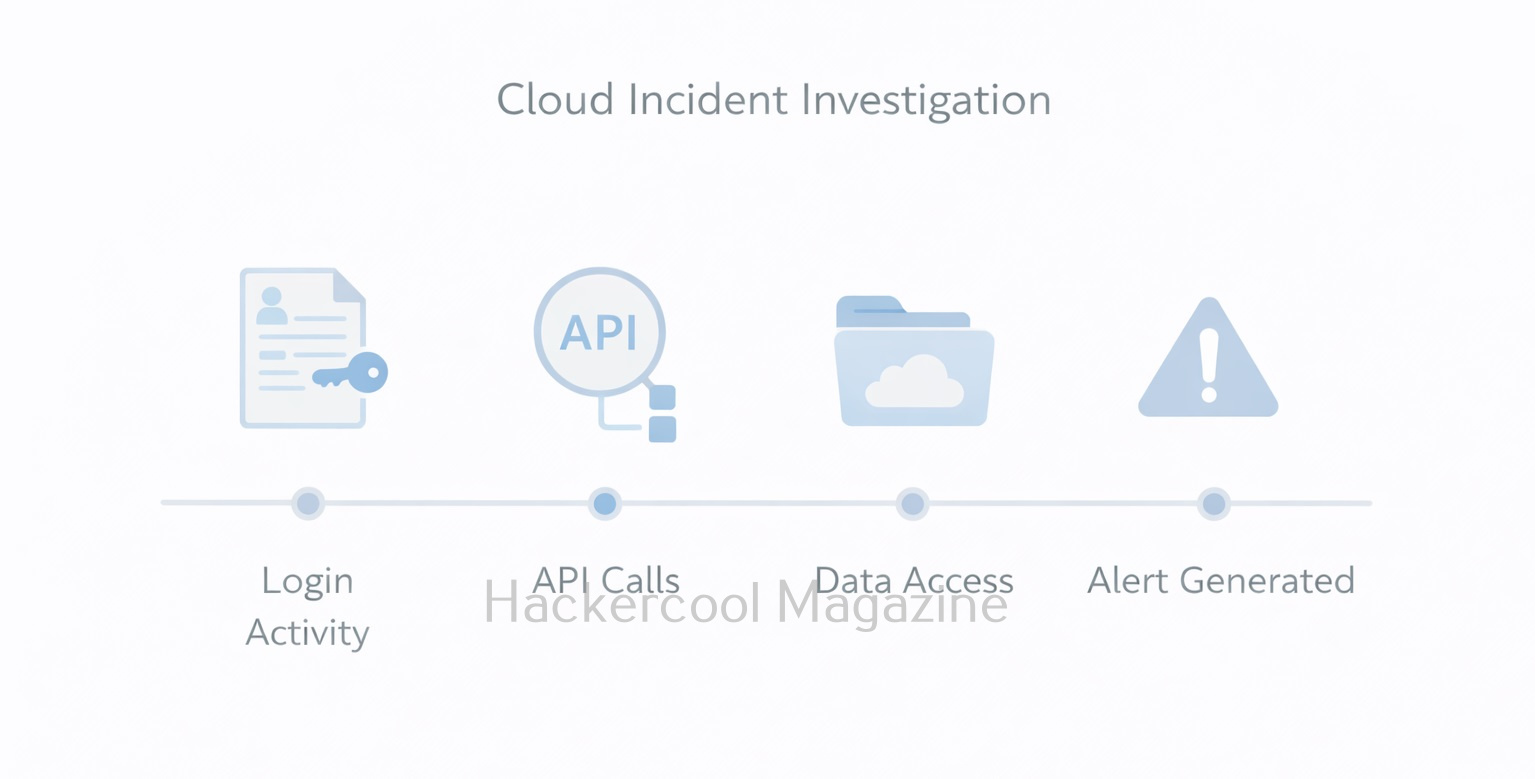
Always remember. Cloud forensics is mostly about correlating events across multiple services.

Why Cloud Forensics Matters for your Career

Cloud forensics is becoming a core DFIR skill. Modern attacks increasingly target identity systems, cloud APIs and misconfigurations rather than traditional malware. Understanding cloud investigations also strengthens skills in cloud security, incident response and compliance.

For beginners, learning this is not about mastering every cloud service. It’s about understanding how evidence is generated, stored and preserved in cloud platforms.

Conclusion

Cloud forensics requires a shift in mindset. Instead of focusing only on disks and files, investigators should focus on actions, identities and logs. By learning where evidence lives and how cloud environments operate, beginners can confidently investigate incidents in modern, cloud-first organizations.

As cloud adoption continues to grow, cloud forensics is no longer optional. It’s an essential skill for anyone entering digital forensics or incident response.

Posted on

Foremost Forensic Tool: A Beginners Guide

Hello, aspiring Cyber Forensic Investigators. In this article, you will learn about Foremost, a Forensic tool used for file carving. In digital forensics, one of the most common tasks is retrieving deleted or hidden files from storage media. Whether investigators are analyzing a compromised server, a suspect’s hard drive or a damaged USB stick, they often rely on file carving techniques to recover valuable evidence. Among the many tools available, Foremost stands out as a powerful yet simple utility designed for efficient file recovery.

Originally developed by the U.S. Air Force Office of Special Investigations (AFOSI) and the Center for Information Systems Security Studies and Research (CISR), Foremost has evolved into one of the most widely used open-source forensic tools for beginners and professionals alike.

This blogpost will walk you through what Foremost is, why it’s so useful and how to start using it even if you’re brand new to digital forensics.

What is Foremost?

Foremost is a file carving tool which means it recovers files based on known file headers and footers rather than file system metadata. This makes it extremely effective when:

  • The file system is corrupted
  • The partition table is missing
  • Files have been deleted
  • Metadata like filenames or timestamps no longer exist

Foremost searches raw disk images or partitions and extracts files such as:

  • Images (JPG, PNG, GIF, BMP)
  • Documents (PDF, DOC, PPT)
  • Videos (AVI, MP4)
  • Archives (ZIP, RAR)
  • Email files and many more, depending on your configuration

Because Foremost works at the byte level, it is fast, reliable and widely used in forensic investigations and CTF-style challenges.

Installing Foremost

Ubuntu / Debian:

On most Linux systems, Foremost is available in built-in repositories. To install this tool on Ubuntu / Debian, we should use commands shown below.

sudo apt-get update
sudo apt-get install foremost

Fedora:

We can install foremost on Fedora using commands shown below.

sudo dnf install foremost

Kali Linux:

Foremost comes preinstalled on Kali Linux.

How Foremost Works?

Foremost works by scanning for known file signatures using a configuration file (/etc/foremost.conf). This file lists the header and footer patterns for each supported file type. For example, JPEGs are identified by following header and footer.

  • Header: FFD8
  • Footer: FFD9

Foremost scans the entire disk or forensic image file, identifies these patterns and extracts whatever lies between them. This process is fully automated and saves results into organized folders.

Basic Commands for Beginners

Let’s walk through some essential commands you’ll use during your first forensic analysis.

1. Carving all known file types from a disk image:

To carve all known file types from a disk image, we should use the command shown below.

foremost -i disk-image.dd -o output_folder

Explanation:

In the above command,

  • -i specifies the input image
  • -o specifies where results will be stored

Foremost will automatically create subdirectories for each recovered file type.

2. Recovering only specific file types:

You can also recover specific file types using this tool. Let’s say you want to extract only JPEG images, the command is given below.

foremost -i disk-image.dd -o output -t jpg

You can even specify multiple types of images using command shown below.

foremost -i disk-image.dd -o output -t jpg,png,pdf

This is extremely useful when you’re looking for specific evidence, such as illegal images or stolen PDF documents.

3. Saving a detailed audit log:

Foremost automatically generates an “audit.txt” file in your output folder. To view the audit log, we can use command shown below.

cat output/audit.txt

This log contains:

  • Detected file signatures
  • Number of files recovered
  • Carving start and stop time
  • Any errors encountered

This is crucial for forensic report writing.

4. Using a Custom configuration file:

You can modify or create a custom config file to carve rare file types. For example,

foremost -i disk-image.dd -o output -c myconfig.conf

This option is helpful when working with proprietary file formats or adding new signature patterns.

5. Carving files from a raw device (Drive/USB):

We can also carve files from a raw device.

sudo foremost -i /dev/sdb -o usb_recovery

Important:
Never run carving directly on a suspect’s original device. Always work on a forensic image. This command is mainly used for testing or training environments.

When Should You Use Foremost?

Foremost is ideal for:

✔ Recovering deleted files
✔ Extracting evidence from corrupted partitions
✔ File carving during memory forensics (with image dumps)
✔ CTF competitions and capture-the-flag challenges
✔ Beginner-level forensic labs and training

If you’re working with a damaged or heavily modified file system, Foremost is often faster and easier than more complex forensic suites.

Limitations of Foremost

While powerful, Foremost has a few limitations. They are:

  • It cannot recover filenames or folder paths
  • It may produce false positives for file signatures
  • It doesn’t reconstruct fragmented files well
  • It cannot analyze metadata

For advanced analysis, we can pair Foremost with The Sleuth Kit, Autopsy or Volatility.

Conclusion

Foremost is one of the best tools for beginners stepping into the world of digital forensics. Its simple command-line interface, speed and ability to recover a wide range of deleted files make it a go-to utility for investigators, students and hobbyists. With just a few commands, you can start carving files from disk images and uncover hidden or deleted data that may hold crucial evidence. If you’re starting your journey into forensic investigations, Foremost is an essential tool to master. Next, learn about Bulk Extractor.

Posted on

Beginners Guide to Bulk Extractor tool

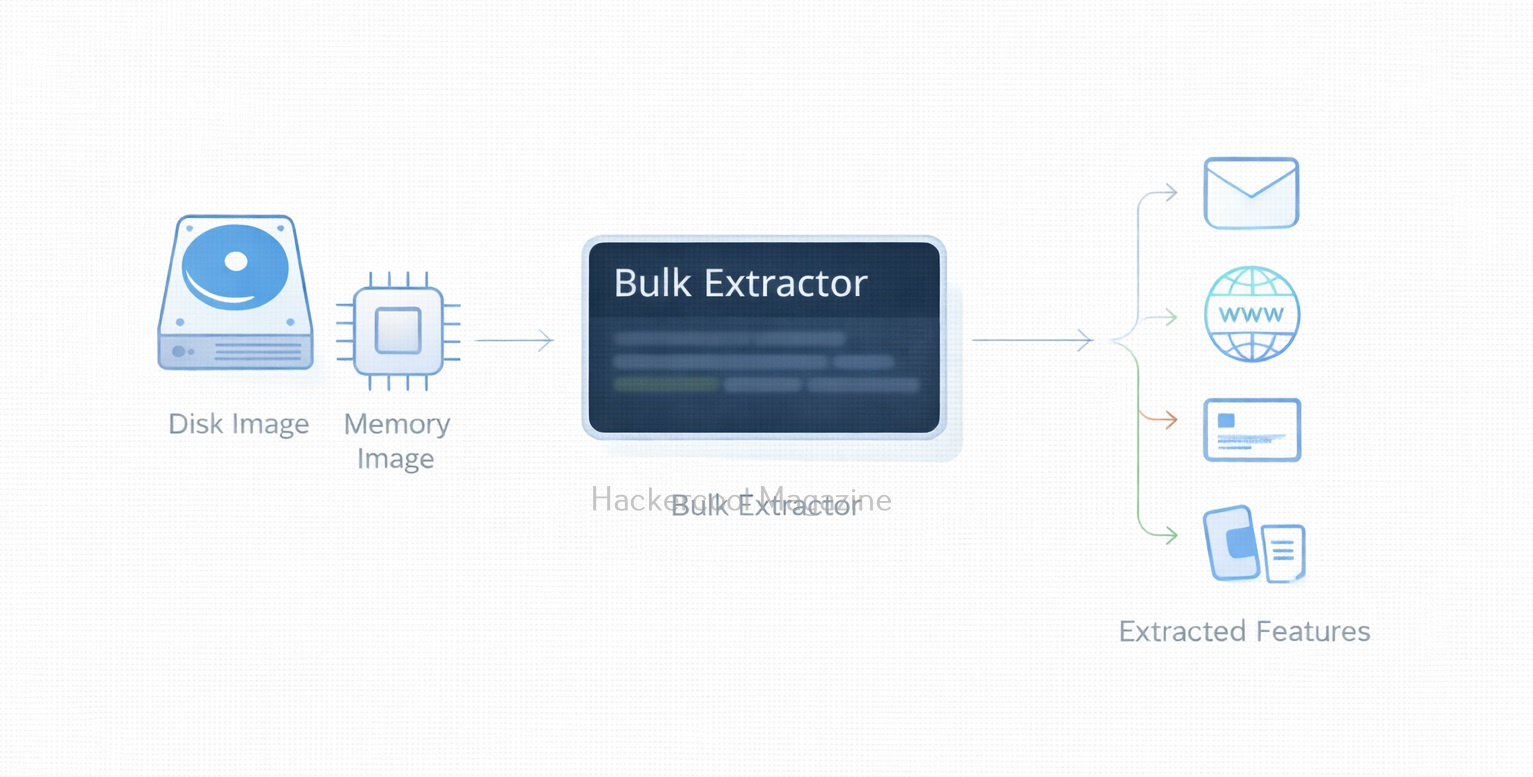
Hello aspiring Cyber Forensic Investigators. In our previous blogpost, you learnt in detail about Computer Forensics. In this article, you will learn about Bulk Extractor, a fast, automated forensic carving tool. Digital forensic investigations often require extracting useful information from massive amounts of data like disk images, memory dumps, captured network traffic and more.

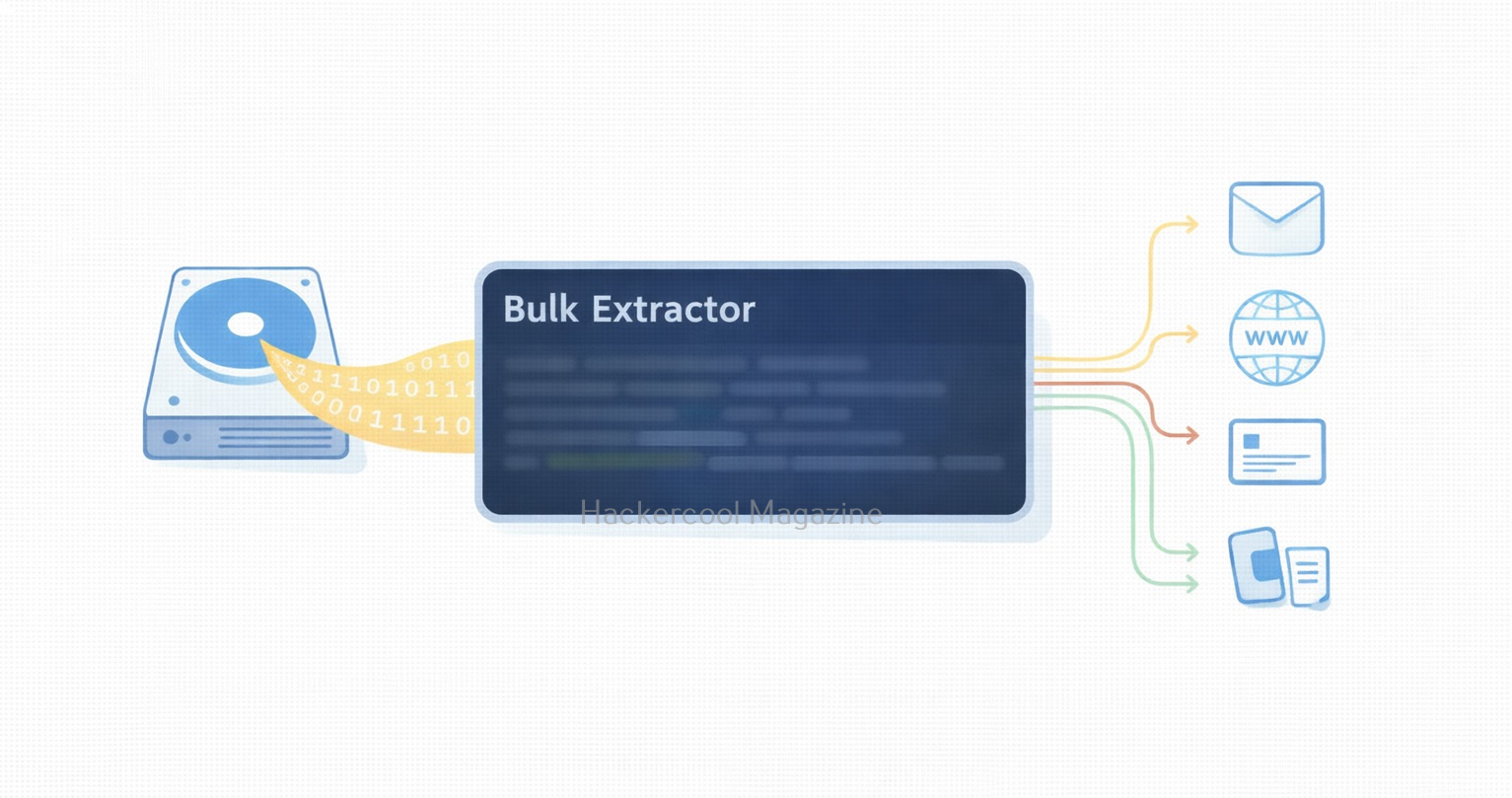
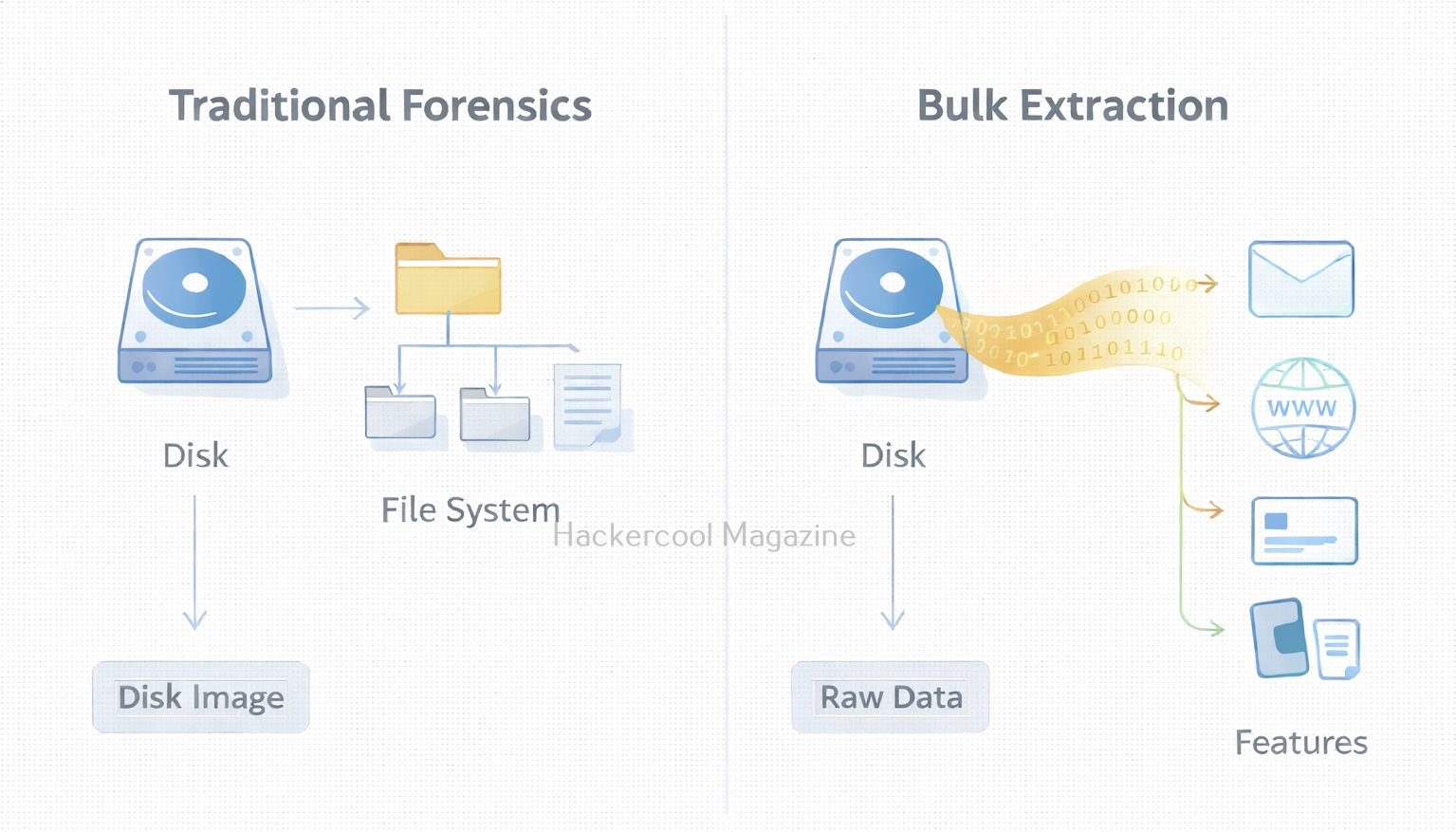
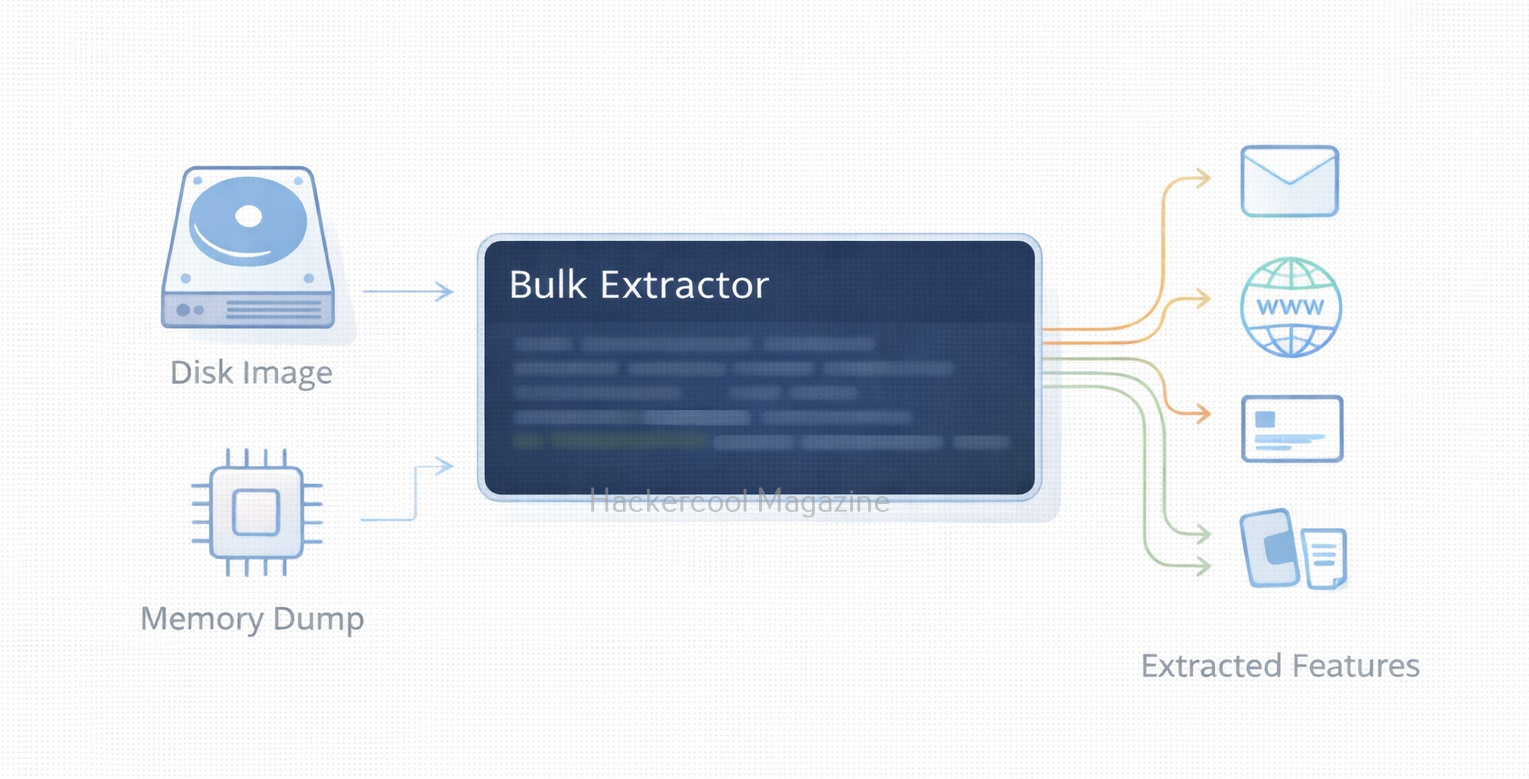
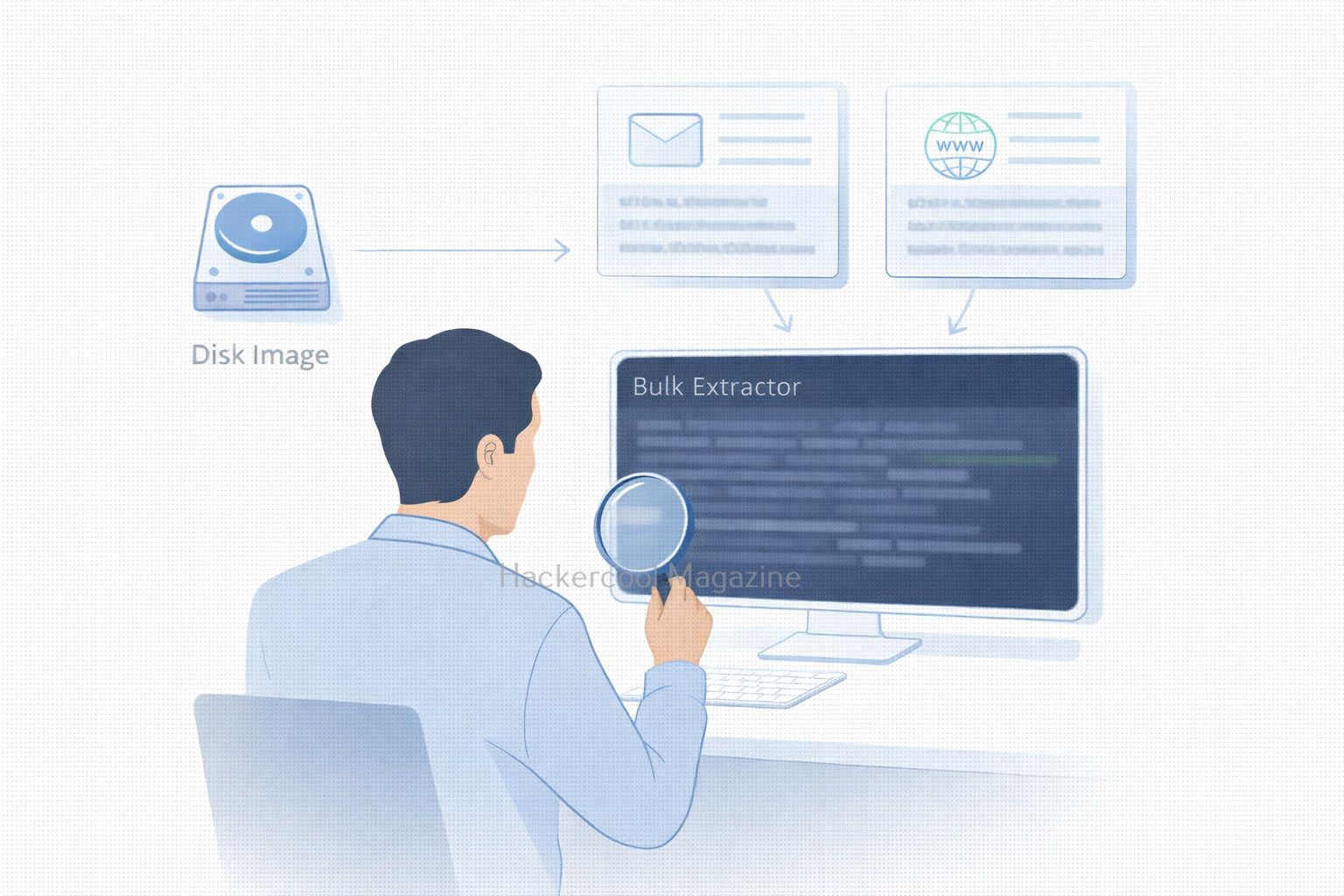
Manually searching through gigabytes (or terabytes) of raw data is impossible and even traditional forensic tools can be slow when scanning large datasets. This is where Bulk Extractor, one of the most efficient open-source forensic tools becomes incredibly valuable. Designed for speed and automation, Bulk Extractor scans raw data and extracts important artifacts such as emails, credit card numbers, URLs and phone numbers without needing to parse the file system first.

For beginners looking to learn forensic data carving, Bulk Extractor is an ideal tool. It’s lightweight, fast, easy to use and capable of revealing hidden evidence that might not appear through typical file system analysis. Let’s explore what Bulk Extractor does, why it’s so popular and how you can start using it.

What is Bulk Extractor?

Bulk Extractor is an open-source digital forensic tool developed by Simson Garfinkel. Its purpose is simple:

To extract high-value forensic artifacts from raw data at high speed.

It scans data sector by sector and extracts items such as:

  • Email addresses
  • Phone numbers
  • Social security numbers
  • URLs and domain names
  • Credit card numbers
  • GPS coordinates
  • ZIP files
  • Network addresses (IPv4, IPv6)
  • Package names and keywords

As Bulk Extractor ignores file systems, it can detect:

  • Deleted data
  • Hidden data in unallocated space
  • Fragmented artifacts
  • Carved strings independent of file structure

This makes it incredibly powerful in investigations involving:

Installing Bulk Extractor

To install this tool on Ubuntu, Debian or Kali Linux, use commands shown below:

sudo apt update
sudo apt install bulk-extractor

You can verify installation using command shown below.

bulk_extractor -V

Workflow of Bulk Extractor

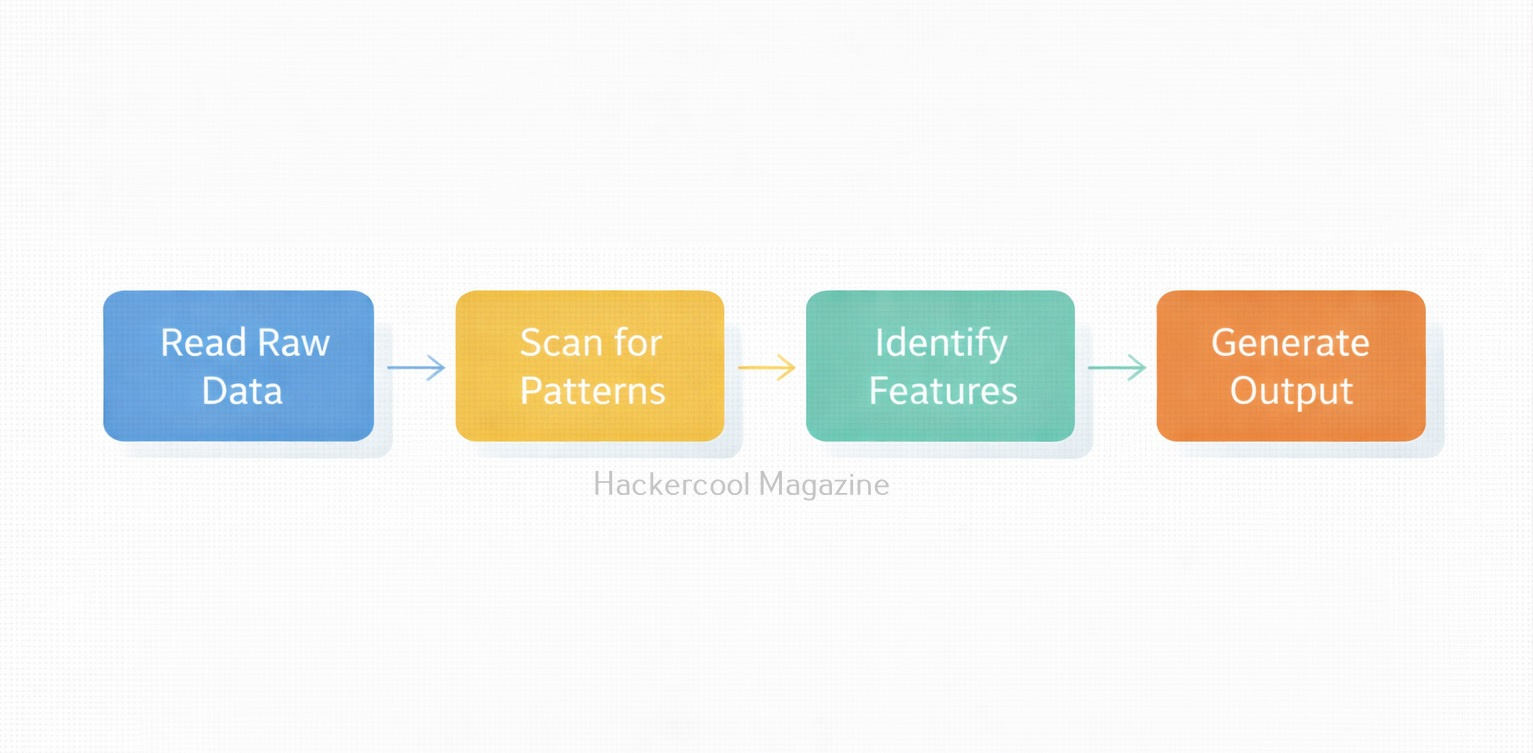
Bulk Extractor works by scanning input data (such as .dd or .img images) and writing results into output directories known as “feature files.” Here is the simple workflow:

  1. Select data source (raw image or file)
  2. Choose output directory
  3. Run Bulk Extractor
  4. Review extracted feature files
  5. Analyze results using BEViewer (optional GUI)

Let’s walk through some beginner-friendly commands of this tool.

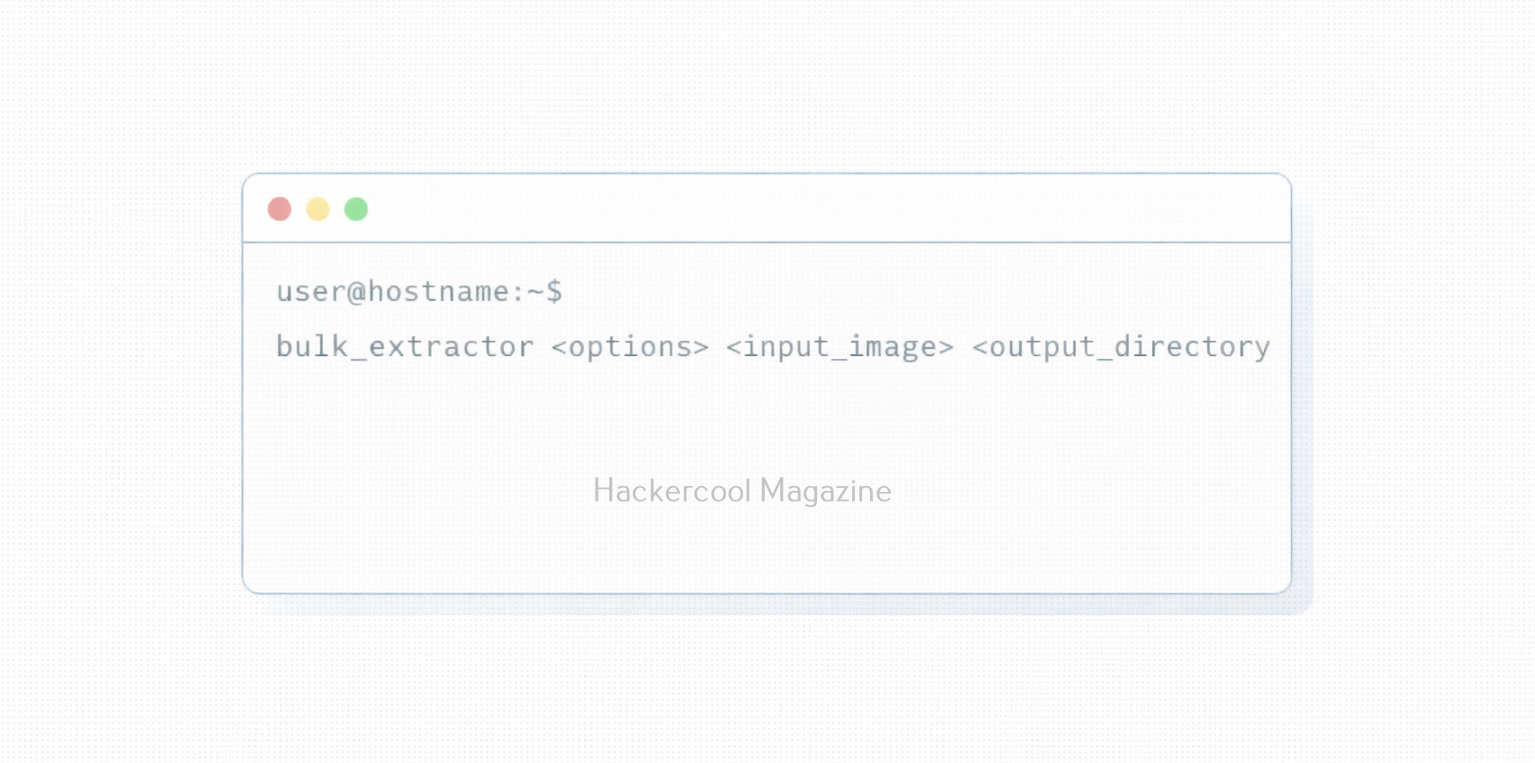
1. Basic command to run Bulk Extractor:

To scan a raw disk image, the command is given below.

bulk_extractor -o output/ image.dd

This command does the following:

  • Processes the image
  • Generates multiple report files
  • Saves them in the output directory

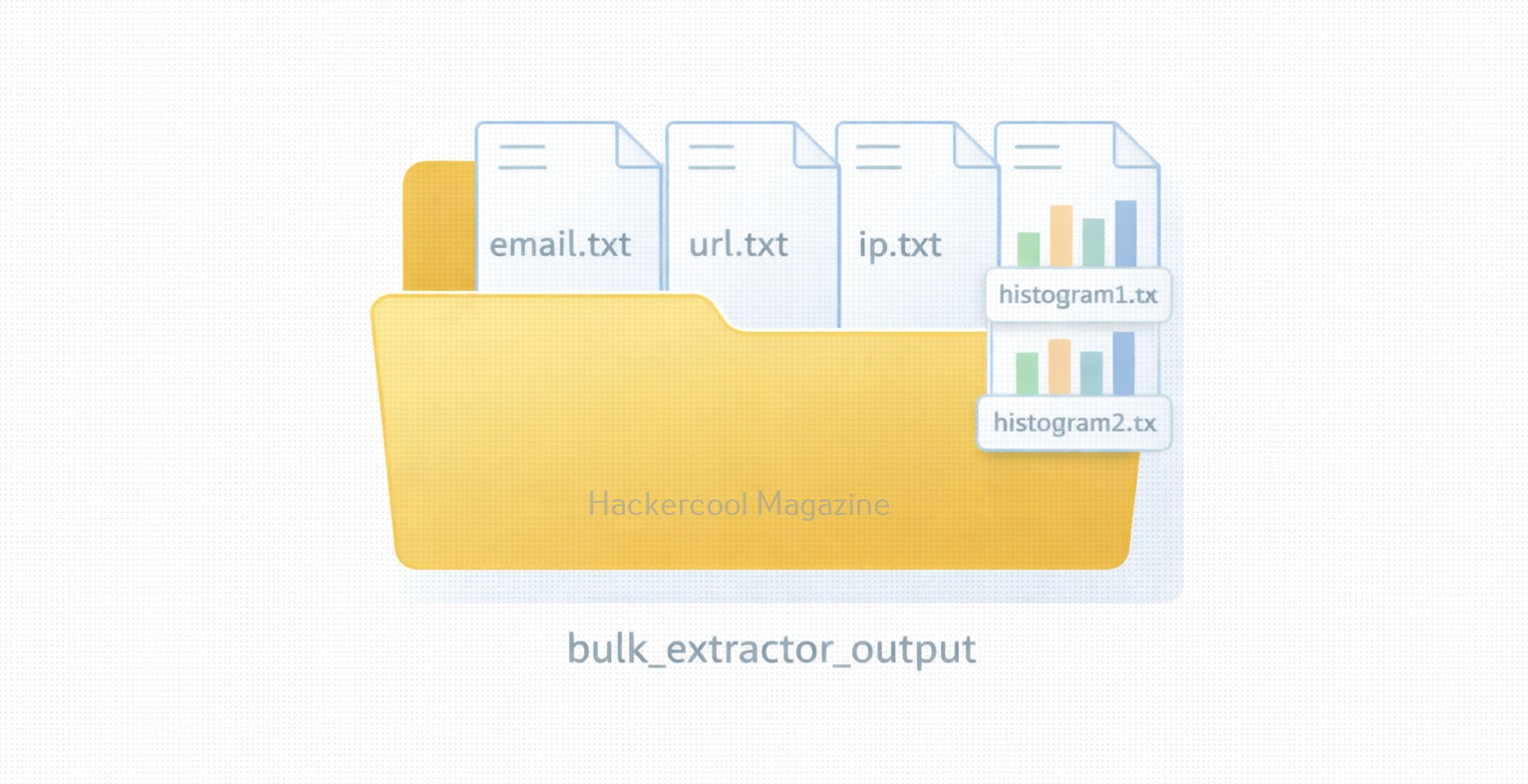
After running this tool, look inside the output/ folder. You will find files like:

  • email.txt
  • url.txt
  • ccn.txt (credit card numbers)
  • json.txt
  • domain.txt
  • telephone.txt
  • ip.txt
  • wordlist.txt
  • hash.txt

Each file contains extracted artifacts in plain text format which are easy to read and analyze.

2. Run Bulk Extractor with all scanners enabled:

When you run this tool in default mode as shown above, some scanners are disabled by default. To use all scanners of this tool, run the command shown below.

bulk_extractor -S all -o output/ image.dd

-S all activates all scanners shown below.

  • PDF scanner
  • GPS scanner
  • ZIP scanner
  • Network packet scanner
  • EXIF scanner
  • Base64 decoder

Obviously, this way of scanning produces even more valuable results.

3. Specifying a particular scanner:

You can also specify a particular scanner to run. For example, if you want to only retrieve emails, the command is given below.

bulk_extractor -e email -o output/ image.dd

Similarly, if you want to extract URLs, the command is given below.

bulk_extractor -e url -o output/ image.dd

If you want to extract credit card numbers:

bulk_extractor -e ccn -o output/ image.dd

This focused approach speeds up analysis and at the same time reduces noise.

4. Run Bulk Extractor on a Memory Dump

Bulk Extractor also works extremely well on rerieving information from RAM captures, like the ones obtained with tools like Volatility etc.

bulk_extractor -o mem_output/ memdump.raw

This can reveal information like:

  • Chat sessions
  • Browser artifacts
  • Credentials
  • Temporary files
  • Network activity

5. Viewing Results Using BEViewer GUI:

Bulk Extractor also provides a way to view results in graphical format with the help of GUI viewer known as BEViewer. To install BEViewer, use command shown below.

sudo apt install bulk-extractor-viewer

You can run BEViewer using command shown below.

beviewer

With BEViewer, you can:

  • Visualize extracted artifacts
  • Navigate through offsets
  • Jump directly to locations inside the raw image

This is extremely helpful for beginners.

6. Advanced Usage: Recursive Scanning

Using this tool, we can even enable recursive analysis inside compressed files (ZIP, GZIP, PDF). This can be done using command shown below.

bulk_extractor -R -o output/ image.dd

This extracts buried evidence from archives.

Why Investigators Love Bulk Extractor?

1. It is extremely fast

Bulk Extractor can process large images faster than most forensic suites.

2. It doesn’t require file system to work

One of the great features of this tool is that it doesn’t require any file system to work. It can work on damaged, incomplete or even partially corrupted images.

3. It is beginner-friendly

This tool has simple commands, easy output files and automated scanning which makes it very beginner-friendly.

4. Great for triaging

It quickly identifies whether deeper forensic work is needed.

5. Works on any data

This tool works on any type of data like from disk images, memory dumps, network captures or even single files.

Conclusion

This is one of the most useful tools for forensic beginners. Its speed, simplicity and ability to extract valuable artifacts from any kind of data make it indispensable for digital investigations. With just a few commands, investigators can uncover emails, URLs, credit card numbers and dozens of other forensic artifacts hidden anywhere in a disk image or memory dump.