Malware is one of the most important concepts to understand when learning cybersecurity. Whether you are interested in ethical hacking, penetration testing, network security or defensive cybersecurity, you will eventually encounter the term malware.
Malware can affect personal computers, mobile devices, servers and even large enterprise networks. Understanding what malware is and how it works at a high level can help beginners recognize cyber threats and understand why security controls are important.
This beginner’s guide explains what malware is, the major types of malware, how malware can spread, warning signs of infection and basic ways individuals and organizations can reduce their risk.
New to Ethical Hacking?
Start your journey with The Beginner Ethical Hacker Starter Kit (2026 Edition).
Inside the free guide, you’ll learn:.
- Ethical hacking fundamentals
- Beginner cybersecurity roadmap
- Essential hacking tools
- Common vulnerabilities explained

What Is Malware?
Malware is short for malicious software. It is software designed to perform harmful, unwanted or unauthorized actions on a computer system, network or device. The exact behavior of malware can vary significantly. Some malicious programs are designed to steal information, while others may disrupt systems, spy on activity, damage data or give an attacker unauthorized access.
Malware is not one single type of threat. It is a broad category that includes several different forms of malicious software. Understanding these categories is an important first step for anyone learning cybersecurity.

Common Types of Malware

1. Viruses
A computer virus is malicious code that can attach itself to legitimate files or programs. Traditionally, viruses spread when an infected file is executed or shared with another system.
A virus may be capable of:
- Modifying files
- Disrupting applications
- Damaging data
- Spreading to other systems
Modern cybersecurity discussions often use the word “virus” casually to describe any type of malware, but technically, a virus is only one category of malicious software.
According to Discovery, the first virus is the Creeper program. It was created by Bob Thomas in 1971. It was actually designed as a security test to see if a self-replicating program will be successful. The function of Creeper was to just display a simple message on computer if infected.

The most popular (or should I say unpopular) virus should be ILOVEYOU virus. Released in 2000, ILOVEYOU infected over ten million Windows computers. It started spreading as an email message with subject line “I LOVE YOU” and contained an attachment with name “LOVE-LETTER-FOR-YOU.TXT.VBS. When the recipient clicked on this attachment, a Visual Basic script activated and over wrote files on the infected system. Then, it sent itself to all the email addresses in the Windows Address Book. It is estimated that the losses infected by this simple virus were at least $15 billion.

2. Worms
A worm is malware capable of spreading across systems or networks without necessarily requiring a user to manually performing an action (like sharing an infected file). Worms can become particularly dangerous because automated spreading can allow an infection to affect many systems quickly.
A worm may exploit weaknesses in:
- Network services
- Unpatched software
- Insecure configurations
This is one reason why regular patching and network security are important.
Morris worm is considered to be the first worm to spread over the internet. It was created by Robert Tappan Morris and it caused a loss of over $100,000 and $10,000,000. It infected over 2000 computers within 15 hours. Morris worm spread by exploiting vulnerabilities like holes in the debug mode of the Unix send mail program, a buffer overflow vulnerability in finger network service. Rexec and Rsh accounts with weak or no password at all.

The most unpopular worm should definitely be Stuxnet. Released in 2010 and accused of sabotaging nuclear program of Iran, Stuxnet was designed to target programmable logic controllers (PLCs). These PLC’s allow automation of electromechanical process used by control machines and industrial processes (for example, gas centrifuge that are used to separate nuclear material). Stuxnet spread by exploiting 4 zero-day vulnerabilities in Siemens setup7 software installed on Windows systems. Stuxnet infected almost over 2,00,000 computers and destroyed at least 100 machines.


3. Trojans
A Trojan or Trojan horse, is malicious software that attempts to appear legitimate or harmless.
A user might believe they are downloading:
- A useful application
- A document
- A game
- A software update
But the file may contain malicious functionality. The important lesson is that software should be downloaded from trusted and verified sources whenever possible. The name Trojan is a reference to the Trojan horse (the large wooden horse) of Trojan war assumed by Trojans as gift given by Greeks to Troy. However, when the horse was let into the kingdom, Greek soldiers hiding inside the horse came out and ransacked Troy (you should watch Troy movie).

Just like viruses, Trojans also need victims to click on Trojan to be activated and most users fall victim to trojans thinking that they are genuine files. ANIMAL, a program released in 1975 is generally considered the world’s first Trojan. It fooled victims by presenting itself as a simple game of 20 questions. When user clicked on it, it copied itself to shared directories to be found by other victims.

According to me, the most dangerous Trojan was Zeus. Zeus is a banking Trojan used to steal banking information. It is spread by drive by downloads and phishing in 2003. It is estimated that Zeus infected over 74,000 FTP accounts.


4. Ransomware
Ransomware is malware designed to prevent normal access to data or systems, often by encrypting files. The attacker may then demand payment in exchange for restoring access. Ransomware incidents can affect individuals, businesses, hospitals, schools and other organizations.
The first known ransomware was AIDS Trojan. It’s payload hid the files on the victim’s hard drive and encrypted their names. The most dangerous & popular ransomware attack was WannaCry in 2017. WannaCry ransomware spread by exploiting EternalBlue vulnerability and it infected over 2,30,000 computers within one day.

Strong backups, security updates, access controls and user awareness can help reduce the impact of ransomware incidents.

5. Spyware
Spyware is designed to secretly collect information from a device or user. Depending on its capabilities, spyware may attempt to monitor:
- Browsing activity
- User behavior
- Device information
- Other sensitive information
The best protection includes using trusted software, keeping devices updated and paying attention to unusual behavior.
The most popular spyware seen recently should be Pegasus spyware. This spyware developed by Israeli cyber arms firm NSO Group installs not just covertly but remotely on mobile phones running IOS and Android and that too using a zero-click exploit (an exploit that doesn’t need any user action at all). Once installed on a device, Pegasus can read text messages, snoop on calls, collect credentials, track location of the device, access device’s cameras and microphone and harvest information from apps installed on the target device.

Want to Learn Ethical Hacking Step-by-Step?
If you’re serious about learning cybersecurity, a structured roadmap makes the journey much easier.
Download The Beginner Ethical Hacker Starter Kit (2026 Edition) and discover:
✔ The ethical hacking learning path
✔ Beginner-friendly security concepts
✔ Essential tools ethical hackers use
✔ The most common vulnerabilities explained

6. Adware
Adware displays unwanted advertising or modifies the user’s browsing experience. Not all ad-supported software is necessarily malware. The difference often depends on whether the software was installed with informed user consent and how it behaves.
Malicious adware may:
- Display intrusive advertisements
- Redirect browsers
- Track user activity
- Change browser settings
7. Keyloggers
Keylogger is a malicious software that records keystrokes a user types into computer or mobiles. The first keylogger used in real world was allegedly distributed with Grand Theft Auto V mod in 2015. Recently, a keylogger named Snake keylogger was detected being distributed with Microsoft Excel sample. Snake keylogger first appeared in late 2020.

8. Backdoors

A backdoor is a type of malware that provides access to a system bypassing normal security measures that usually prevent access. For example, if you can access a system without providing any login or need of credentials, you have a Backdoor access. Usually, hackers install backdoor after gaining complete access to the system to have unhindered and continuous access in future.
In 1998, a U.S hacker group “Cult of the Dead cow” designed a backdoor named “Back Orifice” that enables a user to control a computer remotely. In 2014, multiple backdoors were detected in WordPress. These backdoors were WordPress plugins with an obfuscated JavaScript code.

9. Rootkits
A rootkit is designed to hide malicious activity or provide persistent unauthorized access. Rootkits can be particularly difficult to detect because their purpose may include concealing files, processes or other evidence of malicious activity.
It is designed to enable access to a computer in a way that is not usually possible to an authorized user. Simply put, Rootkit gives SYSTEM level access. As if this is not enough, Rootkit is undetectable once installed, unlike other types of malware. The term “Rootkit” is a combination of root (the most privileged account on Unix system and “kit”. This is because rootkits usually give ‘root’ level access to the target system.
The first malicious rootkit appeared in 1999 and it affected Windows NT OS. In 2012, a rootkit named Flame was detected. Flame affected over 80 servers around the world and is considered one of the dangerous rootkits.

For beginners, the key concept is that some malware is designed not only to perform harmful actions but also to avoid detection.
10. Bots
A BOT is a shortcut for Robot and it is an automated piece of code that performs predefined tasks. Malicious Bots as normally used to infect a system and make them a part of a Botnet which can then be used to perform DDOS attacks.

In 2007, a botnet attack called Cutwail attacked Windows systems using a trojan named Pushdo which infected Windows systems to make them part of the Cutwail botnet. This botnet had over 1.5 to 2 million computers. The most famous BOT malware should be MIRAI. MIRAI is designed to infect smart devices that run on ARC processes.

11. Crypto Miner
Crypto mining malware or cryptojacker is a malicious software that targets computer sources and mines crypto currencies like Bitcoin. Cryptominers are rather new in the evolution of malware. Their growth directly grew with the growth in popularity of crypto currencies.
How Does Malware Spread?
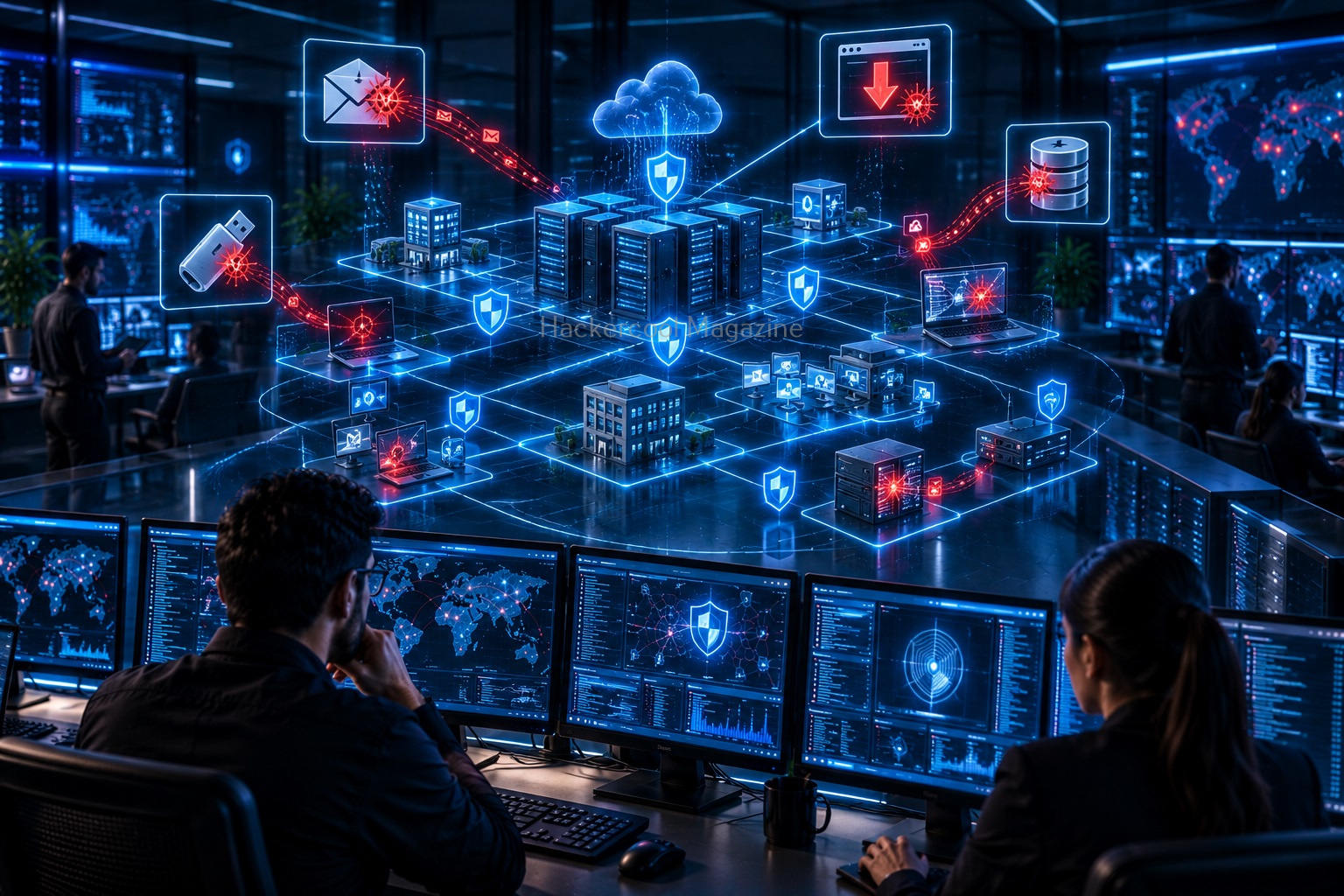
Malware can reach systems through many different methods.
Phishing Emails
Attackers may send emails containing malicious attachments or links. These messages often attempt to create urgency or trick the recipient into taking action without thinking carefully.

Malicious Downloads
Downloading software, files or applications from untrusted sources can introduce malware. Fake software downloads and modified applications can appear legitimate.

Vulnerable Software
Outdated or unpatched software may contain known security weaknesses. Attackers may attempt to take advantage of these weaknesses to gain access to a system. This is why security updates are important.
Infected External Devices
Removable storage devices can potentially transfer malicious files between computers. Organizations often use security policies and endpoint controls to reduce this risk.
Compromised Websites
A legitimate website may sometimes become compromised and serve malicious content to visitors. Security software and updated browsers can help reduce exposure to known threats.

Common Signs of Malware Infection
Not every unusual computer problem is caused by malware but certain signs may indicate that a system should be investigated.
Possible warning signs include:
- Unusual system slowdowns
- Unexpected pop-ups
- Unknown applications appearing
- Browser settings changing unexpectedly
- Unusual network activity
- Security software being disabled
- Files becoming inaccessible
- Unexpected system crashes
These symptoms do not automatically prove that malware is present. However, they may indicate that further investigation is necessary.
How Malware Affects Organizations
For businesses, malware can create much more than a technical problem.
A serious malware incident can affect:
- Business operations
- Customer information
- Financial systems
- Employee productivity
- Company reputation
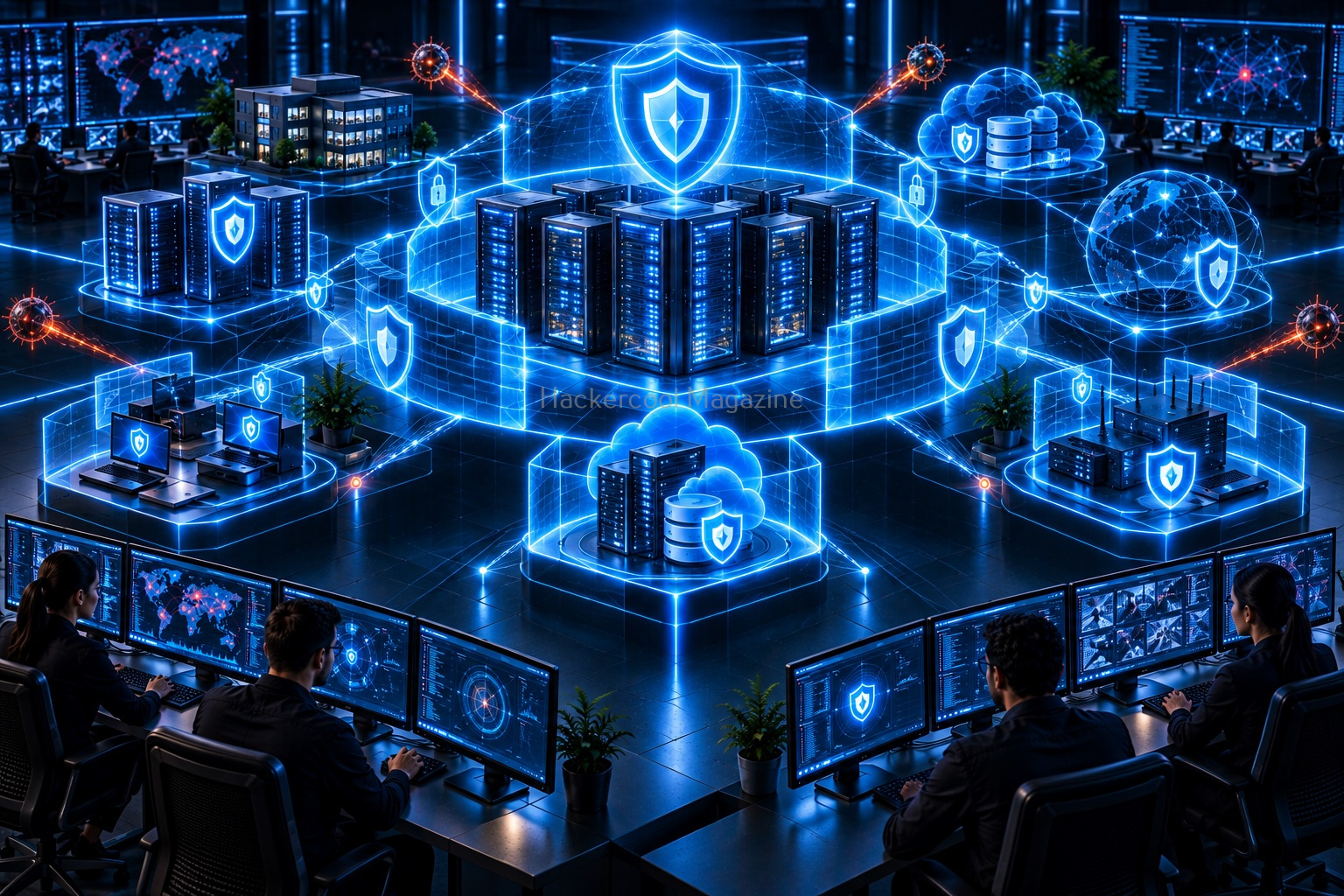
For this reason, organizations use multiple security controls rather than relying on a single antivirus product. A modern security strategy may include:
- Endpoint security
- Firewalls
- Network monitoring
- Security updates
- Access controls
- Data backups
- Email filtering
- Security awareness training
- Incident response planning
This approach is often described as defense in depth.
How Beginners Can Protect Against Malware
You do not need to be a cybersecurity expert to follow good security practices.
Keep Software Updated
Install security updates for operating systems, browsers and applications. Updates often fix known security weaknesses.
Download Software Carefully
Use official or trusted sources whenever possible. Avoid downloading suspicious files from unknown websites.
Be Careful With Email Attachments
Unexpected attachments and links should be treated carefully. Verify unusual messages before interacting with them.
Use Security Software
Endpoint protection and other security tools can help identify known malicious activity. However, no security product is perfect. Safe user behavior remains important.
Create Backups
Regular backups can reduce the impact of data loss and ransomware incidents. Backups should be protected and periodically tested.
Use Strong Authentication
Strong passwords and multi-factor authentication can help reduce the risk of unauthorized account access.
Malware Analysis vs Malware Creation
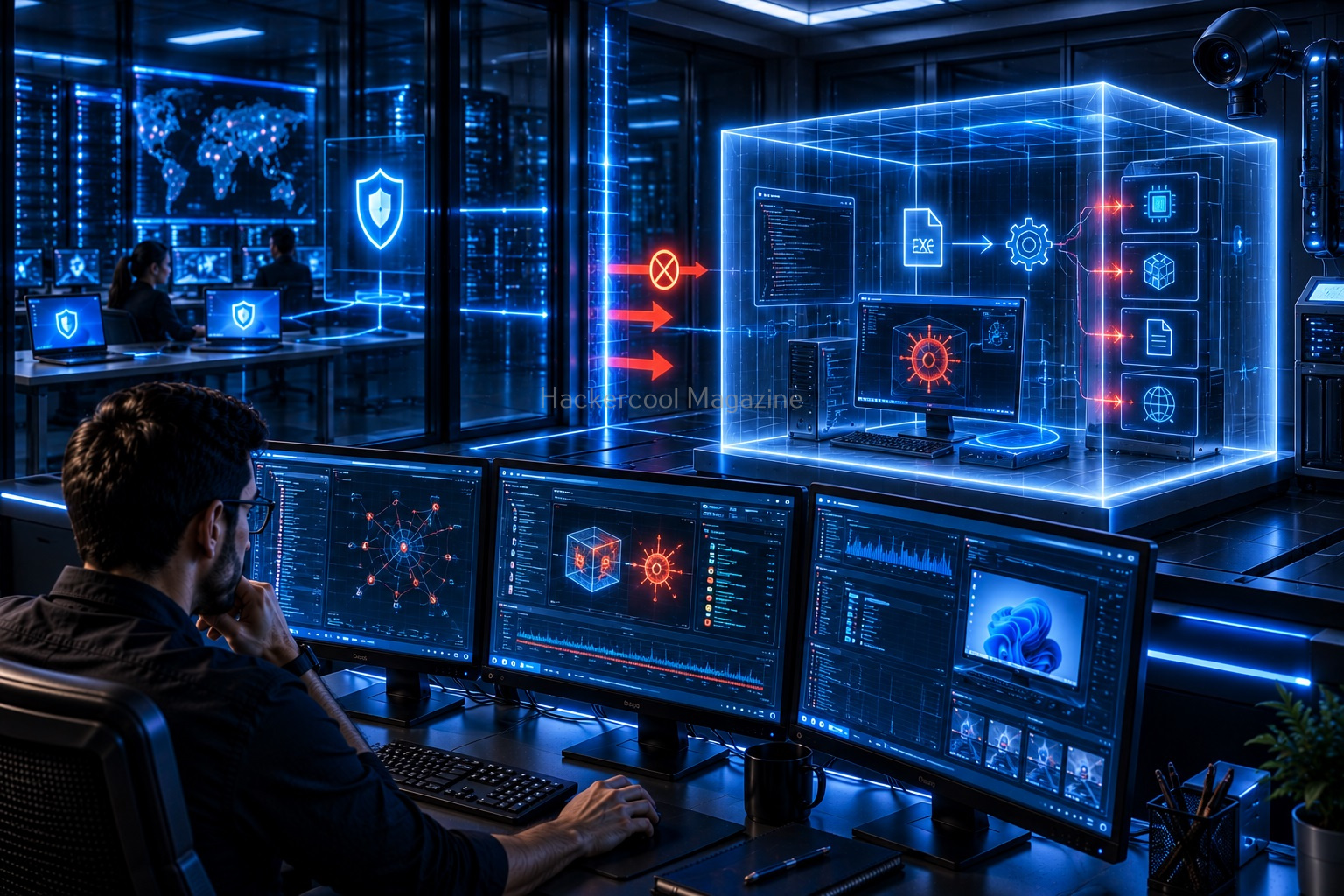
Beginners interested in cybersecurity may eventually hear about malware analysis. Malware analysis is the process of examining malicious software to understand its behavior and help improve defenses.
Security researchers and analysts may study malware to answer questions such as:
- What does it attempt to do?
- Which systems does it target?
- What indicators might help detect it?
- How can defenders reduce the risk?
This is very different from creating or distributing malware. For beginners, it is best to focus on safe analysis concepts, threat detection, prevention and defensive security.

A Beginner Learning Path for Malware
A structured learning path can make malware easier to understand.
Step 1: Learn Operating System Basics
Understand how Windows and Linux manage:
- Processes
- Files
- Users
- Permissions
- Services
Step 2: Learn Networking
Study:
- IP addresses
- DNS
- HTTP and HTTPS
- Ports
- Network traffic
Step 3: Learn Basic Security Concepts
Understand:
- Authentication
- Vulnerabilities
- Patching
- Access control
- Encryption
Step 4: Learn About Malware Types
Study viruses, worms, Trojans, ransomware, spyware, rootkits and other categories.
Step 5: Learn Detection Concepts
Explore how defenders use:
- Endpoint security
- Logs
- Network monitoring
- Threat intelligence
- Indicators of compromise
Step 6: Study Incident Response
Learn what organizations do when suspicious activity or malware is discovered.
Common Beginner Mistakes
Thinking Malware Is Always Obvious
Some malware may attempt to hide its presence. Security professionals often rely on multiple sources of evidence.
Believing Antivirus Solves Everything
Security software is important but it is only one layer of protection.
Downloading Security Tools From Untrusted Sources
Cybersecurity-related software should also be downloaded carefully from legitimate sources.
Ignoring Software Updates
Unpatched systems may remain exposed to known security problems.
Trying to Experiment With Real Malware
Beginners should avoid downloading or executing live malware.
Learning resources, simulations, defensive labs and controlled training environments are much safer ways to study malware concepts.

Conclusion
Malware is a broad category of malicious software that can affect individuals, businesses and critical systems. For beginners, the most important goal is not memorizing every malware family or technical term.
Instead, understand the fundamentals. Learn what malware is. Understand the major categories. Know how malware can spread. Recognize common warning signs. Learn basic prevention methods and understand how security professionals detect and respond to malicious activity.
As your cybersecurity knowledge grows, you can explore areas such as malware analysis, threat intelligence, endpoint security, digital forensics and incident response. A strong understanding of malware provides an excellent foundation for the defensive side of cybersecurity and helps you better understand the threats that ethical hackers and security professionals work to identify and prevent.
Start Your Ethical Hacking Journey Today
Learning cybersecurity can feel overwhelming at first. The best way to start is with a clear roadmap and the right resources.
Download The Beginner Ethical Hacker Starter Kit (2026 Edition) and get instant access to:
Ethical Hacking Fundamentals
A beginner cybersecurity learning roadmap
Essential hacking tools every beginner should know
Common vulnerabilities explained simply