Hello, aspiring ethical hackers. In this article, you will learn about the infamous EternalBlue vulnerability and its impact in detail. In the world of cybersecurity, some vulnerabilities are remembered not just for how they worked, but for the damage they caused. EternalBlue is one such vulnerability. It played a major role in some of the most destructive cyberattacks in history and serves as an important lesson for anyone beginning their cybersecurity journey.
New to Ethical Hacking?
Start your journey with The Beginner Ethical Hacker Starter Kit (2026 Edition).
Inside the free guide, you’ll learn:.
- Ethical hacking fundamentals
- Beginner cybersecurity roadmap
- Essential hacking tools
- Common vulnerabilities explained
This article explains what EternalBlue is, why it was so dangerous, how it was abused and what beginners should learn from it.
What is EternalBlue?
EternalBlue is the name given to a critical vulnerability in Microsoft Windows that affected the Server Message Block version 1 (SMBv1) protocol. SMB is used by Windows systems to share files, printers and other resources across a network.
The vulnerability allowed attackers to send specially crafted network messages to a Windows machine and execute code remotely without needing a username or password. This made it a remote code execution (RCE) vulnerability, one of the most serious types in cybersecurity.
Why EternalBlue Was So Dangerous?
EternalBlue stood out because of a few key characteristics:
- It required no user interaction
- It worked over the network
- It allowed full system compromise
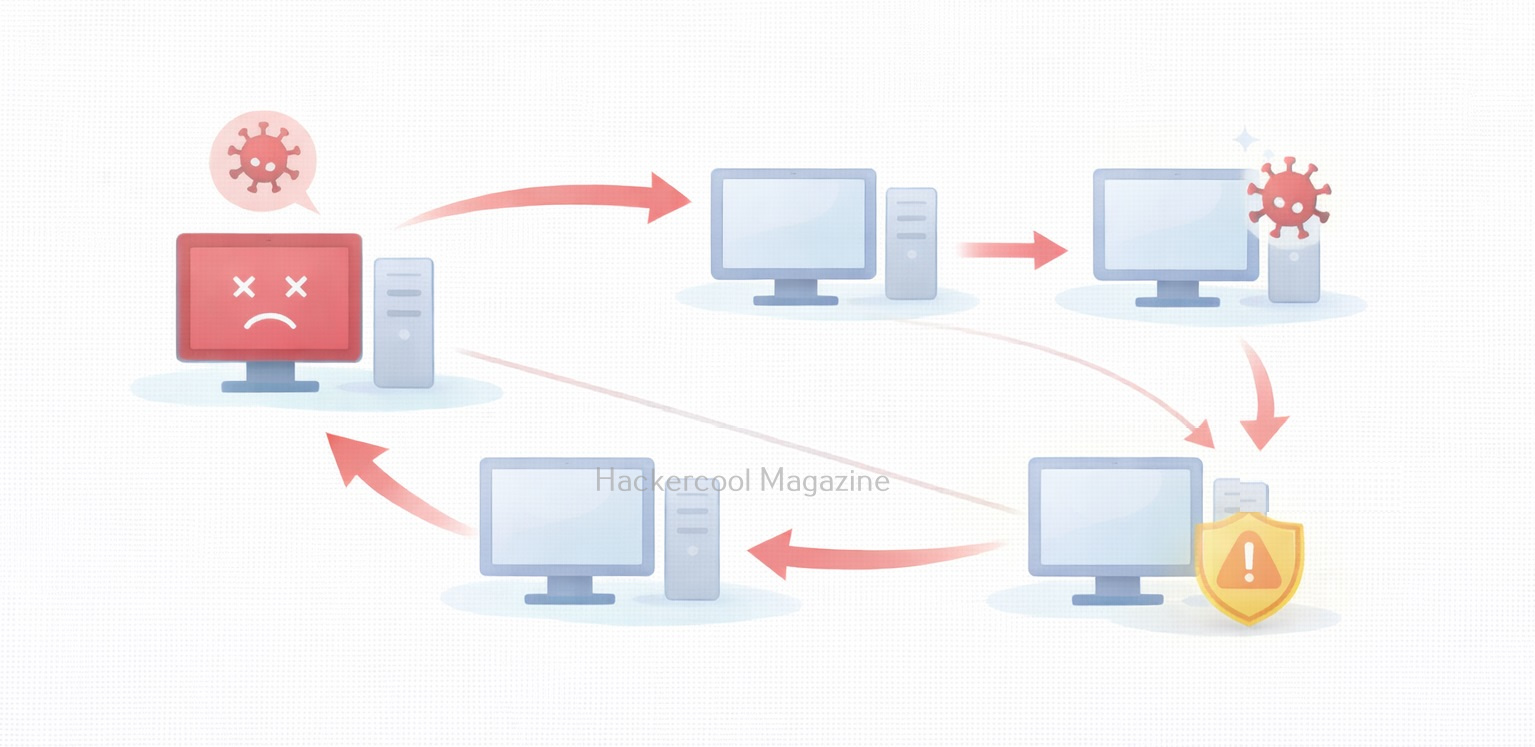
- It could spread automatically between systems
In simple terms, a vulnerable computer could be compromised just by being connected to a network. This made it ideal for worm-like attacks, where malware spreads rapidly from one system to another.
How EternalBlue Became Public?
It is alleged that EternalBlue was originally developed as a cyber weapon and kept secret. In 2017, it was leaked publicly, exposing a powerful attack technique to the world. Once released, attackers quickly integrated this vulnerability into malware, ransomware and automated attack tools. Even though Microsoft released security updates, many systems remained unpatched, creating a large pool of vulnerable targets.
Real-World Attacks That Used EternalBlue
The most famous attacks linked to EternalBlue include,
WannaCry Ransomware:
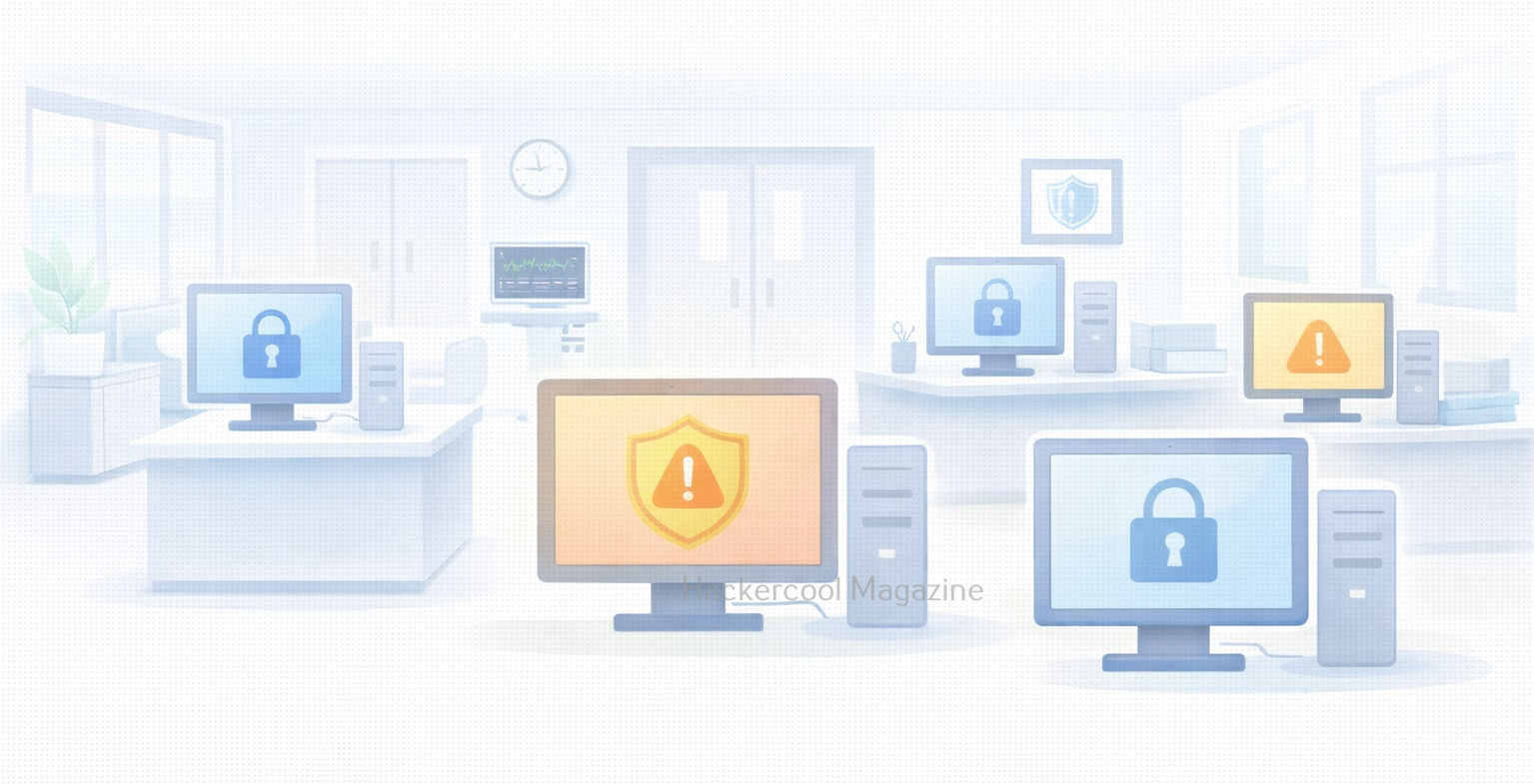
WannaCry spread rapidly across the globe in 2017, encrypting files and demanding ransom payments. It used EternalBlue to move automatically from one Windows system to another, causing massive disruption to hospitals, businesses and governments.
NotPetya:
NotPetya also leveraged EternalBlue to spread inside corporate networks. Unlike typical ransomware, its primary goal was destruction, not profit. These attacks showed how a single vulnerability could cause global-scale damage.
Why EternalBlue Still Matters Today?
Even years after its disclosure, this vulnerability remains relevant for beginners to study. Reasons include:
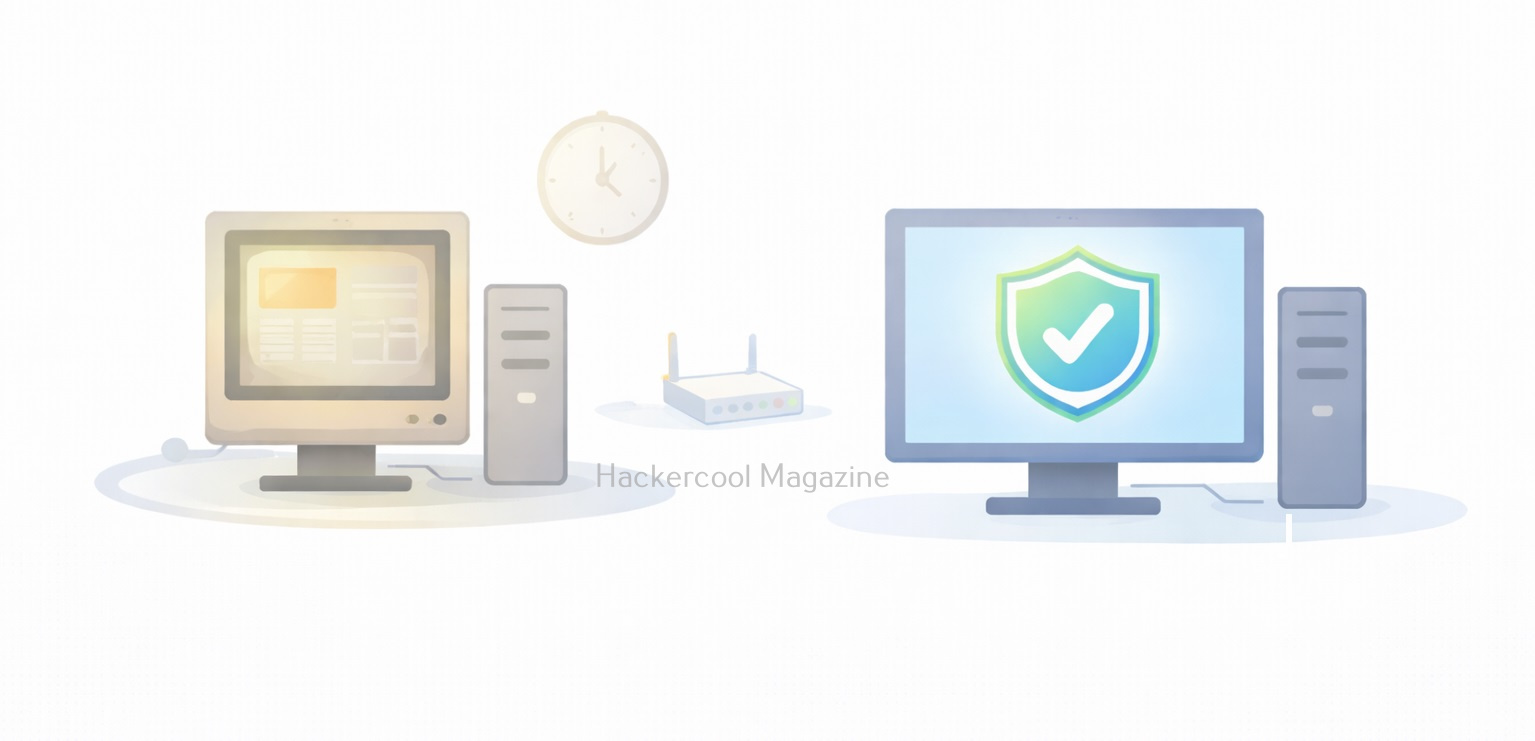
- Many legacy systems still exist
- Some networks still expose SMB services
- Poor patch management remains common
- The vulnerability represents a perfect storm of design flaws and operational failures
EternalBlue reminds us that unpatched systems are a long-term risk, not a short-term problem.
What Beginners Should Understand About EternalBlue?
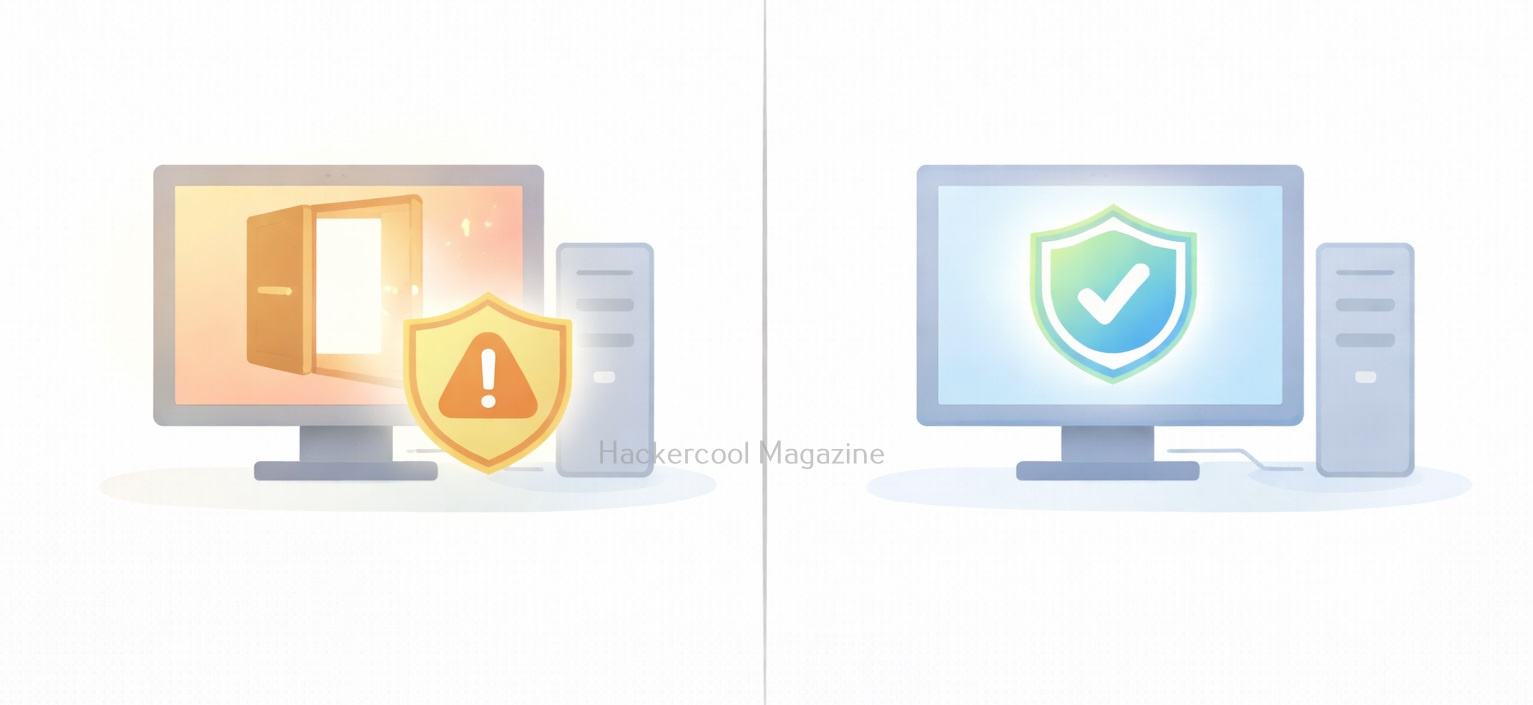
For cybersecurity beginners, this vulnerability is not about learning how to exploit systems. Instead, it teaches:
- Why vulnerabilities are classified as “critical”
- How one flaw can enable large-scale attacks
- The importance of defense over offense
- Why security basics matter more than advanced tools
Understanding EternalBlue builds strong foundational thinking.
Proof of Concept
As the vulnerability is so famous (I mean infamous), Metasploit has already released exploit modules for this particular vulnerability.

We are going to test some of these modules on a Windows 7 target. Let’s first use the scanner module of metasploit to test whether this machine is vulnerable to EternalBlue vulnerability.

Set the RHOSTS option and execute the module.

The scanner module confirms that the target is indeed vulnerable. Now, let’s load the module for exploiting Eternal Blue vulnerability and grab a session.
Want to Learn Ethical Hacking Step-by-Step?
If you’re serious about learning cybersecurity, a structured roadmap makes the journey much easier.
Download The Beginner Ethical Hacker Starter Kit (2026 Edition) and discover:
✔ The ethical hacking learning path
✔ Beginner-friendly security concepts
✔ Essential tools ethical hackers use
✔ The most common vulnerabilities explained

Set all the required options and use “check” command to see if the target is indeed vulnerable.

After all the required options are set, execute the module.

As you can see, we got a meterpreter session on the target system and that too with SYSTEM privileges.
Lessons to defenders from EternalBlue
EternalBlue taught the cybersecurity community several critical lessons. They are,
1. Patch Management Is Essential:
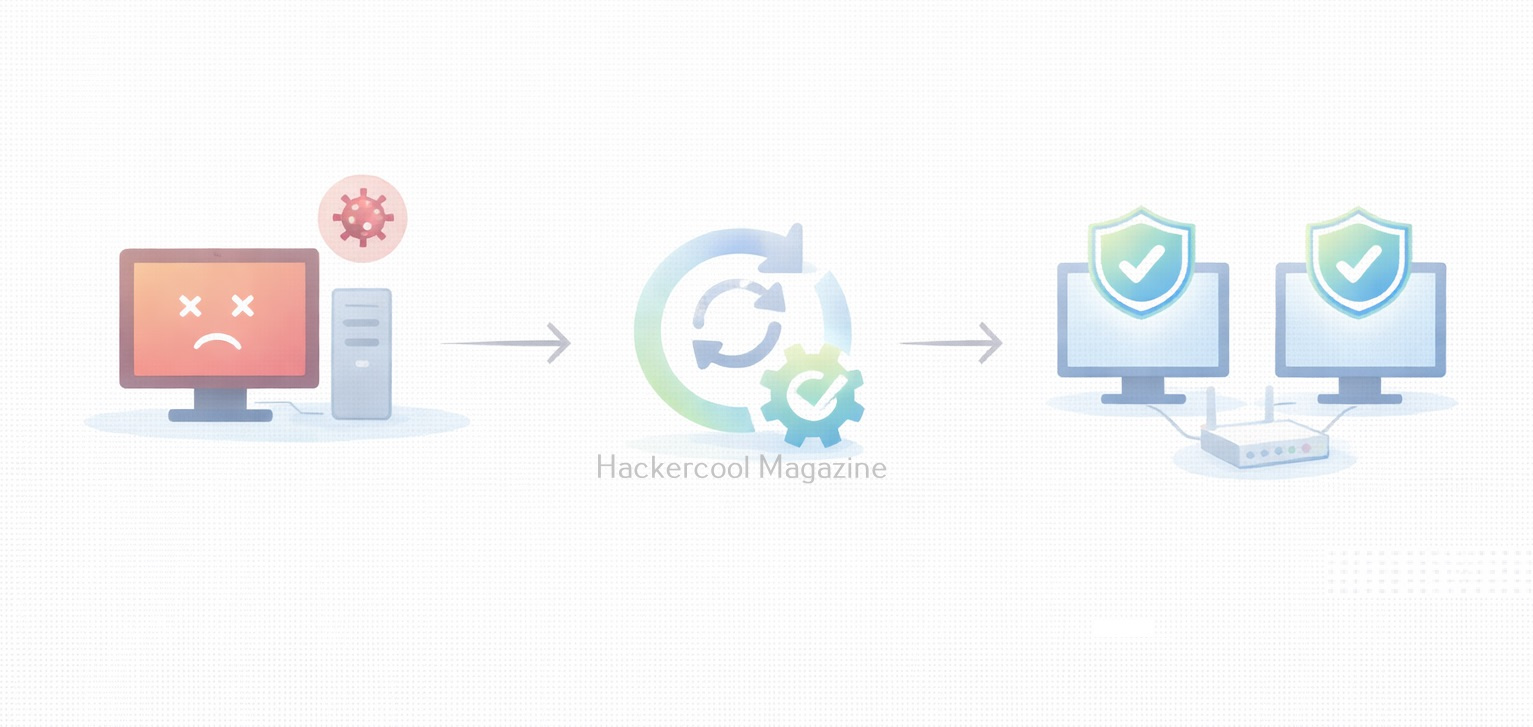
Microsoft released patches before the major attacks occurred. Systems that were updated were protected. Those that weren’t suffered the consequences.
2. Legacy Protocols Are Dangerous:
SMBv1 was outdated and insecure. Disabling unnecessary legacy protocols reduces attack surface.
3. Network Segmentation Matters:
Flat networks allowed malware to spread rapidly. Segmentation can limit the impact of a breach.
4. Exposure Equals Risk:
Services exposed to networks, especially the internet must be carefully controlled and monitored.
Conclusion
EternalBlue is a landmark vulnerability in cybersecurity history. It demonstrated how a single flaw, combined with poor patching and legacy systems could cripple organizations worldwide.
For beginners, EternalBlue is a reminder that cybersecurity is not just about advanced hacking techniques. Often, the most devastating attacks succeed because basic security practices were ignored.
Start Your Ethical Hacking Journey Today
Learning cybersecurity can feel overwhelming at first. The best way to start is with a clear roadmap and the right resources.
Download The Beginner Ethical Hacker Starter Kit (2026 Edition) and get instant access to:
Ethical Hacking Fundamentals
A beginner cybersecurity learning roadmap
Essential hacking tools every beginner should know
Common vulnerabilities explained simply