
Hello, aspiring ethical hackers. In one of our previous blogposts, you learnt about network scanning. In this blogpost, you will learn about netdiscover tool. It is an active/passive network address discovering tool that was actually developed to discover wireless networks during wardriving but can also detect addresses on switched networks. It used ARP packets to detect network addresses.
New to Ethical Hacking?
Start your journey with The Beginner Ethical Hacker Starter Kit (2026 Edition).
Inside the free guide, you’ll learn:.
- Ethical hacking fundamentals
- Beginner cybersecurity roadmap
- Essential hacking tools
- Common vulnerabilities explained
It is mostly used to find the target IP address in hack the box challenges. But it can also be used to scan for network addresses of a network in real-world pen testing. It is installed by default in Kali Linux and we are going to use same for this tutorial.
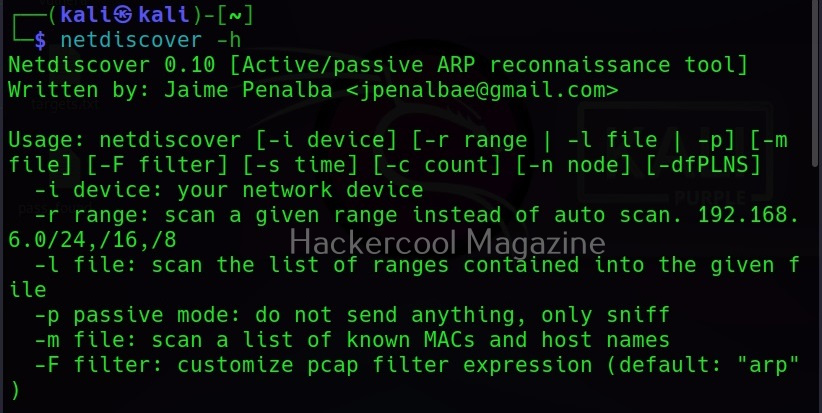
The simplest way of using netdiscover to find out network addresses is to simply type the command “netdiscover” in the terminal as shown below.

Then it slowly scans for network addresses as shown below. This is how most people use it.
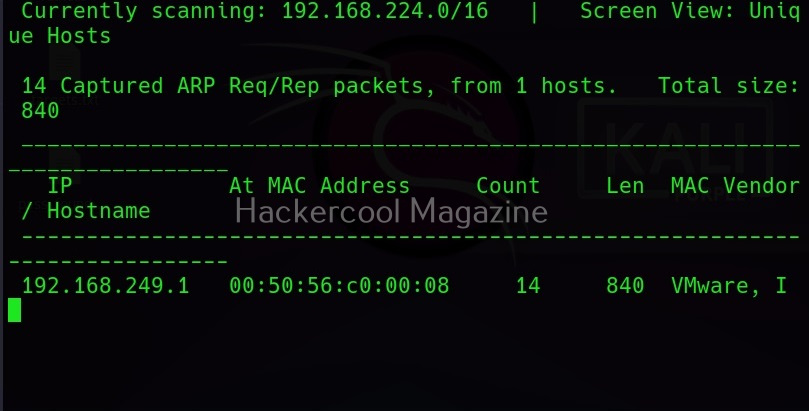
Fast mode
However, you don’t have to wait for netdiscover to finish scanning as long as it takes. You can scan faster with netdiscover too using the “-f” option.

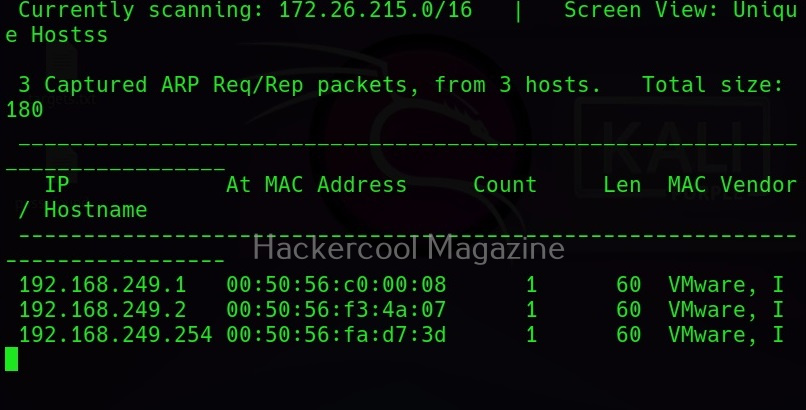
Interface mode
Netdiscover can be set to scan network addresses on a specific network interface you want. For example, on Kali Linux, let’s use the command “ip a” to view all the network interfaces connected to it.
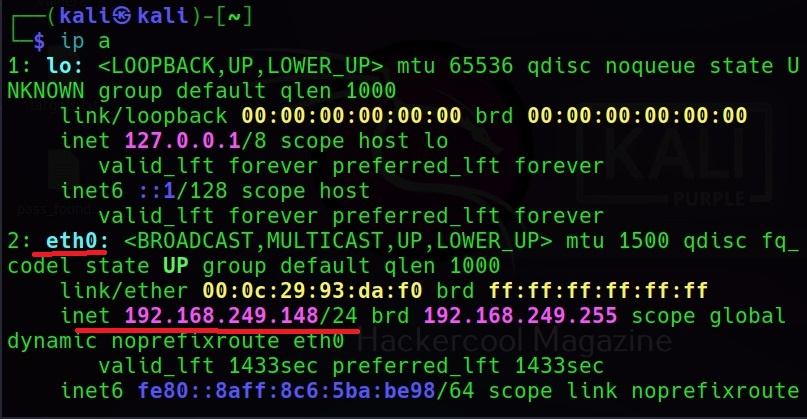
Interface mode can be set with the “-i” option. For example, let’s scan the interface “eth0” as shown below.
Want to Learn Ethical Hacking Step-by-Step?
If you’re serious about learning cybersecurity, a structured roadmap makes the journey much easier.
Download The Beginner Ethical Hacker Starter Kit (2026 Edition) and discover:
✔ The ethical hacking learning path
✔ Beginner-friendly security concepts
✔ Essential tools ethical hackers use
✔ The most common vulnerabilities explained

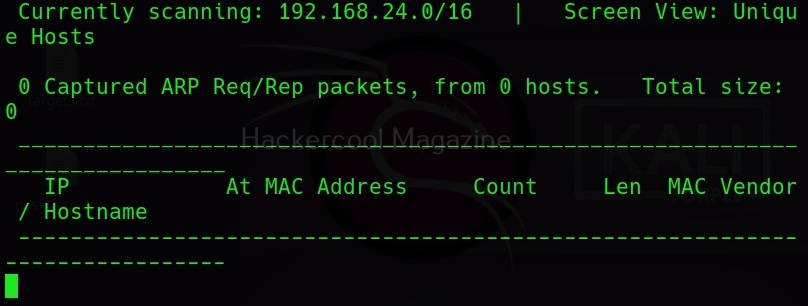
Scan a specific range
Similarly, netdiscover can be used to scan a specific range as shown below. For example, let’s scan the range 192.168.248.0/24.

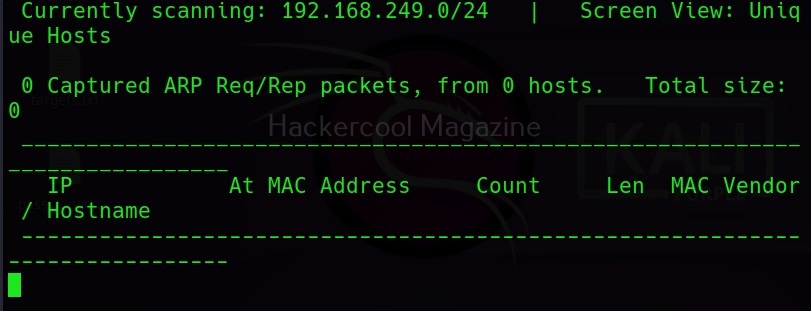
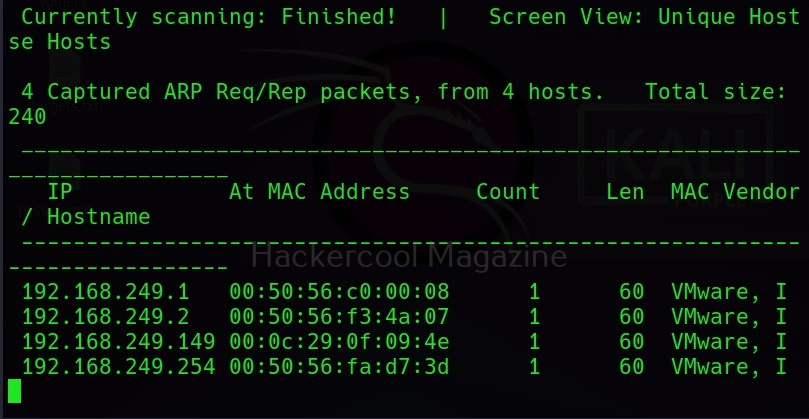
Printable form (-p)
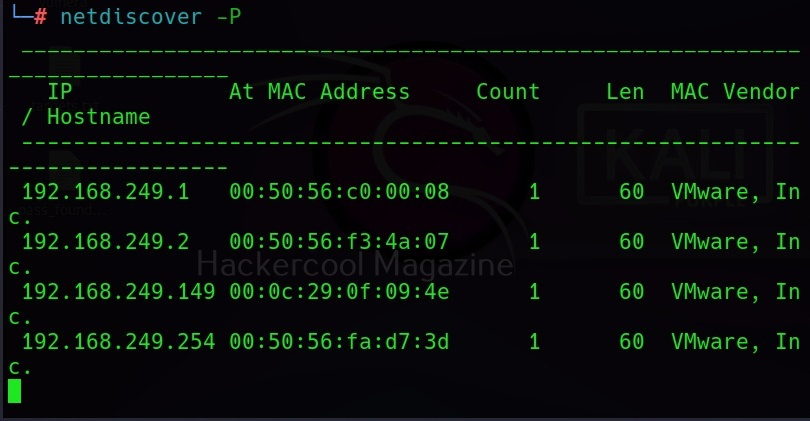
Netdiscover can also display its output in a way easy for printing using the “-p” option.
Start Your Ethical Hacking Journey Today
Learning cybersecurity can feel overwhelming at first. The best way to start is with a clear roadmap and the right resources.
Download The Beginner Ethical Hacker Starter Kit (2026 Edition) and get instant access to:
✔ Ethical hacking fundamentals
✔ A beginner cybersecurity learning roadmap
✔ Essential hacking tools every beginner should know
✔ Common vulnerabilities explained simply


