
Hello, aspiring ethical hackers. In this article, you will learn about Bloodhound, an open-source tool that helps in identifying attack paths and relationships in Active Directory environment. Its also useful in uncovering hidden information about domain and security misconfigurations in AD (which would be impossible to find otherwise). Bloodhound is one of the favorite tools of both Red team hackers and Blue Team hackers.
New to Ethical Hacking?
Start your journey with The Beginner Ethical Hacker Starter Kit (2026 Edition).
Inside the free guide, you’ll learn:.
- Ethical hacking fundamentals
- Beginner cybersecurity roadmap
- Essential hacking tools
- Common vulnerabilities explained
Let’s see how this tool works. For this, we will be using Kali Linux as bloodhound is available by default in its repositories.
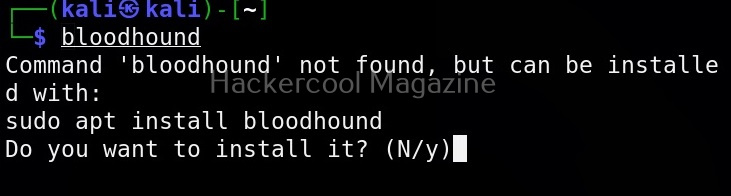
Once bloodhound is installed successfully you need to change permissions of the “neo4j” folder as shown below. Ne04i is a native graph database that is used by bloodhound.

Next, we need to start neo4j console as shown below.
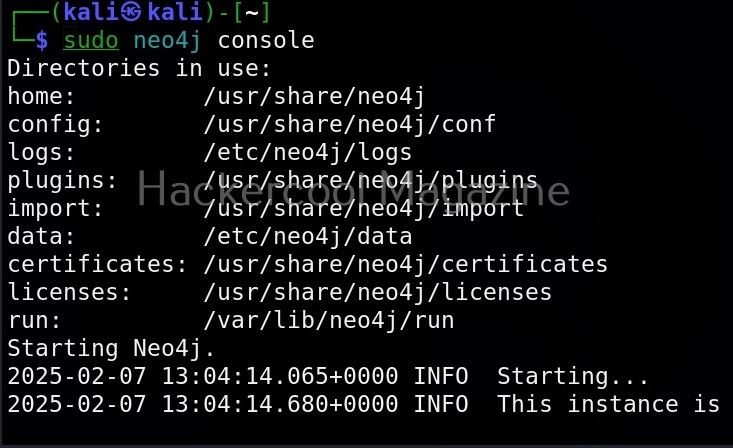
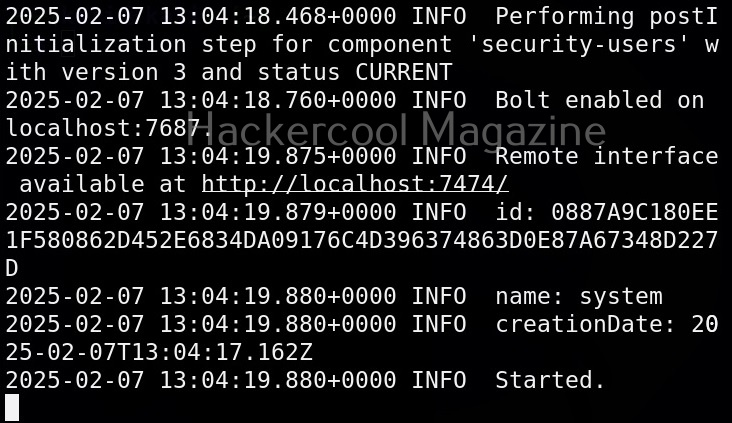
It provides a remote interface as the URL as shown in the above image. Click on that URL to access the remote interface. The URL opens in a browser. It will prompt you for authentication. The default username and password for logging into Neo4j is (neo4j;neo4j).
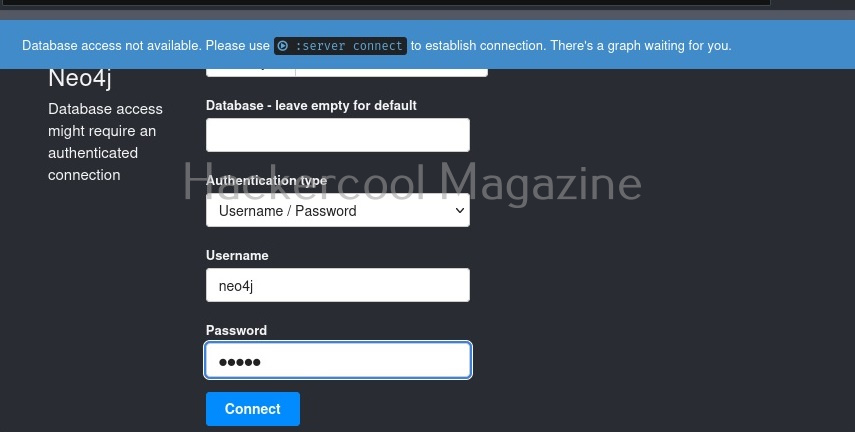
Unless you change the default credentials, Ne04j will not work. So change the password.
Want to Learn Ethical Hacking Step-by-Step?
If you’re serious about learning cybersecurity, a structured roadmap makes the journey much easier.
Download The Beginner Ethical Hacker Starter Kit (2026 Edition) and discover:
✔ The ethical hacking learning path
✔ Beginner-friendly security concepts
✔ Essential tools ethical hackers use
✔ The most common vulnerabilities explained
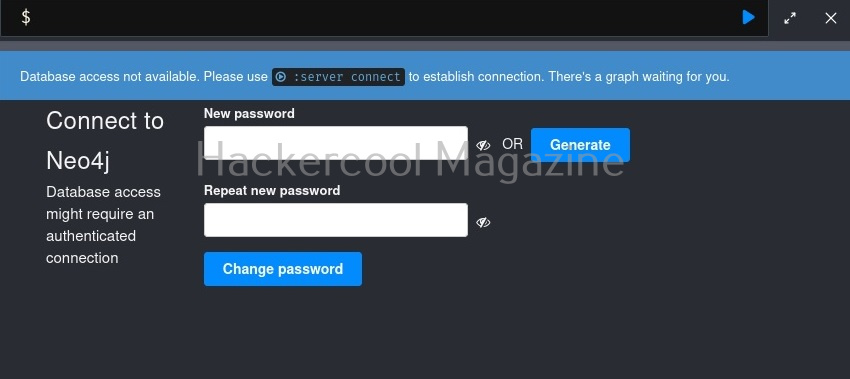
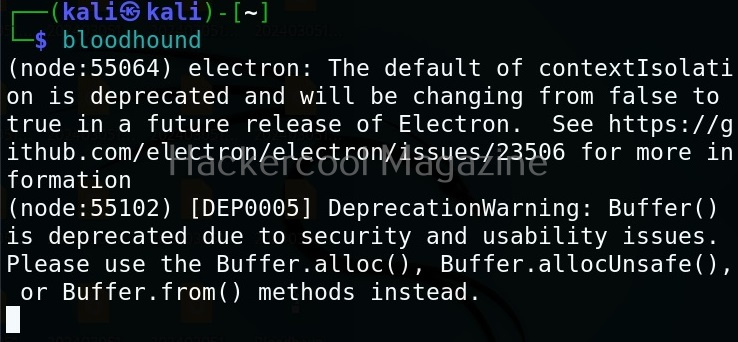
Now, Neo4j database is all set. To start bloodhound, use command as shown below.
bloodhound
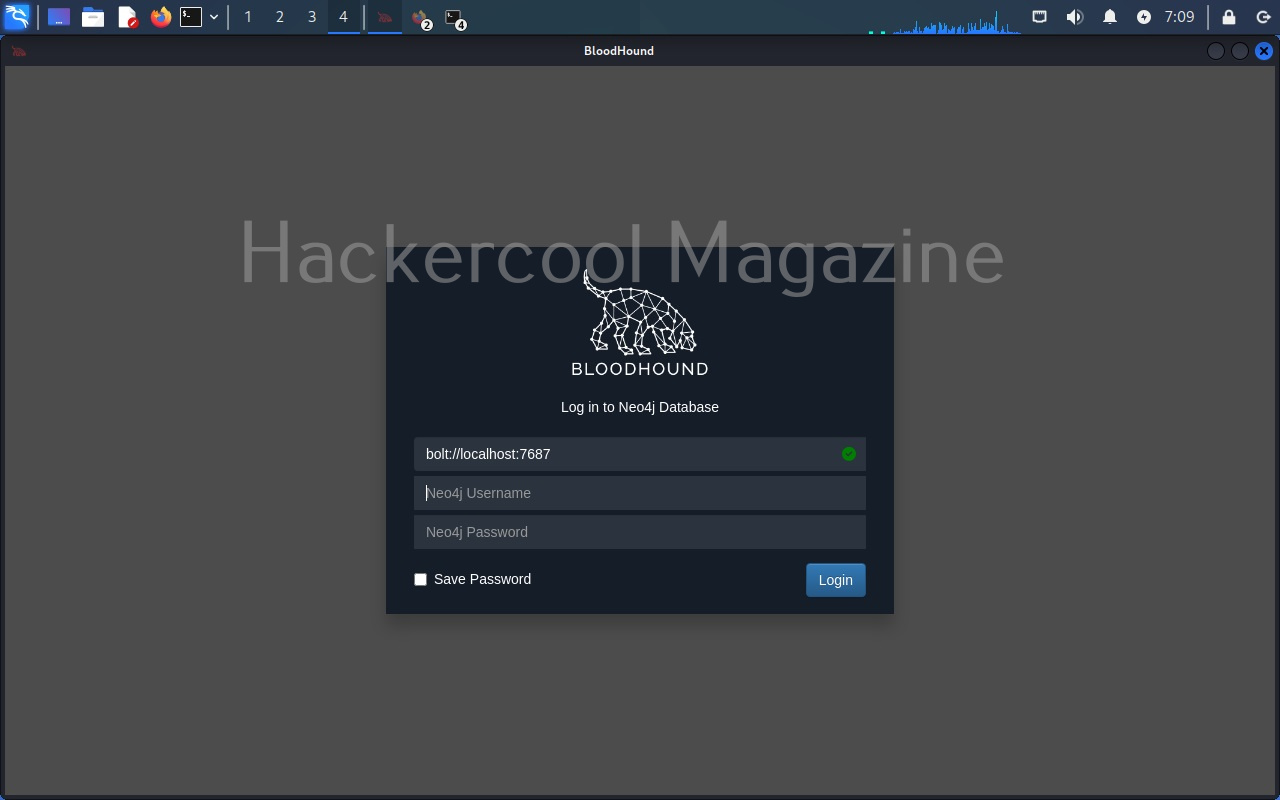
A browser should automatically open with a login option as shown below. Login with the Neo4j username and the new password you set.
A almost white screen should welcome you as shown below.
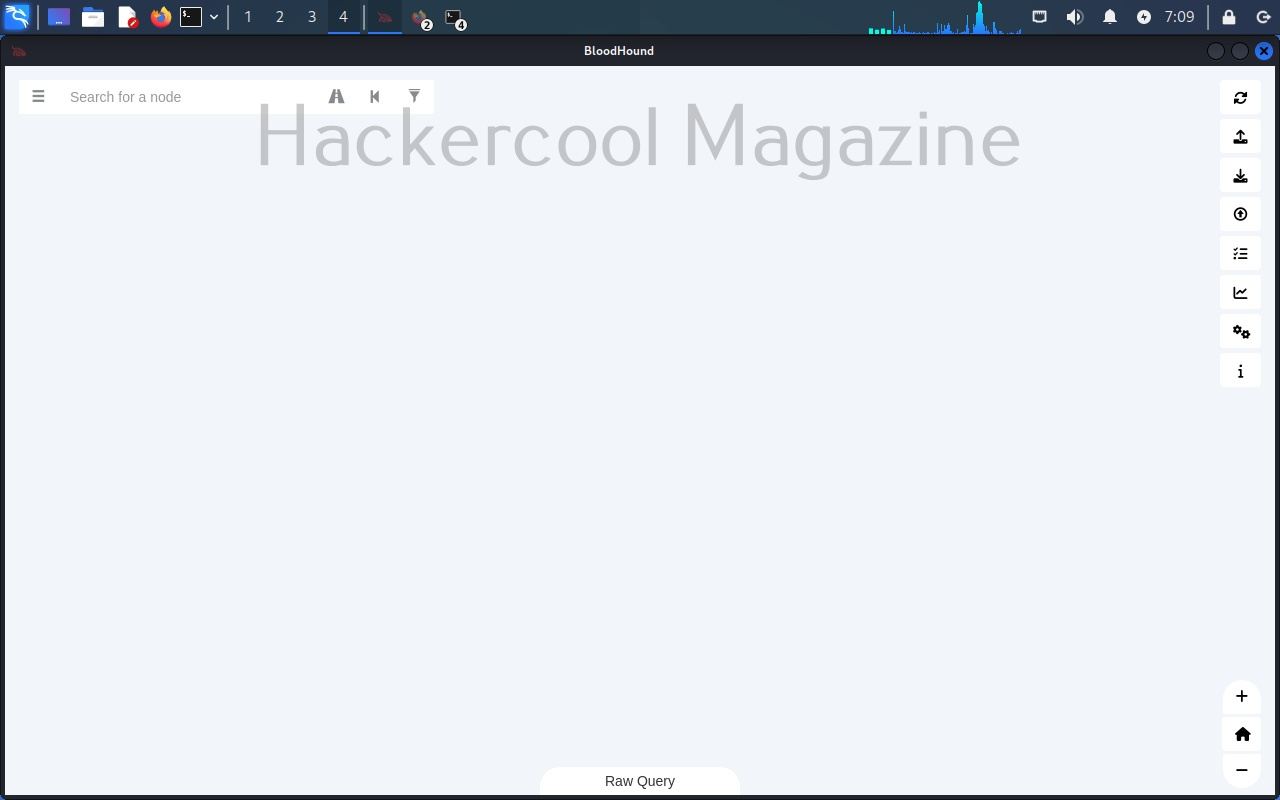
Bloodhound is successfully installed and ready to be used. To see how this tool works first we need to collect data belonging to a active directory environment. This can be done using a tool provided by the makers of bloodhound known as SharpHound. Data can be collected using SharpHound as shown below.

However, SharpHound has been giving some errors while collecting data lately. See, if it works for you. There is also some sample data available for download to see the working of bloodhound. This can be downloaded from here. This sample data in the form of zip archive can be uploaded to bloodhound as shown below.
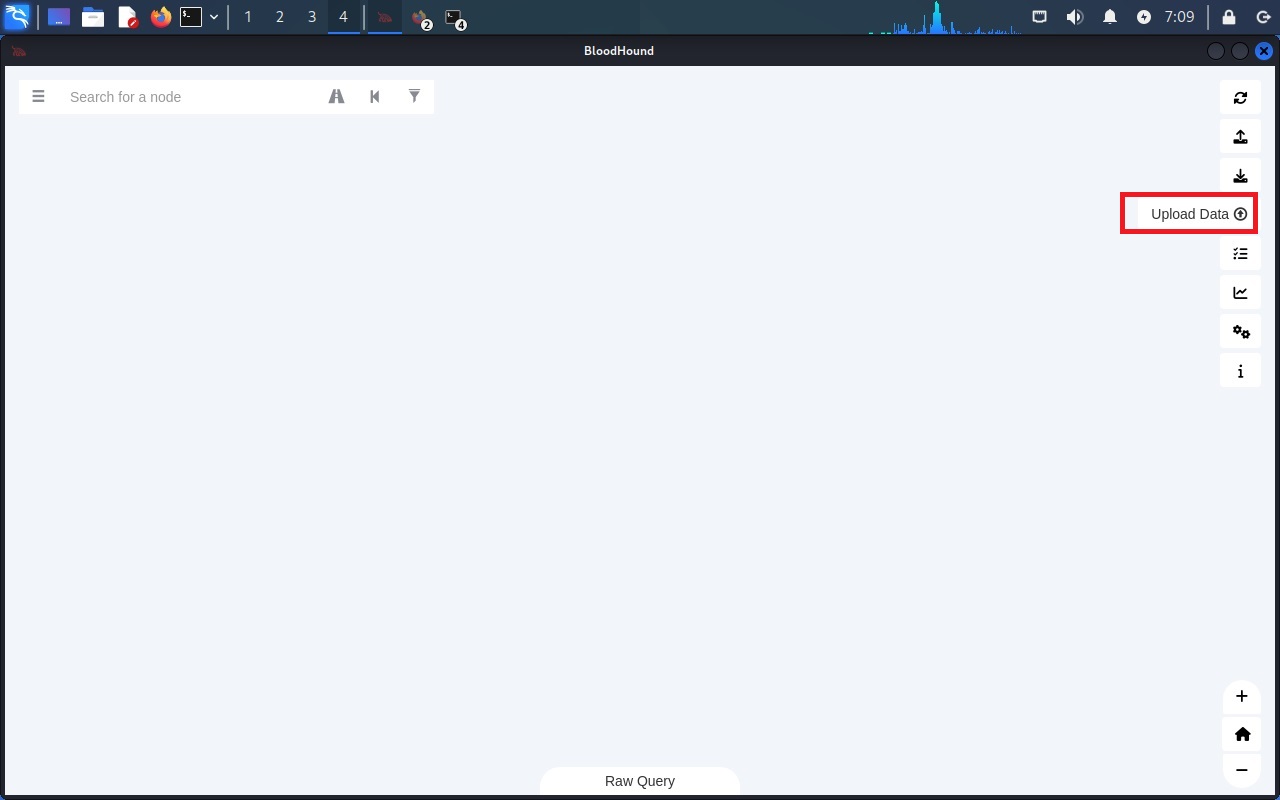
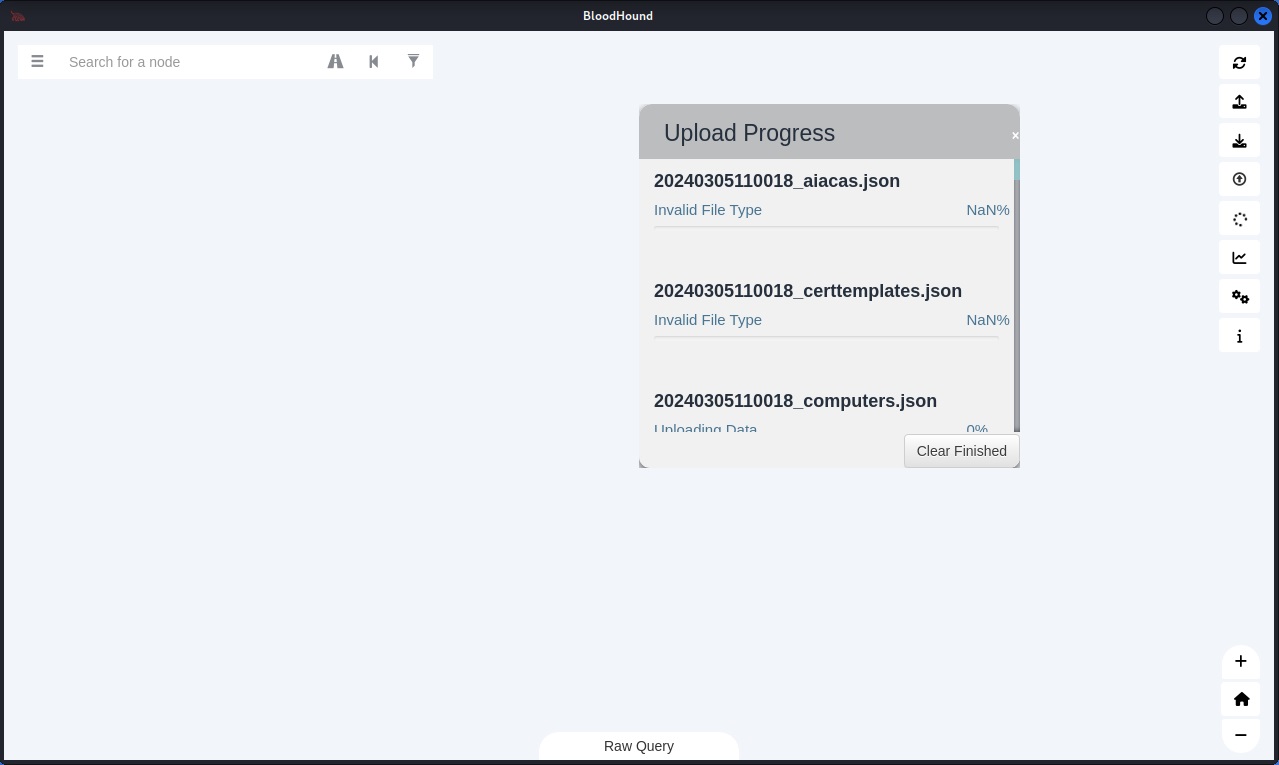
Even uploading of this data is posing some problems. But don’t worry. we will soon be updating this article. Please watch out.
Start Your Ethical Hacking Journey Today
Learning cybersecurity can feel overwhelming at first. The best way to start is with a clear roadmap and the right resources.
Download The Beginner Ethical Hacker Starter Kit (2026 Edition) and get instant access to:
Ethical Hacking Fundamentals
A beginner cybersecurity learning roadmap
Essential hacking tools every beginner should know
Common vulnerabilities explained simply


