
Hello, aspiring Ethical Hackers. In our previous blogpost, you learnt what is Enumeration, what are its uses, why it is used and types of enumeration. In this blogpost, you will learn about NetBIOS enumeration. If you’re learning ethical hacking or cybersecurity, you’ll soon discover that gathering information is one of the most important parts of a security assessment.
Before security professionals look for vulnerabilities, they first try to understand the systems they’re working with. This process is known as enumeration. One network service that often appears in Windows environments is NetBIOS.
Although many modern networks rely on newer technologies, NetBIOS can still be found in legacy systems and internal corporate networks. Learning how NetBIOS works and what information it can reveal helps beginners understand how network services expose useful information during security assessments.
In this beginner-friendly guide, you’ll learn:
- What NetBIOS is
- What NetBIOS enumeration means
- Why NetBIOS is important
- Information that may be discovered
- How NetBIOS fits into ethical hacking
- Common beginner mistakes
- Safe ways to practice
New to Ethical Hacking?
Start your journey with The Beginner Ethical Hacker Starter Kit (2026 Edition).
Inside the free guide, you’ll learn:.
- Ethical hacking fundamentals
- Beginner cybersecurity roadmap
- Essential hacking tools
- Common vulnerabilities explained

What is NetBIOS?
NetBIOS stands for Network Basic Input/Output System. It is an older networking technology that allows computers on the same network to communicate and share resources. NetBIOS was widely used in Windows networking before modern directory and name resolution technologies became common.
Although many organizations now use newer protocols, NetBIOS is still enabled in internal environments for compatibility with older systems.

Why Was NetBIOS Created?
Before modern networking technologies became widespread, computers needed a simple way to:
- Identify each other
- Share files
- Share printers
- Exchange information
- Communicate across local networks
NetBIOS helped provide these capabilities. Today, many of these functions are handled by newer technologies but understanding NetBIOS remains useful for cybersecurity professionals.

What is NetBIOS Enumeration?
NetBIOS enumeration is the process of collecting information from systems that provide NetBIOS services. The objective is to understand more about devices connected to a network.
Information gathered may include:
- Computer names
- Workgroup or domain names
- Shared resources
- User information
- Network services
Simply put, NetBIOS enumeration helps identify Windows network information that systems may make available.
Why Learn NetBIOS Enumeration?
As a beginner, a question may often popup in your mind. Why should you study an older and almost dying protocol. Well, there are several reasons.
Legacy Systems Still Exist:
Many organizations continue to operate older Windows systems for compatibility reasons. Understanding legacy technologies helps security professionals assess these environments.
Information Gathering Skills:
NetBIOS teaches beginners how different network services reveal useful information. The investigative process is valuable regardless of the protocol being examined.
Windows Networking Knowledge:
Many enterprise environments still rely heavily on Windows infrastructure. Learning NetBIOS helps build a stronger understanding of Windows networking.

NetBIOS in Ethical Hacking
During an authorized security assessment, NetBIOS enumeration may occur after discovering active hosts and available services.
A simplified workflow might look like this:
- Reconnaissance
- Host Discovery
- Port Scanning
- Service Enumeration
- NetBIOS Enumeration
- Analysis
- Reporting
Enumeration helps security professionals understand what information a system exposes before moving on to further testing.
Information That NetBIOS Enumeration Can Reveal
Depending on how a system is configured, NetBIOS may provide useful information.
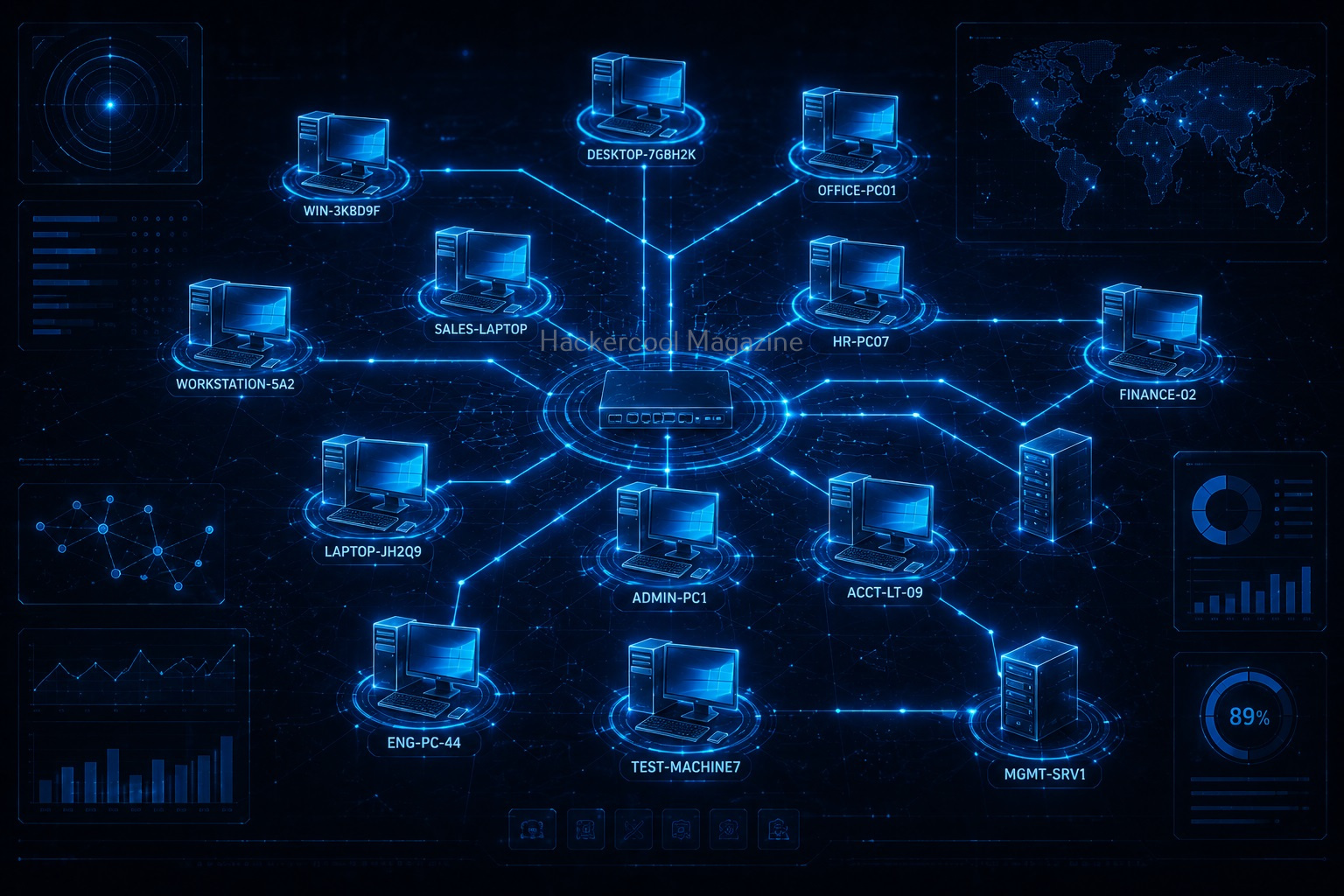
1. Computer Names:
Every computer on a Windows network typically has a unique name. Knowing hostnames helps identify systems during an assessment.
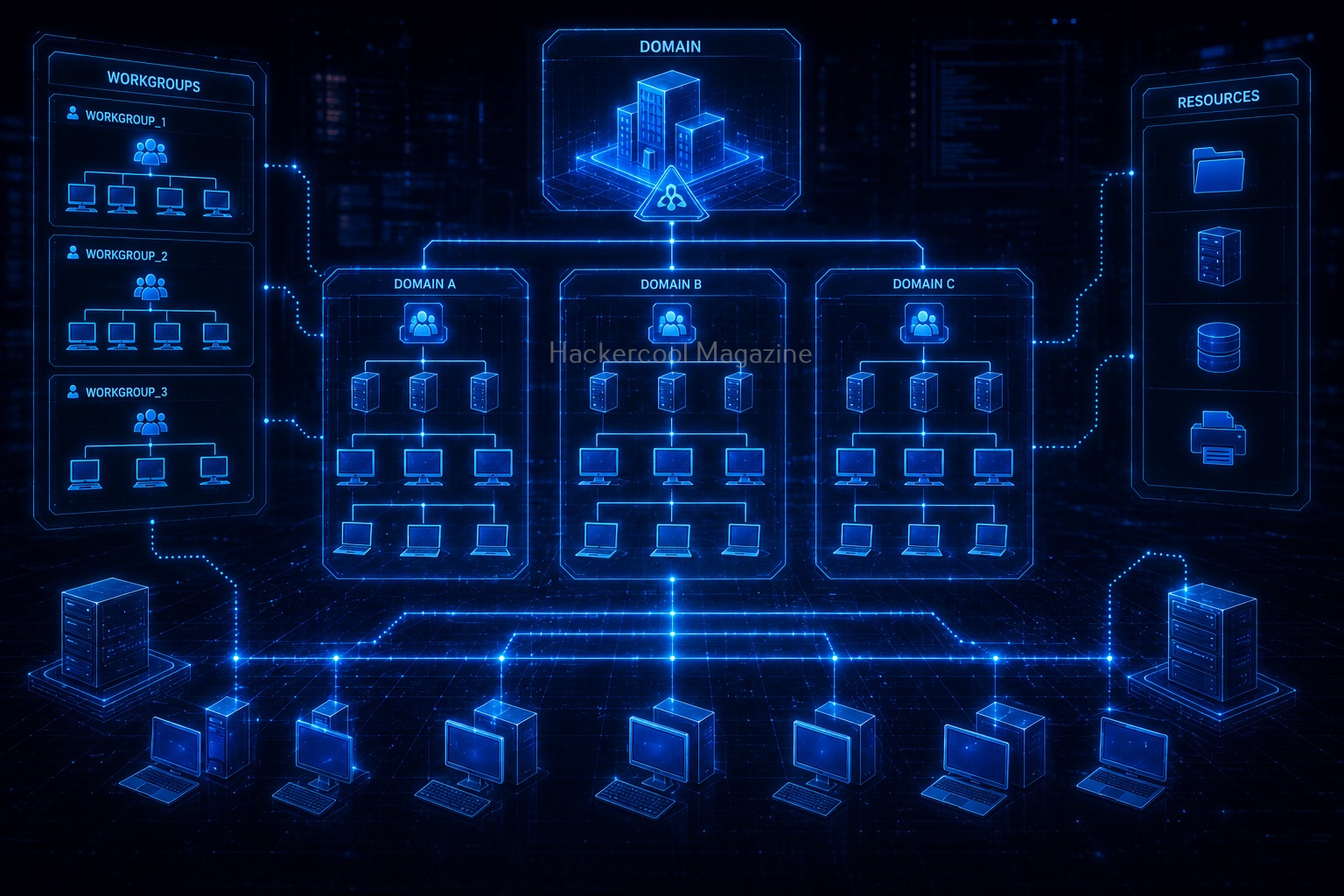
2. Workgroup or Domain Information:
Many Windows computers belong to a workgroup or an Active Directory domain. This information provides valuable context about the environment.

3. Shared Resources:
Organizations often share folders and printers across local networks.
Enumeration may identify:
- Shared folders
- Shared printers
- Public resources
Understanding shared resources helps build an inventory of available services.

4. User Information:
Some configurations may reveal user account names. Usernames help administrators understand which accounts are visible on the network.

5. Network Services:
NetBIOS can provide information about services available on a particular system. This contributes to understanding the role of the device within the network.
Want to Learn Ethical Hacking Step-by-Step?
If you’re serious about learning cybersecurity, a structured roadmap makes the journey much easier.
Download The Beginner Ethical Hacker Starter Kit (2026 Edition) and discover:
✔ The ethical hacking learning path
✔ Beginner-friendly security concepts
✔ Essential tools ethical hackers use
✔ The most common vulnerabilities explained
Why NetBIOS Matters in Security?
Every network service increases the amount of information available about a system. Good security depends on understanding:
- Which services are running
- What information they expose
- Whether they are still required
- How they are configured
Security professionals review services regularly to reduce unnecessary exposure.

NetBIOS and Modern Networks
Many organizations now use newer technologies instead of relying heavily on NetBIOS. However, NetBIOS may still appear in:
- Legacy systems
- Internal business networks
- Older Windows environments
- Mixed infrastructure
Because cybersecurity professionals often encounter older systems, understanding NetBIOS remains useful.
Common Beginner Mistakes
When learning NetBIOS enumeration, beginners often make a few common mistakes.
Assuming Older Technologies Are Irrelevant:
Older protocols may still exist in production environments. Understanding them helps when assessing real-world networks.
Memorizing Tools Instead of Concepts:
Tools can gather information quickly. The important skill is understanding what that information means. Focus on concepts rather than commands.
Ignoring Documentation:
Record findings such as:
- Computer names
- Shared resources
- Domains
- Services
- Observations
Documentation is an important part of every security assessment.
Forgetting the Bigger Picture:
NetBIOS is only one information source. Combine findings from multiple services to build a complete understanding of the environment.
Practicing Without Authorization:
Only perform enumeration on:
- Home labs
- Virtual machines
- Systems you own
- Authorized training environments
Ethical hacking always requires permission.

Safe Ways to Practice
Beginners can safely learn NetBIOS concepts without accessing unauthorized systems. Here are some options to do so.
Home Lab:
Create a small Windows network using your own devices.
Virtual Machines:
Install multiple Windows virtual machines and explore how they communicate.
Cybersecurity Training Platforms:
Many educational labs simulate enterprise environments for learning.
Study Windows Networking:
Learning how Windows systems communicate provides valuable background knowledge.
A Simple Example
There are many tools that can be used to perform NetBIOS enumeration. Let’s see some of them.
1. nmblookup:
The nmblookup command in Linux allows users to query NetBIOS names and maps them to IP addresses in a network using NetBIOS over TCP/IP queries.

2. NBTscan:
NBTscan is a program that is used to scan IP networks for NetBIOS name information. It works by sending a NetBIOS status query to target system and lists received information in human readable form.


Skills Developed Through NetBIOS Enumeration
Learning NetBIOS enumeration builds important cybersecurity skills. They are,
Observation:
Learning to identify useful technical details.
Investigation:
Connecting information from multiple sources.
Windows Networking Knowledge:
Understanding enterprise network environments.

Documentation:
Developing professional reporting habits.
Analytical Thinking:
Turning collected information into meaningful insights.

Why Beginners Should Learn Enumeration?
NetBIOS enumeration is just one example of a broader cybersecurity skill. The real lesson is learning how to investigate network services.
The same approach applies to:
- DNS
- SMTP
- SNMP
- FTP
- LDAP
- NTP
The more services you understand, the better you’ll become at analyzing real-world environments.

Conclusion
NetBIOS may be an older networking technology, but it still teaches valuable lessons about information gathering and Windows networking. For beginners, learning NetBIOS enumeration develops the mindset needed for ethical hacking:
- Observe carefully
- Gather information methodically
- Understand what services reveal
- Document everything
Remember:
✔ NetBIOS is a Windows networking technology
✔ Enumeration helps identify systems and shared resources
✔ Legacy technologies still appear in many environments
✔ Concepts matter more than tools
✔ Practice only in authorized environments
Mastering NetBIOS enumeration is another step toward becoming a skilled cybersecurity professional with a strong foundation in network reconnaissance.
Start Your Ethical Hacking Journey Today
Learning cybersecurity can feel overwhelming at first. The best way to start is with a clear roadmap and the right resources.
Download The Beginner Ethical Hacker Starter Kit (2026 Edition) and get instant access to:
✔ Ethical hacking fundamentals
✔ A beginner cybersecurity learning roadmap
✔ Essential hacking tools every beginner should know
✔ Common vulnerabilities explained simply