

Learning ethical hacking doesn’t require an expensive cybersecurity lab or a corporate network. With a computer, free software and a controlled environment, beginners can build a practical home lab where they can safely learn networking, vulnerability assessment, web security, enumeration and penetration testing. The most important rule is simple: only practice against systems you own or have explicit permission to test.
A home lab gives you something that tutorials alone cannot provide, an environment where you can experiment, make mistakes, troubleshoot problems and learn how security tools actually work. In this guide, we’ll explore some of the best free tools and platforms beginners can use to practice ethical hacking at home.
New to Ethical Hacking?
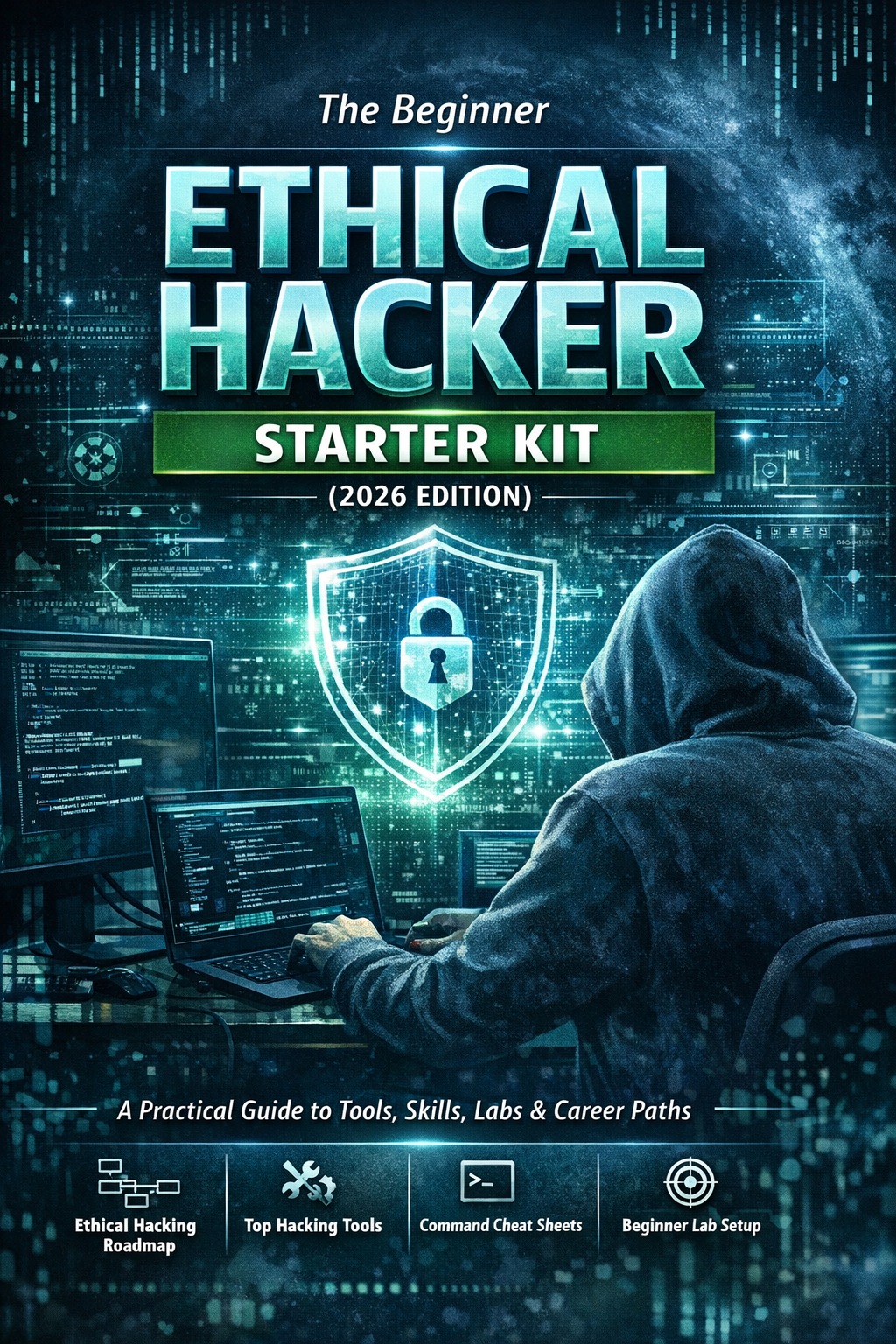
Start your journey with The Beginner Ethical Hacker Starter Kit (2026 Edition).
Inside the free guide, you’ll learn:.
- Ethical hacking fundamentals
- Beginner cybersecurity roadmap
- Essential hacking tools
- Common vulnerabilities explained

Why Build an Ethical Hacking Home Lab?
Watching cybersecurity tutorials can teach you concepts but hands-on practice helps turn those concepts into skills. A home lab allows you to:
- Practice safely
- Experiment with security tools
- Understand network communication
- Test vulnerable applications
- Learn Linux and Windows security
- Practice vulnerability scanning
- Improve troubleshooting skills
You don’t need a powerful computer to begin. Start small and expand your lab as your skills improve.

1. VirtualBox
One of the easiest ways to create a cybersecurity lab is by using virtualization. VirtualBox is a free virtualization platform that allows you to run multiple operating systems on a single computer. For example, you could create virtual machines running:
- Linux
- Windows
- Vulnerable practice systems
These machines can communicate through an isolated virtual network.
Why Beginners Should Use It:
Virtualization means you don’t need several physical computers to create a small lab. You can experiment with different systems while keeping your practice environment separate from your everyday computer.

2. Kali Linux
Kali Linux is a popular Linux distribution designed for security professionals and cybersecurity learners. It includes many security-related tools for,
- Network analysis
- Web application testing
- Digital forensics
- Password auditing
- Wireless security
- Vulnerability assessment
Why Beginners Should Learn Kali Linux:
Kali provides a convenient environment for learning cybersecurity tools. However, don’t make the mistake of thinking that installing Kali makes you an ethical hacker. Learn the underlying concepts first.
3. Parrot Security
Parrot Security is another Linux distribution designed for security testing, privacy and development. It provides a lightweight alternative for learners who want a security-focused operating system.
Why Use It?
It can help beginners explore:
- Security tools
- Linux administration
- Privacy technologies
- Development environments
You can run it inside a virtual machine as part of your home lab.

4. Metasploitable
Metasploitable is a deliberately vulnerable virtual machine designed for security training. Unlike normal operating systems, it contains intentionally insecure services and configurations. This makes it useful for practicing security assessment techniques.
Why Beginners Should Use It?
Instead of scanning random systems on the internet, you can scan a machine specifically designed for learning. This provides a much safer environment for experimentation.

5. OWASP Juice Shop
Web application security is an important part of ethical hacking. OWASP Juice Shop is a deliberately insecure web application designed for security training. It contains numerous vulnerabilities that allow learners to study web security concepts in a controlled environment.
What Can You Learn?
Juice Shop can help beginners explore topics such as:
- Authentication weaknesses
- Access control
- Input validation
- Web application security
It is particularly useful when learning alongside tools such as Burp Suite.

6. DVWA
Damn Vulnerable Web Application (DVWA) is another intentionally vulnerable web application. It provides a controlled environment for learning common web security concepts.
Why Beginners Should Use It?
DVWA is useful for understanding vulnerabilities rather than simply reading about them. You can observe how insecure application behavior works and learn how developers can prevent similar problems.

7. Nmap
Nmap is one of the most important tools beginners should learn. It helps with network discovery and security auditing. In your home lab, you can use it to understand:
- Active hosts
- Open ports
- Running services
- Network architecture
What You’ll Learn?
Nmap helps reinforce networking concepts such as:
- IP addresses
- Ports
- Protocols
- Services

8. Wireshark
Wireshark is a network protocol analyzer. It allows you to capture and inspect network traffic inside your lab. Instead of simply reading about protocols, you can observe how systems actually communicate.
Practice Topics
You can explore:
- DNS traffic
- TCP connections
- HTTP communication
- Network troubleshooting
Wireshark is especially valuable because it teaches you to think about what is happening at the packet level.

9. Burp Suite Community Edition
Burp Suite is widely used for web application security testing. The Community Edition provides a useful environment for beginners to learn web security concepts. You can use it with vulnerable applications such as Juice Shop or DVWA.
Concepts to Practice:
Learn how:
- Browsers send requests
- Servers return responses
- Cookies work
- Sessions are maintained
- Applications process input
Understanding HTTP is more important than memorizing Burp Suite features.

10. OWASP ZAP
OWASP ZAP is an open-source web application security testing tool. It provides another way to explore web security in your lab.
Why Beginners Should Try It:
ZAP can help you understand:
- Web application scanning
- HTTP traffic
- Application structure
- Potential security issues
Learning both ZAP and Burp Suite can help you understand common web security workflows.
Want to Learn Ethical Hacking Step-by-Step?
If you’re serious about learning cybersecurity, a structured roadmap makes the journey much easier.
Download The Beginner Ethical Hacker Starter Kit (2026 Edition) and discover:
✔ The ethical hacking learning path
✔ Beginner-friendly security concepts
✔ Essential tools ethical hackers use
✔ The most common vulnerabilities explained

11. Gobuster
Gobuster is commonly used for content discovery and enumeration. In an authorized home lab, you can use it to explore how web applications are structured.
What You’ll Learn:
It introduces concepts such as:
- Directories
- Files
- Virtual hosts
- Web enumeration
Use it only against applications you own or are authorized to test.

12. Nikto
Nikto is a web server assessment tool. It can identify various potentially insecure configurations and outdated components. A vulnerable web server in your lab gives you a safe target for learning how web server assessment works.

13. John the Ripper
Password security is another important area of ethical hacking. John the Ripper is a password auditing tool that can be used in controlled environments to understand password security.
What You’ll Learn:
It introduces:
- Password hashes
- Password policies
- Authentication security
- Password strength
Practice only with credentials and password hashes created for your lab.
14. Hashcat
Hashcat is another widely used password security auditing tool. It provides an opportunity to study password hashing and the importance of strong authentication.
Beginner Lesson:
The goal isn’t simply to recover a password. The important lesson is understanding why weak passwords and poorly protected credentials create security risks.
15. Netcat
Netcat is a simple networking utility that beginners can use to understand client-server communication. It can help you explore how network connections work inside your lab.
Why Learn It?
Netcat reinforces concepts such as:
- TCP connections
- Ports
- Client-server communication
- Network troubleshooting
It is a great tool for strengthening networking fundamentals.

16. OpenVAS / Greenbone Community Edition
Vulnerability scanning is another useful skill to practice at home. Greenbone’s community-oriented vulnerability management tools can be used in suitable lab environments to explore vulnerability assessment.
What You’ll Learn:
You can study:
- Vulnerability identification
- Severity ratings
- Security reports
- Remediation concepts
Don’t simply run scans and accept every result as fact. Learn how to interpret findings.

17. Security Onion
If you’re interested in defensive cybersecurity, Security Onion is worth exploring. It is a Linux-based platform designed for security monitoring, network visibility, threat hunting and related defensive activities.
Why Include It in Your Lab?
Ethical hacking isn’t only about attacking systems. Understanding how defenders detect suspicious activity makes you a better security professional.

18. TryHackMe
Online cybersecurity training platforms can complement your home lab. TryHackMe provides guided learning experiences and practical cybersecurity exercises. It can be useful when you need structured exercises instead of creating every lab yourself.
19. Hack The Box
Hack The Box provides hands-on cybersecurity challenges and intentionally vulnerable environments. It can help learners move from guided exercises toward more independent problem-solving. Beginners should start with appropriate introductory content before attempting advanced machines.

How to Build a Simple Home Lab
You don’t need all the tools listed above. Start with a small environment.
Beginner Setup:
Your first lab could contain:
Host computer
↓
VirtualBox
↓
Kali Linux
↓
Metasploitable
↓
OWASP Juice Shop
You can then add additional systems as you become more comfortable.

What Should Beginners Practice?
Don’t randomly run tools. Give every lab session a goal.
For example,
Lab 1: Networking
Learn IP addresses, ports and services.
Lab 2: Network Discovery
Use Nmap to map your isolated lab.
Lab 3: Packet Analysis
Use Wireshark to observe traffic.
Lab 4: Web Security
Study HTTP using Juice Shop and Burp Suite.
Lab 5: Vulnerability Assessment
Run vulnerability scans against your intentionally vulnerable machines.
Lab 6: Documentation
Write a simple security assessment report describing what you discovered.
This approach turns individual tools into a structured learning program.
Common Home Lab Mistakes
Installing Too Many Tools:
You don’t need 50 tools. Master a few fundamentals first.
Making the Lab Accessible to the Internet:
Keep intentionally vulnerable machines isolated. Don’t expose vulnerable systems directly to the public internet.
Focusing Only on Exploitation:
Learn how vulnerabilities work and how they can be fixed.
Ignoring Documentation:
Professional security work requires clear reporting.
Record what you tested, what you discovered, and how the issue could be addressed.

Conclusion
You don’t need an expensive cybersecurity setup to start learning ethical hacking. Free and accessible tools such as VirtualBox, Kali Linux, Nmap, Wireshark, Burp Suite, OWASP Juice Shop, DVWA, Metasploitable and other training platforms can provide enough practical experience to build a strong foundation.
Start small. Build an isolated lab. Learn one concept at a time.
Most importantly, practice only against systems you own or have explicit permission to test.
The goal of an ethical hacking home lab isn’t to learn how to break random systems. It’s to create a safe environment where you can understand how systems work, discover weaknesses, analyze security problems and learn how to make technology more secure.
Start Your Ethical Hacking Journey Today
Learning cybersecurity can feel overwhelming at first. The best way to start is with a clear roadmap and the right resources.
Download The Beginner Ethical Hacker Starter Kit (2026 Edition) and get instant access to:
Ethical Hacking Fundamentals
A beginner cybersecurity learning roadmap
Essential hacking tools every beginner should know
Common vulnerabilities explained simply


That’s a great resource, it’s really smart to start with your own systems for learning like that. Setting up a safe space is definitely key.