

Learning ethical hacking is very different from simply reading about cybersecurity. You can study what port scanning is, memorize vulnerability definitions and watch penetration-testing videos but eventually, you need a safe environment where you can actually practice. The problem is that you cannot legally practice hacking against random websites, servers or networks without permission.
Fortunately, there are many websites specifically designed for cybersecurity training. These platforms provide intentionally vulnerable machines, web applications, challenges, simulated networks and guided exercises where you can develop practical skills legally. In this guide, we’ll look at some of the best websites to practice ethical hacking legally, what each platform is good for and which ones beginners should start with.
New to Ethical Hacking?
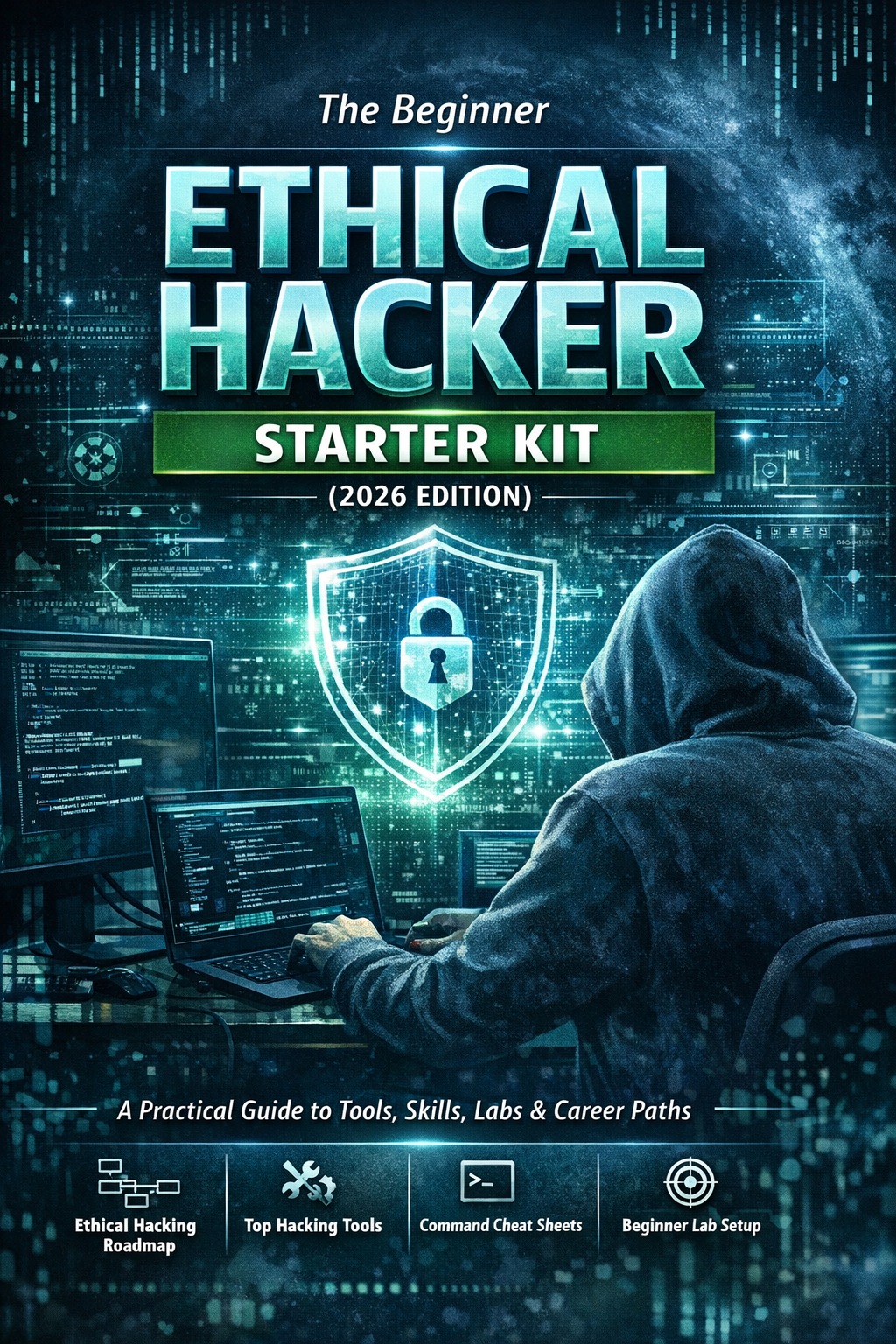
Start your journey with The Beginner Ethical Hacker Starter Kit (2026 Edition).
Inside the free guide, you’ll learn:.
- Ethical hacking fundamentals
- Beginner cybersecurity roadmap
- Essential hacking tools
- Common vulnerabilities explained

Why Practice Ethical Hacking on Dedicated Platforms?
Ethical hacking requires practical experience. A dedicated training platform gives you an environment where you can experiment without worrying about accidentally attacking someone else’s infrastructure.
These platforms can help you practice:
- Network scanning
- Enumeration
- Linux
- Web application security
- Vulnerability assessment
- Password security
- Privilege escalation
- Active Directory
- Digital forensics
- Capture-the-Flag challenges
Many platforms also provide hints, walkthroughs, learning paths or difficulty levels. That makes them particularly useful for beginners.

1. TryHackMe
TryHackMe is one of the strongest starting points for beginners. It provides browser-based cybersecurity training with guided lessons, practical exercises and intentionally vulnerable environments. Its content covers areas including networking, Linux, web security, penetration testing, Active Directory, OSINT and defensive security.
Why Beginners Should Try It:
TryHackMe combines explanation and practice. Instead of reading an entire lesson and then trying to figure out what to do next, you can learn a concept and immediately apply it in a controlled environment. The platform also has free content, although some rooms and features require a subscription.
Best For
Complete beginners who want structured learning.

2. Hack The Box
Hack The Box is well known among penetration testers and cybersecurity enthusiasts. It provides hands-on machines and challenges designed to simulate realistic security scenarios.
Compared with beginner-oriented platforms, Hack The Box can feel less guided. That’s actually one of its strengths once you’ve developed basic skills.
You’ll often need to figure out:
- What to investigate
- Which services matter
- Where to look for weaknesses
- How different findings connect
The platform has free introductory content, while additional machines and learning content require paid access.
Best For
Beginners moving toward intermediate penetration testing.

3. PortSwigger Web Security Academy
PortSwigger Web Security Academy is an outstanding resource if your goal is web application security. The Academy is completely free and contains interactive labs covering many web security topics, including SQL injection, XSS, CSRF, API testing, authentication, access control and other vulnerabilities.
The major advantage is depth. Rather than simply giving you a vulnerable machine and saying “find the vulnerability,” the Academy explains the underlying concept and then gives you hands-on labs.
Best For:
Web penetration testing and bug-bounty beginners.

4. OverTheWire
OverTheWire is an excellent resource for learning fundamental cybersecurity and Linux skills through wargames. One of the best-known challenges is Bandit, which gradually introduces Linux command-line concepts. This makes it particularly useful before jumping into advanced penetration-testing platforms.
You’ll develop familiarity with:
- Linux commands
- Files
- Permissions
- SSH
- Processes
- Basic problem solving
Best For
Beginners who need stronger Linux fundamentals.

5. PicoCTF
picoCTF provides Capture-the-Flag challenges covering different areas of cybersecurity. CTF-style challenges encourage you to investigate a problem and find a solution.
Depending on the challenge, you may encounter topics such as:
- Web security
- Cryptography
- Forensics
- Reverse engineering
- Binary exploitation
- General security concepts
It’s particularly useful for students and beginners who enjoy solving puzzles.
Best For
Beginners who want broad cybersecurity practice through challenges.

6. VulnHub
VulnHub provides downloadable vulnerable virtual machines designed for cybersecurity practice. Instead of doing everything through a browser, you can download a vulnerable machine and run it inside your own virtualization environment. This makes VulnHub particularly useful for people building a home ethical-hacking lab.
You can practice a complete workflow:
Discovery → Scanning → Enumeration → Vulnerability Analysis → Exploitation → Privilege Escalation
Best For:
Learners who want independent, hands-on virtual-machine practice.

7. OWASP Juice Shop
OWASP Juice Shop is a deliberately vulnerable web application created for security training. Unlike a generic CTF, Juice Shop resembles a modern web application and contains many different security challenges. It can be run locally, making it an excellent addition to a home cybersecurity lab.
What Can You Learn?
You can explore concepts involving:
- Authentication
- Access control
- Input validation
- Web application vulnerabilities
- Security misconfigurations
Best For
Beginners learning web application security.

8. OWASP WebGoat
OWASP WebGoat is another deliberately vulnerable application designed for learning web security. Its lesson-oriented approach makes it useful for beginners who want to understand why vulnerabilities occur, rather than simply completing challenges. This makes WebGoat a useful companion to Juice Shop and PortSwigger Web Security Academy.
Best For
Beginners who want structured web vulnerability lessons.
Want to Learn Ethical Hacking Step-by-Step?
If you’re serious about learning cybersecurity, a structured roadmap makes the journey much easier.
Download The Beginner Ethical Hacker Starter Kit (2026 Edition) and discover:
✔ The ethical hacking learning path
✔ Beginner-friendly security concepts
✔ Essential tools ethical hackers use
✔ The most common vulnerabilities explained

9. DVWA
Damn Vulnerable Web Application (DVWA) is a deliberately vulnerable web application designed for security training. It provides a controlled environment where learners can explore common web security concepts.
DVWA is particularly useful when combined with tools such as Burp Suite or OWASP ZAP. The advantage of running a vulnerable application locally is that you control the target and can safely experiment within your lab.
Best For
Beginners learning fundamental web vulnerabilities.

10. CTFtime
CTFtime is useful for discovering Capture-the-Flag competitions and cybersecurity events. Rather than being one single training course, CTFtime acts as a directory and community resource for CTF competitions. This can help you move from guided practice toward competitive and collaborative cybersecurity challenges.
Best For
Learners who want to participate in cybersecurity competitions.
Which Website Should Beginners Start With?
Don’t try to use all these platforms simultaneously. Choose based on your current skill level.
| Platform | Best For | Beginner Friendly |
| TryHackMe | Structured cybersecurity learning | ⭐⭐⭐⭐⭐ |
| PortSwigger Academy | Web security | ⭐⭐⭐⭐⭐ |
| OverTheWire | Linux fundamentals | ⭐⭐⭐⭐⭐ |
| PicoCTF | CTF challenges | ⭐⭐⭐⭐⭐ |
| OWASP WebGoat | Web security concepts | ⭐⭐⭐⭐⭐ |
| DVWA | Basic web vulnerabilities | ⭐⭐⭐⭐⭐ |
| Hack The Box | Realistic pentesting practice | ⭐⭐⭐ |
| VulnHub | Vulnerable VMs | ⭐⭐⭐ |
| OWASP Juice Shop | Modern web security | ⭐⭐⭐⭐ |
| CTFtime | CTF competitions | ⭐⭐⭐ |

A Beginner-Friendly Learning Path
Instead of jumping directly into difficult machines, follow this path.
Step 1: Learn Linux
Start with OverTheWire Bandit. Build familiarity with the command line and basic Linux concepts.
Step 2: Learn Cybersecurity Fundamentals
Use TryHackMe to build your networking, Linux and security foundations.
Step 3: Start Web Security
Move to PortSwigger Web Security Academy. Practice web vulnerabilities in its controlled labs.

Step 4: Build Your Own Lab
Install DVWA, OWASP Juice Shop or WebGoat locally. Now you can practice using tools such as Burp Suite and Nmap.
Step 5: Try CTF Challenges
Use PicoCTF to develop problem-solving skills.
Step 6: Move Toward Independent Practice
Once your fundamentals are stronger, start working through Hack The Box or VulnHub challenges.
This path prevents the common beginner mistake of jumping straight into advanced machines without understanding the basics.

Websites vs Home Labs
Online platforms and home labs complement each other.
Online Platforms
Advantages:
- No complicated setup
- Structured exercises
- Guided learning
- Community support
- Accessible from anywhere
Home Labs
Advantages:
- Complete control
- Repeatable experiments
- Custom environments
- Practice with your own tools
- Greater understanding of networking
A strong beginner strategy is to use both.
For example:
TryHackMe → Learn the concept
↓
PortSwigger → Practice the technique
↓
Juice Shop/DVWA → Recreate it locally
↓
VulnHub/HTB → Solve a less-guided challenge
This turns guided learning into independent problem-solving.

The Most Important Rule: Stay Legal
Just because you can access a website or server doesn’t mean you’re allowed to test it.
Never use your newly learned skills against:
- Random websites
- Someone else’s server
- Public Wi-Fi
- Company infrastructure
- Other people’s accounts
- Devices you don’t own
Instead, use platforms specifically designed for security training. Dedicated training environments exist precisely so you can practice without crossing legal or ethical boundaries. If you build your own lab using vulnerable virtual machines or applications, keep those systems properly isolated from your normal network and the public Internet.
How to Get the Most From Practice Websites
Don’t measure your progress by the number of machines you’ve completed. Focus on what you learned.
After every challenge, ask yourself:
- What vulnerability did I encounter?
- Why did it exist?
- How did I identify it?
- What security concept did it demonstrate?
- How could a defender prevent it?
- Could I explain the issue to someone else?
Keep notes about your exercises. Over time, your notes can become a personal cybersecurity knowledge base and even provide material for a professional portfolio.

Conclusion
You don’t need to test real websites to become good at ethical hacking. In fact, beginners should avoid unauthorized testing entirely. Platforms such as TryHackMe, Hack The Box, PortSwigger Web Security Academy, OverTheWire, PicoCTF, VulnHub and OWASP’s vulnerable applications provide dedicated environments where you can develop practical cybersecurity skills safely.
Start with guided learning.
Build your fundamentals.
Practice repeatedly.
Then gradually move toward more independent challenges. The goal isn’t simply to “hack a machine.” The real goal is to understand why a vulnerability exists, how it can be identified, how it can be exploited in an authorized environment and how it can ultimately be prevented. That’s what turns tool usage into genuine ethical-hacking skill.
Start Your Ethical Hacking Journey Today
Learning cybersecurity can feel overwhelming at first. The best way to start is with a clear roadmap and the right resources.
Download The Beginner Ethical Hacker Starter Kit (2026 Edition) and get instant access to:
Ethical Hacking Fundamentals
A beginner cybersecurity learning roadmap
Essential hacking tools every beginner should know
Common vulnerabilities explained simply


That’s a really important point – it’s fantastic to find resources for hands-on practice, but respecting legal boundaries is absolutely key in this field.