Hello, aspiring Ethical Hackers. If you’re starting your journey in ethical hacking or cybersecurity, one of the first technical skills you’ll encounter is network scanning. Before security professionals can assess a network’s security, they need to understand what systems are present, which devices are active and what services are running. Network scanning helps answer these questions.
Think of network scanning as creating a map of a digital environment. Just as a traveler studies a map before exploring a new city, cybersecurity professionals scan networks to understand their structure before performing further analysis.
What is Network Scanning?
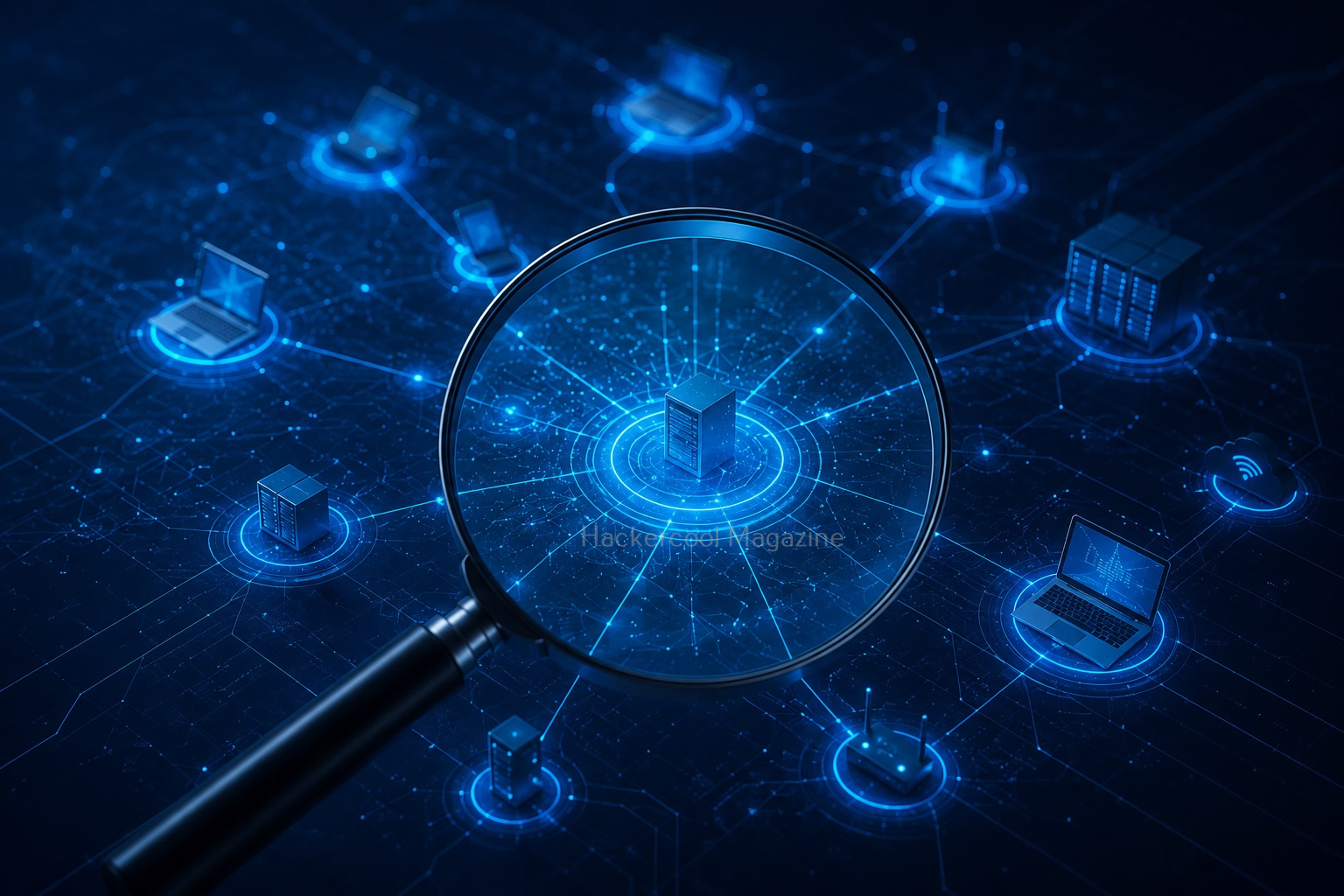
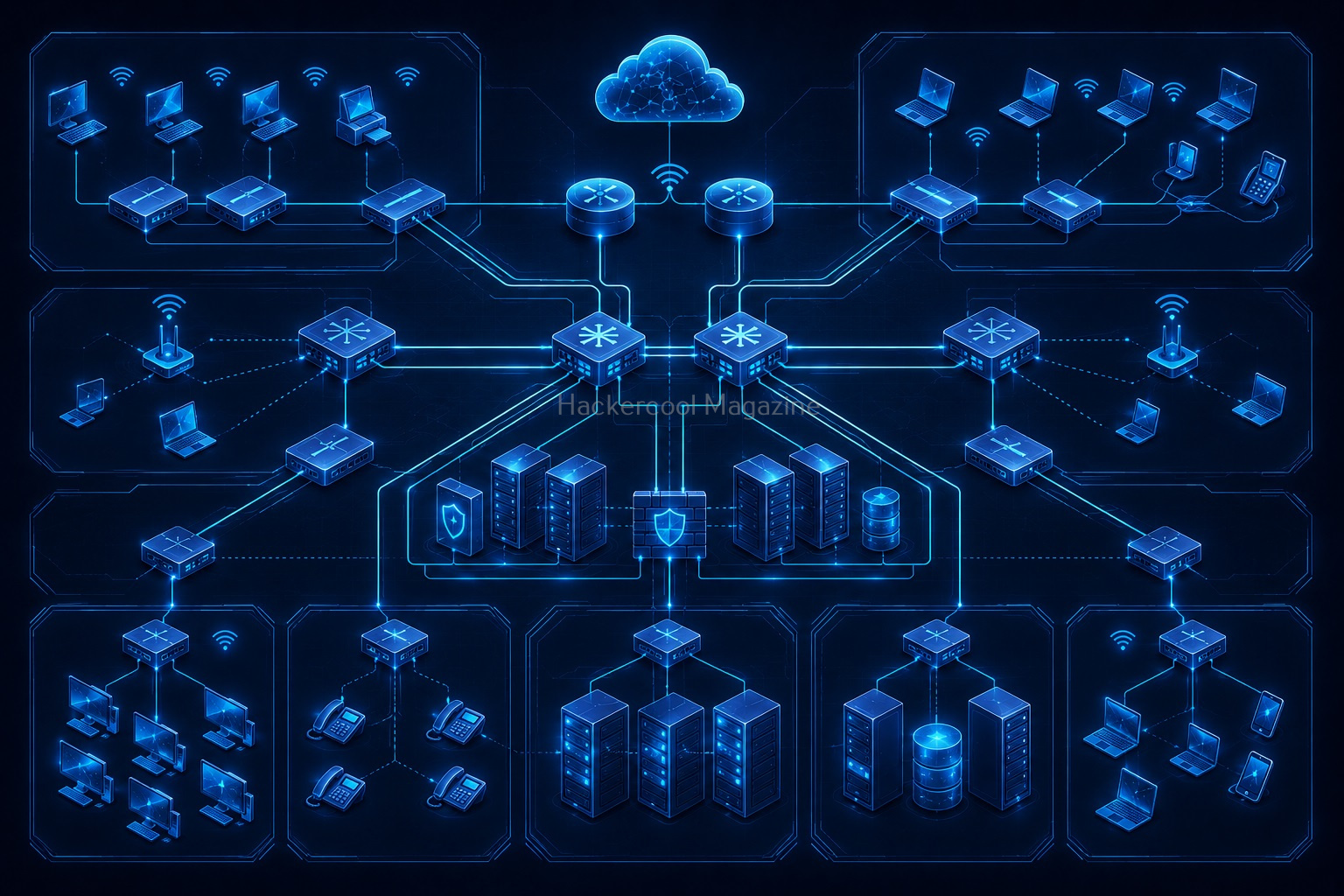
Network scanning is the process of gathering information about devices connected to a network. The goal is to identify,
- Active hosts
- Open ports
- Running services
- Network devices
- Available resources
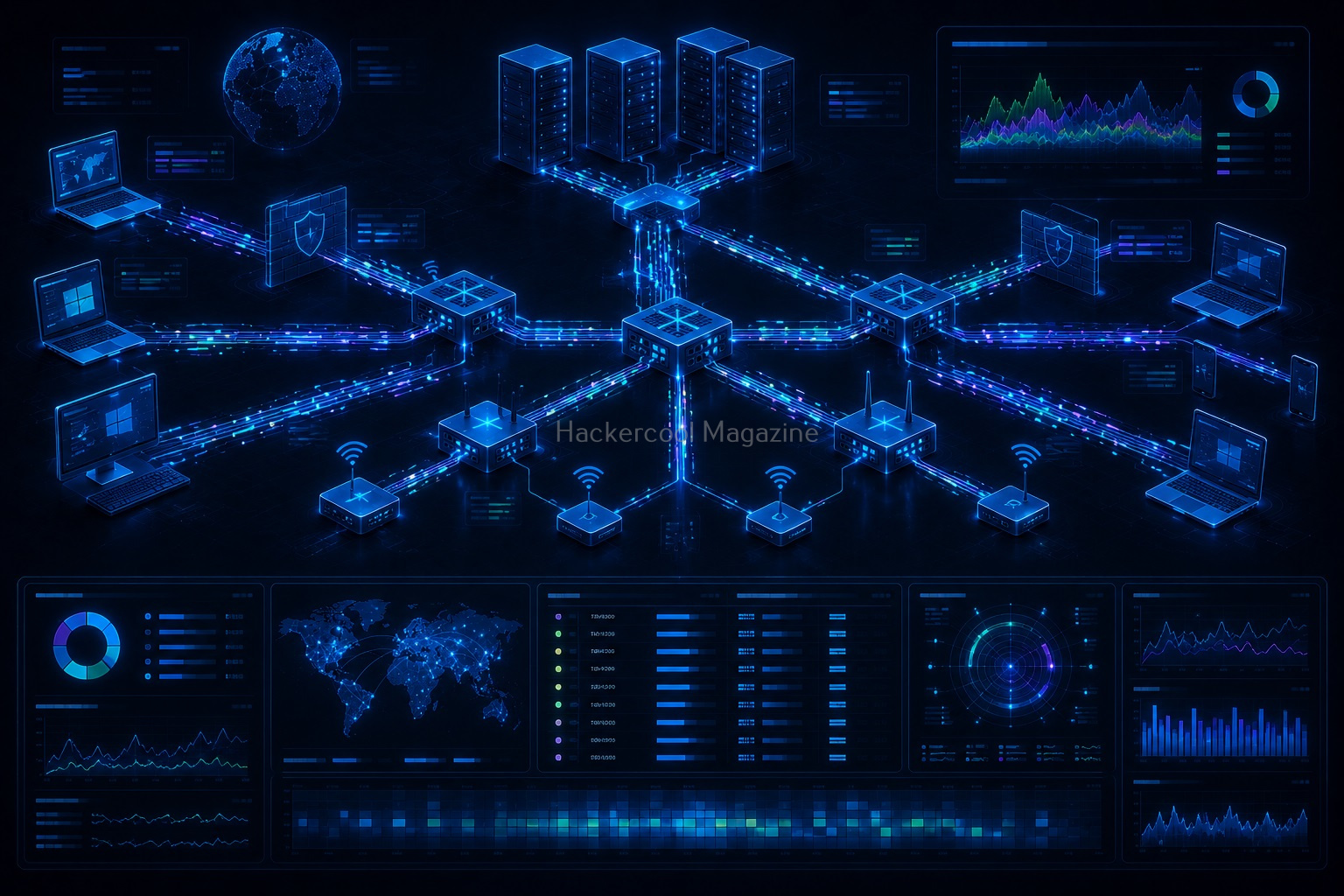
Network scanning helps security professionals understand what systems exist within a network and how those systems communicate. In simple terms:
Network scanning is the process of discovering and mapping devices and services on a network.
Why is Network Scanning Important?
Before testing security, you need visibility. Network scanning provides that visibility. It helps security professionals,
1. Discover Active Devices:
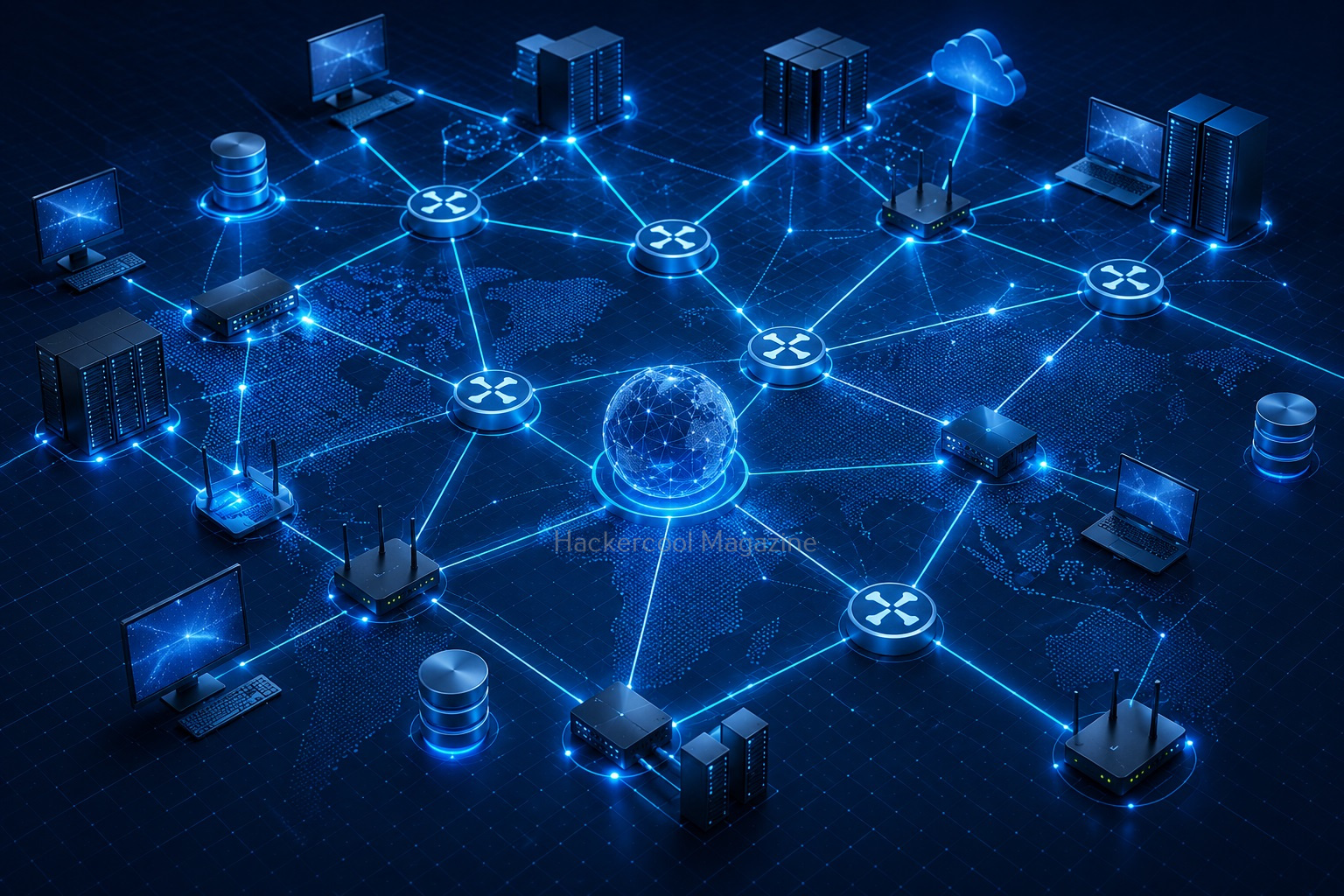
Networks often contain many connected systems, including:
- Computers
- Servers
- Routers
- Printers
- IoT devices
Scanning helps identify which devices are online.
2. Understand Network Structure:
Scanning provides insight into how devices are connected and organized.
3. Identify Running Services:
Many devices provide services over the network. Examples include:
- Web services
- Email services
- File-sharing services
- Remote administration services
Understanding these services helps build a network profile.
4. Improve Security Awareness:
Organizations often discover forgotten or unmanaged devices through network scanning.
How Network Scanning Fits into Ethical Hacking
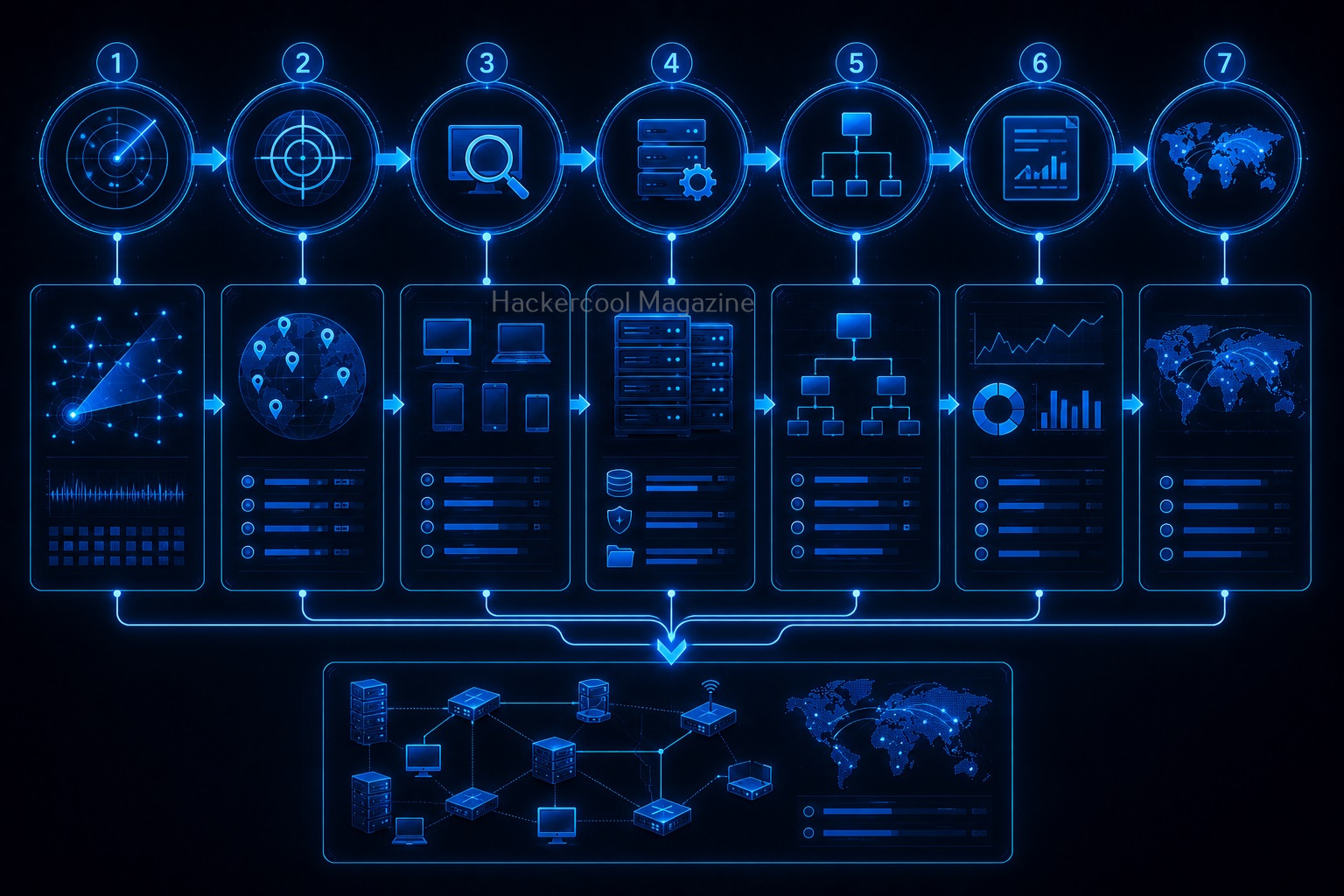
Network scanning is usually performed during the reconnaissance and enumeration phases of a security assessment. A typical workflow may look like this:
- Information Gathering
- Host Discovery
- Network Scanning
- Service Identification
- Vulnerability Analysis
- Reporting
Network scanning acts as a bridge between information gathering and deeper security analysis.
In this beginner-friendly guide, you’ll learn what network scanning is, why it’s important, common scanning techniques, and how beginners can practice safely.
Network Scanning is the second stage in a Penetration Test and is the first step where an Ethical Hacker directly interacts with the target network.
New to Ethical Hacking?
Start your journey with The Beginner Ethical Hacker Starter Kit (2026 Edition).
Inside the free guide, you’ll learn:.
- Ethical hacking fundamentals
- Beginner cybersecurity roadmap
- Essential hacking tools
- Common vulnerabilities explained
What is Network Scanning?
Network scanning is the technique in which the target network is scanned for LIVE systems (Active Systems), open ports and vulnerabilities. Network Scanning is of three types.

They are,
- LIVE Host Scanning or Host Scanning.
- Port Scanning.
- Vulnerability Scanning.
LIVE Host Scanning
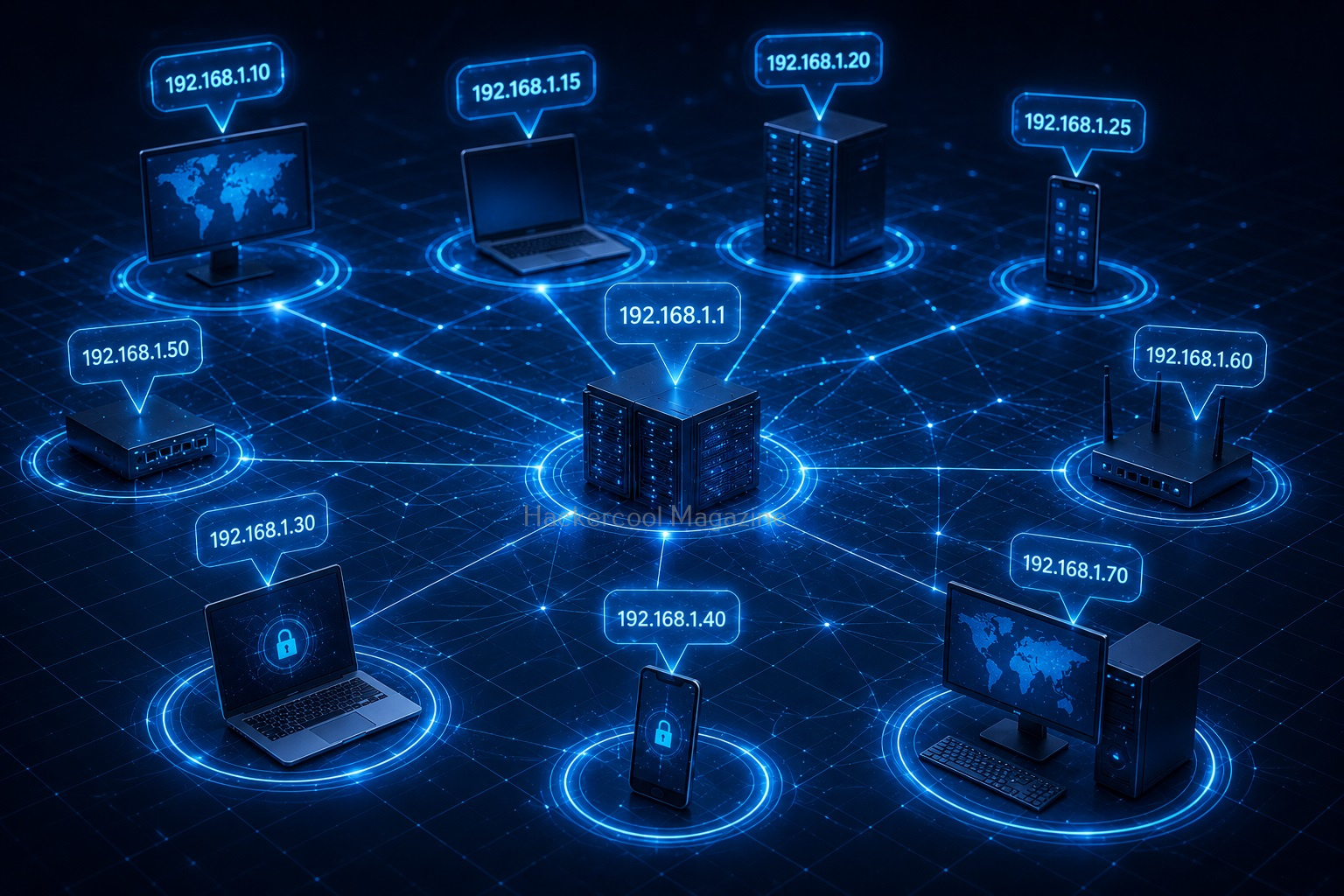
In LIVE Host Scanning, a range of IP addresses (obtained earlier from Network Footprinting) are scanned for LIVE systems or active systems (systems that are turned on) as a system that is shut down is safe from hacking. Network Scanning can be done manually but when we have to scan an entire range of IP addresses, it is best to use a network scanner.
How do network scanners detect if a system is LIVE or not? Although, they use a variety of methods to scan for LIVE systems, one of the most common method any network scanner uses is Ping.
Ping is a network diagnostic tool that helps users determine if a destination system is active or not. Ping works by sending a “echo request” to the target destination IP. If the destination system is LIVE, it will send a “echo reply” message. Ping is available in both Windows and Linux systems. It works by using ICMP (Internet Control Message Protocol).

In LIVE Host Scanning, a range of IP addresses (obtained earlier from Network Footprinting) are scanned for LIVE systems or active systems (systems that are turned on) as a system that is shut down is safe from hacking.
Network Scanning can be done manually but when we have to scan an entire range of IP addresses, it is best to use a network scanner.
How do network scanners detect if a system is LIVE or not? Although, they use a variety of methods to scan for LIVE systems, one of the most common method any network scanner uses is Ping.
Ping is a network diagnostic tool that helps users determine if a destination system is active or not. Ping works by sending a “echo request” to the target destination IP. If the destination system is LIVE, it will send a “echo reply” message. Ping is available in both Windows and Linux systems. It works by using ICMP (Internet Control Message Protocol)
Apart from Ping, Network scanners also use ARP scanning to determine if a system is LIVE or not.


2. Port Scanning
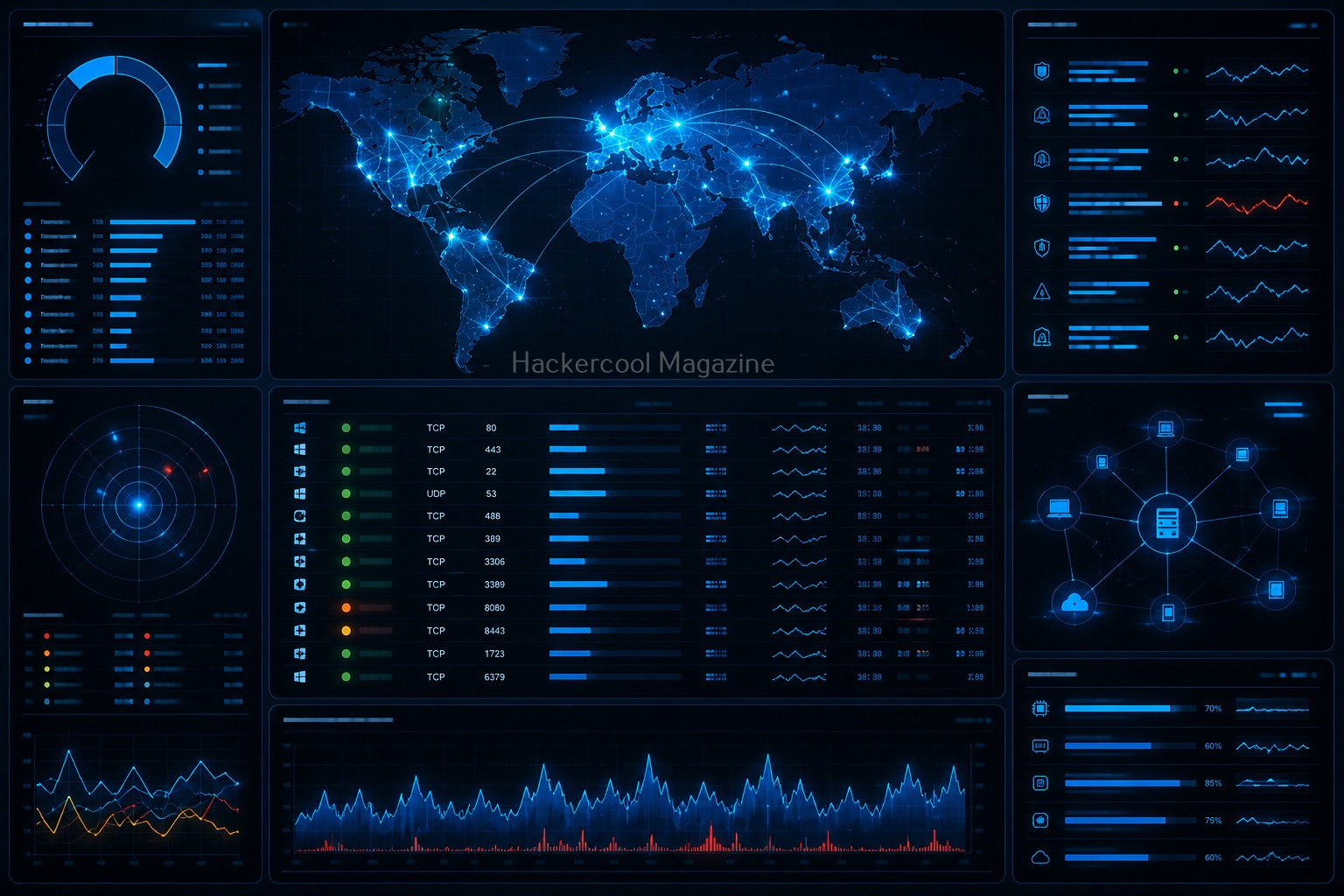
A port is a virtual point where all network connection start and end. Ports are software based virtual addresses where all network connections start and end. Each service is given one separate port and it is managed by the computer’s Operating System. Given below are some important port numbers and services associated with them.
Want to Learn Ethical Hacking Step-by-Step?
If you’re serious about learning cybersecurity, a structured roadmap makes the journey much easier.
Download The Beginner Ethical Hacker Starter Kit (2026 Edition) and discover:
✔ The ethical hacking learning path
✔ Beginner-friendly security concepts
✔ Essential tools ethical hackers use
✔ The most common vulnerabilities explained

Just like Host scanners, Port scanners are used to perform port scanning. NMAP is the most popular and versatile port scanner. But how does port scanning work. A port scanning sends a TCP or UDP network packet to a specific port to enquire about its status. Learn about Port scan results here. Attackers use various techniques of port scanning before coming to a conclusion about a particular port of interest. Learn about various port scanning techniques here.

3. Vulnerability Scanning
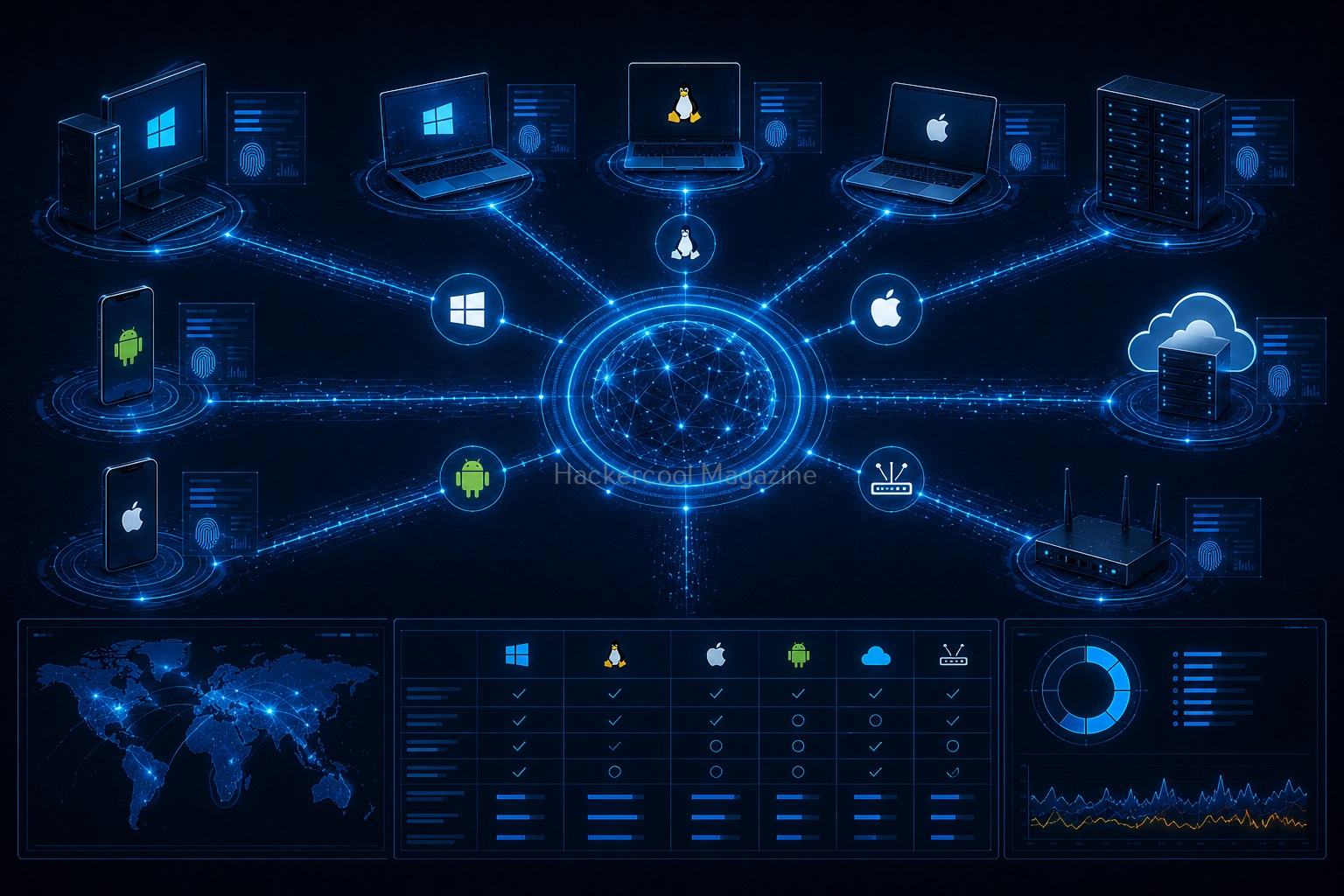
Vulnerability scanning identifies vulnerabilities in network, applications and services. A Vulnerability scanner use a database to compare details about version of software running on target system to detect and identify vulnerabilities. This database used by vulnerability scanner has common programming bugs, default credentials, default configurations, common username & passwords etc.

Start Your Ethical Hacking Journey Today
Learning cybersecurity can feel overwhelming at first. The best way to start is with a clear roadmap and the right resources.
Download The Beginner Ethical Hacker Starter Kit (2026 Edition) and get instant access to:
✔ Ethical hacking fundamentals
✔ A beginner cybersecurity learning roadmap
✔ Essential hacking tools every beginner should know
✔ Common vulnerabilities explained simply