

Hello, aspiring Ethical Hackers. In our previous blogpost on Footprinting guide, you learnt about various techniques of Footprinting. In this blogpost, you will learn about DNS Footprinting which is one of the techniques of Footprinting in detail. If you’re starting your journey in ethical hacking, one of the most important skills to learn is DNS footprinting.
New to Ethical Hacking?
Start your journey with The Beginner Ethical Hacker Starter Kit (2026 Edition).
Inside the free guide, you’ll learn:.
- Ethical hacking fundamentals
- Beginner cybersecurity roadmap
- Essential hacking tools
- Common vulnerabilities explained
It may sound technical at first but the concept is actually simple. DNS footprinting is about understanding how a domain connects to real systems on the internet. In this beginner-friendly article, you’ll learn:
- What DNS footprinting is
- Why it matters
- How to do it step by step
- What to look for as a beginner

What is DNS Footprinting?
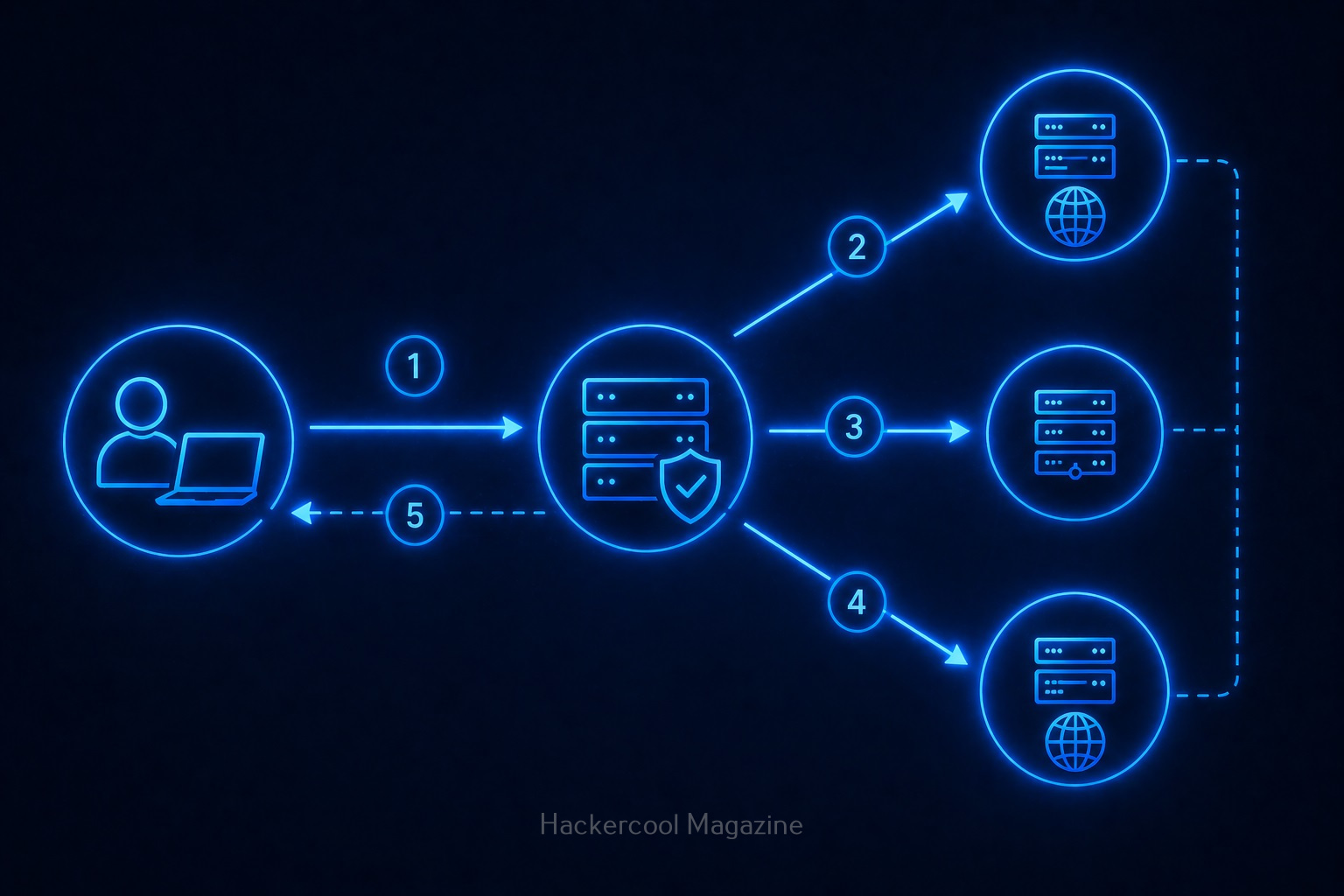
To understand DNS footprinting, you need to first understand what DNS is. DNS stands for Domain Name System. It acts like the phonebook of the internet. When you type a name of the website (like example.com), DNS translates it into an IP address that computers understand.
DNS footprinting means collecting information about a domain using DNS records.

Why is DNS Footprinting Important?
DNS footprinting reveals a lot about a target’s infrastructure. It helps you:
1. Understand System Structure:
You can see how a website is set up.
2. Discover Hidden Assets:
Discover subdomains like:
- dev.example.com
- admin.example.com
3. Identify Services:
DNS can reveal information about:
- Email servers
- Hosting providers
4. Map Attack Surface:
You get a clearer picture of what can be tested.
Hence, DNS footprinting is a key part of reconnaissance (information gathering).

Key DNS Records Explained for Beginners
When you perform DNS footprinting, you’ll encounter different types of records. Let’s simplify them:

1. A Record:
This record maps a domain to an IP address. For Example,
example.com --> 192.168.x.x

2. MX Record:
This record specifies mail servers used for email delivery.

3. NS Record:
This record shows name servers. Also indicates who manages DNS.

4. CNAME Record:
Alias for another domain. Helps redirect traffic.
5. TXT Record:
Stores text information related to the domain. Often used for:
- Verification
- Security policies
Understanding these records is important while performing DNS Footprinting.
How to Perform DNS Footprinting (Step-by-Step)
Let’s break down how to perform DNS Footprinting into simple steps.
STEP 1: Choose a Target Domain:
Start with:
- Your own website
- Or Practice domains
Always stay within legal boundaries.
STEP 2; Query DNS Records:
You can use:
- Online DNS lookup tools
- Command line tools
Want to Learn Ethical Hacking Step-by-Step?
If you’re serious about learning cybersecurity, a structured roadmap makes the journey much easier.
Download The Beginner Ethical Hacker Starter Kit (2026 Edition) and discover:
✔ The ethical hacking learning path
✔ Beginner-friendly security concepts
✔ Essential tools ethical hackers use
✔ The most common vulnerabilities explained
STEP 3; Analyze A Records:
Find:
- IP addresses
- Hosting information
STEP 4; Check MX Records:
Identify:
- Email infrastructure
STEP 5; Look at NS Records:
Understand:
- DNS providers
STEP 6; Discover Subdomains:
Find additional assets connected to the domain.
STEP 7; Document everything:
Note down:
- Records
- Findings
- Patterns
This builds your analysis skills.

Example: What You Might Discover
With DNS footprinting, you might find:
- Multiple subdomains
- External email servers
- Cloud hosting providers
This will help you to understand:
- System architecture
- Potential weak points

Tools for DNS Footprinting
Start with simple tools:
- DNS lookup tools like nslookup and dig
- Subdomain discovery tools
- Command-line utilities
Here’s an example command with nslookup
nslookup example.com
Here’s another example with dig.
dig example.com
These help you to query DNS records quickly.

Common Mistakes Beginners Make
Here are some common mistakes beginners make during DNS Footprinting. Avoid making these.
Ignoring DNS Records:
Many beginners skip this step entirely.
Not Understanding Output:
Focus on meaning, not just data.
Collecting Too Much Data:
Filter the output to collect what’s useful.
Not connecting the collected Information:
Combine DNS with:
- WHOIS
- Subdomain discovery

Tips To Improve Your DNS Footprinting Skills
1. Be curious:
Ask yourself:
- What else is connected?
2. Connect the Dots:
Combine multiple sources of information.
3. Take Notes:
Track everything you find.
4. Practice Regularly:
Try different domains.
Legal & Ethical Reminder
DNS footprinting is generally safe but you must stay ethical.
Never:
- Use information for illegal purposes
- Target systems without permission
Always:
- Practice responsibly
- Use labs or your own domains

Conclusion
DNS footprinting is a fundamental skill in ethical hacking. It teaches you how to:
- Understand infrastructure
- Gather intelligence
- Think like a security professional
And the best part is that you can start learning it today with minimal tools.
Start Your Ethical Hacking Journey Today
Learning cybersecurity can feel overwhelming at first. The best way to start is with a clear roadmap and the right resources.
Download The Beginner Ethical Hacker Starter Kit (2026 Edition) and get instant access to:
Ethical Hacking Fundamentals
A beginner cybersecurity learning roadmap
Essential hacking tools every beginner should know
Common vulnerabilities explained simply


