
If you’re starting your journey in cybersecurity, digital investigations or ethical hacking, you’ll often hear the term metadata. At first, it sounds technical. But the concept is actually simple and incredibly important. It can reveal hidden details about files, emails, images and documents that many people never notice.
In this beginner-friendly guide, you’ll learn:
- What metadata is
- Why it matters
- Common types of metadata
- Where it is found
- How cybersecurity professionals use it
New to Ethical Hacking?
Start your journey with The Beginner Ethical Hacker Starter Kit (2026 Edition).
Inside the free guide, you’ll learn:.
- Ethical hacking fundamentals
- Beginner cybersecurity roadmap
- Essential hacking tools
- Common vulnerabilities explained

What is Metadata?
Metadata is simply data about data. That sounds abstract, so let’s make it easier. Imagine a photograph. The photo itself is the main data. It is the hidden information attached to that photo, such as:
- Date it was taken
- Device used to take that photo
- File size
- Image dimensions
- GPS location (sometimes)
So:
The content is the data. The descriptive information is the metadata.
Simple Real-World Example
If you stil faied to understand it, let me give you a non-technical example. Think about a book. The content of the book is the actual data. It’s metadata includes:
- Title
- Author
- Publication date
- ISBN
- Number of pages
That information describes the book. The same idea applies to digital files.
Why Metadata Matters
It can reveal a surprising amount of information. It helps people,
- Organize files
- Search efficiently
- Track changes
- Investigate activity
- Understand context
In cybersecurity, it can provide valuable clues.
Common Types of Metadata
Meta data exists in many forms. Let’s break down common categories.
1. File Metadata:
Most digital files contain descriptive information. For example,
- File name
- File size
- Creation date
- Modification date
- File type
- Author information
This helps systems manage files efficiently.

2. Image Metadata:
Photos often contain hidden technical details. Examples:
- Camera model
- Device type
- Resolution
- Timestamp
- GPS coordinates
- Editing software
This is often called EXIF meta data.
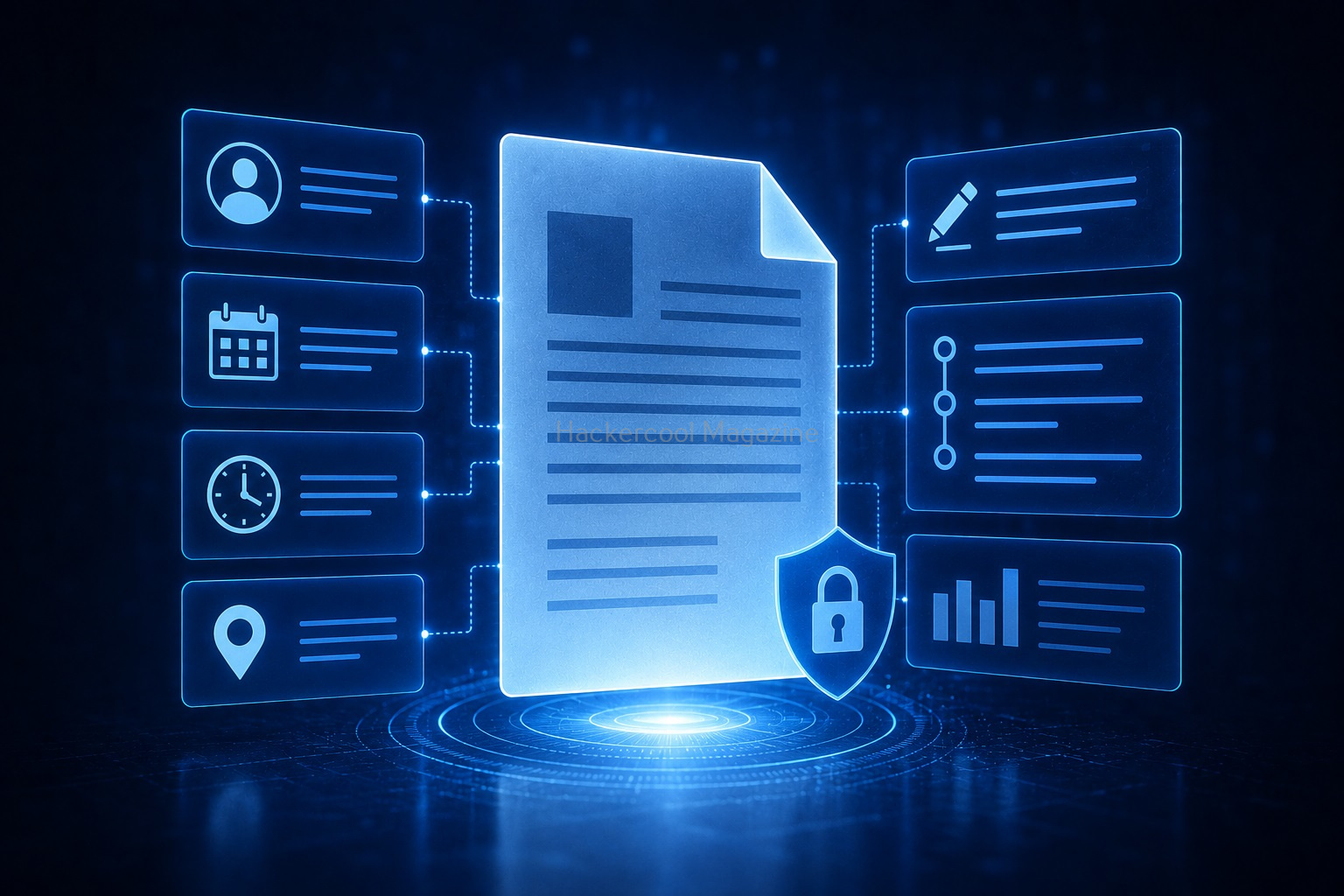
3. Document Metadata:
Documents can contain useful embedded details. Examples:
- Author name
- Editing timestamps
- Software version
- Revision history
- Company information
Common in:
- PDFs
- Word documents
- Presentations

4. Email Metadata:
Emails contain hidden technical information beyond what you see. For example,
- Sending server details
- Message path
- Timestamps
- Sender routing information
- Authentication data
Useful for email investigations.

5. Website Metadata:
Websites also contain meta data. Examples:
- Page descriptions
- Keywords
- Open Graph tags
- Structured data
Used for:
- Search engines
- Social sharing
- Content indexing
6. System Metadata:
Operating systems track this data too. Examples:
- Access times
- File ownership
- Permissions
- System timestamps
Useful for troubleshooting and analysis.
Where Can Metadata Be Found?
Metadata appears in many places. The most common sources are,
Images:
Photos often carry hidden embedded data.
Documents:
Office files frequently store author and revision information.
Emails:
Email Headers contain metadata.
PDFs:
Creation and editing information may be stored.
Audio / Video Files:
Media files may include:
- Duration
- Encoding details
- Device information
Websites:
HTML metadata helps search engines understand content.
Metadata in Cybersecurity
Metadata can be extremely useful in cybersecurity work. It helps professionals:
- Gather information
- Investigate incidents
- Understand digital activity
- Identify anomalies
Example: Document Investigation
A document may reveal:
- Original author
- Organization name
- Software used
- Editing history
This can provide useful context.
Example: Email Analysis
Email metadata can help identify:
- Delivery path
- Spoofing attempts
- Suspicious infrastructure
- Authentication failures
Example: Image Analysis
An uploaded image may reveal:
- Device used
- Location data
- Timestamp
This can help in investigations.
Metadata Extraction: Practical Walkthrough
Let’s see a prcatical walkthrough of metadata extraction. There are various tools and online resources that extract metadata from different files. For this article, let’s use one tool that is inbuilt in Kali Linux, exiftool. Exiftool extracts metadata from a number of file types.

Let’s extract metadata of a MS word document (docx) file.


As you can see, it revealed lot of information about the Word file. Now, let’s extract metadata from a PDF file.
Want to Learn Ethical Hacking Step-by-Step?
If you’re serious about learning cybersecurity, a structured roadmap makes the journey much easier.
Download The Beginner Ethical Hacker Starter Kit (2026 Edition) and discover:
✔ The ethical hacking learning path
✔ Beginner-friendly security concepts
✔ Essential tools ethical hackers use
✔ The most common vulnerabilities explained

Let’s see another PDF file.

In both the above files, metadata reveals lot of information about the file like who created it, what software was used and time of creation and modification etc. Last and final, let’s use exiftool on an image file.


Metadata in Digital Forensics
Digital forensics relies heavily on metadata.
Investigators use metadata to:
- Reconstruct timelines
- Track file activity
- Understand user behavior
- Analyze evidence
Examples:
- When was a file created?
- When was it modified?
- Who accessed it?
Metadata in Ethical Hacking
Ethical hackers may use metadata during information gathering. Examples:
- Public document analysis
- Website information gathering
- Email inspection
- Technology identification
Metadata can reveal useful context about exposed assets.
If you have noticed, we have performed metadata extraction from 3 types of files: Docx, PDF and an Image. That’s because these are the most common types of files that are available online. Any organization uses these types of files on their websites or anywhere else to convey information.
While extracting information of the docx file revealed the names of creators of the file (Admin, Kalyan). This revelation can help in gaining access later (i.e username is admin etc) or to perform a spear phishing attack targeted at the specific user. We can also see that the document was created using Microsoft Word software. So, we can target these users with a malicious macro attack.
While observing the information extracted from a PDF file, we can see that this PDF was created using Microsoft Word. In this case, the version of the MS Word software is also very clear (2019) along with the creator’s name.
The second PDF file was created using Microsoft PowerPoint. So, we can figure out that these users need to be targeted with PowerPoint attack.
Images are another most common types of files found on a website or any other company’s property. We can see that the image I downloaded from a website is either edited or created with Photoshop along with its specific version. So, we can search for any vulnerabilities in this particular software or use this software themed lure to target this organization.
That’s how Metadata can help Pen testers in gaining information about the target organization.

Common Privacy Risks associated with Metadata
Metadata can accidentally expose sensitive information. Examples are,
Location Exposure:
Images may contain GPS coordinates, thus exposing location.
Internal User Information:
Documents may reveal usernames or organization details.
Software Fingerprinting:
Metadata can show which tools were used to create a file.
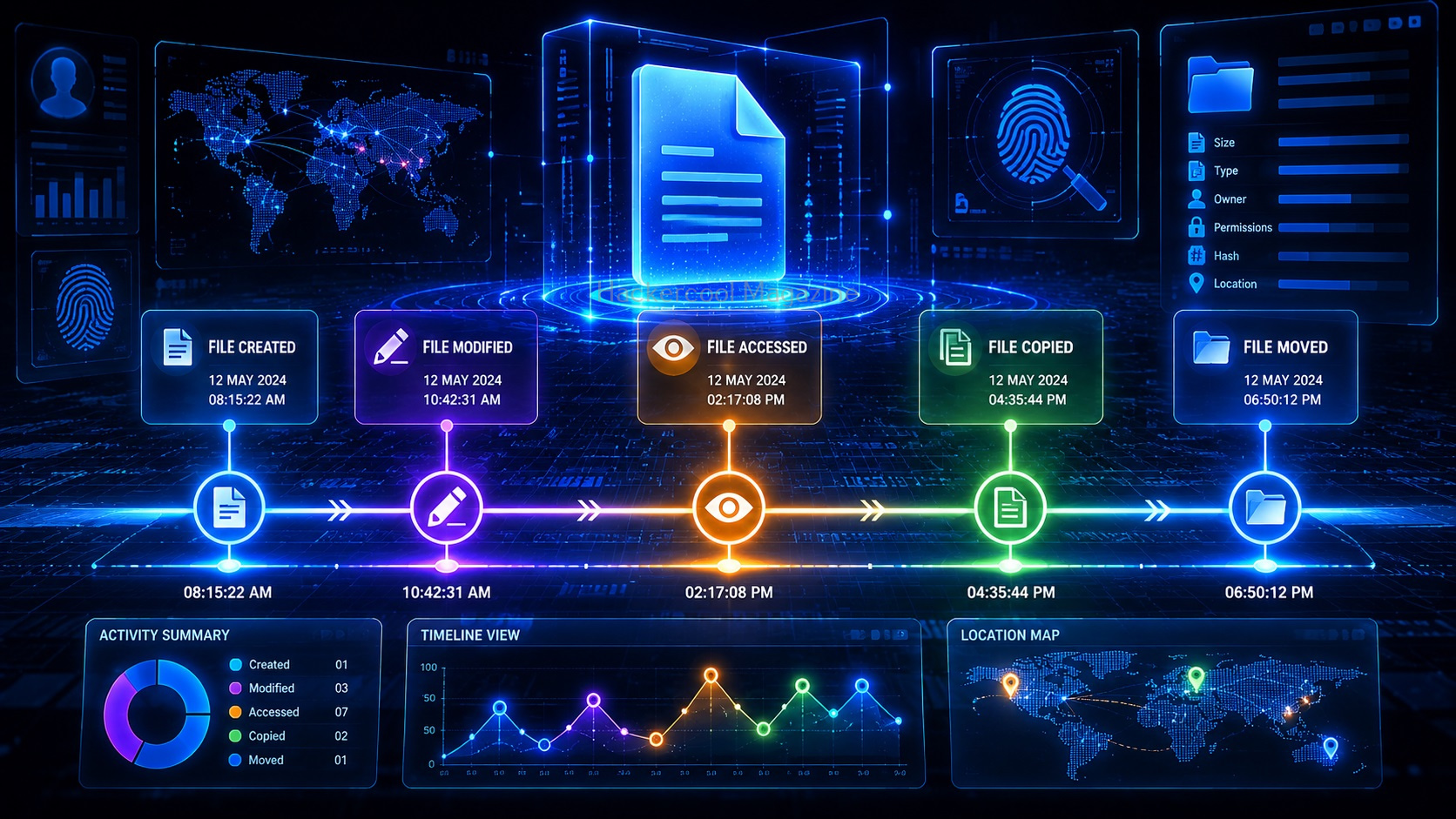
Timeline Exposure:
Creation and modification timestamps reveal activity patterns.

Common Beginner Mistakes
Here are some common mistakes beginners make while dealing with metadata. Please avoid these mistakes.
Assuming Deleted Metadata Is Gone:
Many people think that by deleting the metadata of a particular file, it’s entirely gone. It’s wrong. Some metadata may still persist.
Ignoring Hidden File Information:
Visible content isn’t the whole story.
Sharing Files Without Reviewing Metadata:
Sensitive details may be exposed accidentally.
Overlooking Timestamps:
Time data can be very revealing.

Safe Beginner Practice Ideas
Here are some good ideas for beginners to practice viewing metadata. Practice with your own files.
Inspect Photo Metadata:
Check this on a photo you took. Observe its:
- Device information
- Timestamp
- Resolution
Review Document Properties:
Look at document’s author information.
Analyze Email Headers:
Study email routing details.
Compare File Versions:
Observe metadata differences.
Why Metadata Matters Beyond Cybersecurity?
Metadata is important in many industries. Examples include,
Search Engines:
Metadata helps content indexing.
Digital Asset Management:
Improves organization and retrieval.
Compliance & Auditing:
Tracks file activity.
Content Publishing:
Helps discovery and categorization.

Conclusion
Metadata may be invisible but it can reveal a lot. For beginners, understanding metadata helps build stronger cybersecurity awareness. It teaches you to look beyond what’s obvious.
Remember:
✔ Metadata is data about data
✔ It exists in many file types
✔ It helps investigations and analysis
✔ It can create privacy risks
✔ Cybersecurity professionals use it regularly
The next time you open a file, remember:
There may be more information hidden behind the scenes than you realize.
Start Your Ethical Hacking Journey Today
Learning cybersecurity can feel overwhelming at first. The best way to start is with a clear roadmap and the right resources.
Download The Beginner Ethical Hacker Starter Kit (2026 Edition) and get instant access to:
Ethical Hacking Fundamentals
A beginner cybersecurity learning roadmap
Essential hacking tools every beginner should know
Common vulnerabilities explained simply