
Hello, aspiring ethical hackers. In our previous blogpost, you learnt about various linux privilege escalation techniques. In this article, you will learn about Linux exploit suggester, a script that helps us in elevating privileges on a Linux system.
New to Ethical Hacking?
Start your journey with The Beginner Ethical Hacker Starter Kit (2026 Edition).
Inside the free guide, you’ll learn:.
- Ethical hacking fundamentals
- Beginner cybersecurity roadmap
- Essential hacking tools
- Common vulnerabilities explained
Linux exploit suggester assists in detecting security deficiencies of a Linux kernel or Linux machine and suggests exploits for the vulnerabilities detected. It does this by assessing exposure of kernel to publicly known exploits. Obviously, this script should be run on target system after gaining access. Let’s see how this tool works. For this, I will be running this script after transferring it to target Ubuntu 20.04 machine after gaining a shell. The simplest way to run this script is using the command shown below.
./linux exploit suggester
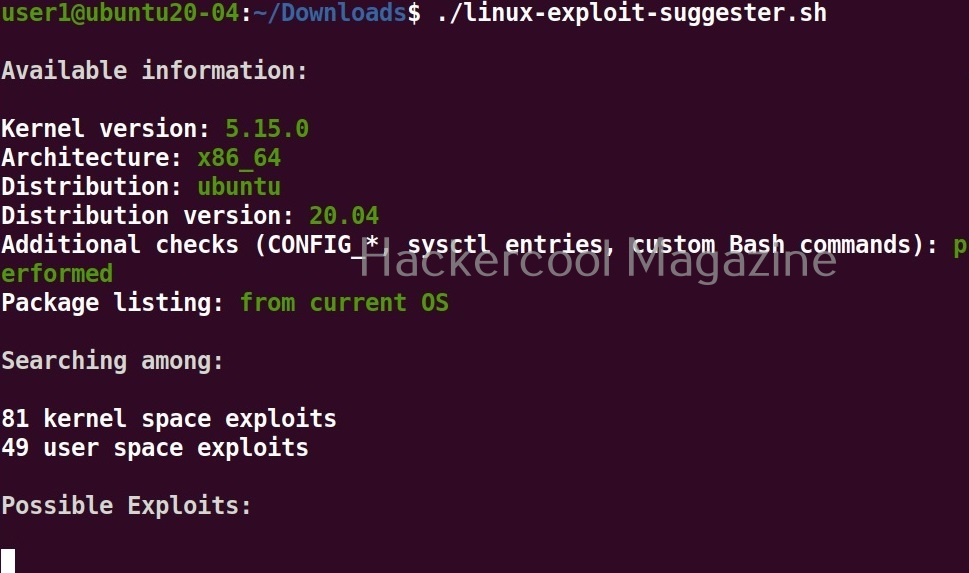
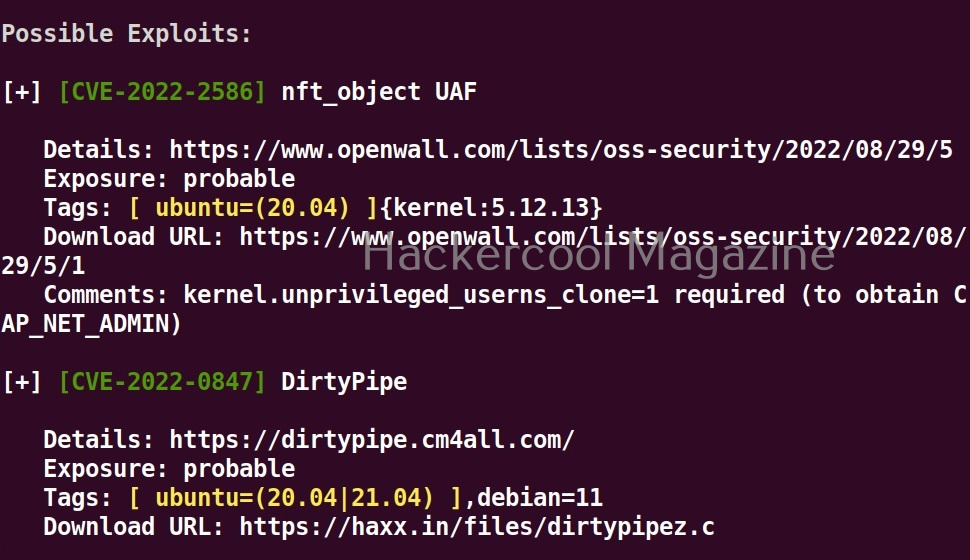
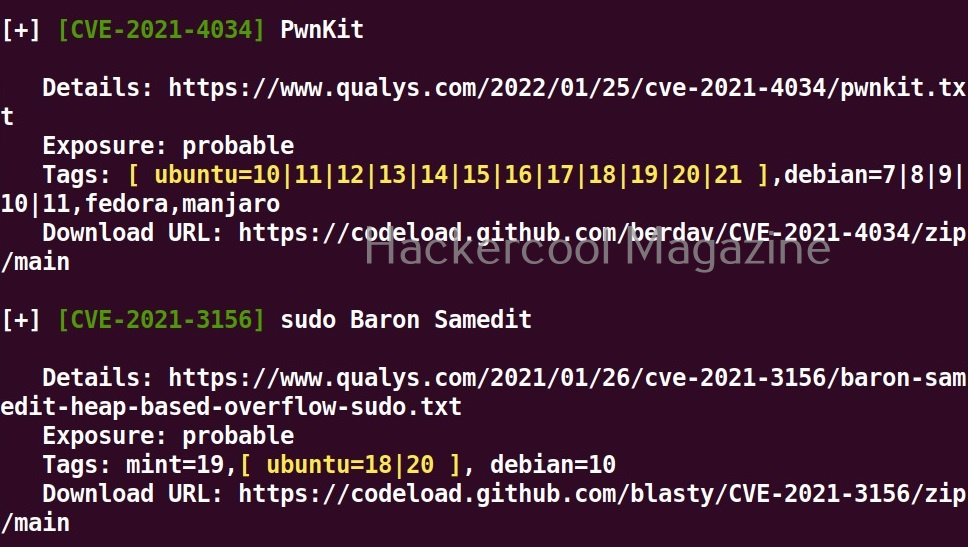
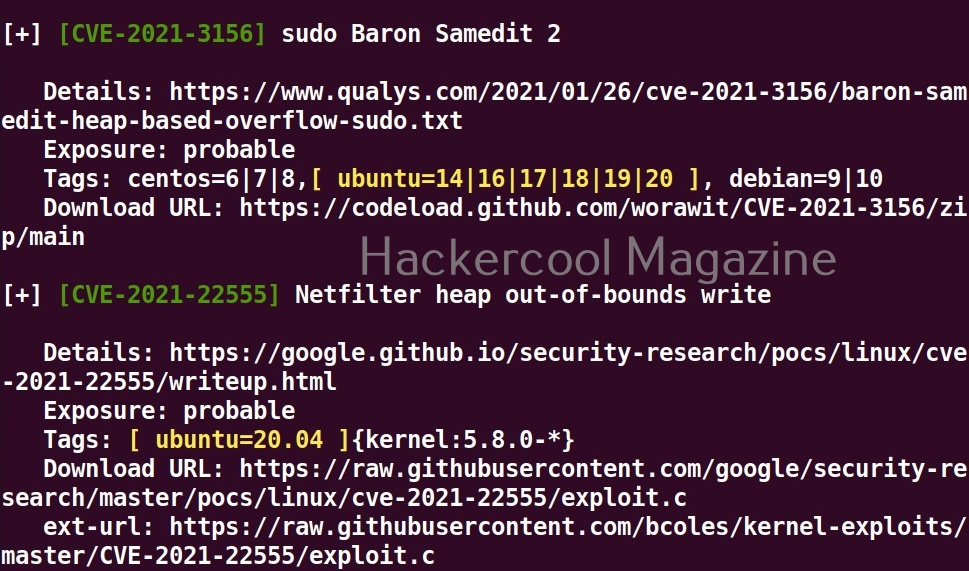
As you can see in the above images, this script found 81 kernel exploits and 49 user space exploits. Moreover. it suggested the vulnerability and also an exploit for this. For example, in this case, the target system is vulnerable to DirtyPipe, Pwnkit vulnerabilities etc.
You can even run Linux exploit suggester by supplying the kernel information as shown below.

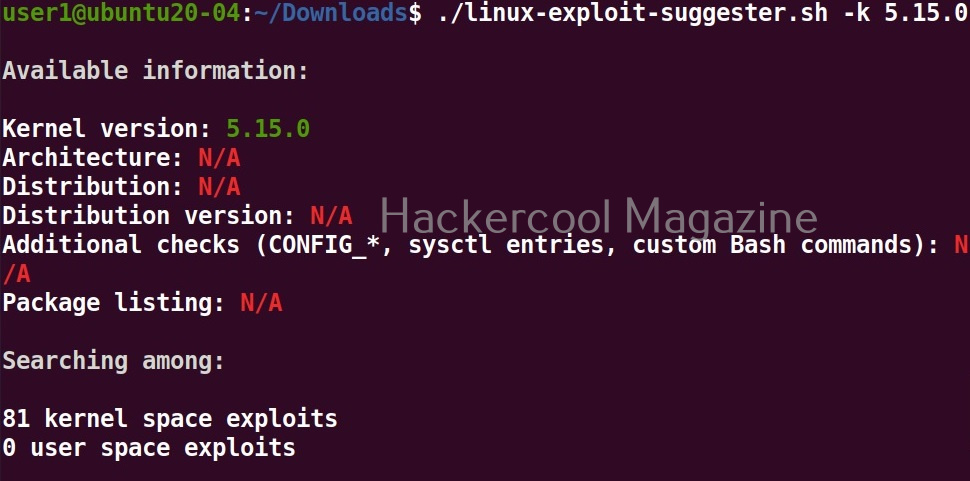
You can even supply the entire output of “uname-a” command by using the “-u” option.

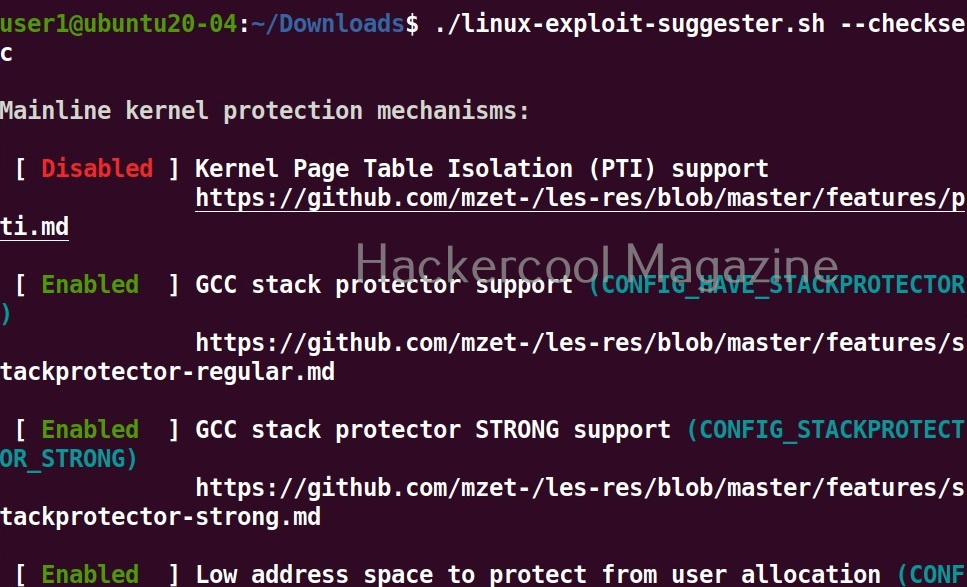
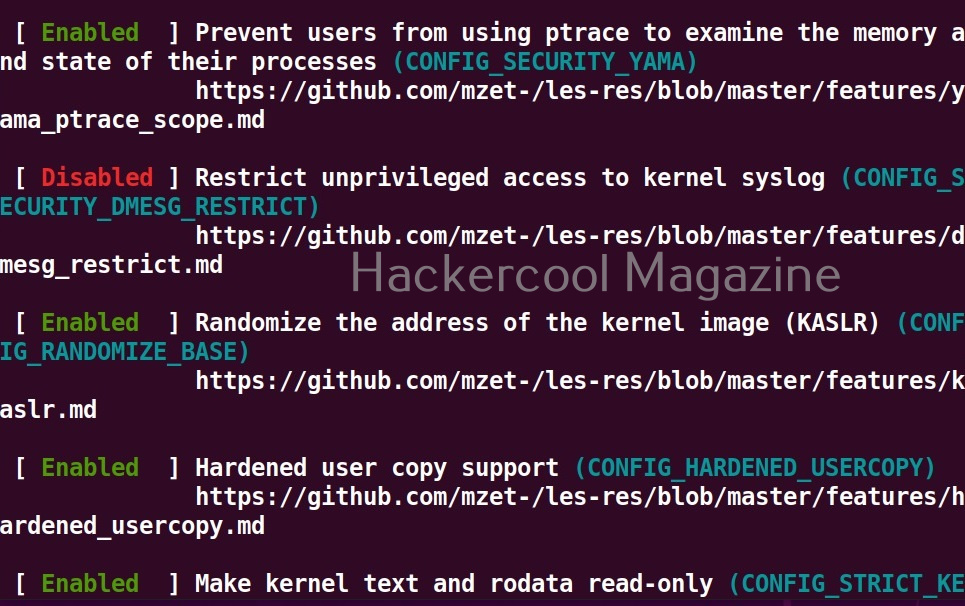
Check security settings of the target system (–checksec)
This tool can also check most security settings in your Linux kernel using this option.
Want to Learn Ethical Hacking Step-by-Step?
If you’re serious about learning cybersecurity, a structured roadmap makes the journey much easier.
Download The Beginner Ethical Hacker Starter Kit (2026 Edition) and discover:
✔ The ethical hacking learning path
✔ Beginner-friendly security concepts
✔ Essential tools ethical hackers use
✔ The most common vulnerabilities explained
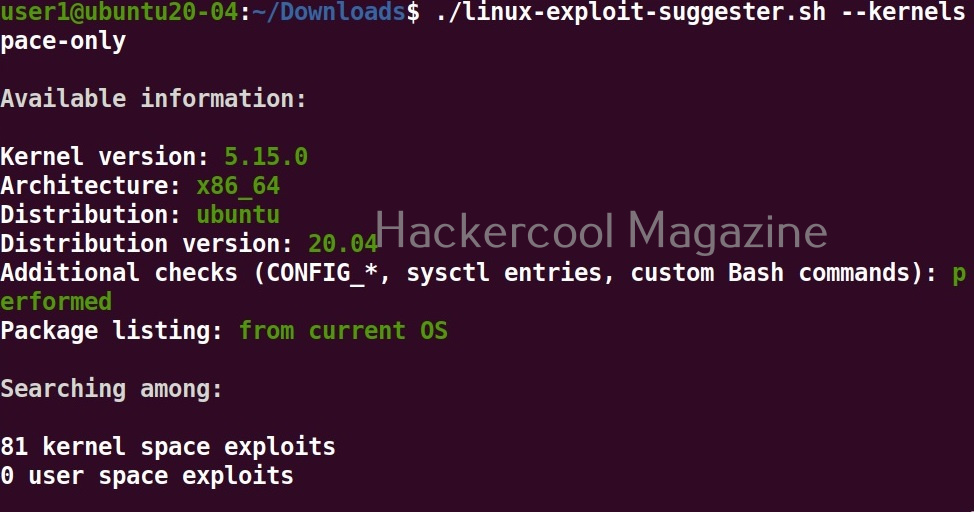
View only kernel space exploits
Setting this option shows only kernel related exploits for the target kernel.
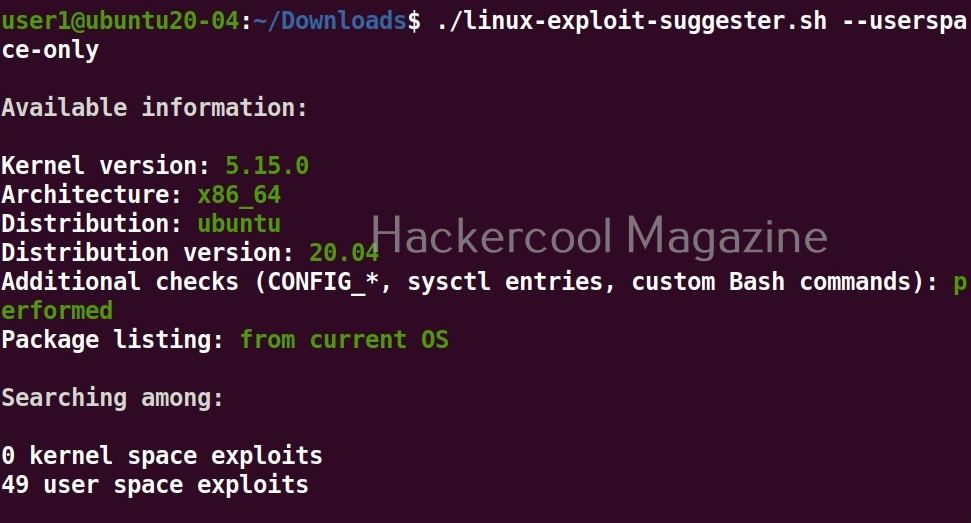
View only userspace exploits
Setting this option shows only userspace exploits.
Display sources (-s)
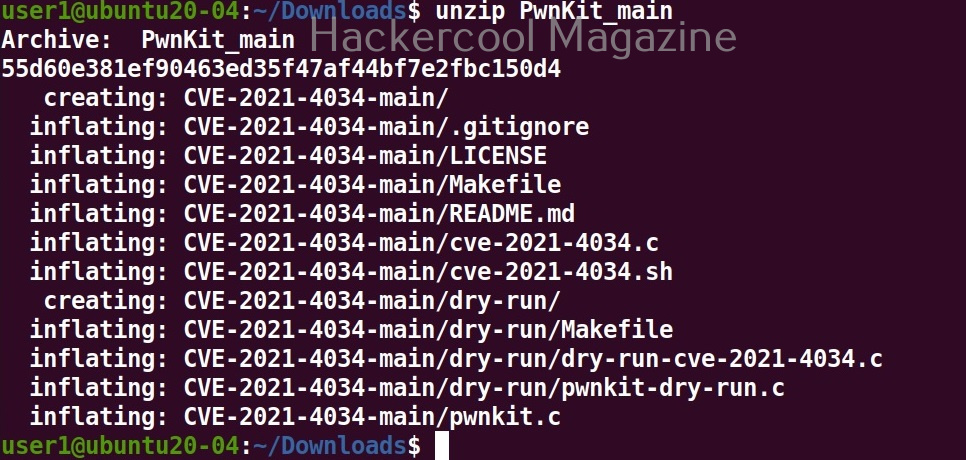
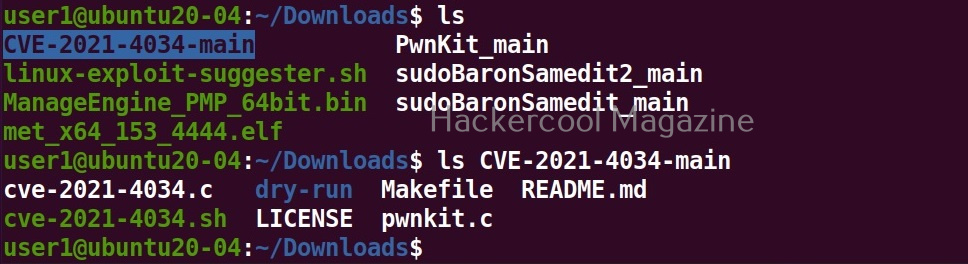
Setting this option not only lists the exploits but also downloads the source code of the exploits.

The sources of the exploit are in the format of zip archive.

Download binaries (-b)
Setting this option downloads binaries of the exploit code if available. Binary exploits can be executed directly.

Get more detailed view (-f)
Setting this option displays a more detailed view of the exploit.

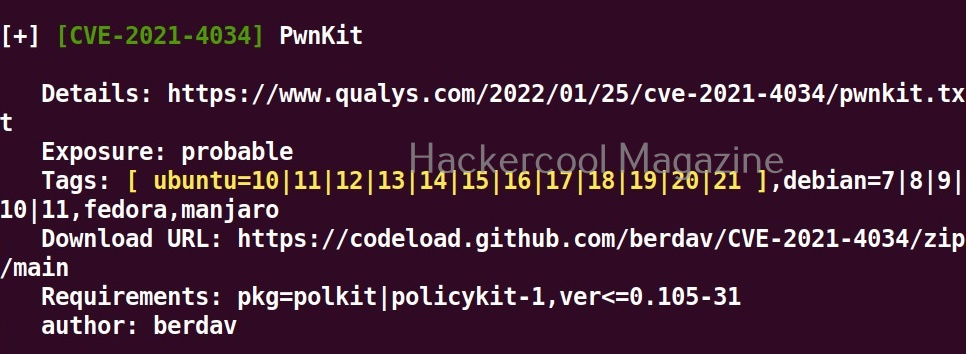
Get a brief view (-g)
Setting this option displays only brief information about found exploits.

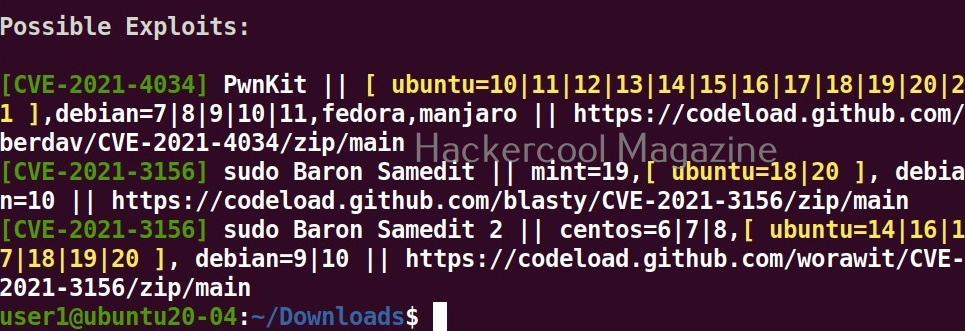
After getting the exploit information, all you have to do is execute the exploit to elevate privileges on the target linux system. Next, learn about linux post exploitation after gaining elevated privileges.
Start Your Ethical Hacking Journey Today
Learning cybersecurity can feel overwhelming at first. The best way to start is with a clear roadmap and the right resources.
Download The Beginner Ethical Hacker Starter Kit (2026 Edition) and get instant access to:
✔ Ethical hacking fundamentals
✔ A beginner cybersecurity learning roadmap
✔ Essential hacking tools every beginner should know
✔ Common vulnerabilities explained simply


