
Hello, aspiring ethical hackers. In our previous blogpost, you learnt about Windows privilege escalation in detail and various techniques used for achieving this. In this article, you will learn about windows-privesc-check, a standard executable that helps users in elevating privileges on a Windows system.
New to Ethical Hacking?
Start your journey with The Beginner Ethical Hacker Starter Kit (2026 Edition).
Inside the free guide, you’ll learn:.
- Ethical hacking fundamentals
- Beginner cybersecurity roadmap
- Essential hacking tools
- Common vulnerabilities explained
Windows-privesc-check is a executable that can find misconfigurations in target systems that can help in elevating privileges on a Windows system. Let’s see how this tool is used. This tool needs to be run on the target Windows system after gaining access.
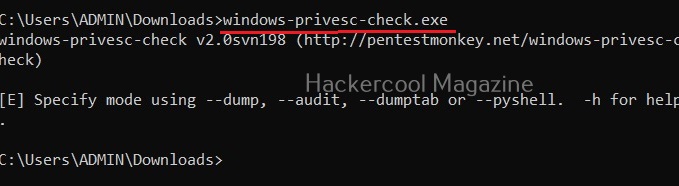
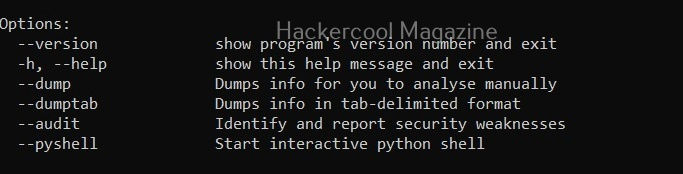
Windows-privesc-check can dump target system information in four formats. They are
- Dump: This option dumps information for you to analyze manually.
- Dumptab: This option dumps information in tab -data limited format.
- audit: Setting this option identifies and reports security weaknesses.
- Pyshell: This option starts an interactive Python shell.
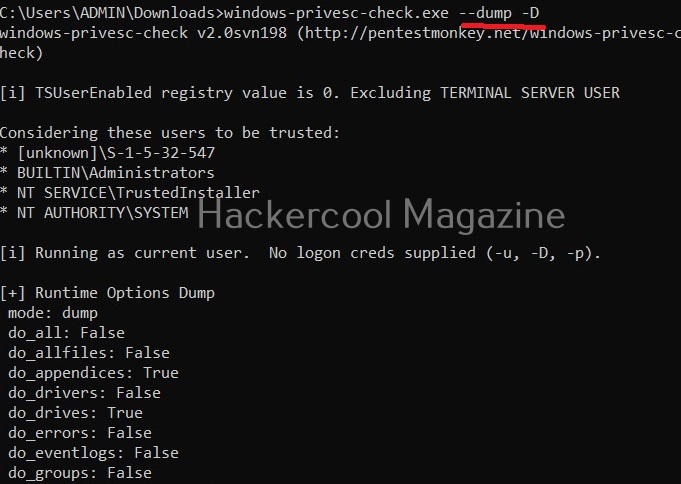
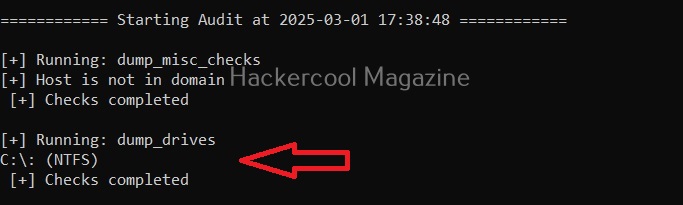
Dump the drives (-D)
Setting this option dumps all the partition drives on the target windows system.
Dump event logs (-E)
Setting this option dumps all event logs on the target Windows system.

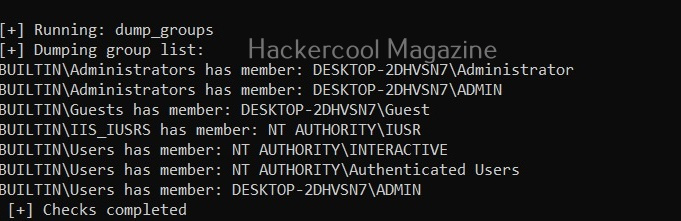
Dump user groups (-G)
Setting this option dumps all user groups present on the target system.

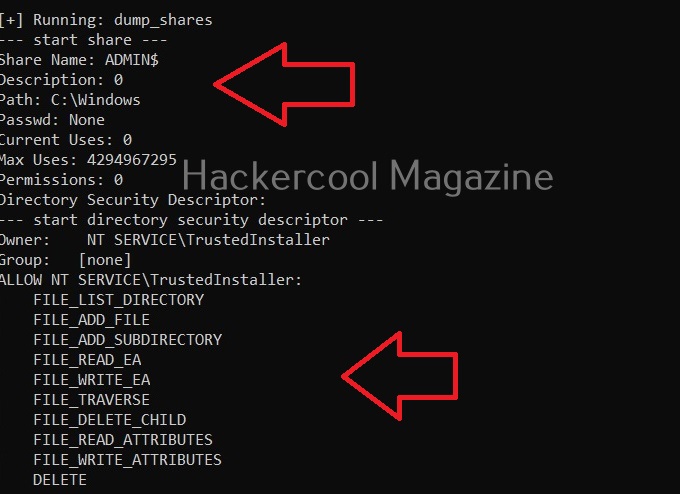
Dump all shares (-H)
Setting this option dumps all the network shares on the target system.

View installed software (-I)
All the programs that are installed on the target Windows system can be viewed using this option.

View all scheduled tasks (-j)
This option shows all scheduled tasks if any on the target system.

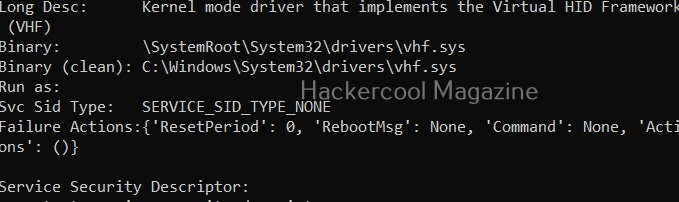
View driver kernel (-k)
This option shows kernel information of drivers on the target system.
Want to Learn Ethical Hacking Step-by-Step?
If you’re serious about learning cybersecurity, a structured roadmap makes the journey much easier.
Download The Beginner Ethical Hacker Starter Kit (2026 Edition) and discover:
✔ The ethical hacking learning path
✔ Beginner-friendly security concepts
✔ Essential tools ethical hackers use
✔ The most common vulnerabilities explained

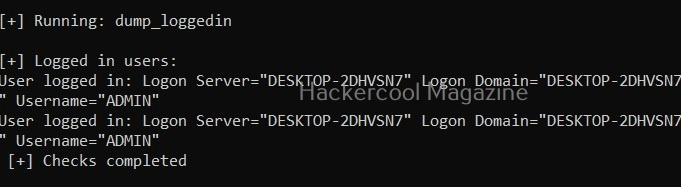
View logged in users (-L)

View NT objects (-O)

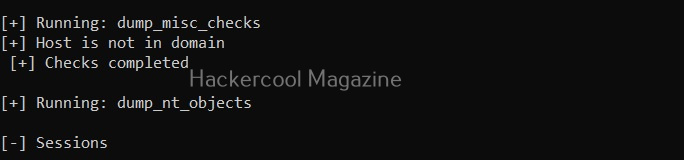
View directory tree of program files (-p)

View Registry settings and permissions (-r)

View processes running on target system (-R)

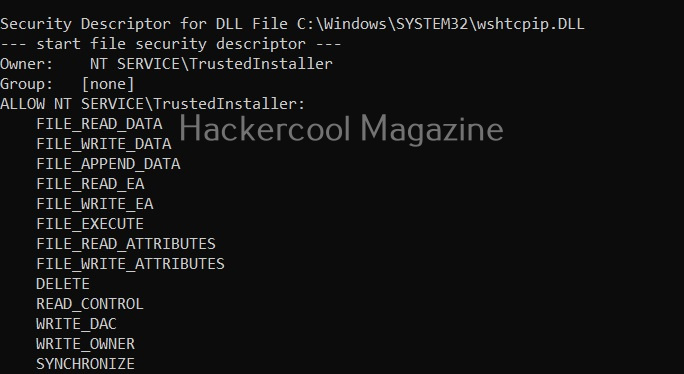
View all users on the target system (-U)

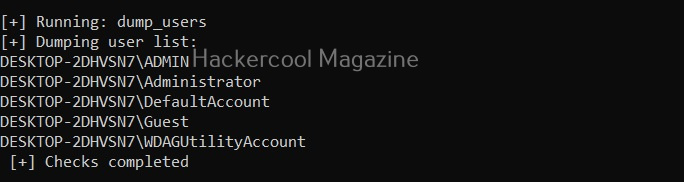
View all files and directories (-A)
This option shows all the files and directories on the target system and saves the ouput into a file named wpc.

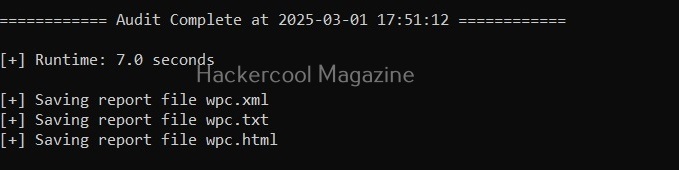
Perform all simple checks (-a)
This option is used to performs all simple checks on the target system.

Saving report
Windows-privesc-check has lot of options while saving the output.
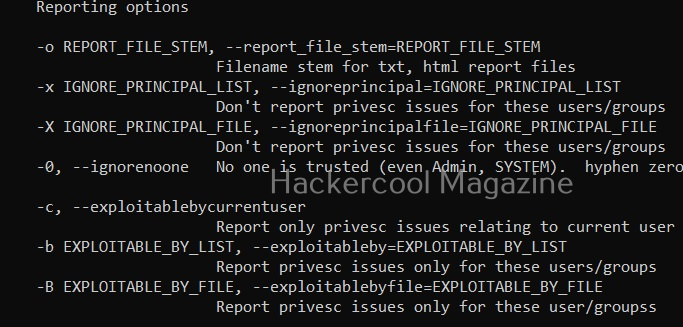
Report only privilege escalation issues relating to current user (-c)


Setting this option reports only the privilege escalation issues that can be exploited by users specified by you.

Same as above but users are specified in a file.

Setting this option allows you to ignore vulnerabilities that can be exploited by specific users. Windows-privesc-check ignores privilege escalation issues that are exploitable by users in the you set.

Same as above but the ignored list is specified is a file.

Setting the above option reports all weaknesses that are exploitable by all the users. This is known as zero-trust policy.
Learn about Unix-privesc-check, a tool that helps in elevating privileges on a Linux system.
Start Your Ethical Hacking Journey Today
Learning cybersecurity can feel overwhelming at first. The best way to start is with a clear roadmap and the right resources.
Download The Beginner Ethical Hacker Starter Kit (2026 Edition) and get instant access to:
Ethical Hacking Fundamentals
A beginner cybersecurity learning roadmap
Essential hacking tools every beginner should know
Common vulnerabilities explained simply


