

Hello, aspiring Ethical Hackers. In our previous blogpost on Footprinting, you learnt various techniques by which hackers gather information about their targets. In this blogpost, you will learn about Google Dorking or Google Hacking, one of the techniques by which real-world hackers gather information.
Everyone knows what Google is. It is the most popular Search Engine that provides answers for anything we want, almost anything. Just a click away. However, if you think Google is just for searching websites, you’re only scratching the surface. For ethical hackers, Google is a powerful information-gathering tool—so powerful that it can reveal hidden data, login pages and even sensitive files. This technique is called Google Hacking (also known as Google Dorking).
New to Ethical Hacking?
Start your journey with The Beginner Ethical Hacker Starter Kit (2026 Edition).
Inside the free guide, you’ll learn:.
- Ethical hacking fundamentals
- Beginner cybersecurity roadmap
- Essential hacking tools
- Common vulnerabilities explained
Don’t worry—it’s not as complicated as it sounds. In this beginner-friendly guide, you’ll learn what Google hacking is, how it works and how to start using it safely and effectively.

What Is Google Dorking (Google Hacking)?
Google Dorking is the process of using advanced search techniques to find information that is not easily visible through normal searches. Instead of typing simple keywords, you use special search operators to filter results.
In simple terms:
You tell Google exactly what to find.
Why is Google Dorking Important?
Google indexes a huge portion of the internet. Sometimes, websites accidentally expose:
- Login pages
- Documents
- Backup files
- Sensitive information
Google dorking helps you:
- Discover hidden data
- Understand a target better
- Find potential weaknesses
It’s a key skill in footprinting (reconnaissance).

Basic Google Search Operators
Let’s learn about some of the basic Google dork operators.
1. site:
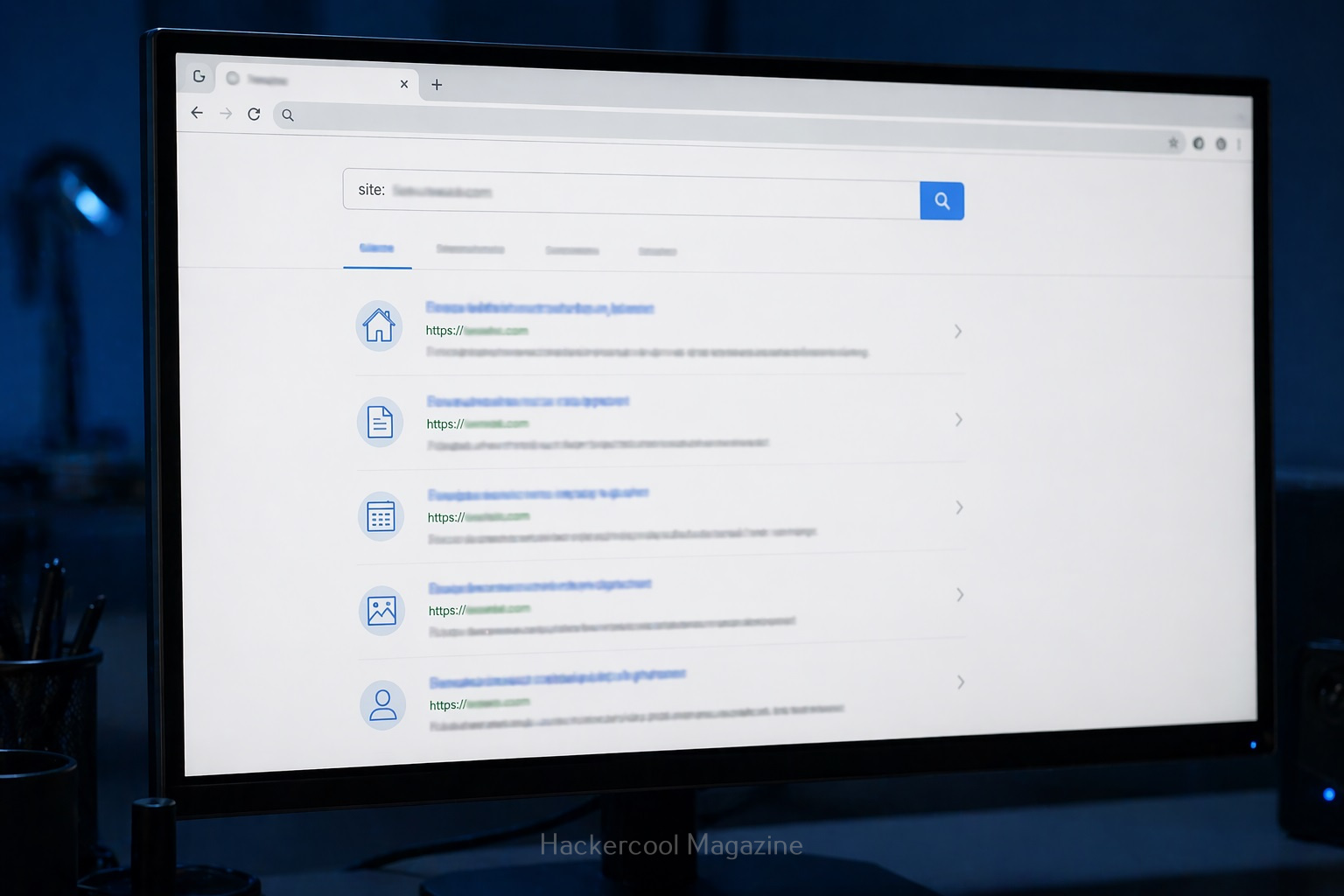
This operator helps you to search for something within a specific website.
For example:
site: example.com
query finds all pages indexed from the domain example.com.
2. intitle:
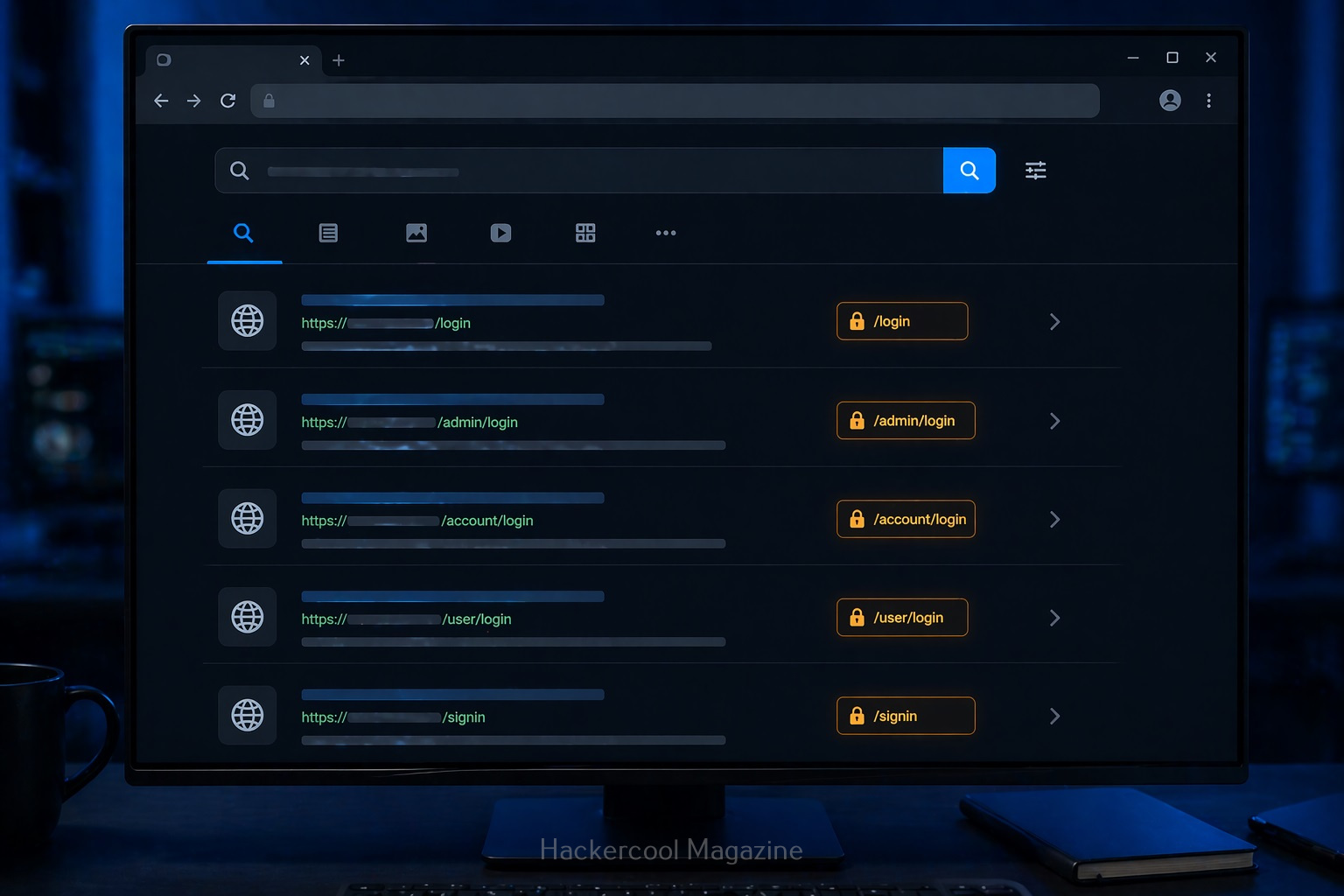
Uisng this you can search for keywords in page titles.
For example:
intitle: "login"
This query is useful for finding login pages.
3. allintitle:
Works similarly to “intitle” but will show pages containing all the multiple keywords specified.
For example:
allintitle: "Best Project tools"
Shows the pages having all the words given above present.
4. inurl:
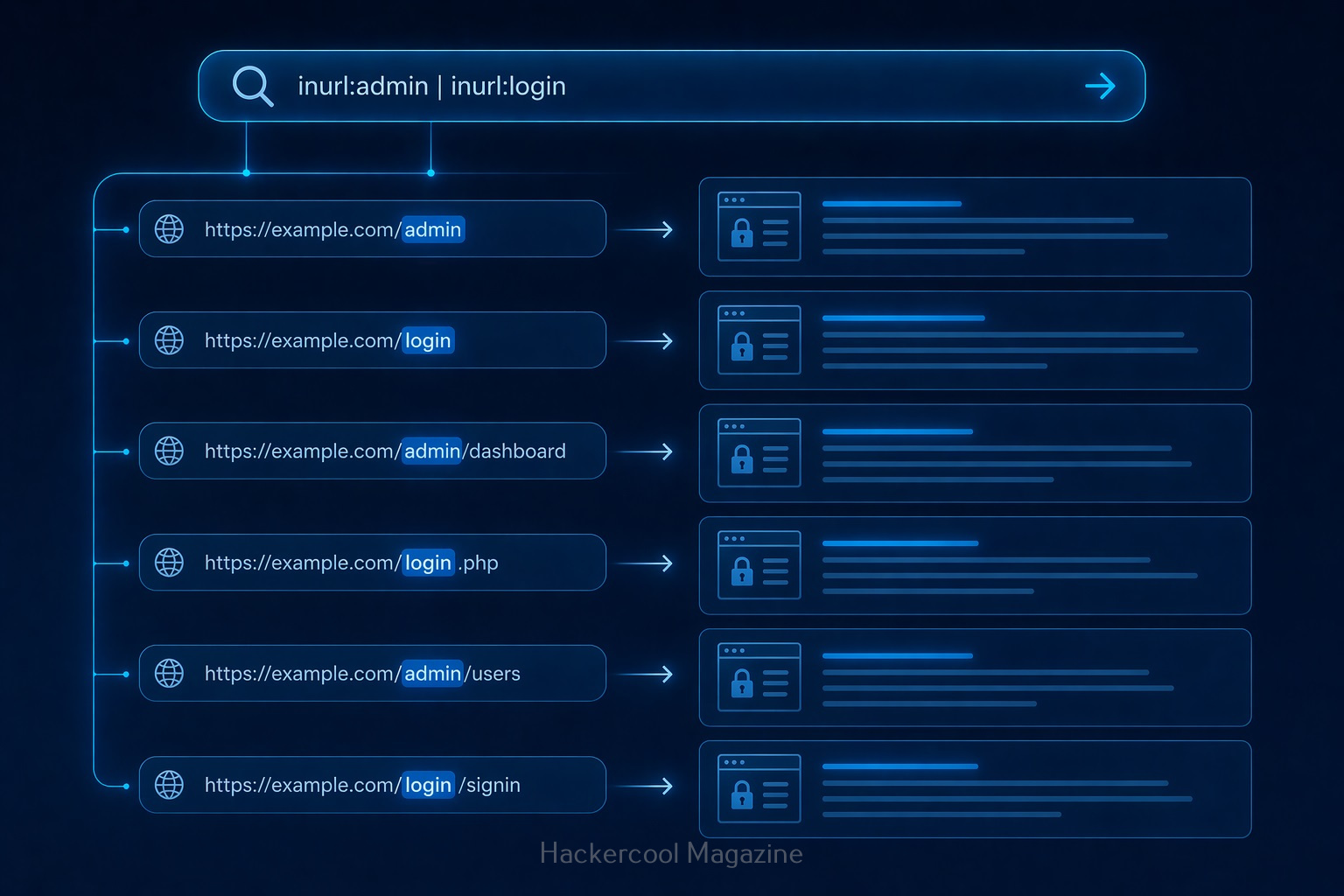
Search within URLs.
For example:
inurl:admin
query finds pages with “admin” in the URL.
5. allinurl:
Displays pages containing all the specified keywords in the URL.
For example:
allinurl:login.php
This query displays all the pages having both words in the URL.
6. filetype:
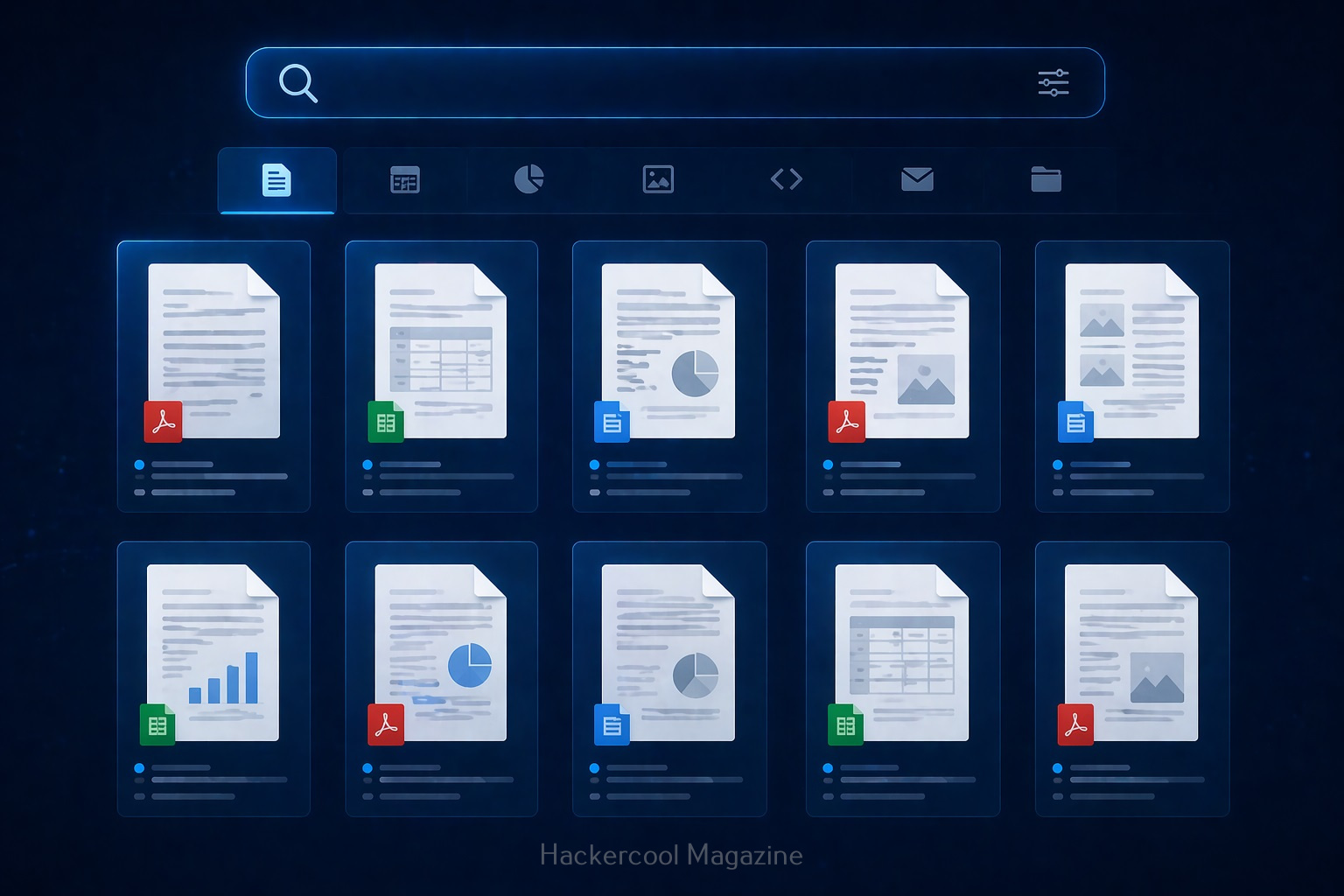
This query is used to search for specific file types.
For example:
filetype:pdf
query can reveal:
- Documents
- Reports
- Public files
- and all other files in PDF format.
7. intext:
This query is used to search for a text within page content.
For example:
intext:"confidential"
query reveals pages containing text “confidential”.
8. allintext:
This query is used to search for web pages containing all of the specified words within the body text of the page.
For example:
allintext:"About us"
This query will display all the webpages containing the above two keywords in the body text.
9. cache:
This query displays the last cached version of a website stored by Google.
For example:
cache:example.com
This query displays the last cached version of the website example.com
Google Dorking examples for beginners
Here are some real-world examples of Google hacking for beginners.
1. Find all pages of a website:
site:example.com
This query helps you to map the entire website.
2. Find Login page of a specific website:
site:example.com intitle:"login"
3. Find Documents:
site:example.com filetype:pdf
Helps find you all PDF documents (reports, internal documents) on the website.
4. Find Admin Panels:
inurl:admin
Shows pages that may be restricted.

How Google Hacking Fits in Ethical Hacking
Google hacking is part of Footprinting (Reconnaissance phase). Before testing a system, you need to gather information. Google helps you:
- Discover assets
- Identify exposed content
- Understand structure
It’s often the first step in any security assessment.
Tips for Better Google Hacking
To get better results with Google dorking, you should follow these tips.

1. Combine Operators:
For example:
site:example.com inurl:login filetype:php
This narrows results significantly.
2. Think Like a Search Engine:
Ask yourself:
- What words would appear on this page?
- How would it be structured?
3. Experiment:
Try different combinations and observe results.
4. Take Notes:
Track:
- Useful queries
- Interesting findings

Common Beginner Mistakes
Beginners often make these mistakes while using Google Dorking. Avoid these.
Using only Basic Searches:
Normal searches won’t reveal hidden data.
Not Understanding Results:
Don’t just search. Analyze what you find.
Trying To Do Too Much:
Start simple. Master basics first.
Ignoring Ethics:
This is the biggest mistake.

Real-world Use Cases
Google dorking can help you:
- Discover exposed files
- Identify login portals
- Find outdated pages
- Understand system structure
No doubt security professionals use this technique daily.
Beginner Practice Plan
Here’s a simple plan for you to practice Google dorking.
Day 1:
Learn basic operators
Day 2:
Practice on safe websites
Day 3:
Combine operators
Day 4:
Analyze results
Day 5:
Repeat with new queries
Within a week, you’ll see improvement.

Conclusion
Google hacking is one of the easiest ways to start learning ethical hacking. You know why? Because
- Advanced tools
- Complex setups
Just your brain and a search bar.
Start Your Ethical Hacking Journey Today
Learning cybersecurity can feel overwhelming at first. The best way to start is with a clear roadmap and the right resources.
Download The Beginner Ethical Hacker Starter Kit (2026 Edition) and get instant access to:
Ethical Hacking Fundamentals
A beginner cybersecurity learning roadmap
Essential hacking tools every beginner should know
Common vulnerabilities explained simply


