
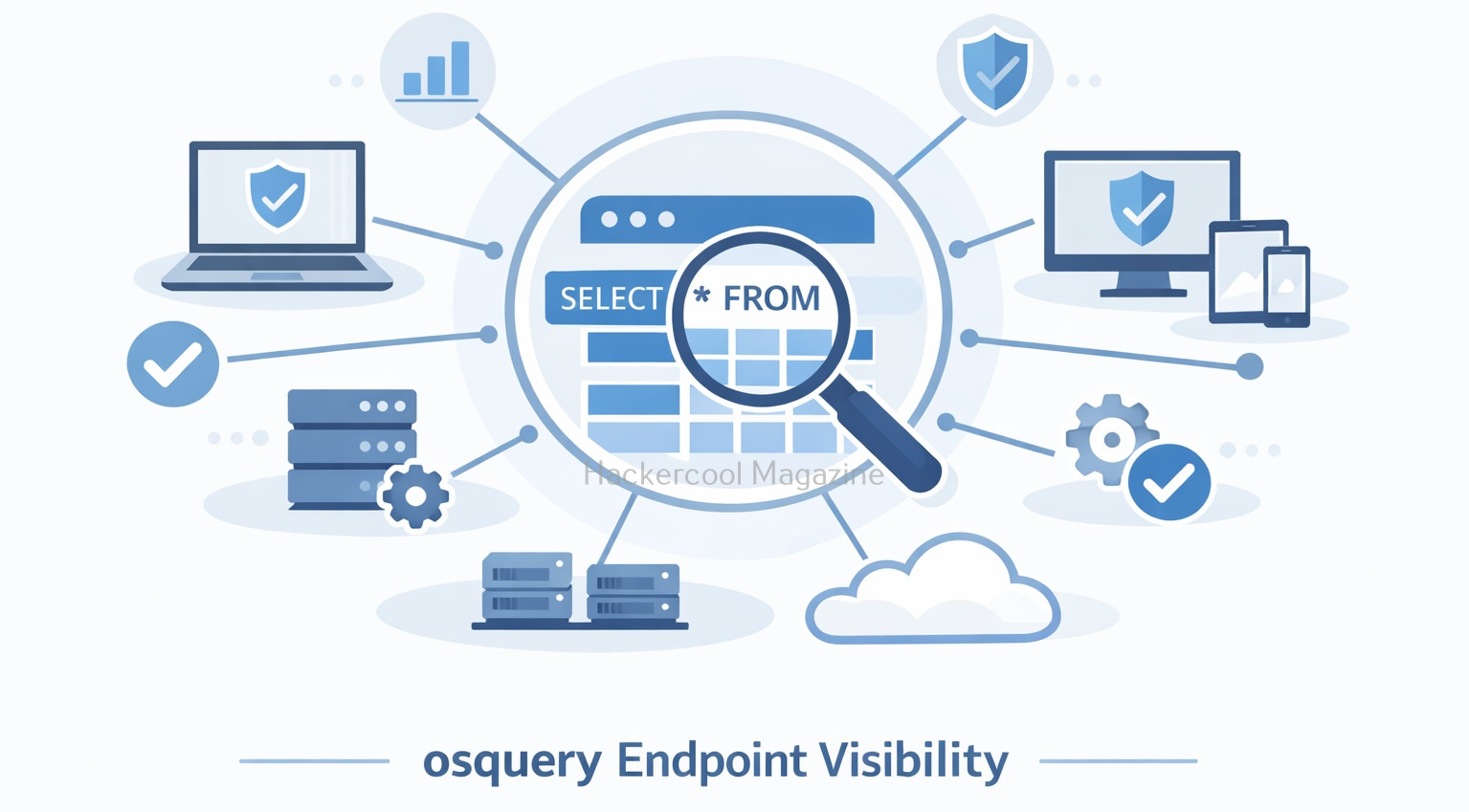
Hello, aspiring ethical hackers. In our previous blogposts, you learnt about Threat Hunting, Digital Forensics and Incident Response. In this article, you will learn about a tool that plays an important role in all the above. When beginners start learning cybersecurity, system visibility often feels overwhelming. Logs are scattered, endpoints behave differently and it’s hard to answer simple questions like “What processes are running right now?” or “Which machines have this software installed?” This is exactly the problem osquery was designed to solve.
New to Ethical Hacking?
Start your journey with The Beginner Ethical Hacker Starter Kit (2026 Edition).
Inside the free guide, you’ll learn:.
- Ethical hacking fundamentals
- Beginner cybersecurity roadmap
- Essential hacking tools
- Common vulnerabilities explained
osquery allows security teams and system administrators to query operating systems the same way they query a database. For beginners, it offers a simple and powerful way to understand what is happening on systems, without needing complex scripts or intrusive tools.
What Is osquery?
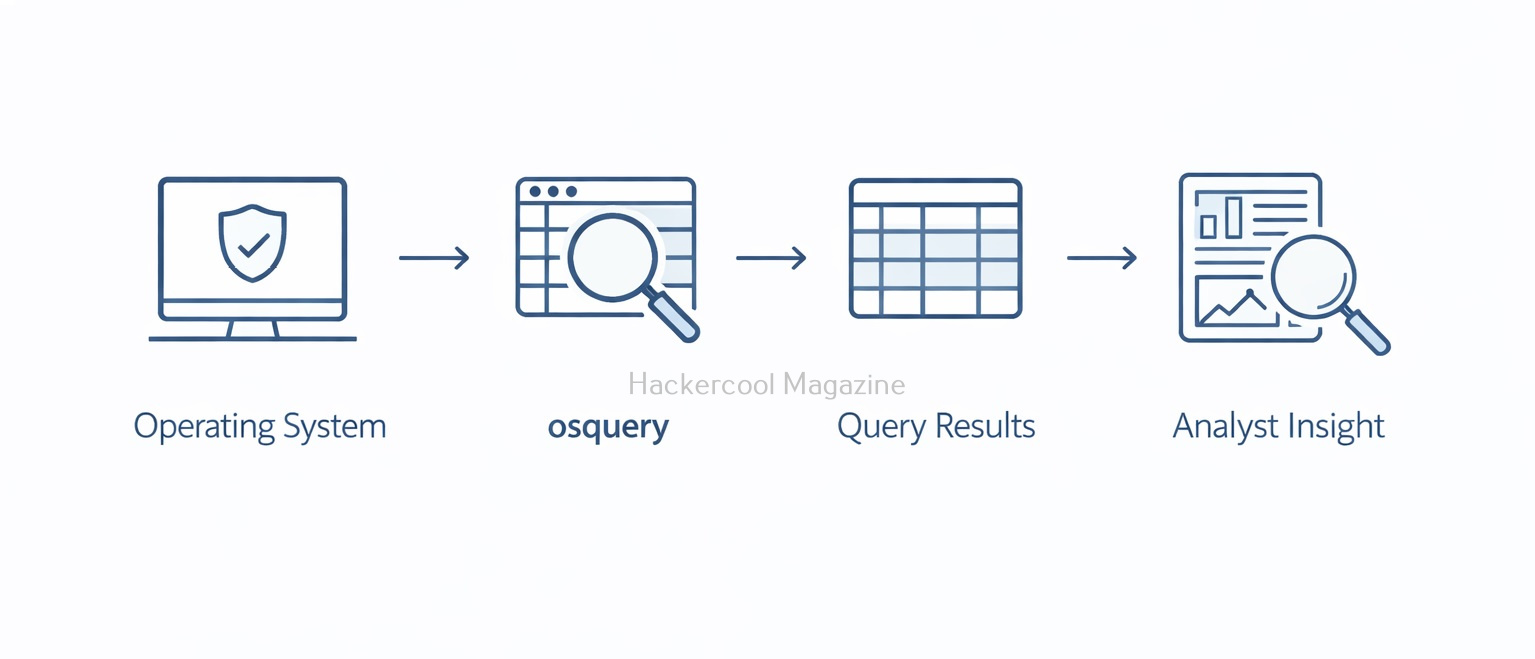
osquery is an open-source endpoint instrumentation framework that exposes operating system data as SQL-like tables. Instead of writing custom scripts, users can ask structured questions such as:
- What processes are running?
- Which users exist on this system?
- What network connections are active?
- Which startup items are configured?
osquery was originally developed at Facebook (now Meta) and is widely used by security teams, SOCs and system administrators for visibility, monitoring and threat detection. In simple terms, osquery turns your operating system into a queryable data source.
How osquery works?
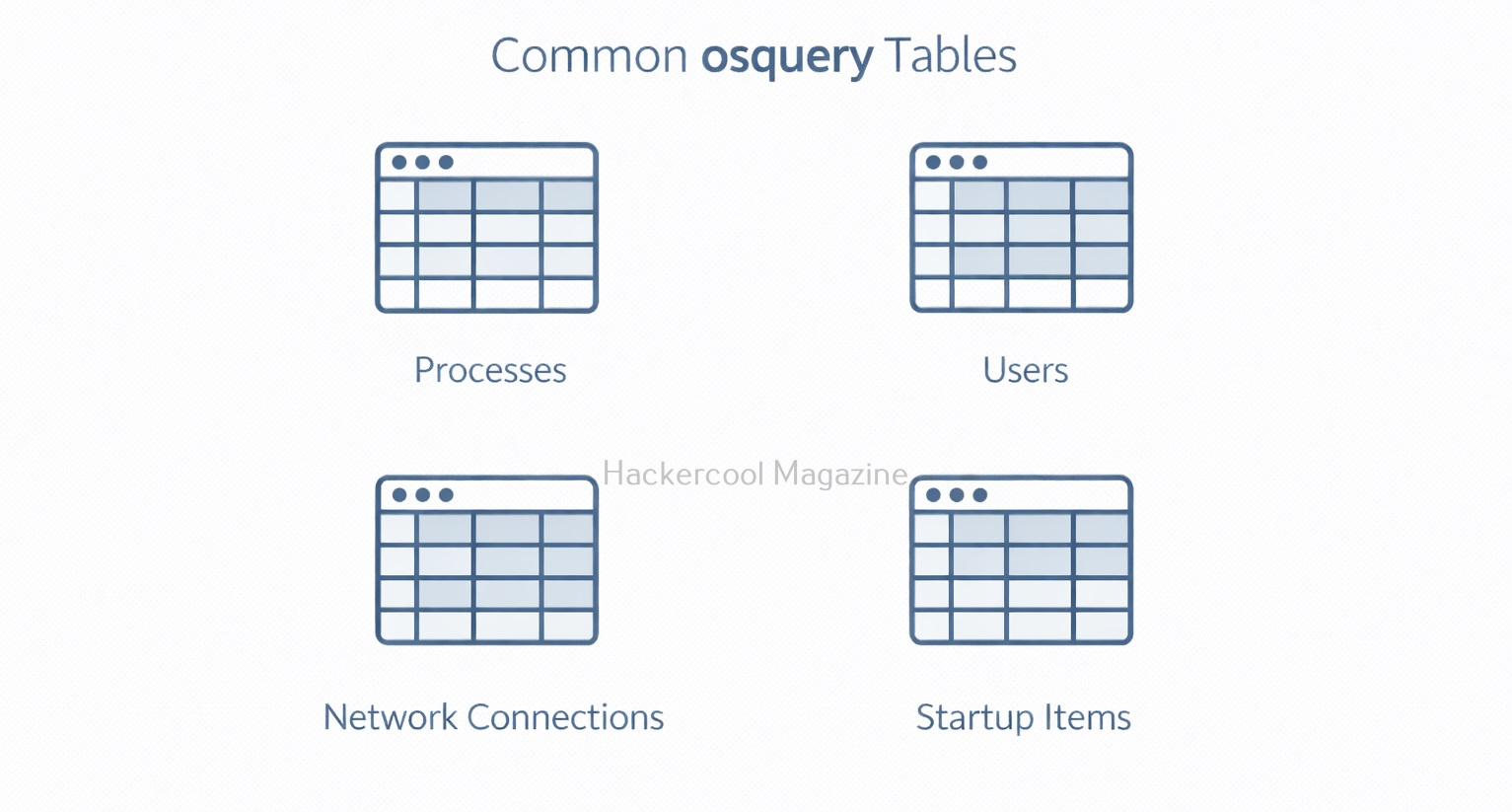
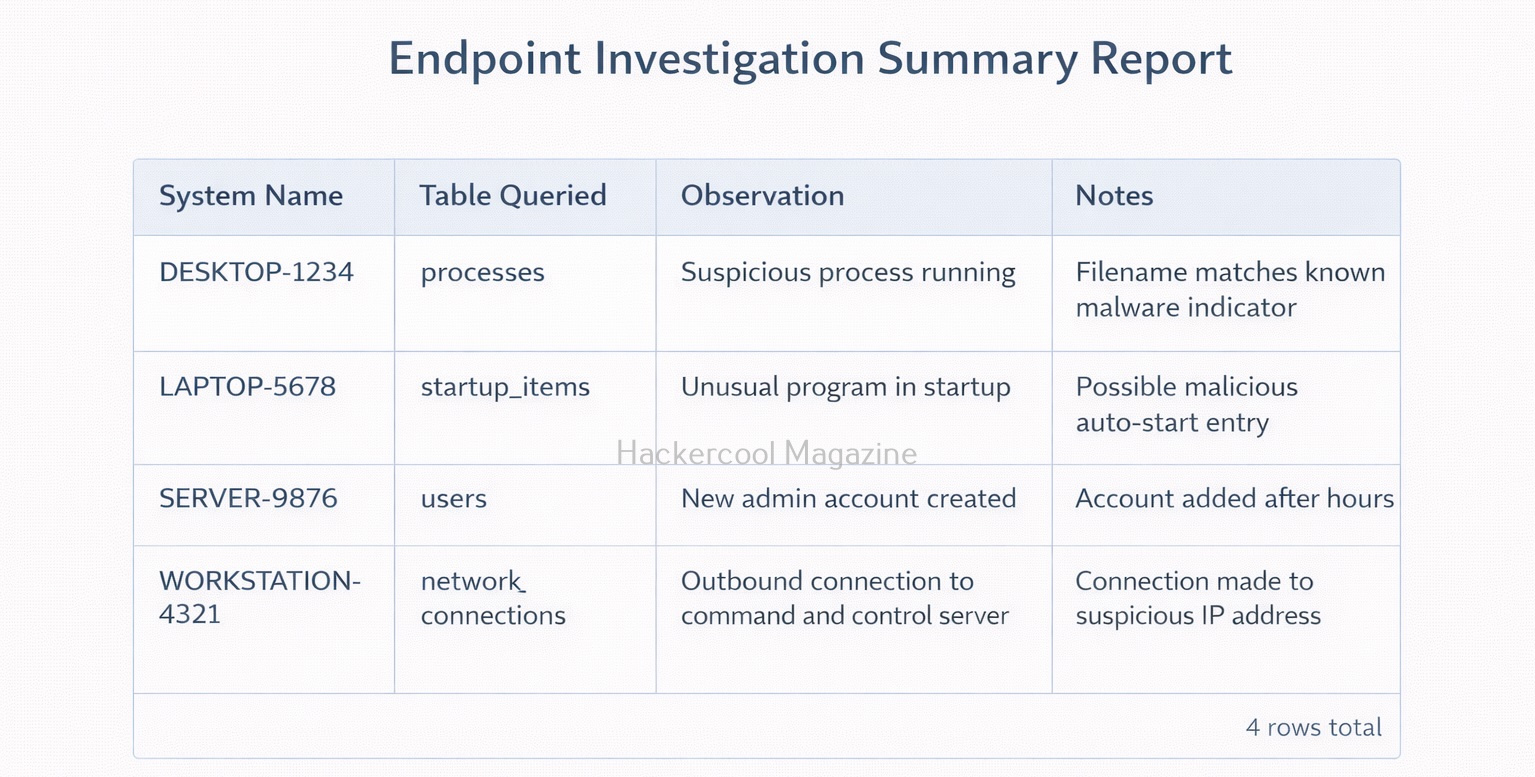
osquery collects information from the operating system and organizes it into tables, similar to a relational database. Examples include:
processes– running processesusers– local user accountslistening_ports– services listening on the networkstartup_items– programs that run at boot
You use SQL-style queries to retrieve information from these tables. For example, you might query which processes are running or which users have logged in recently. Importantly, osquery does not exploit systems or inject code. It simply observes and reports the state of the system.
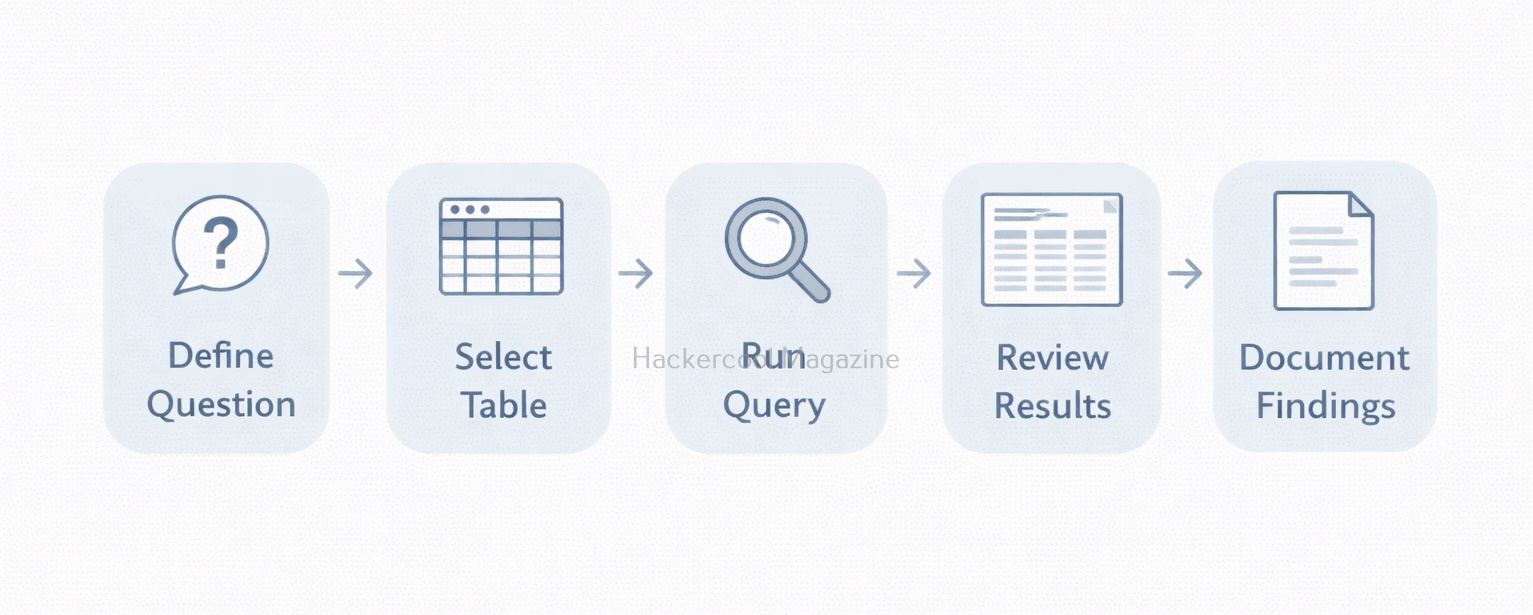
Typical Workflow with osquery
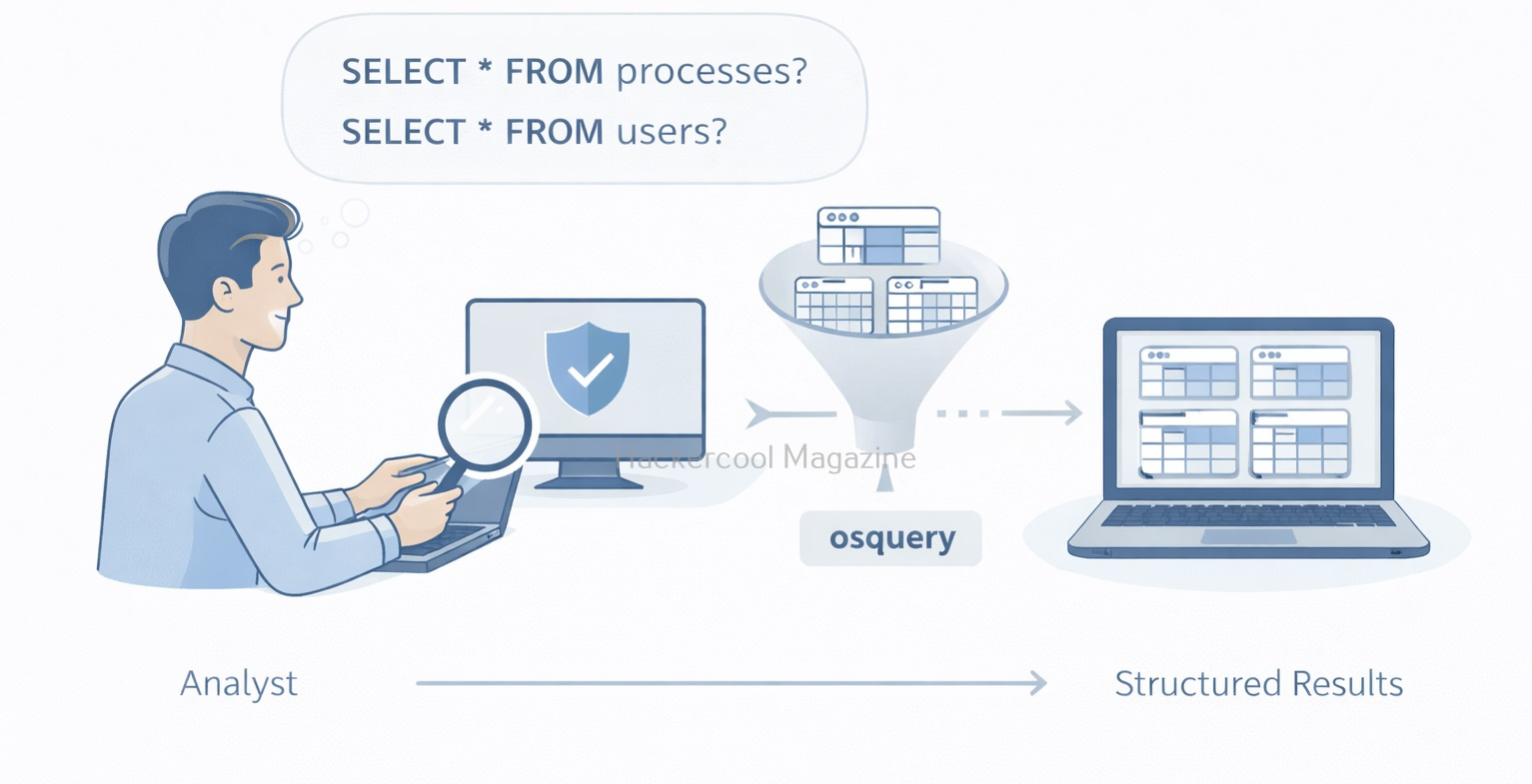
A simple osquery learning workflow looks like this.
- Decide what question you want answer to
- Identify the relevant osquery table
- Run a basic query
- Review and interpret results
- Refine the query if needed
- Document findings
This mirrors how professional threat hunters work, iteratively and methodically.
Want to Learn Ethical Hacking Step-by-Step?
If you’re serious about learning cybersecurity, a structured roadmap makes the journey much easier.
Download The Beginner Ethical Hacker Starter Kit (2026 Edition) and discover:
✔ The ethical hacking learning path
✔ Beginner-friendly security concepts
✔ Essential tools ethical hackers use
✔ The most common vulnerabilities explained
osquery in Security Operations
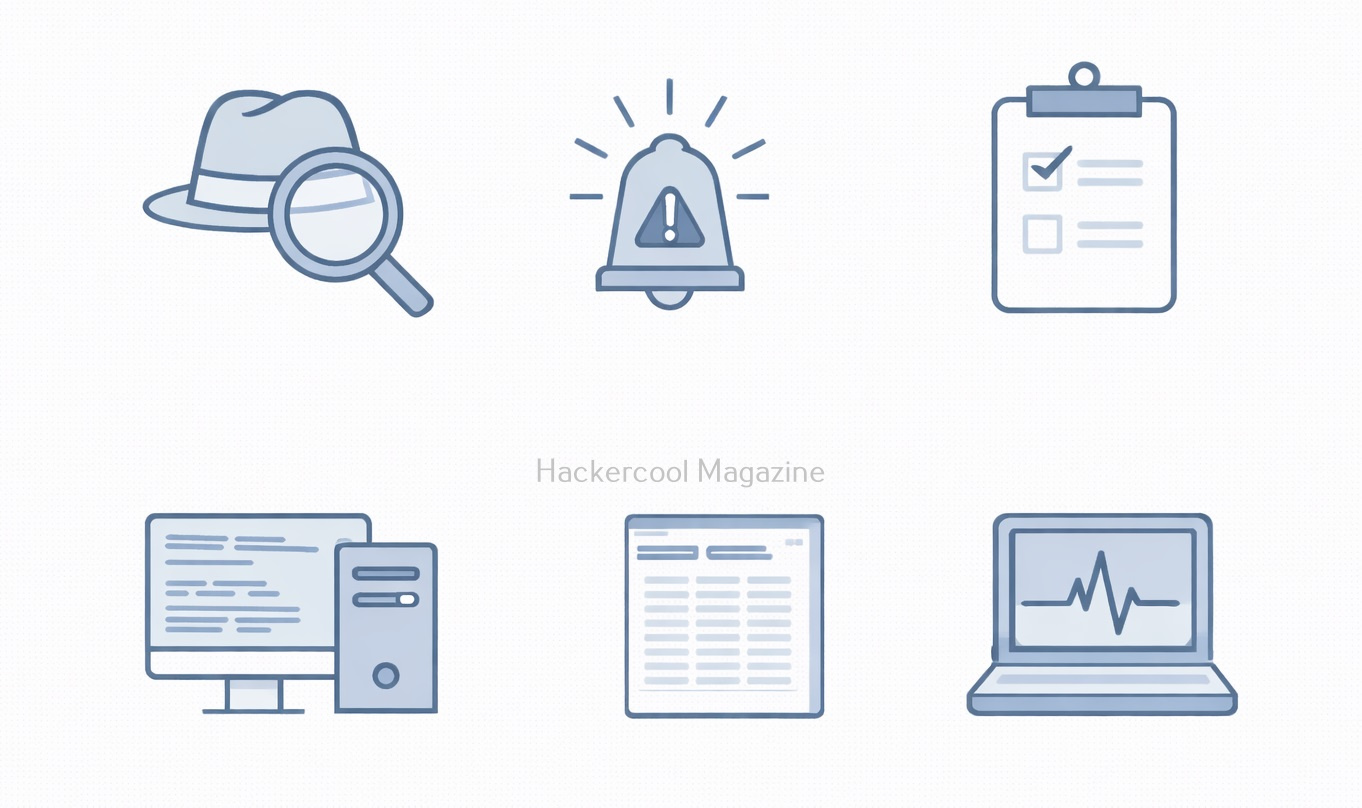
osquery is commonly used in cybersecurity for:
- Threat hunting: Searching for suspicious processes or configurations
- Incident response: Quickly gathering system information
- Compliance monitoring: Checking security settings across systems
- Asset visibility: Understanding what software and services exist
For beginners, this shows how security teams move from guesswork to evidence-based investigations.
Common Use Cases
Some beginner-friendly osquery use cases include:
- Listing all running processes
- Finding unusual network connections
- Checking which users have administrator privileges
- Identifying startup programs
- Verifying security configurations
These tasks help beginners understand both normal behavior and anomalies.
osquery vs Traditional Logging
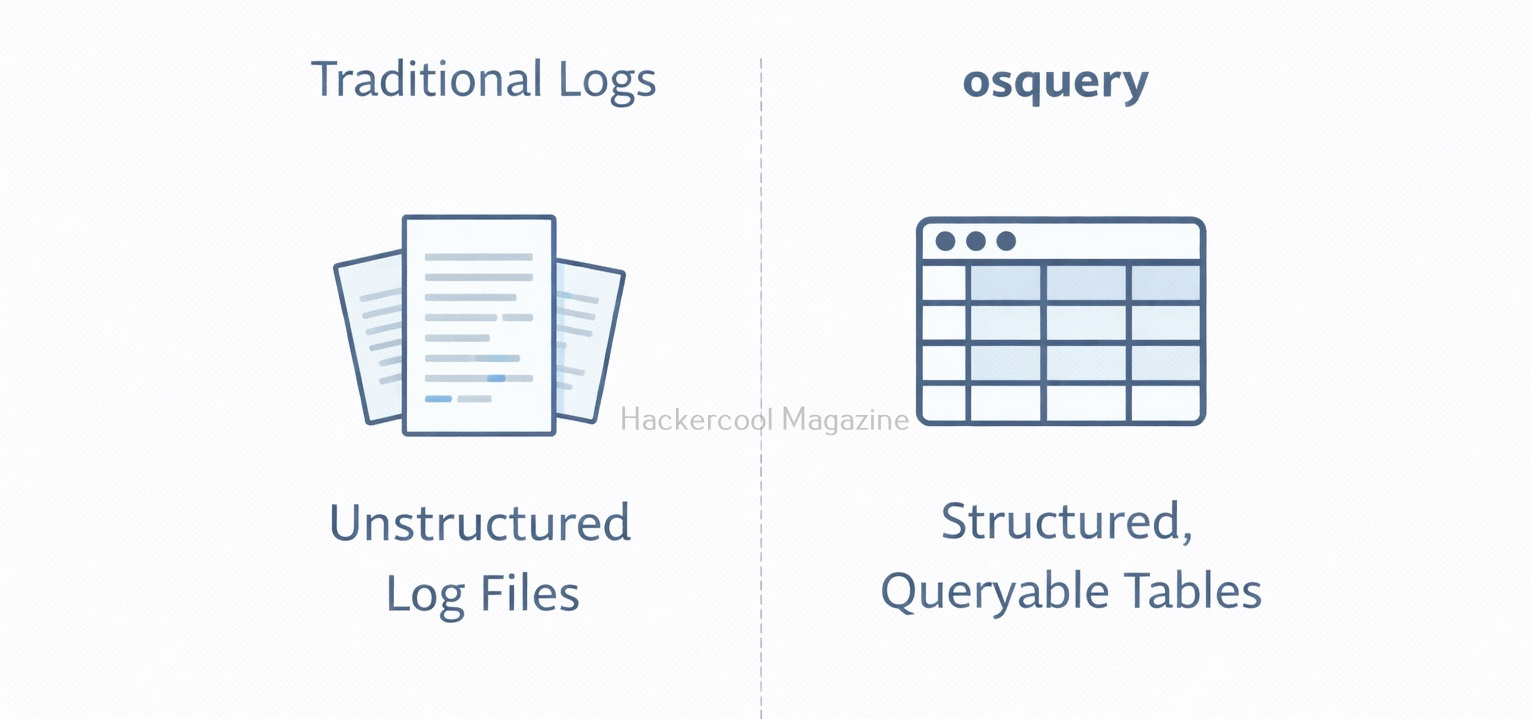
It helps to understand the difference between working of osquery and traditional logs.
Traditional Logs:
- Record events after they happen
- Often noisy and inconsistent
- Hard to ask follow-up questions
osquery:
- Provides current system state
- Structured and queryable
- Easy to pivot and refine questions
osquery doesn’t replace logs. It complements them by answering questions logs cannot.
Why osquery Is Valuable for Beginners?
Beginners often struggle with where to look during investigations. osquery simplifies this by offering:
- A consistent way to inspect systems
- A familiar SQL-style query language
- Read-only access by default (safer learning)
- Cross-platform support (Windows, Linux, macOS)
Instead of memorizing commands for each operating system, beginners can focus on just asking the right questions. osquery is widely used in:
- SOC environments
- Threat hunting teams
- Incident response operations
- Endpoint monitoring platforms
Learning osquery builds foundational skills in:
- Endpoint visibility
- Analytical thinking
- Query-based investigations
- Defensive security mindset
These skills are transferable to many other security tools.
Challenges Beginners May Face
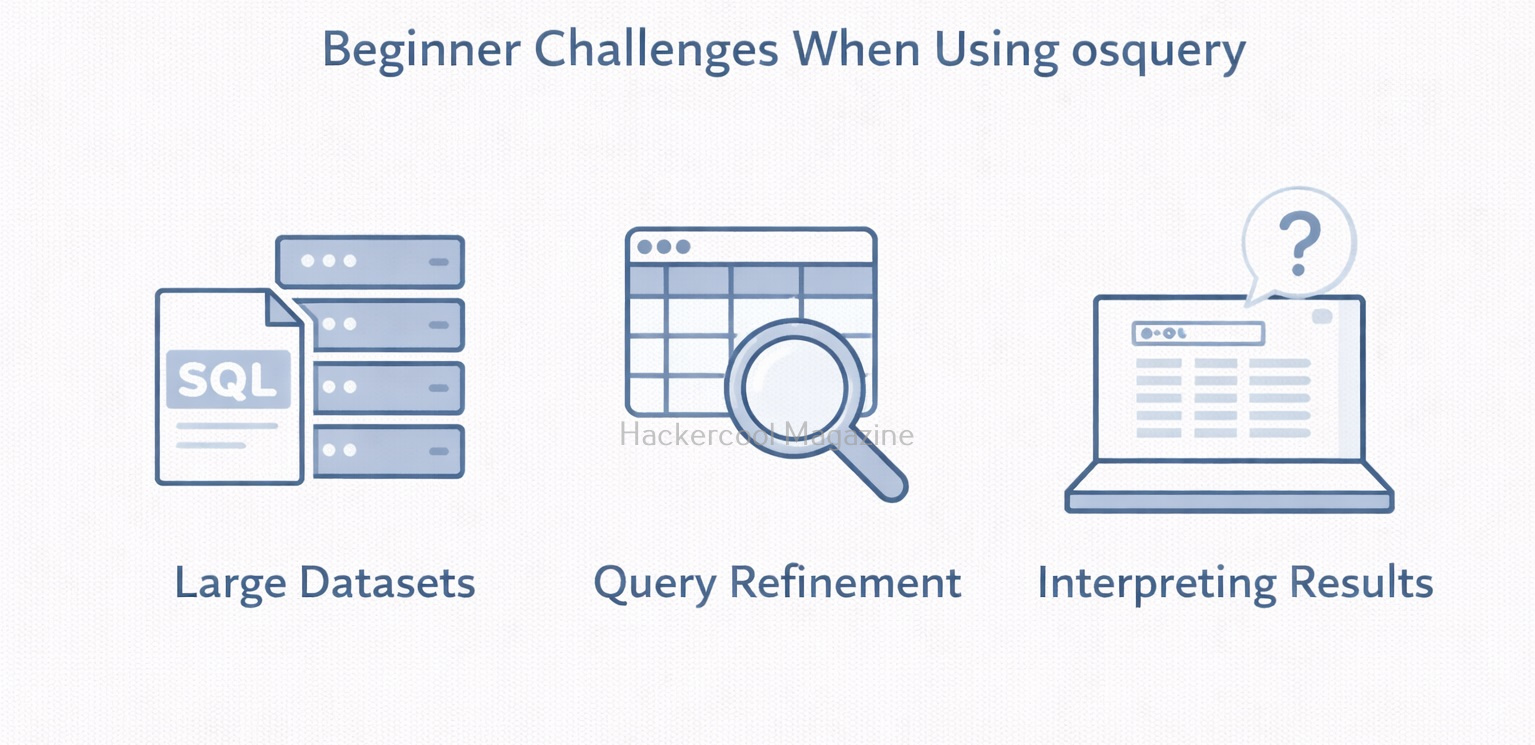
Like any tool, osquery has a learning curve. Beginners may encounter:
- SQL syntax mistakes
- Large amounts of returned data
- Difficulty interpreting results
- Uncertainty about what “normal” looks like
These challenges improve with practice. The key is learning to ask smaller but focused questions.
Best Practices for Beginners
If you’re new to osquery,
- Use it in labs or test environments
- Start with read-only queries
- Focus on understanding results, not speed
- Document what each query tells you
- Combine osquery data with logs and alerts
osquery is most powerful when used thoughtfully.
Conclusion
osquery teaches a critical cybersecurity lesson: good security starts with good questions. Instead of guessing what might be wrong, you ask the system directly and get structured answers. For beginners, osquery is an excellent gateway into endpoint visibility, threat hunting and modern blue-team workflows. By learning how to query systems safely and intelligently, you build skills that remain valuable across nearly every area of cybersecurity.
Start Your Ethical Hacking Journey Today
Learning cybersecurity can feel overwhelming at first. The best way to start is with a clear roadmap and the right resources.
Download The Beginner Ethical Hacker Starter Kit (2026 Edition) and get instant access to:
✔ Ethical hacking fundamentals
✔ A beginner cybersecurity learning roadmap
✔ Essential hacking tools every beginner should know
✔ Common vulnerabilities explained simply


