If you’re beginning your journey into ethical hacking or cybersecurity, you’ll very quickly encounter the term vulnerability scanning. Security professionals use vulnerability scanners to examine systems, networks, applications and devices for known security weaknesses. These tools can help identify outdated software, insecure configurations, missing patches and other potential security issues.
For beginners, vulnerability scanning is an important skill because it teaches you how security professionals identify weaknesses before they become serious problems. But vulnerability scanning isn’t simply about running a tool and looking at a list of vulnerabilities. You also need to understand what the results mean, determine which findings matter and learn how organizations can fix them.
In this guide, we’ll explain vulnerability scanning in simple terms and explore how beginners can start learning it.
New to Ethical Hacking?
Start your journey with The Beginner Ethical Hacker Starter Kit (2026 Edition).
Inside the free guide, you’ll learn:.
- Ethical hacking fundamentals
- Beginner cybersecurity roadmap
- Essential hacking tools
- Common vulnerabilities explained

What Is a Vulnerability?
A vulnerability is a weakness in a system that could potentially affect its security. Vulnerabilities can exist in many places, including:
- Operating systems
- Web applications
- Network devices
- Software
- Databases
- Cloud environments
- System configurations
For example, a server running an outdated version of software may contain a publicly known security weakness. Similarly, an incorrectly configured service may expose information that should not be accessible. The first step toward improving security is identifying these weaknesses.

What Is Vulnerability Scanning?
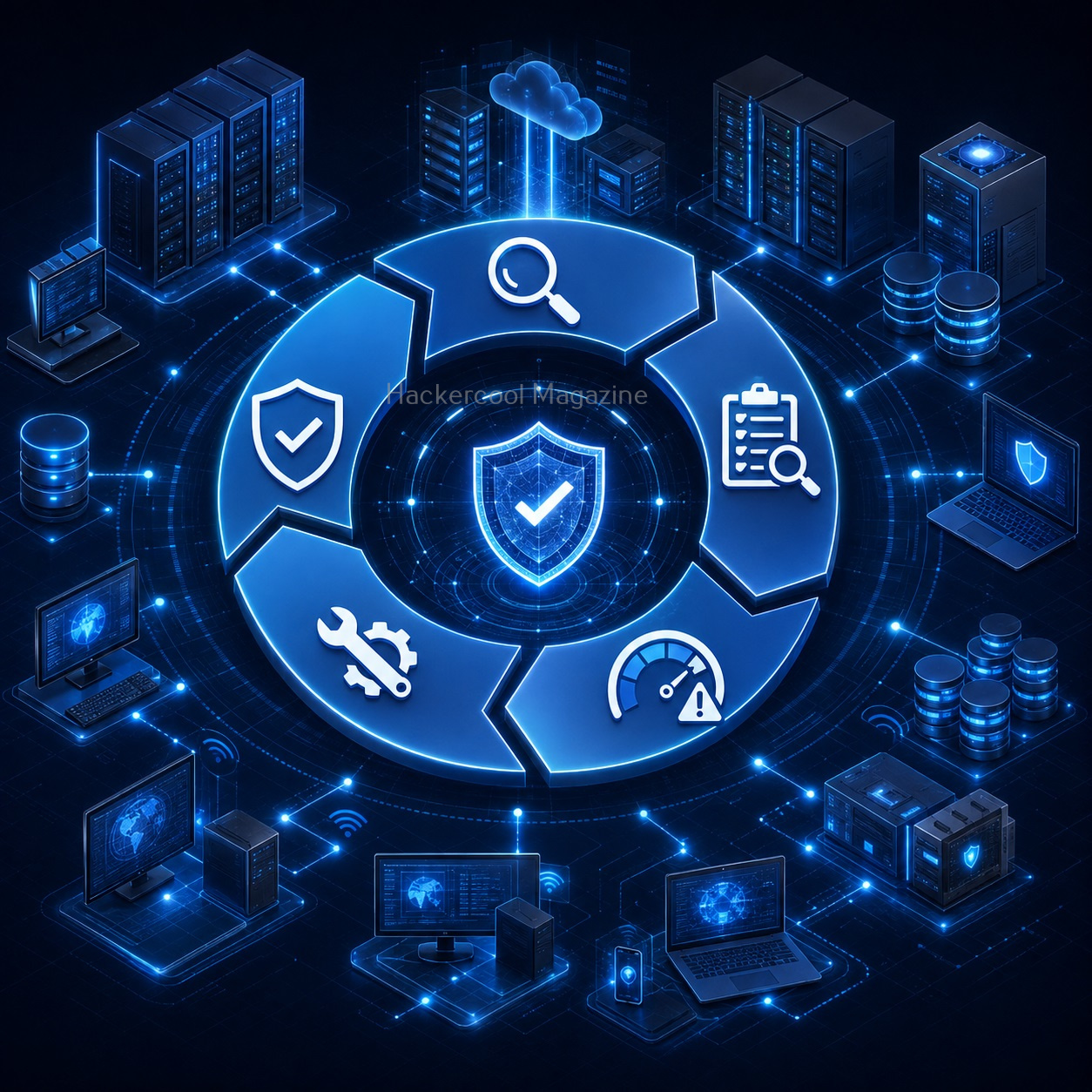
Vulnerability scanning is the process of using automated tools to identify potential security weaknesses in systems and applications. A scanner examines a target and compares what it discovers against databases or rules describing known vulnerabilities and insecure configurations.
The results can then be reviewed by security professionals. Simply put,
Vulnerability scanning helps answer the question: “What security weaknesses might exist here?”

Why Is Vulnerability Scanning Important?
Modern organizations may have hundreds or thousands of systems. Checking every system manually would take an enormous amount of time. Vulnerability scanners help security teams automate much of the initial assessment process.
They can help identify:
- Missing security updates
- Outdated software
- Known vulnerabilities
- Weak configurations
- Unnecessary services
- Potential security risks
This gives security teams a starting point for further investigation.
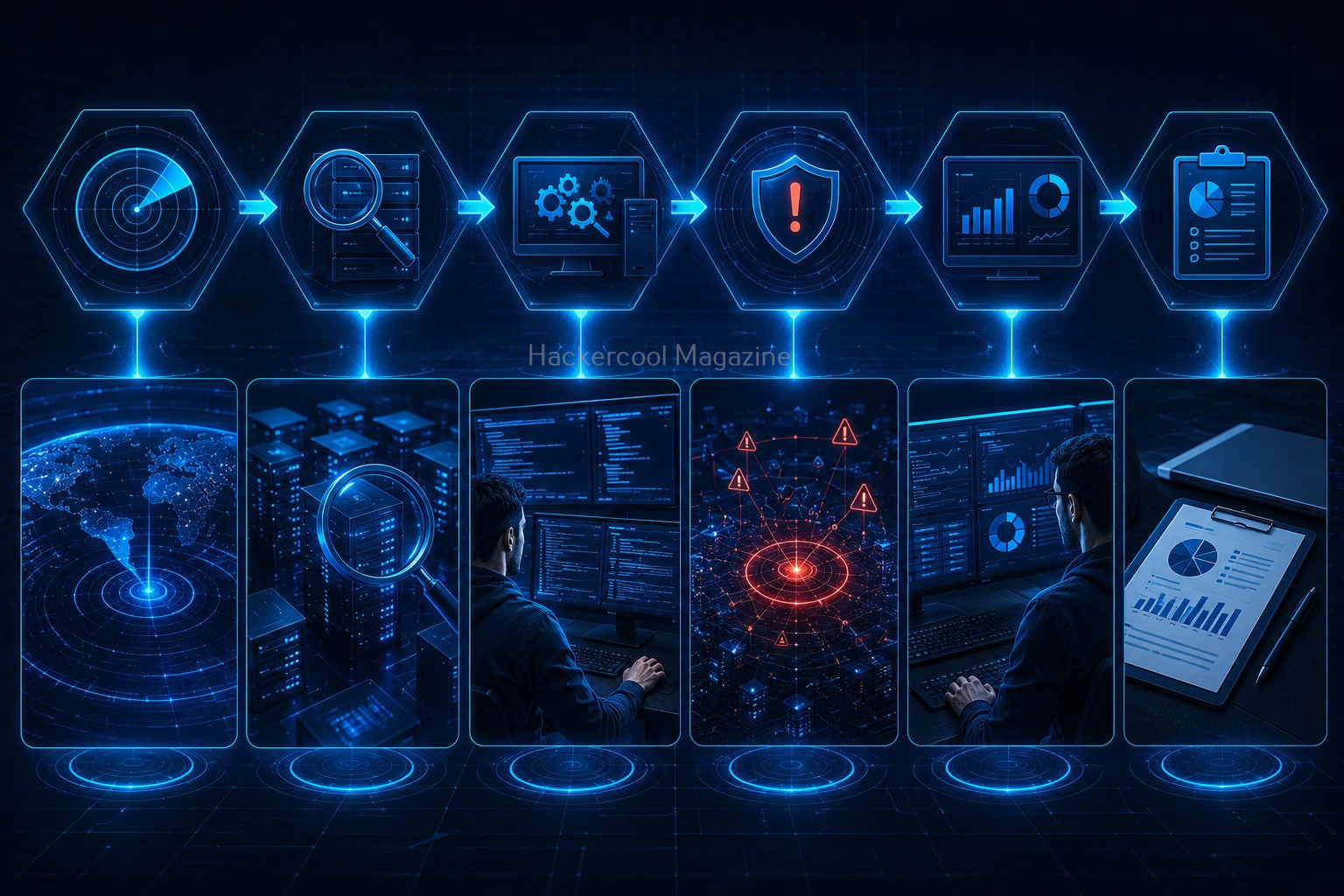
How Does Vulnerability Scanning Work?
Although different scanners work differently, the general process is similar.
Step 1: Identify the Target
Security professionals first determine which systems are authorized for testing. This might include:
- Servers
- Workstations
- Network devices
- Applications
Step 2: Discover Services
The scanner examines the target to understand what services and software are available.
Step 3: Identify Versions
The scanner may attempt to determine software and service versions. This information can then be compared against known vulnerabilities.
Step 4: Compare Findings
The scanner compares its observations against vulnerability databases and security checks.
Step 5: Generate a Report
Finally, the scanner produces a report containing potential findings.
Security professionals then analyze the results.

Vulnerability Scanning vs Penetration Testing
Beginners often confuse these two concepts. They are related but they aren’t the same. Vulnerability scanning primarily focuses on identifying potential weaknesses using automated checks.
Penetration testing goes further by having authorized security professionals investigate and validate security weaknesses using a controlled methodology. Think of vulnerability scanning as finding possible problems.
Penetration testing involves determining whether those weaknesses can actually create meaningful security impact. Both are valuable but they serve different purposes.
Types of Vulnerability Scanning
Vulnerability scanning can be performed in different ways.

Network Vulnerability Scanning:
This focuses on network-connected systems. It may identify,
- Open services
- Outdated software
- Known vulnerabilities
- Configuration issues
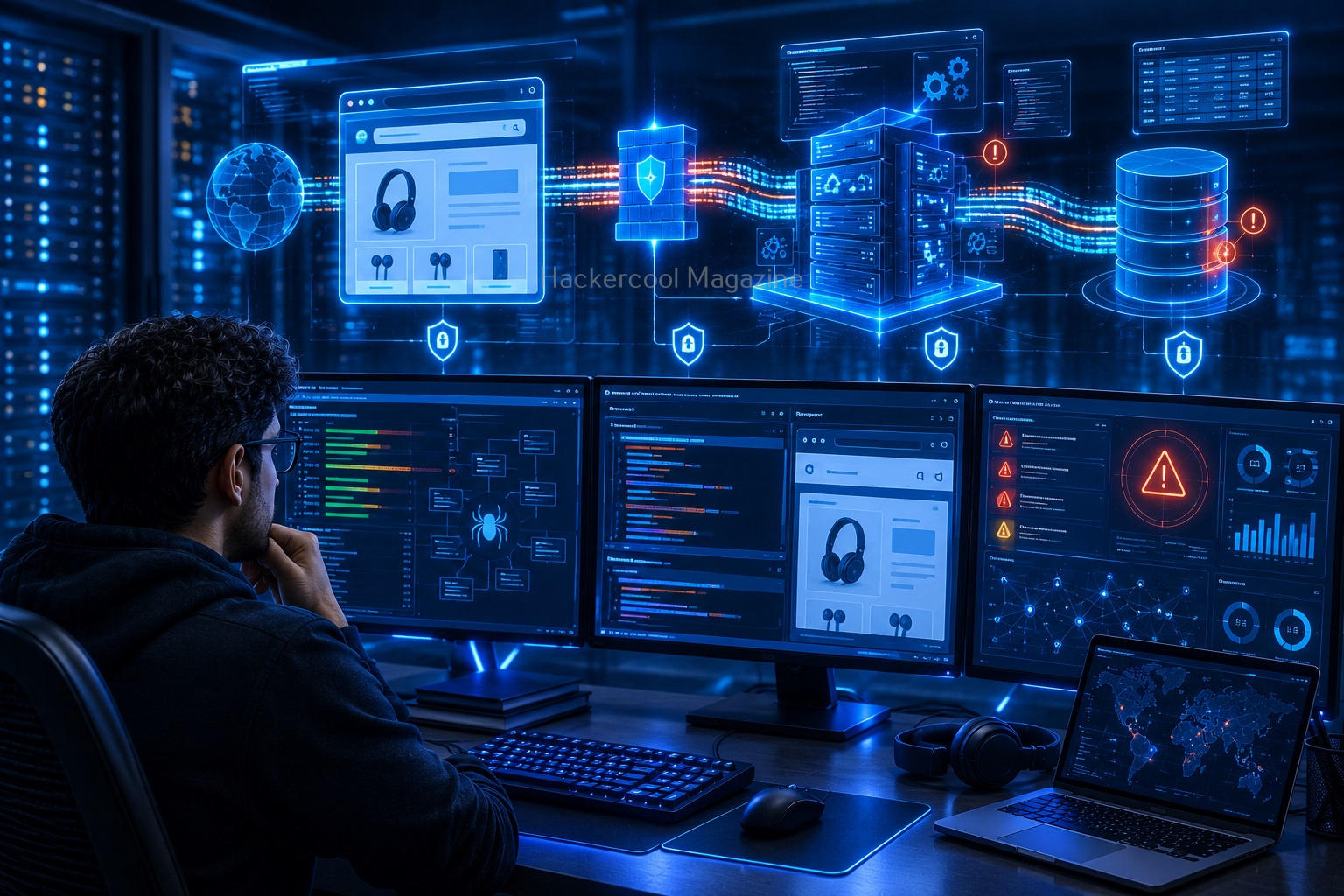
Web Application Scanning:
Web application scanners examine websites and applications for potential security problems. They may look for issues involving:
- Application configuration
- Authentication
- Input handling
- Known web vulnerabilities
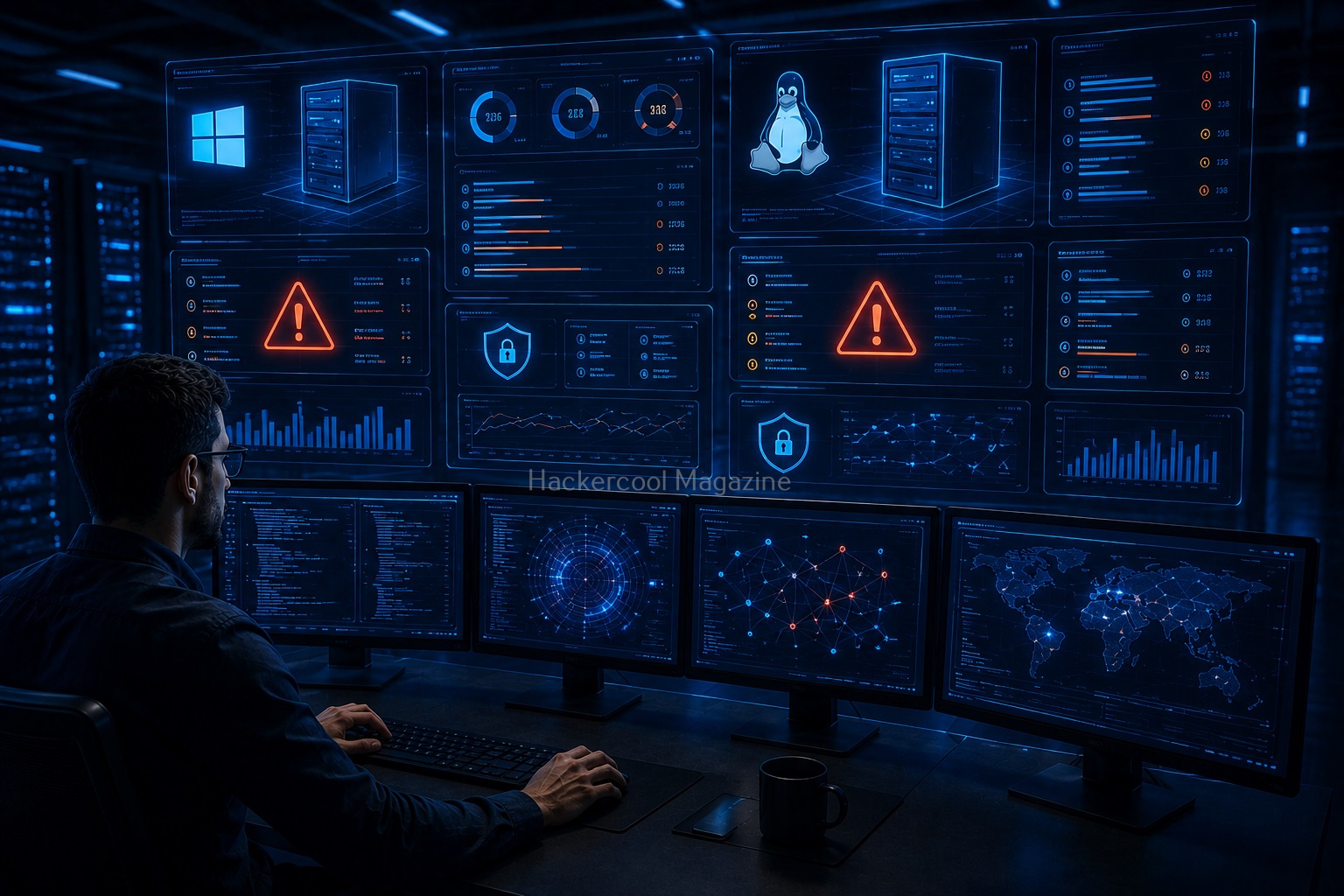
Host-Based Scanning:
Host-based scanners examine individual computers or servers. They may identify:
- Missing patches
- Outdated applications
- Weak configurations
- Security policy issues

Cloud Vulnerability Scanning:
Cloud environments introduce additional security considerations. Scanning and assessment may examine:
- Cloud configurations
- Exposed services
- Identity permissions
- Storage settings

Popular Vulnerability Scanning Tools
Beginners may encounter several vulnerability assessment tools while learning cybersecurity. Some commonly discussed tools include:

Nessus is a widely used vulnerability assessment platform that helps identify vulnerabilities and configuration problems.
OpenVAS:
OpenVAS is an open-source vulnerability scanning solution used for security assessments.
Nmap:
Nmap is primarily a network discovery and security auditing tool but its scripting capabilities can also assist with vulnerability assessment.
Nikto focuses on web server assessment and can identify various potentially insecure configurations and outdated components. The important thing isn’t to learn every scanner immediately. Start by understanding what vulnerability scanning actually does.
Want to Learn Ethical Hacking Step-by-Step?
If you’re serious about learning cybersecurity, a structured roadmap makes the journey much easier.
Download The Beginner Ethical Hacker Starter Kit (2026 Edition) and discover:
✔ The ethical hacking learning path
✔ Beginner-friendly security concepts
✔ Essential tools ethical hackers use
✔ The most common vulnerabilities explained

Understanding Vulnerability Scanner Results
One of the most important skills beginners can develop is learning to interpret scanner results. A report may contain:
- Vulnerability name
- Severity
- Affected system
- Evidence
- References
- Recommended remediation
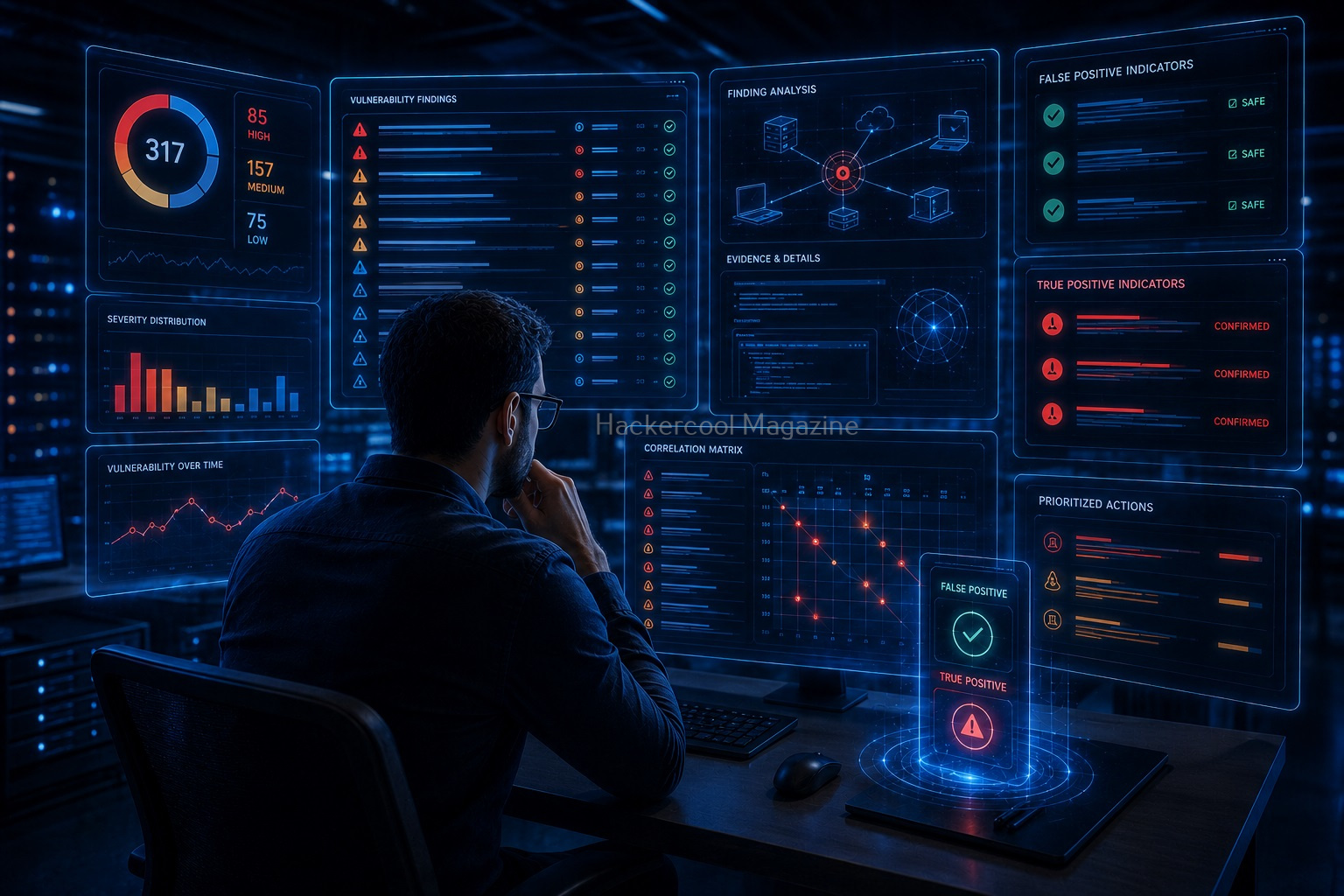
Don’t assume every scanner result means the system has been successfully compromised. Automated tools can produce:
- False positives
- Incomplete results
- Duplicated findings
Human analysis is still essential.

What Is a CVE?
You will frequently encounter the term CVE when studying vulnerability scanning. CVE stands for Common Vulnerabilities and Exposures. A CVE identifier provides a standardized reference for a publicly known vulnerability.
For example, a scanner may report that a particular version of software is associated with a known CVE. Learning how CVE identifiers work will make vulnerability reports much easier to understand.

What Is CVSS?
Another term beginners should learn is CVSS or Common Vulnerability Scoring System. CVSS provides a standardized way of describing the severity of vulnerabilities. A higher score generally indicates greater potential severity. However, a score alone doesn’t tell the entire story.
Security teams should also consider:
- Business impact
- Asset importance
- Exposure
- Existing security controls
This is why vulnerability management requires human judgment.
Common Beginner Mistakes
Scanning Systems Without Permission:
Never scan systems simply because they’re accessible. Only scan systems you own or have explicit authorization to assess.
Treating Every Finding as Critical:
Not every vulnerability has the same impact. Learn to prioritize findings based on risk.
Trusting Scanner Results Blindly:
Automated tools can make mistakes. Always investigate important findings.
Ignoring Remediation:
Finding vulnerabilities is only half the job. Security teams also need to fix or mitigate them.
Learning Tools Before Fundamentals:
Understand networking, operating systems and applications before relying heavily on scanners.

How Beginners Can Practice Safely?
The safest way to learn vulnerability scanning is through a controlled lab. You can create a virtual environment containing:
- A Linux machine
- A Windows machine
- A deliberately vulnerable practice system
- A virtual network
You can then scan your own lab and analyze the results. Cybersecurity training platforms can also provide intentionally vulnerable environments designed for learning. This approach lets you develop practical skills without interacting with unauthorized systems.

A Simple Beginner Learning Path
If you’re completely new to vulnerability scanning, follow this learning path.
1. Learn networking:
Understand IP addresses, ports, protocols and services.
2. Learn operating systems:
Understand Windows and Linux basics.
3. Learn common vulnerabilities:
Study why vulnerabilities occur.
4. Learn CVE and CVSS:
Understand how vulnerabilities are identified and rated.
5. Use a scanner in a lab:
Run controlled scans against systems you own.
6. Analyze the results:
Don’t just read the severity level. Understand the finding.
7. Learn remediation:
Understand how vulnerabilities can be patched, configured or otherwise mitigated.

Conclusion
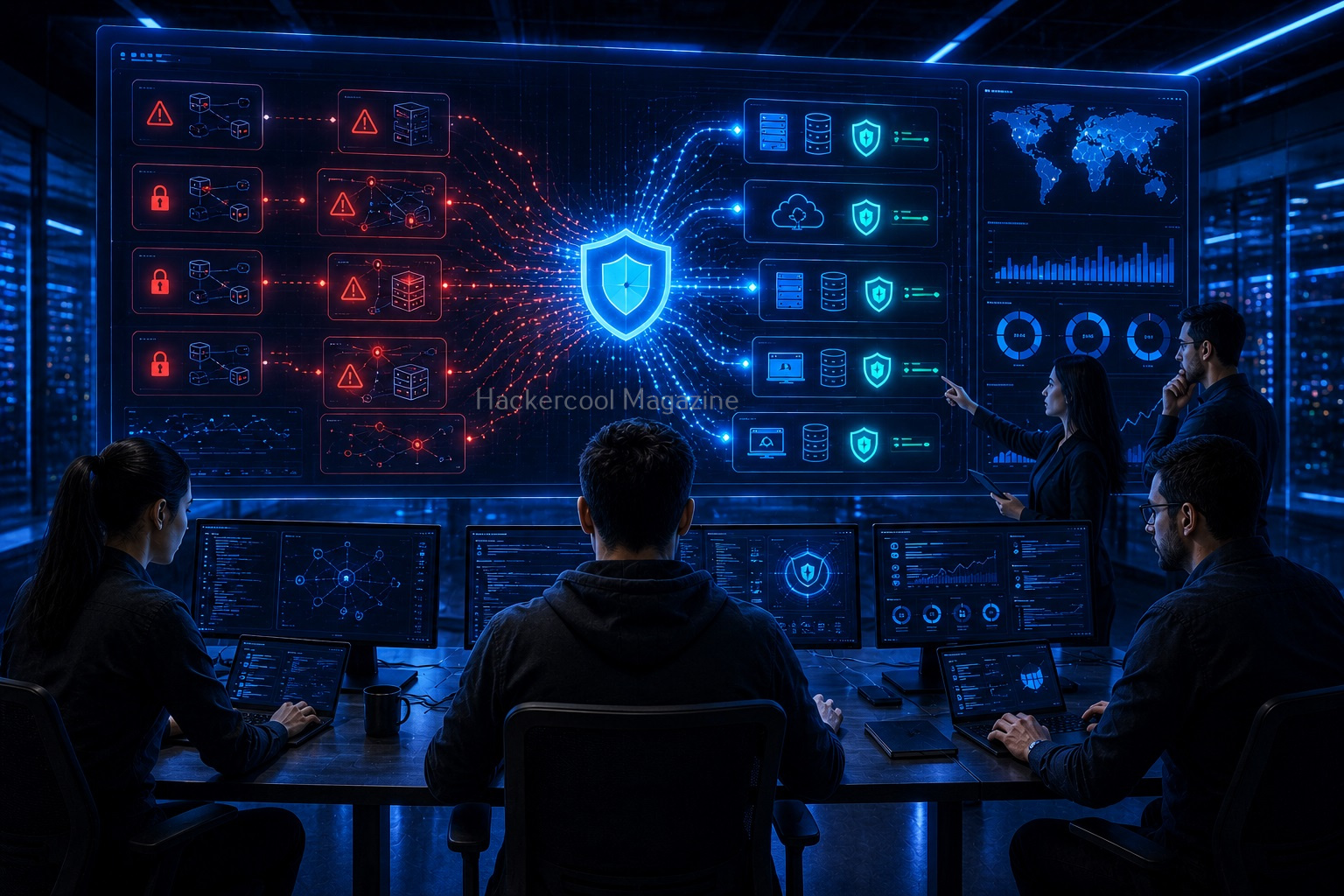
Vulnerability scanning is an essential cybersecurity skill because it helps organizations discover potential weaknesses before attackers can take advantage of them. For beginners, however, the most important lesson is that a scanner is not a substitute for knowledge.
Learn networking. Understand operating systems. Study how applications work. Then learn how scanners identify potential weaknesses. Most importantly, learn to interpret the results rather than simply collecting vulnerability reports.
Remember:
- Vulnerability scanning identifies potential weaknesses.
- Different scanners focus on different environments.
- CVE identifiers help track known vulnerabilities.
- CVSS helps describe vulnerability severity.
- Automated results require human analysis.
- Vulnerability scanning and penetration testing are different.
- Always scan only authorized systems.
Once you understand the fundamentals, vulnerability scanning becomes much more than clicking a “Scan” button. It becomes a practical way to understand how security teams discover, prioritize and reduce risk.
Start Your Ethical Hacking Journey Today
Learning cybersecurity can feel overwhelming at first. The best way to start is with a clear roadmap and the right resources.
Download The Beginner Ethical Hacker Starter Kit (2026 Edition) and get instant access to:
Ethical Hacking Fundamentals
A beginner cybersecurity learning roadmap
Essential hacking tools every beginner should know
Common vulnerabilities explained simply