
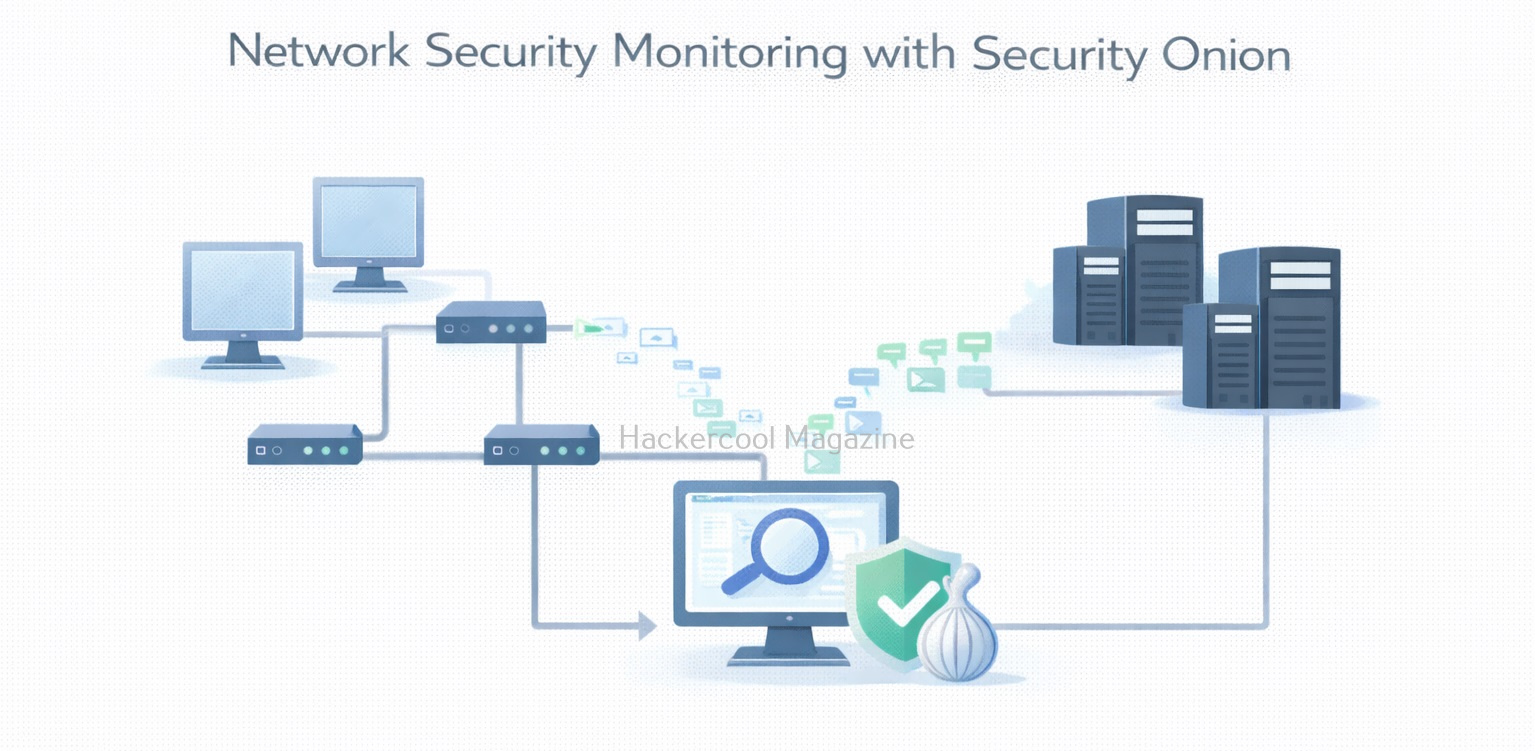
Hello, aspiring ethical hackers. In our previous blogpost on Blue Teaming, you learnt the imporatnce of network monitoring. In this article, you will learn about Security Onion, an operating system built for network monitoring. When beginners start learning cybersecurity, much of the focus is on individual tools—scanners, firewalls or endpoint software. However, in real-world environments, security teams rely heavily on network visibility to detect threats. This is where this platform plays a major role.
New to Ethical Hacking?
Start your journey with The Beginner Ethical Hacker Starter Kit (2026 Edition).
Inside the free guide, you’ll learn:.
- Ethical hacking fundamentals
- Beginner cybersecurity roadmap
- Essential hacking tools
- Common vulnerabilities explained
Security Onion is a network security monitoring and intrusion detection platform designed to help defenders detect, investigate and respond to suspicious activity across a network. For beginners, it provides an excellent introduction to how blue teams monitor traffic and identify threats at scale.
What Is Security Onion?
Security Onion is a free and open-source platform that combines multiple security tools into a single solution for network monitoring, intrusion detection and threat hunting. It is commonly deployed by security operations centers (SOCs), incident responders and blue teams.
Developed by Security Onion Solutions, it integrates tools such as network intrusion detection systems, log analysis components and dashboards into one cohesive platform. Simply put, it helps answer the question:
“What is happening on my network right now, and does any of it look suspicious?”
Core Components of Security Onion
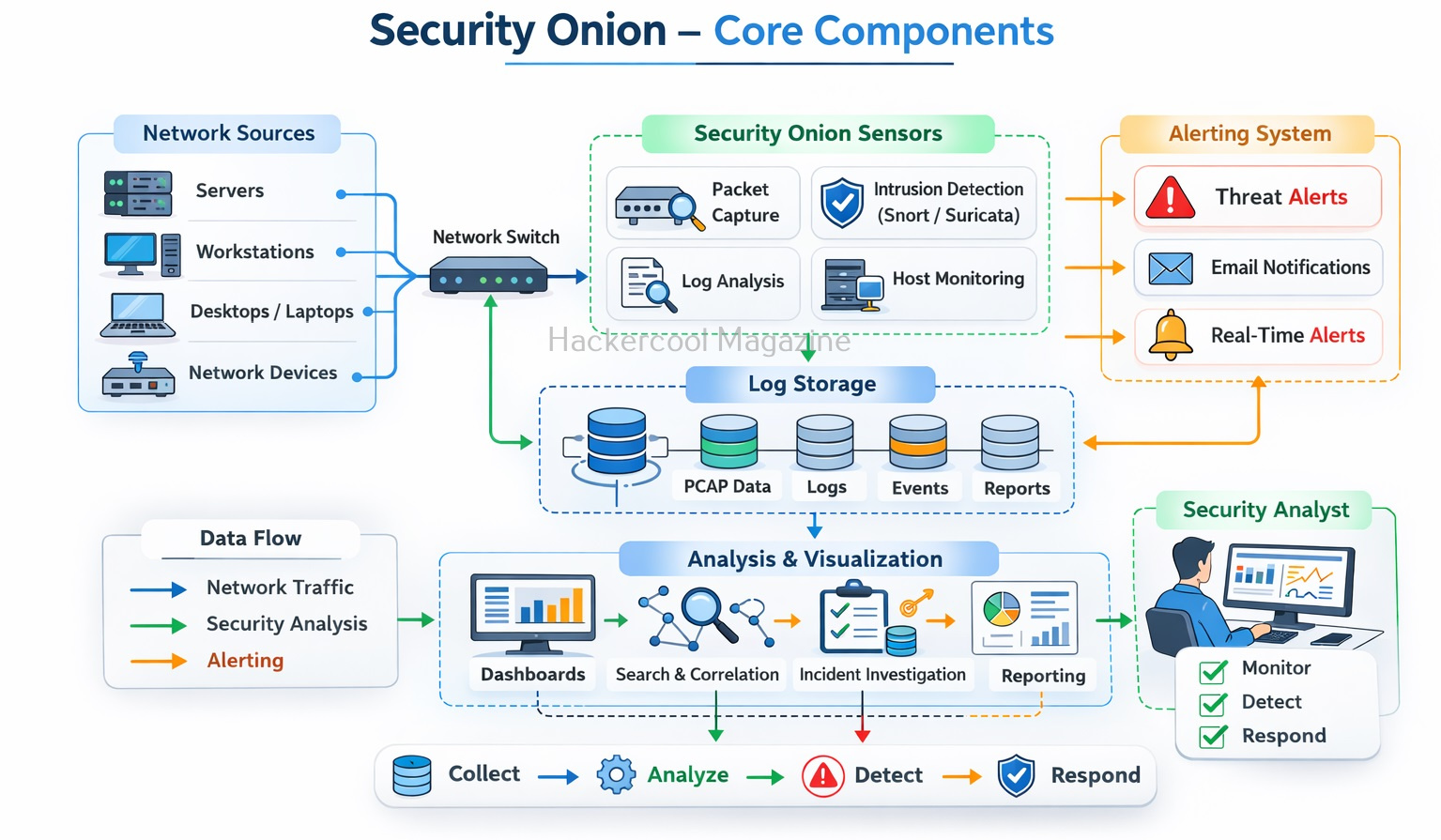
Security Onion is not a single tool. It is a collection of tools working together. Beginners do not need to master all of them immediately but understanding their roles is important. Let’s learn about some of the core companents of this this platform.
1. Network Sensors:
These monitor network traffic and look for suspicious patterns, such as scanning, exploitation attempts or command-and-control communication.
2. Alerts:
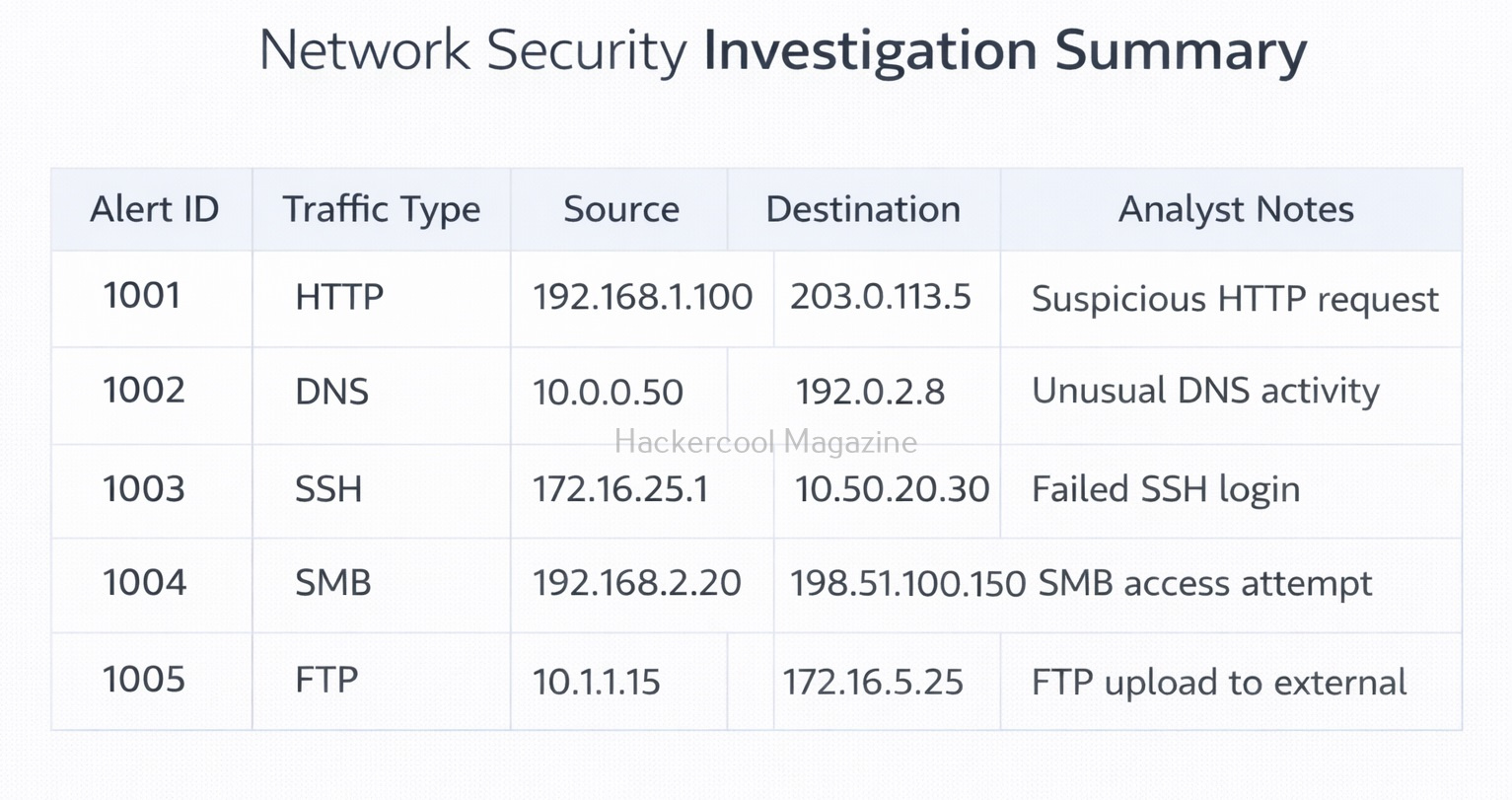
When suspicious activity is detected, alerts are generated for analysts to review.
3. Logs and Event storage:
Security Onion stores alerts and related metadata so analysts can search and investigate past events.
4. Dashboards and Interfaces:
Visual dashboards help analysts see what is happening on the network and prioritize alerts.
What Security Onion Is Used For?
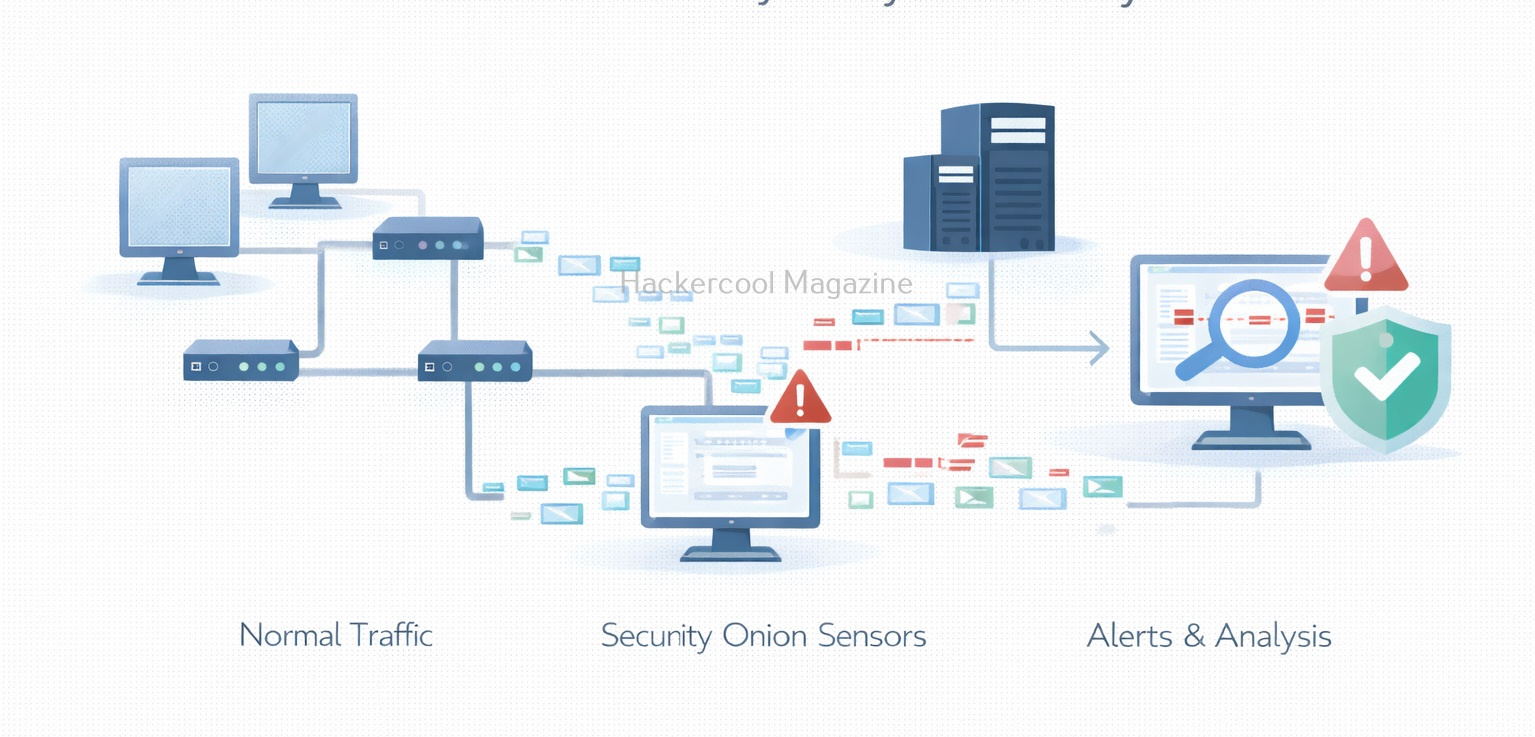
Security Onion is primarily used for network-based detection and investigation, that includes:
- Detecting intrusion attempts and suspicious traffic
- Monitoring east–west and north–south network traffic
- Investigating alerts generated by network sensors
- Performing threat hunting using network data
- Supporting incident response investigations
It is especially useful when malware or attackers try to hide on endpoints but still need to communicate over the network.
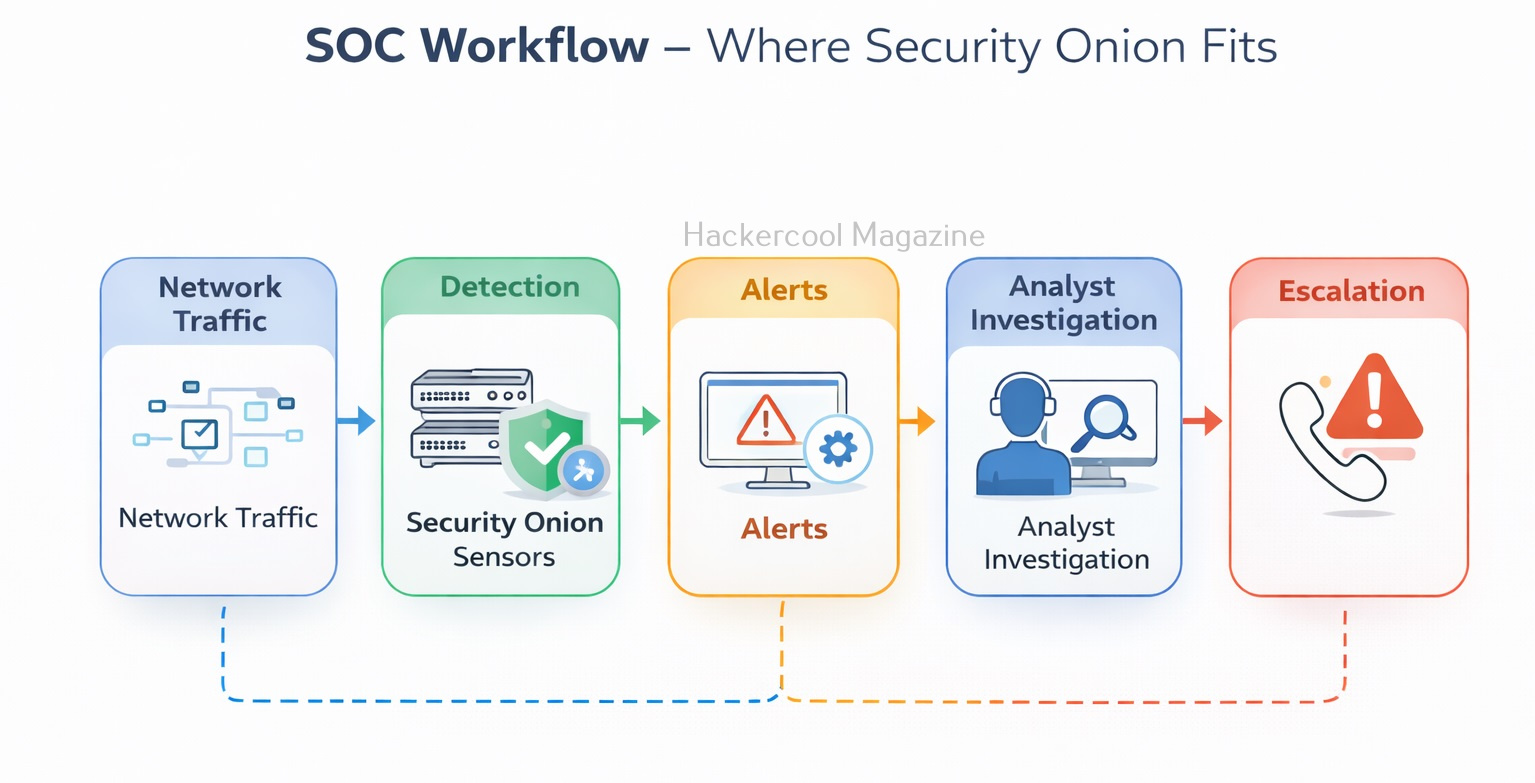
How Security Onion Fits into a SOC Workflow?
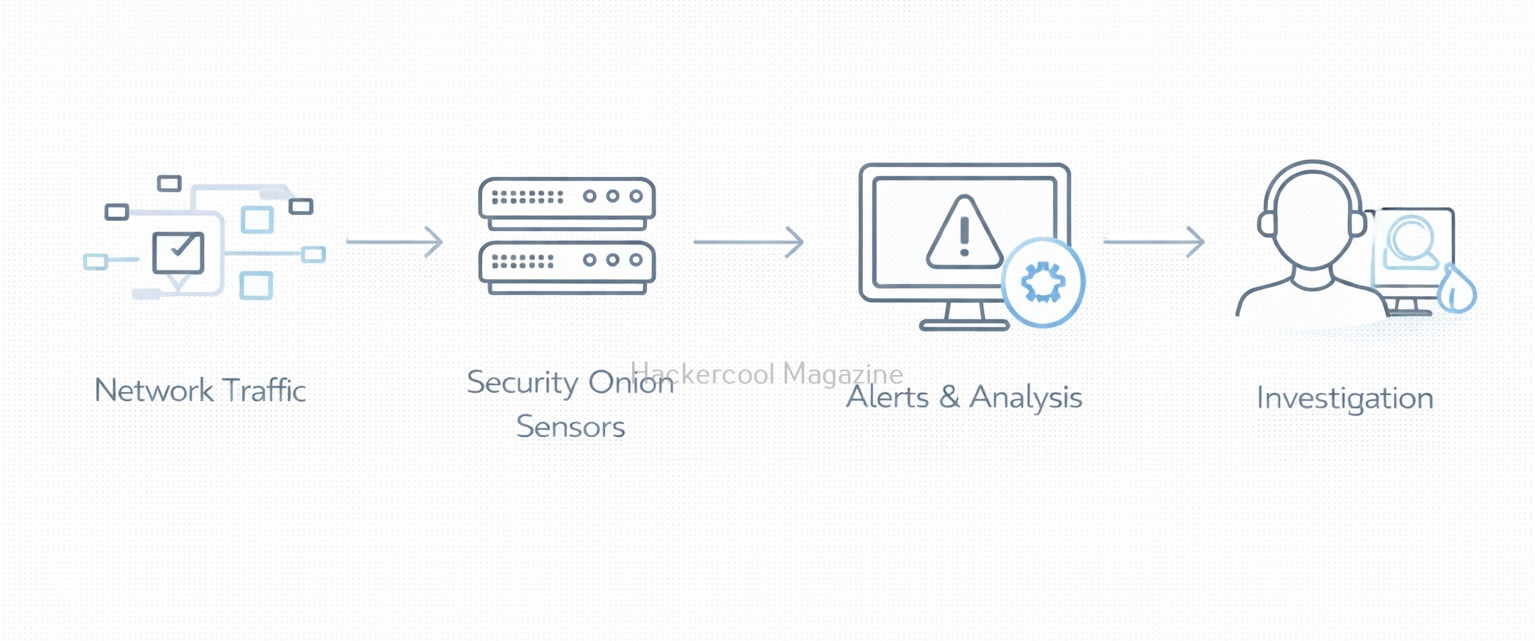
It usually sits early in the detection pipeline. A simplified SOC workflow looks like this:
- Network traffic flows through sensors
- Security Onion analyzes the traffic
- Alerts are generated for suspicious activity
- Analysts review and investigate alerts
- Findings are escalated or documented
For beginners, this workflow shows how detection happens before deeper forensic analysis or incident response actions.
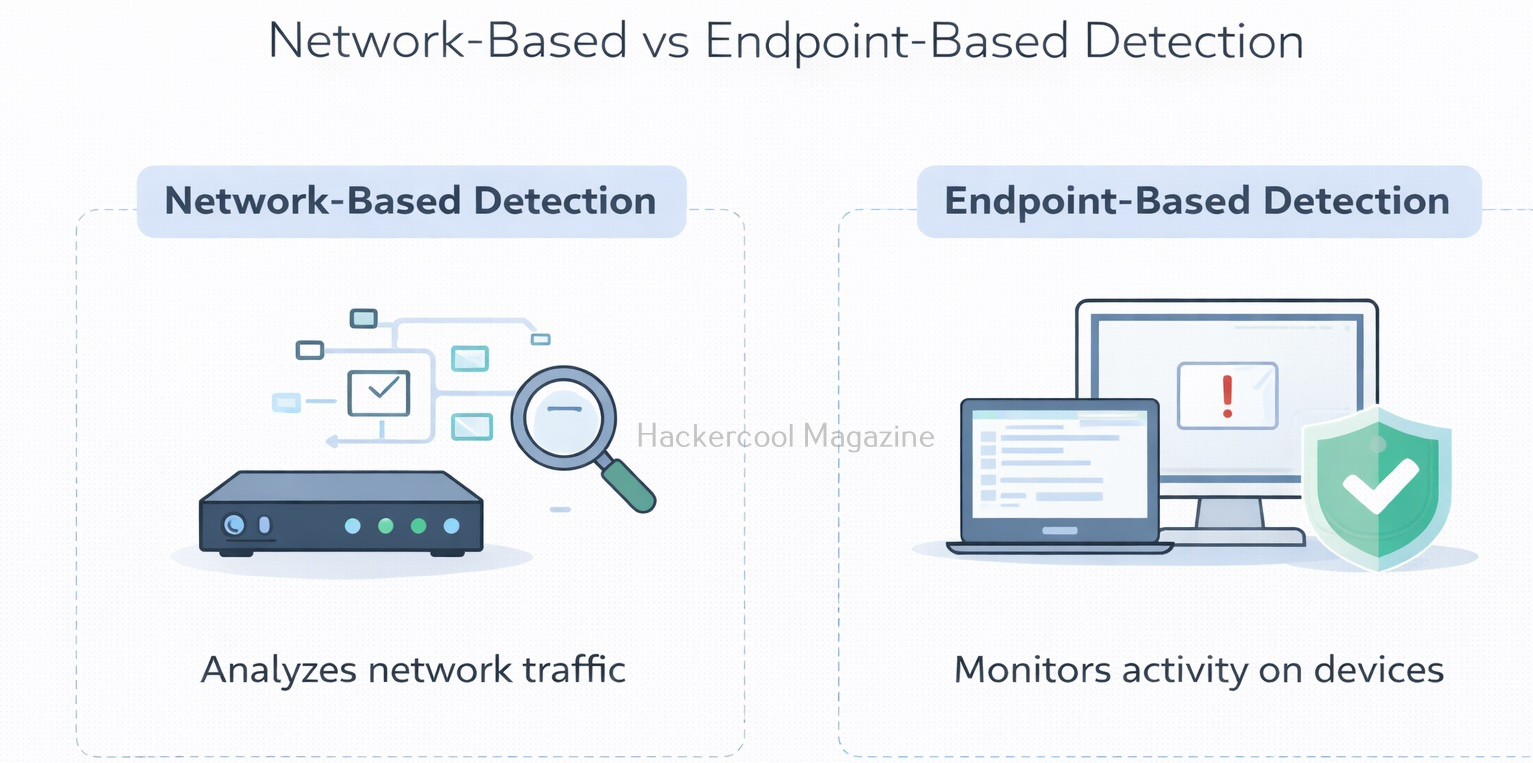
Security Onion vs Other Security Tools
Beginners sometimes confuse Security Onion with other security platforms. Let’s explain the differences.
- Firewalls control traffic but do not deeply analyze it
- SIEMs aggregate logs from many sources
- EDR tools focus on endpoint activity
- It focuses on network visibility and intrusion detection
Security Onion does not replace these tools. It complements them by providing deep insight into network behavior.
Want to Learn Ethical Hacking Step-by-Step?
If you’re serious about learning cybersecurity, a structured roadmap makes the journey much easier.
Download The Beginner Ethical Hacker Starter Kit (2026 Edition) and discover:
✔ The ethical hacking learning path
✔ Beginner-friendly security concepts
✔ Essential tools ethical hackers use
✔ The most common vulnerabilities explained
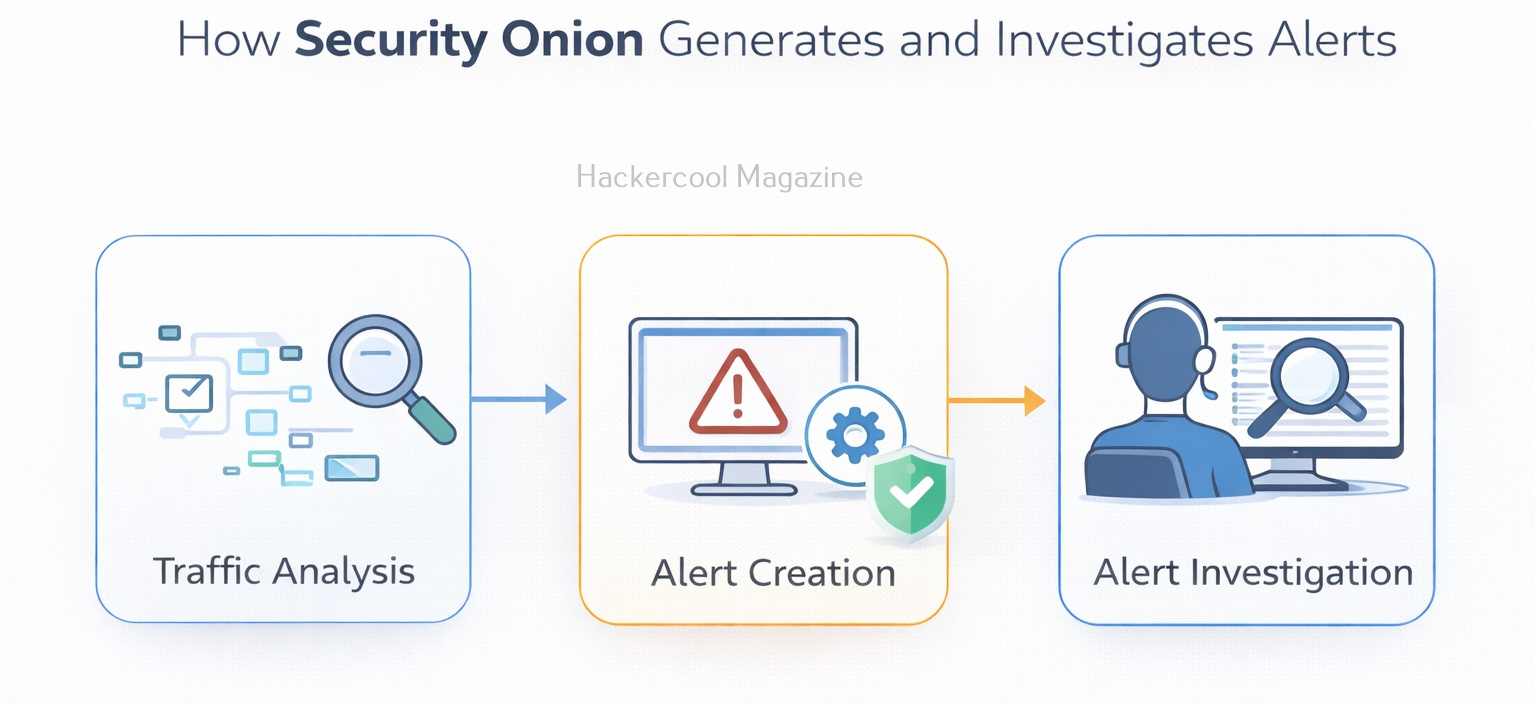
Why Learning Security Onion Is Valuable for Beginners?
Beginners often learn about attacks in isolation: one exploit, one malware sample, one compromised system. This shifts that perspective to the network level, where defenders look for patterns and anomalies across many systems at once. Learning Security Onion helps beginners understand:
- How network traffic reveals attacker behavior
- How alerts are generated and investigated
- How multiple security tools work together
- How SOC analysts monitor environments continuously
It teaches defensive thinking rather than exploitation. Security Onion is widely used in:
- Incident response investigations
- SOC environments
- Blue team training labs
- Network defense programs
For beginners, learning about this builds strong foundations in:
- Network security concepts
- Intrusion detection
- Alert investigation
- Defensive cybersecurity thinking
These skills remain valuable regardless of which tools you use later.
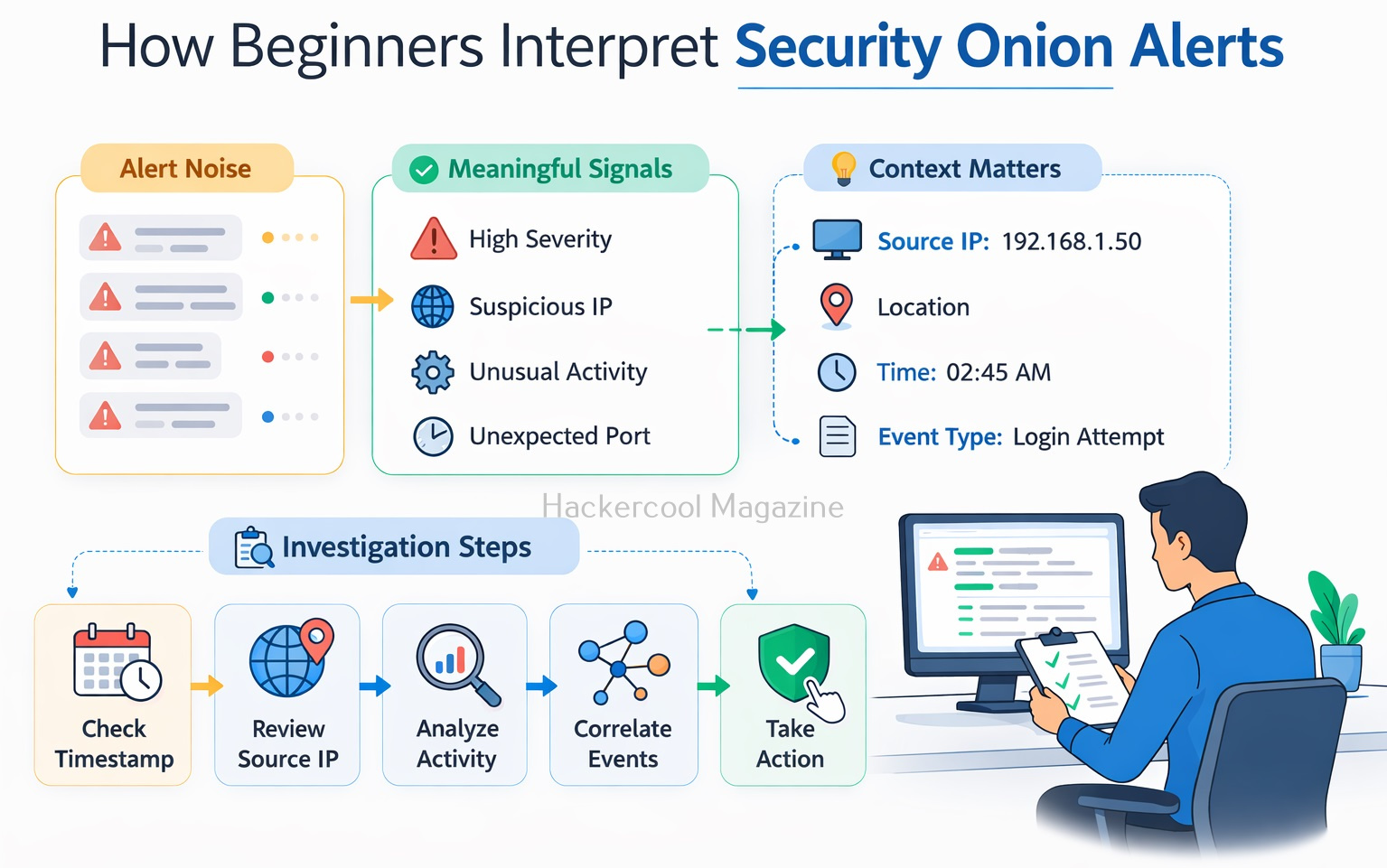
Simple Beginner Learning Workflow
Beginners using Security Onion should focus on understanding alerts rather than tuning complex rules. A simple learning approach is:
- Observe generated alerts
- Learn what “normal” traffic looks like
- Investigate why an alert was triggered
- Correlate alerts with timestamps and IP addresses
- Document findings and conclusions
This approach builds analytical skills instead of tool dependency.
Common Challenges Beginners Face
Security Onion can feel overwhelming at first. Common beginner challenges include:
- Large numbers of alerts
- Difficulty distinguishing real threats from noise
- Understanding network protocols and traffic patterns
- Interpreting alert context correctly
These challenges are normal. With practice, beginners learn to filter noise and focus on meaningful signals.
Conclusion
Security Onion teaches beginners one of the most important lessons in cybersecurity: defense starts with visibility. By monitoring network traffic and understanding alerts, defenders can detect attacks early—often before serious damage occurs.
For beginners, Security Onion is less about mastering every feature and more about learning how networks behave, how attacks stand out and how SOC analysts investigate threats. As a result, it is an excellent entry point into modern blue-team and network security operations.
Start Your Ethical Hacking Journey Today
Learning cybersecurity can feel overwhelming at first. The best way to start is with a clear roadmap and the right resources.
Download The Beginner Ethical Hacker Starter Kit (2026 Edition) and get instant access to:
✔ Ethical hacking fundamentals
✔ A beginner cybersecurity learning roadmap
✔ Essential hacking tools every beginner should know
✔ Common vulnerabilities explained simply


