If you’re just starting your journey into ethical hacking, you’ve probably seen lists claiming there are hundreds of penetration testing tools you need to master. That can feel overwhelming.
The good news is that you don’t need to learn every tool. Professional penetration testers often rely on a core set of trusted tools and choose additional ones based on the target environment and the type of assessment they’re performing. For beginners, the goal isn’t to collect dozens of tools, it’s to understand what each tool does and how it fits into the penetration testing process.
In this guide, you’ll discover 15 beginner-friendly penetration testing tools, what they’re used for and the skills you’ll develop by learning them.
New to Ethical Hacking?
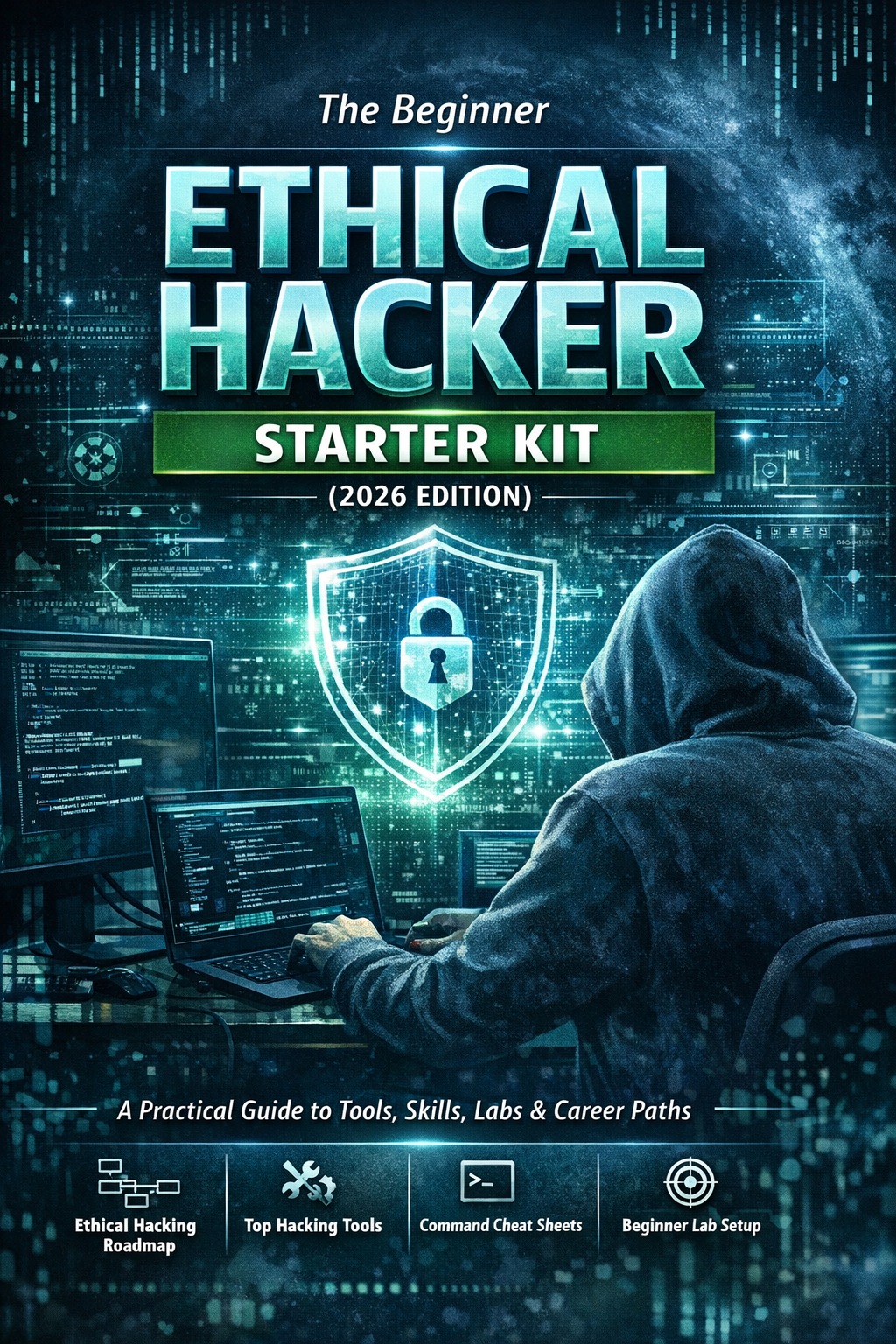
Start your journey with The Beginner Ethical Hacker Starter Kit (2026 Edition).
Inside the free guide, you’ll learn:.
- Ethical hacking fundamentals
- Beginner cybersecurity roadmap
- Essential hacking tools
- Common vulnerabilities explained

What Is Penetration Testing?
Penetration testing is the process of evaluating the security of a computer system, network or application by simulating authorized attacks. Unlike malicious attackers, penetration testers work with permission to identify security weaknesses before criminals can exploit them.
A typical penetration test consists of:
- Planning
- Information gathering
- Network discovery
- Vulnerability assessment
- Security validation
- Documentation
- Reporting
Different tools assist with each stage of this process.

Why Beginners Should Learn Penetration Testing Tools
Learning tools helps you:
- Understand security workflows
- Build practical experience
- Learn networking concepts
- Analyze systems methodically
- Improve troubleshooting skills
- Prepare for cybersecurity certifications
- Develop confidence in security assessments
But remember, tools support your knowledge, they don’t replace it.

1. Nmap
Nmap is one of the first tools every beginner should learn. It is used to discover hosts, identify open ports and determine which network services are available.
Why Learn It?
Nmap teaches:
- Network fundamentals
- TCP/IP concepts
- Service discovery
- Host identification
It forms the foundation for many penetration testing workflows.

2. Wireshark
Wireshark captures and analyzes network traffic. Instead of guessing how systems communicate, you can actually observe packets moving across the network.
Why Learn It?
You’ll gain a better understanding of:
- Network protocols
- DNS
- HTTP
- TCP
- Packet analysis
Believe me. networking becomes much easier once you can visualize traffic.

3. Burp Suite Community Edition
Burp Suite is one of the most popular tools for web application security testing. It acts as a proxy between your browser and a website, allowing you to inspect web requests and responses.
Why Learn It?
Burp Suite helps beginners understand:
- HTTP communication
- Sessions
- Cookies
- Authentication
- Web application architecture

4. OWASP ZAP
OWASP ZAP is an open-source web application security testing tool. Its user-friendly interface makes it an excellent choice for beginners exploring web security.
Why Learn It?
It introduces concepts such as:
- Web scanning
- Security testing
- Request analysis
- Application mapping

5. Nikto
Nikto is a web server scanner designed to identify common configuration issues and outdated software.
Why Learn It?
It helps beginners understand:
- Web server security
- Server configurations
- Security auditing
- Assessment reporting

6. Gobuster
Gobuster is used to discover hidden directories, files and virtual hosts on web servers.
Why Learn It?
It teaches:
- Website enumeration
- Content discovery
- Web structure analysis
- Information gathering

7. Metasploit Framework
Metasploit is one of the best-known security testing frameworks. It allows security professionals to study vulnerabilities and validate security controls in authorized environments.
Why Learn It?
You’ll better understand:
- Security testing workflows
- Vulnerability validation
- Professional assessment methodology
Focus on understanding the framework rather than simply running modules.

8. SQLmap
SQLmap helps security professionals study SQL injection and database security.
Why Learn It?
It reinforces concepts such as:
- Databases
- SQL
- Input validation
- Secure coding practices
Understanding SQL itself should come before learning the tool.

9. John the Ripper
John the Ripper is widely used for password security auditing.
Why Learn It?
It teaches:
- Password security
- Authentication
- Password policies
- Hash concepts
It helps demonstrate why strong passwords are essential.
Want to Learn Ethical Hacking Step-by-Step?
If you’re serious about learning cybersecurity, a structured roadmap makes the journey much easier.
Download The Beginner Ethical Hacker Starter Kit (2026 Edition) and discover:
✔ The ethical hacking learning path
✔ Beginner-friendly security concepts
✔ Essential tools ethical hackers use
✔ The most common vulnerabilities explained
10. Hashcat
Hashcat is another password auditing tool known for its speed and flexibility.
Why Learn It?
Beginners gain insight into:
- Password hashing
- Credential security
- Authentication mechanisms

11. Aircrack-ng
Aircrack-ng is a collection of tools for learning wireless network security.
Why Learn It?
You’ll understand:
- Wireless networking
- Wi-Fi encryption
- Authentication
- Wireless security concepts
Only experiment with networks you own or are authorized to assess.
12. Hydra
Hydra is commonly used when studying authentication security.
Why Learn It?
It helps explain:
- Login mechanisms
- Authentication systems
- Account protection
- Defensive security controls

13. Netcat
Netcat is often called the “Swiss Army knife” of networking. It can establish connections, transfer data and assist with troubleshooting.
Why Learn It?
It develops your understanding of:
- TCP/IP
- Client-server communication
- Network troubleshooting
- Service interaction
14. WiFite
WiFite simplifies wireless security testing in authorized environments.
Why Learn It?
It introduces:
- Wireless assessment workflows
- Wi-Fi auditing
- Wireless security fundamentals
Remember that it should only be used for educational purposes in your own lab or other authorized environments.

15. Maltego
Maltego is a visual investigation platform that maps relationships between people, domains, organizations and other entities.
Why Learn It?
It helps beginners improve:
- Open-source intelligence (OSINT)
- Investigation skills
- Relationship analysis
- Critical thinking
Recommended Learning Order
Trying to learn all these tools at once often leads to frustration. A better approach is to build your skills gradually. Follow our step-by-step guide.
Step 1: Networking
Start with:
- Nmap
- Wireshark
- Netcat
Step 2: Web Applications
Then move to:
- Burp Suite
- OWASP ZAP
- Gobuster
- Nikto
Step 3: System Security
Continue with:
- Metasploit
- SQLmap
- John the Ripper
- Hashcat
Step 4: Wireless Security
Explore:
- Aircrack-ng
- WiFite
Step 5: Investigation and OSINT
Finally, learn:
- Maltego
This progression builds knowledge naturally rather than overwhelming you.
Common Beginner Mistakes
Avoid these common pitfalls while learning about tools.
Installing Too Many Tools:
A small set of tools mastered well is more valuable than hundreds you barely understand.
Ignoring Networking:
Networking is the foundation of penetration testing. Without it, many tool outputs won’t make sense.
Memorizing Commands:
Understanding why a tool produces certain results is far more important than memorizing syntax.

Skipping Documentation:
Professional penetration testers carefully document:
- Findings
- Observations
- Risks
- Evidence
- Recommendations
Good documentation is just as important as technical skills.
Practicing Without Permission:
Always practice in:
- Home labs
- Virtual machines
- Cybersecurity training platforms
- Authorized testing environments
Never test systems without explicit authorization.

Building Your First Penetration Testing Lab
A simple home lab is one of the best investments for learning.
Consider including:
- A virtualization platform
- A Linux security distribution
- A vulnerable practice machine
- A Windows virtual machine
- A small virtual network
This setup lets you safely explore networking, web applications, operating systems and security tools without affecting real-world systems.

Conclusion
Penetration testing tools are essential for every ethical hacker but the real value comes from understanding the concepts behind them.
Start with networking fundamentals, learn how systems communicate and gradually expand into web applications, password security, wireless networking and investigation techniques.
Remember:
- Learn concepts before commands.
- Practice consistently in authorized environments.
- Build one skill at a time.
- Focus on understanding results, not just running tools.
- Develop strong documentation habits.
Mastering these beginner-friendly penetration testing tools will give you a solid foundation for more advanced cybersecurity topics and prepare you for real-world security assessments.
Start Your Ethical Hacking Journey Today
Learning cybersecurity can feel overwhelming at first. The best way to start is with a clear roadmap and the right resources.
Download The Beginner Ethical Hacker Starter Kit (2026 Edition) and get instant access to:
Ethical Hacking Fundamentals
A beginner cybersecurity learning roadmap
Essential hacking tools every beginner should know
Common vulnerabilities explained simply