Posted on

DNS Footprinting for Beginners (Simple & Practical Guide)

Hello, aspiring Ethical Hackers. In our previous blogpost on Footprinting guide, you learnt about various techniques of Footprinting. In this blogpost, you will learn about DNS Footprinting which is one of the techniques of Footprinting in detail. If you’re starting your journey in ethical hacking, one of the most important skills to learn is DNS footprinting.

It may sound technical at first but the concept is actually simple. DNS footprinting is about understanding how a domain connects to real systems on the internet. In this beginner-friendly article, you’ll learn:

  • What DNS footprinting is
  • Why it matters
  • How to do it step by step
  • What to look for as a beginner

What is DNS Footprinting?

To understand DNS footprinting, you need to first understand what DNS is. DNS stands for Domain Name System. It acts like the phonebook of the internet. When you type a name of the website (like example.com), DNS translates it into an IP address that computers understand.

DNS footprinting means collecting information about a domain using DNS records.

Why is DNS Footprinting Important?

DNS footprinting reveals a lot about a target’s infrastructure. It helps you:

1. Understand System Structure:

You can see how a website is set up.

2. Discover Hidden Assets:

Discover subdomains like:

  • dev.example.com
  • admin.example.com

3. Identify Services:

DNS can reveal information about:

  • Email servers
  • Hosting providers

4. Map Attack Surface:

You get a clearer picture of what can be tested.

Hence, DNS footprinting is a key part of reconnaissance (information gathering).

Key DNS Records Explained for Beginners

When you perform DNS footprinting, you’ll encounter different types of records. Let’s simplify them:

1. A Record:

This record maps a domain to an IP address. For Example,

example.com --> 192.168.x.x

2. MX Record:

This record specifies mail servers used for email delivery.

3. NS Record:

This record shows name servers. Also indicates who manages DNS.

4. CNAME Record:

Alias for another domain. Helps redirect traffic.

5. TXT Record:

Stores text information related to the domain. Often used for:

  • Verification
  • Security policies

Understanding these records is important while performing DNS Footprinting.

How to Perform DNS Footprinting (Step-by-Step)

Let’s break down how to perform DNS Footprinting into simple steps.

STEP 1: Choose a Target Domain:

Start with:

  • Your own website
  • Or Practice domains

Always stay within legal boundaries.

STEP 2; Query DNS Records:

You can use:

  • Online DNS lookup tools
  • Command line tools

STEP 3; Analyze A Records:

Find:

  • IP addresses
  • Hosting information

STEP 4; Check MX Records:

Identify:

  • Email infrastructure

STEP 5; Look at NS Records:

Understand:

  • DNS providers

STEP 6; Discover Subdomains:

Find additional assets connected to the domain.

STEP 7; Document everything:

Note down:

  • Records
  • Findings
  • Patterns

This builds your analysis skills.

Example: What You Might Discover

With DNS footprinting, you might find:

  • Multiple subdomains
  • External email servers
  • Cloud hosting providers

This will help you to understand:

  • System architecture
  • Potential weak points

Tools for DNS Footprinting

Start with simple tools:

  • DNS lookup tools like nslookup and dig
  • Subdomain discovery tools
  • Command-line utilities

Here’s an example command with nslookup

nslookup example.com

Here’s another example with dig.

dig example.com

These help you to query DNS records quickly.

Common Mistakes Beginners Make

Here are some common mistakes beginners make during DNS Footprinting. Avoid making these.

Ignoring DNS Records:

Many beginners skip this step entirely.

Not Understanding Output:

Focus on meaning, not just data.

Collecting Too Much Data:

Filter the output to collect what’s useful.

Not connecting the collected Information:

Combine DNS with:

  • WHOIS
  • Subdomain discovery

Tips To Improve Your DNS Footprinting Skills

1. Be curious:

Ask yourself:

  • What else is connected?

2. Connect the Dots:

Combine multiple sources of information.

3. Take Notes:

Track everything you find.

4. Practice Regularly:

Try different domains.

Legal & Ethical Reminder

DNS footprinting is generally safe but you must stay ethical.

Never:

  • Use information for illegal purposes
  • Target systems without permission

Always:

  • Practice responsibly
  • Use labs or your own domains

Conclusion

DNS footprinting is a fundamental skill in ethical hacking. It teaches you how to:

  • Understand infrastructure
  • Gather intelligence
  • Think like a security professional

And the best part is that you can start learning it today with minimal tools.

Posted on

Google Dorking (Google Hacking) for beginners (Simple & Practical Guide)

Hello, aspiring Ethical Hackers. In our previous blogpost on Footprinting, you learnt various techniques by which hackers gather information about their targets. In this blogpost, you will learn about Google Dorking or Google Hacking, one of the techniques by which real-world hackers gather information.

Everyone knows what Google is. It is the most popular Search Engine that provides answers for anything we want, almost anything. Just a click away. However, if you think Google is just for searching websites, you’re only scratching the surface. For ethical hackers, Google is a powerful information-gathering tool—so powerful that it can reveal hidden data, login pages and even sensitive files. This technique is called Google Hacking (also known as Google Dorking).

Don’t worry—it’s not as complicated as it sounds. In this beginner-friendly guide, you’ll learn what Google hacking is, how it works and how to start using it safely and effectively.

What Is Google Dorking (Google Hacking)?

Google Dorking is the process of using advanced search techniques to find information that is not easily visible through normal searches. Instead of typing simple keywords, you use special search operators to filter results.

In simple terms:
You tell Google exactly what to find.

Why is Google Dorking Important?

Google indexes a huge portion of the internet. Sometimes, websites accidentally expose:

  • Login pages
  • Documents
  • Backup files
  • Sensitive information

Google dorking helps you:

  • Discover hidden data
  • Understand a target better
  • Find potential weaknesses

It’s a key skill in footprinting (reconnaissance).

Basic Google Search Operators

Let’s learn about some of the basic Google dork operators.

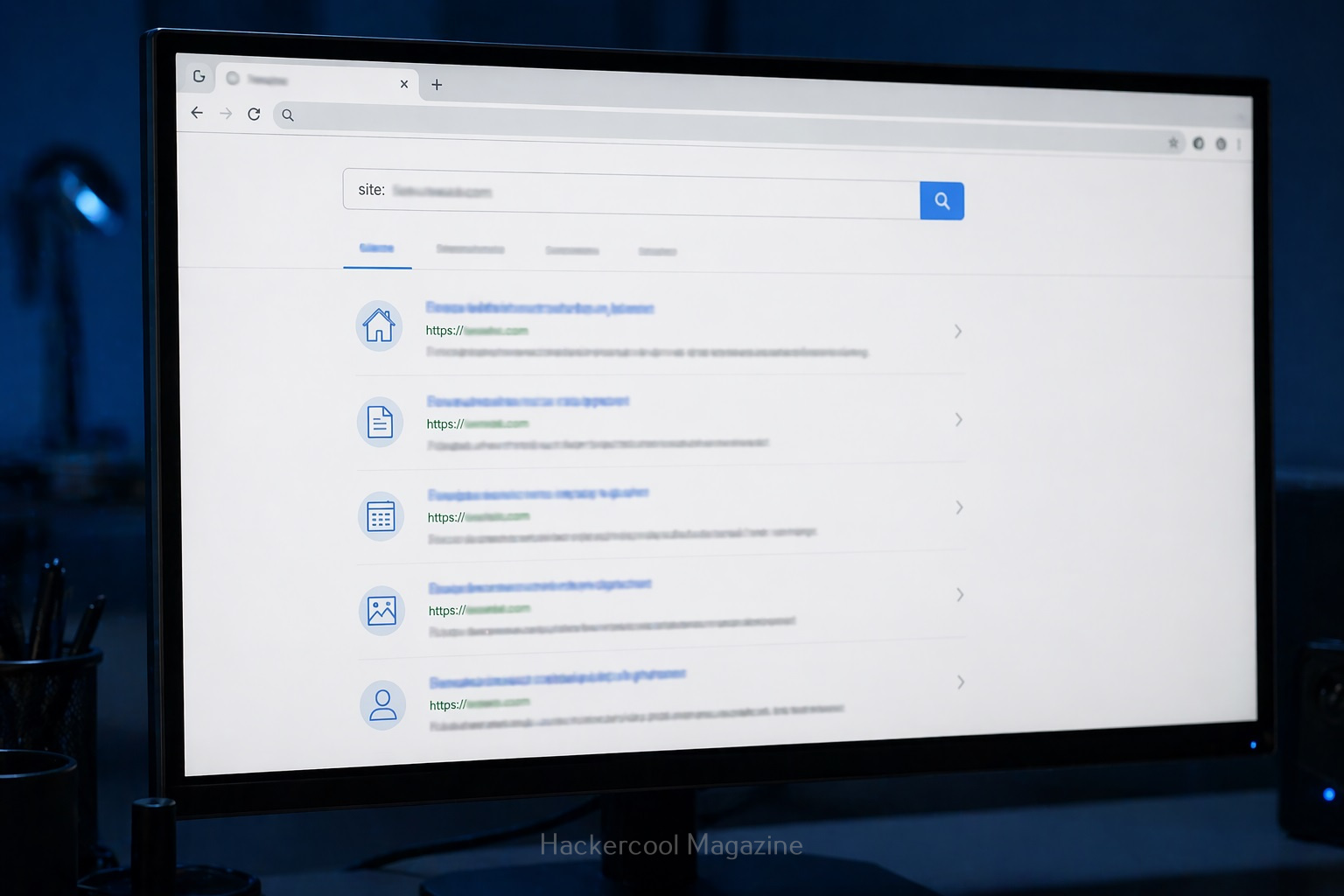
1. site:

This operator helps you to search for something within a specific website.

For example:

site: example.com

query finds all pages indexed from the domain example.com.

2. intitle:

Uisng this you can search for keywords in page titles.

For example:

intitle: "login"

This query is useful for finding login pages.

3. allintitle:

Works similarly to “intitle” but will show pages containing all the multiple keywords specified.

For example:

allintitle: "Best Project tools"

Shows the pages having all the words given above present.

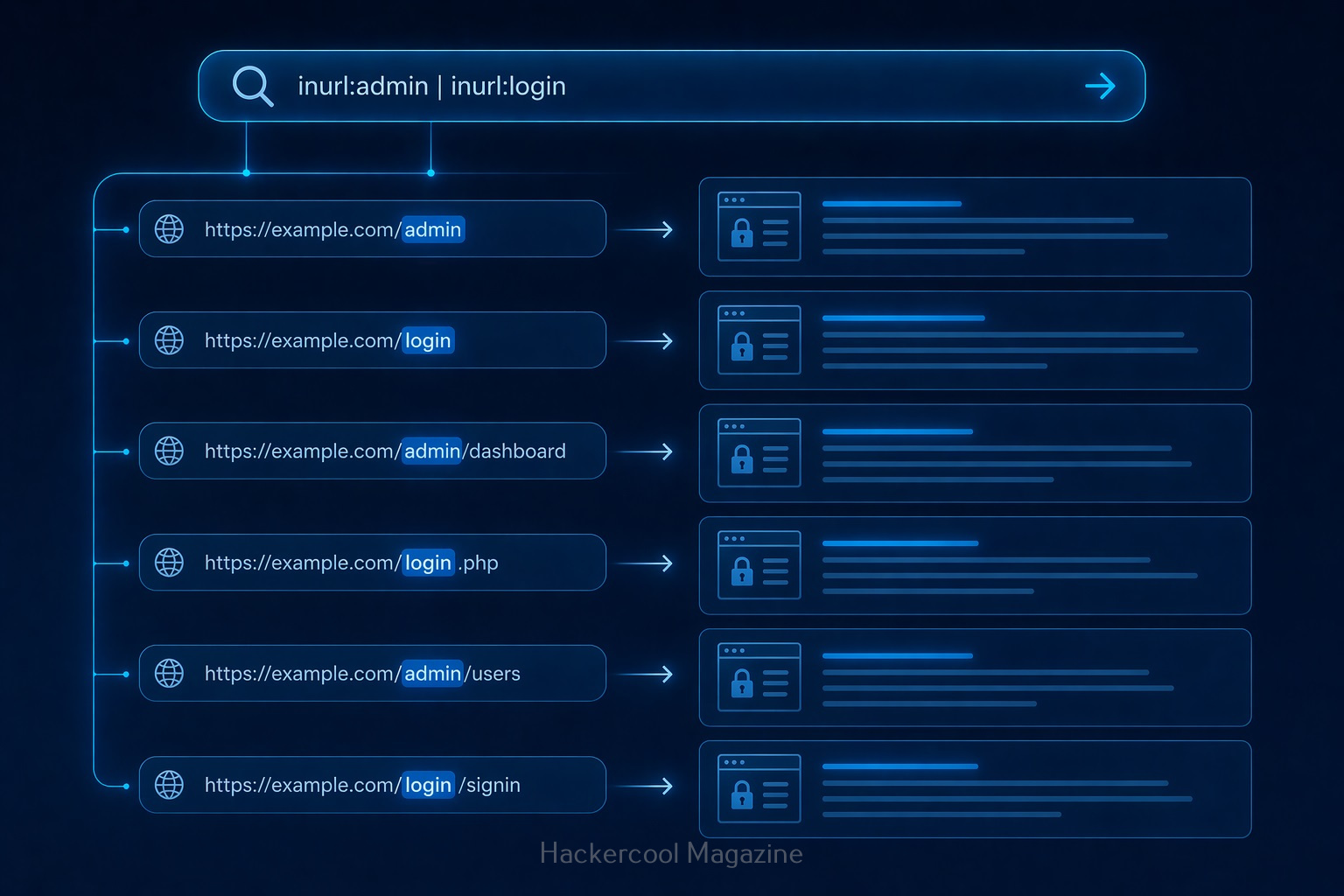
4. inurl:

Search within URLs.

For example:

inurl:admin

query finds pages with “admin” in the URL.

5. allinurl:

Displays pages containing all the specified keywords in the URL.

For example:

allinurl:login.php

This query displays all the pages having both words in the URL.

6. filetype:

This query is used to search for specific file types.

For example:

filetype:pdf

query can reveal:

  • Documents
  • Reports
  • Public files
  • and all other files in PDF format.

7. intext:

This query is used to search for a text within page content.

For example:

intext:"confidential"

query reveals pages containing text “confidential”.

8. allintext:

This query is used to search for web pages containing all of the specified words within the body text of the page.

For example:

allintext:"About us"

This query will display all the webpages containing the above two keywords in the body text.

9. cache:

This query displays the last cached version of a website stored by Google.

For example:

cache:example.com

This query displays the last cached version of the website example.com

Google Dorking examples for beginners

Here are some real-world examples of Google hacking for beginners.

1. Find all pages of a website:

site:example.com

This query helps you to map the entire website.

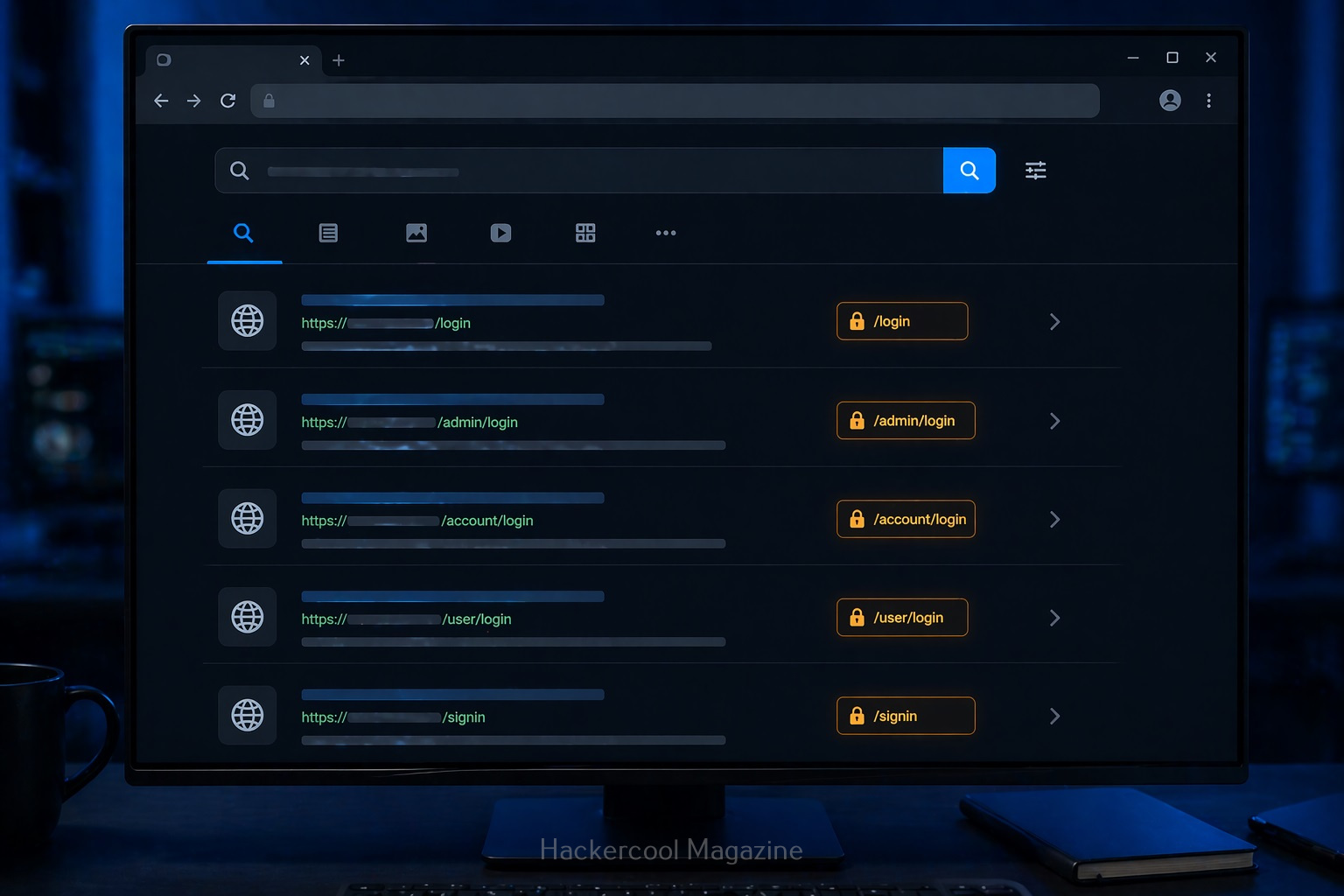
2. Find Login page of a specific website:

site:example.com intitle:"login"

3. Find Documents:

site:example.com filetype:pdf

Helps find you all PDF documents (reports, internal documents) on the website.

4. Find Admin Panels:

inurl:admin

Shows pages that may be restricted.

How Google Hacking Fits in Ethical Hacking

Google hacking is part of Footprinting (Reconnaissance phase). Before testing a system, you need to gather information. Google helps you:

  • Discover assets
  • Identify exposed content
  • Understand structure

It’s often the first step in any security assessment.

Tips for Better Google Hacking

To get better results with Google dorking, you should follow these tips.

1. Combine Operators:

For example:

site:example.com inurl:login filetype:php

This narrows results significantly.

2. Think Like a Search Engine:

Ask yourself:

  • What words would appear on this page?
  • How would it be structured?

3. Experiment:

Try different combinations and observe results.

4. Take Notes:

Track:

  • Useful queries
  • Interesting findings

Common Beginner Mistakes

Beginners often make these mistakes while using Google Dorking. Avoid these.

Using only Basic Searches:

Normal searches won’t reveal hidden data.

Not Understanding Results:

Don’t just search. Analyze what you find.

Trying To Do Too Much:

Start simple. Master basics first.

Ignoring Ethics:

This is the biggest mistake.

Real-world Use Cases

Google dorking can help you:

  • Discover exposed files
  • Identify login portals
  • Find outdated pages
  • Understand system structure

No doubt security professionals use this technique daily.

Beginner Practice Plan

Here’s a simple plan for you to practice Google dorking.

Day 1:

Learn basic operators

Day 2:

Practice on safe websites

Day 3:

Combine operators

Day 4:

Analyze results

Day 5:

Repeat with new queries

Within a week, you’ll see improvement.

Conclusion

Google hacking is one of the easiest ways to start learning ethical hacking. You know why? Because

  • Advanced tools
  • Complex setups

Just your brain and a search bar.

Posted on

WHOIS Footprinting for beginners (Simple & Practical Guide)

Hello aspiring Ethical Hackers. In our previous blogpost, footprinting guide, you lave learnt what is footprinting and various types of footprinting techniques. In this article, you will learn in detail about WHOIS footprinting.

If you’re starting your journey in ethical hacking, one of the easiest and most powerful skills you can learn is WHOIS footprinting. It’s simple, beginner-friendly and gives you valuable information about a target without doing anything risky. In my opinion, Whois footprinting is the first method of footprinting that should be used while starting information gathering.

In this guide, you’ll learn:

  • What WHOIS footprinting is
  • Why it’s important
  • How to do it step by step
  • What to look for as a beginner

What is WHOIS?

WHOIS is actually a protocol running on port 43. When you or any organization register a domain (eg: example.com), a record is created. This record is known as WHOIS record and is created by an organization called Internet Corporation for Assigned Names and Numbers (ICANN) which regulates domain name registration and ownership. WHOIS records are maintained by Regional Internet Registries (RIR’s). At present, there are five RIR’s allocated to specific regions.

  1. American Registry for Internet Numbers (ARIN)
  2. African Network Information Center (AFRINIC)
  3. Asia Pacific Network Information Center (APNIC)
  4. Reseaux IP Europeens Network Coordination Centre (RIPE)
  5. Latin American and Caribbean Network Information Center (LACNIC)

What is WHOIS Footprinting?

WHOIS footprinting is the process of collecting information about a domain name using WHOIS databases. As already explained, every website (like example.com) is registered somewhere and that registration contains details.

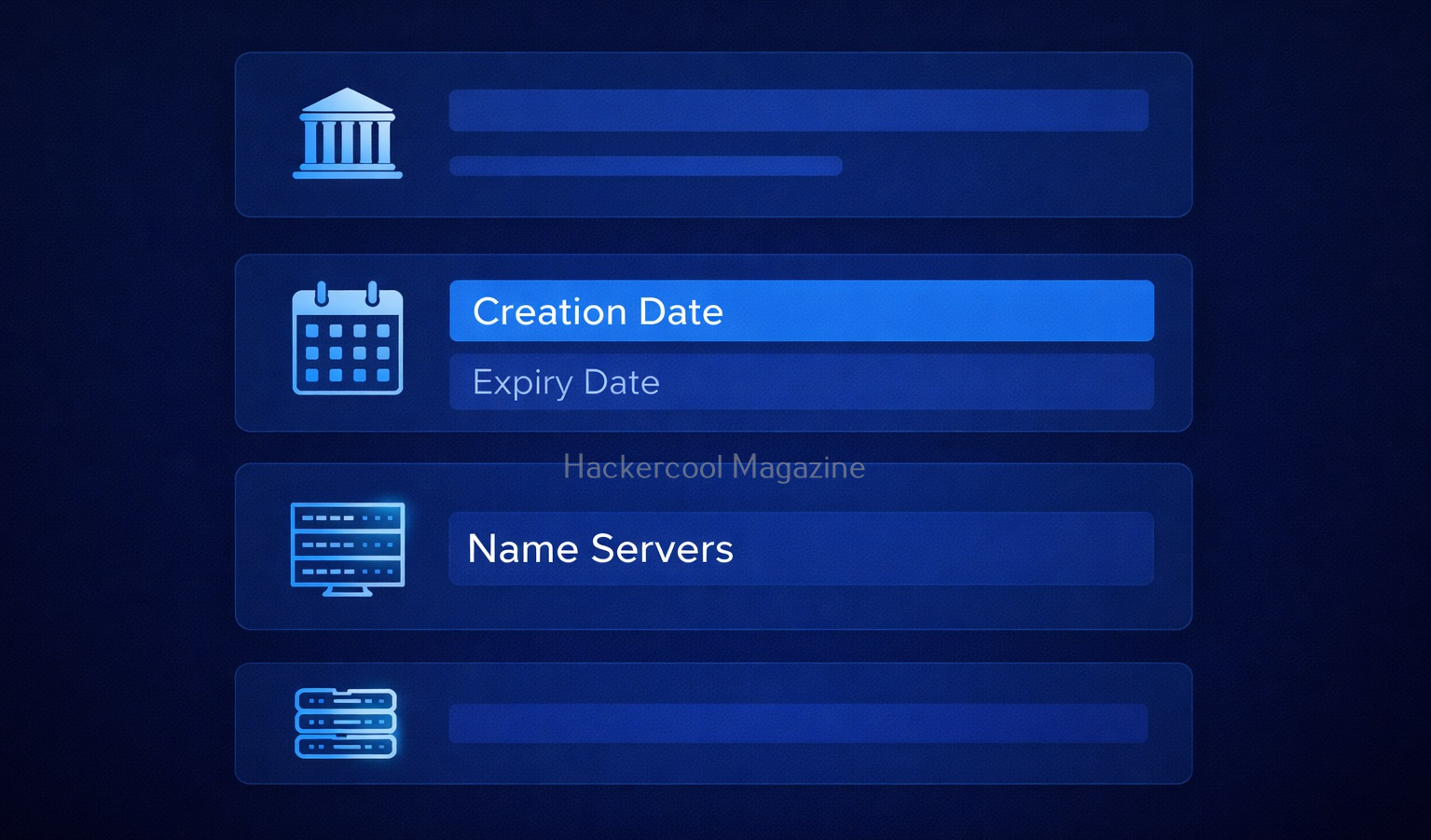
Using WHOIS, you can find:

  • Domain owner (although sometimes hidden)
  • Registration and expiry dates
  • Name servers
  • Registrar details

In simple terms: WHOIS tells you who owns a website and how it’s set up.

What information does WHOIS reveal?

When you run a WHOIS lookup, you’ll see a lot of data. Let’s simplify the important parts for you.

1. Creation Date:

Shows when the domain was registered. This reveals if the domain is older or new. This is important because older domains may have:

  • Legacy systems
  • Outdated security

2. Expiry Date:

This tells you when the domain will expire. Expired domains can sometimes be,

  • Re-registered
  • Misused

3. Registrar:

This gives you information about the company where the domain is registered. Examples of some domain registrars are GoDaddy, Namecheap etc.

4. Name Servers:

Nameservers are specialized servers within the DNS that act as the internet’s phonebook, translating human-readable domain names (e.g., example.com) into numerical IP addresses (e.g., 192.0.2.1). These tell you where DNS is managed. This information is Important for understanding:

  • Hosting setup
  • Infrastructure

5. Registrant Information:

This gives you information about the person or entity who registered the domain. It may include:

  • Name
  • Email
  • Organization

However, in most cases it is hidden due to privacy protection.

How to Perform WHOIS Footprinting (Step-by-Step)?

Let’s look at step-by-step process of performing WHOIS Footprinting.

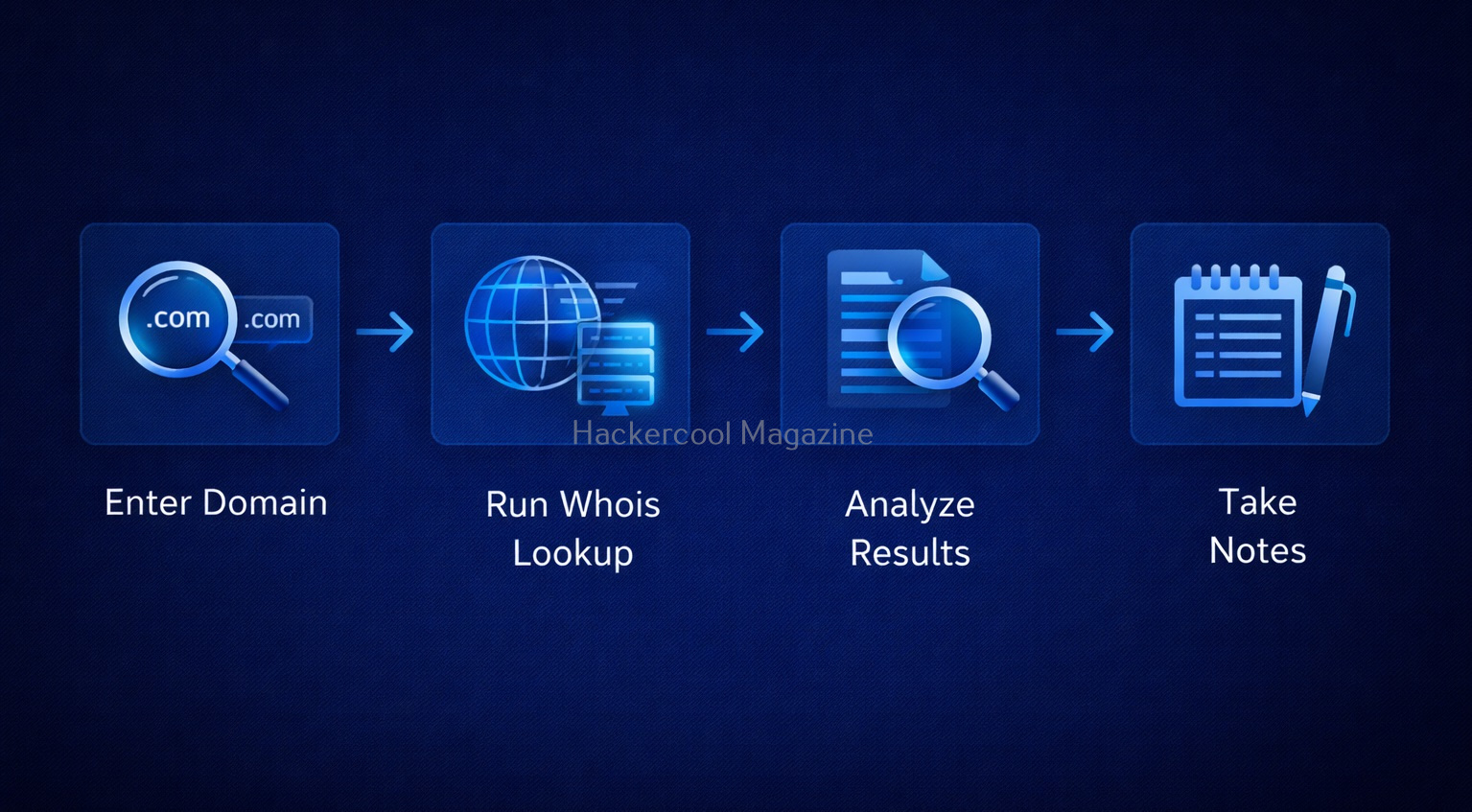
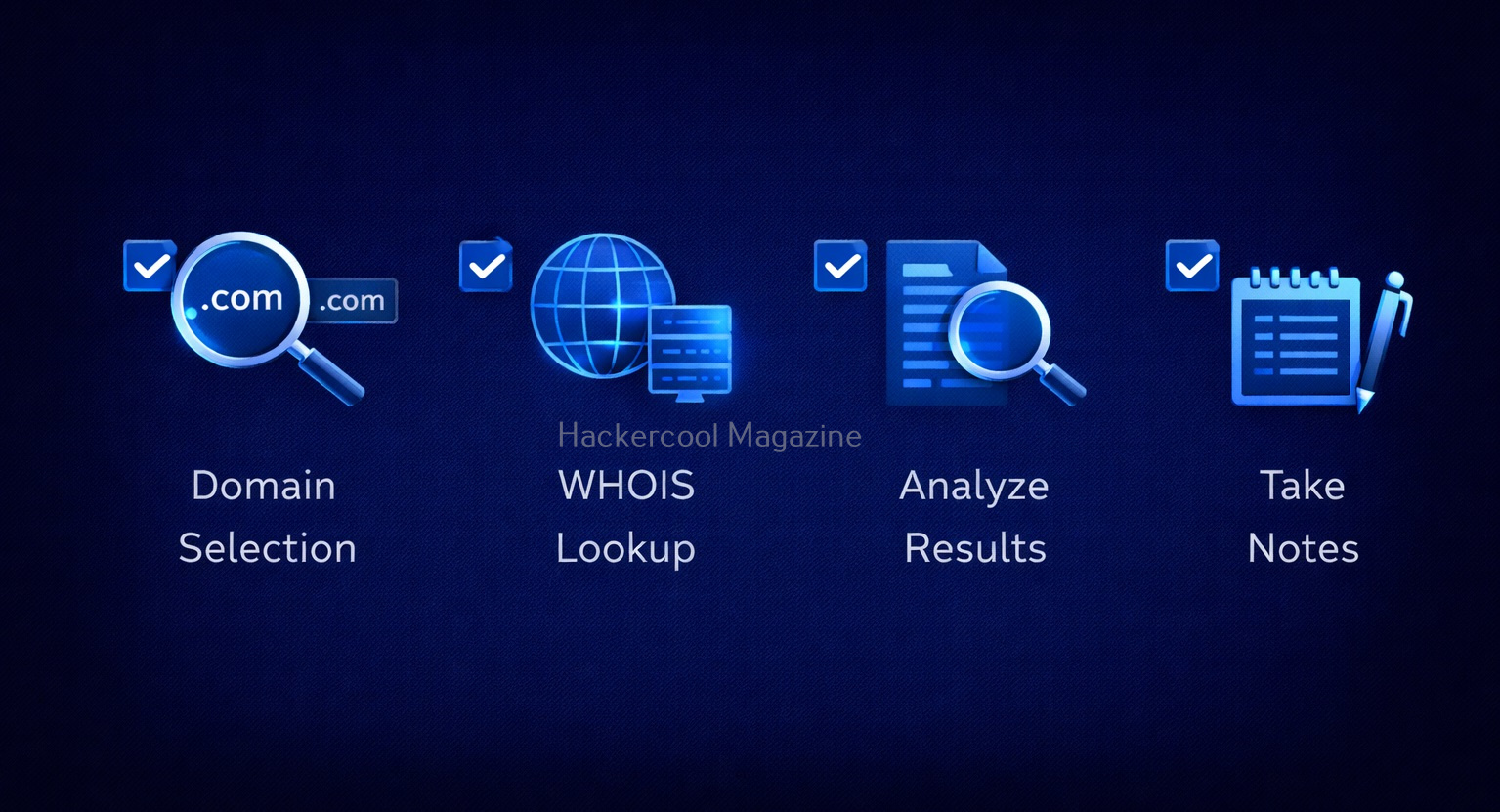
Step 1: Choose a Target Domain

Start with something simple like your own website or a test domain. Remember, always stay within legal boundaries.

Step 2: Use a WHOIS Lookup Tool

Do a simple Google search for WHOIS Lookup tools. Not only there are many tools for this but also there are many online services providing this service.

Step 3: Enter the Domain Name

Once you select a tool or service, enter the domain name. For example,

example.com
  • example.com

Then, run the lookup.

Step 4: Analyze the Results

The lookup runs and displays the results. After the results are out, analyze the results. Focus on:

  • Registration dates
  • Name servers
  • Registrar

Don’t try to understand everything at once.

Step 5: Take Notes

It is a very good practice to take notes in your journey of ethical hacking. Write down:

  • Interesting findings
  • Patterns

This helps you build investigation skills.

Let’s see a simple example of what you might discover after performing WHOIS lookup. From a simple WHOIS lookup of a domain, you might find:

  • The domain is 10 years old
  • It uses specific name servers
  • The registrar is a known provider

What does it tell you? This tells you that infrastructure might follow certain patterns. The system may be stable but possibly outdated.

How to Use WHOIS Effectively?

Here’s how you can use WHOIS more effectively.

1. Look for Patterns:

Always Check for:

  • Similar domains
  • Same name servers

2. Combine with Other Techniques:

WHOIS footprinting in itself will not give you complete information about the target domain. It is best to combine WHOIS with:

3. Practice Regularly:

Try WHOIS on:

  • Different websites
  • Practice labs

Tools for WHOIS Footprinting

You will not need complex tools to perform WHOIS Lookup as a beginner. You can start with:

  • Online WHOIS lookup websites like whois.com, who.is.com etc
  • Linux whois command
  • Sysinternals Whois command utility for Windows.

Why is WHOIS Important in Ethical Hacking?

With all said and done how to perform WHOIS footprinting, let’s see the importance of this in ethical hacking. WHOIS is often the first step in reconnaissance (footprinting). Here’s why it matters:

1. Understand the Target:

You get basic information about:

  • Your target organization
  • Their Domain structure

2. Discover Infrastructure Clues:

WHOIS can reveal information about:

  • Hosting providers
  • Name servers

This information helps you map the system.

3. Find Related Assets:

In some cases, it helps you to identify other domains owned by the same organization.

4. Detect Weak Points:

In some cases, it can reveal weak points in an organization. Old domains or misconfigured records can indicate poor security practices.

Common Mistakes Beginners Make

Many beginners make some common miastakes while performing this footprinting. Please avoid these mistakes.

1. Expecting Too Much Data:

If fotprinting is the first stage of ethical hacking, then WHOIS footprinting is the first stage of footprinting itself. So, may be due to excitement or something else, beginners expect too much data to be revealed. But this may not be the case in real-world. Many domains use privacy protection. Don’t worry, this is normal.

2. Ignoring Small Details:

In footprinting, even minute details matter. Even simple data like name servers can be useful.

3. Not connecting collected information:

WHOIS is just one piece of the puzzle. Combine it with:

  • DNS analysis
  • Subdomain discovery

4. Skipping Documentation:

Always write down your findings.

Legal & Ethical Reminder

WHOIS footprinting is generally safe but you must still follow some rules.

Never and NEVER:

  • Use information obtained through WHOIS for illegal purposes
  • Target systems without permission

Always:

  • Practice ethically
  • Stay within legal limits

Conclusion

WHOIS footprinting is one of the simplest and most powerful starting points in ethical hacking. It teaches you how to:

  • Gather information
  • Analyze systems
  • Think like an investigator

And the best part? You can start learning it today with zero risk.

Posted on

Footprinting guide for beginners

Hello, aspiring ethical hackers. In our previous blogpost, you read about the 5 phases of ethical hacking. In this article, you will learn about Footprinting or Reconnaissance in detail. If you’re starting your journey in ethical hacking, one of the first skills you need to learn is footprinting. It may sound technical but the idea is actually simple. Footprinting means gathering information about a target before trying to hack or test it. Think of it like this: Before solving a puzzle, you first look at all the pieces.

Although, a bit boring, it is one of the most important phases of Ethical Hacking. This is because this stage lays the road to success or failure of the pen test as it gives much needed information about the target system or organization.

What is Footprinting?

Footprinting is the process of collecting information about a system, website or organization. This information helps you understand:

  • What the target looks like
  • How it works
  • Where it might be weak

For example, before testing a website, you might want to know:

  • Its domain name
  • Its IP address
  • What technologies it uses

Why is Footprinting Important?

In Reconnaissance, you gather as much information about the target organization that is useful in gaining access or to learn about the security posture of target organization. Reconnaissance allows pen testers to reduce the area they need to focus, identify vulnerabilities and finally know about the security posture of the company. The more information you have, the easier your job becomes. Many beginners want to jump straight into “exploitation” and “hacking tools.” But here’s the truth:

Without footprinting, you are guessing—not hacking.

Footprinting helps you:

1. Understand the Target:

You get a clear picture of what you are dealing with.

2. Find Entry Points:

You may discover hidden pages, subdomains or services running on target organization.

3. Save Time:

Instead of random attempts, you focus on what matters.

4. Think Like a Hacker:

Real attackers spend a lot of time gathering information first. It enhances hacker mindset. If done properly, the following information can be collected during the reconnaissance stage.

  1. Target organization’s network information including domains and sub-domains used by it.
  2. Blocks of IP addresses used by the organization that are publicly accessible etc.
  3. Information about operating systems used by the organization, especially web server and in some cases even user credentials.
  4. Information about the organization like the details of their employees, which include their names, addresses, Phone number, email addresses etc

Types of Footprinting

There are two main types of footprinting: Passive and Active.

1. Passive Footprinting:

In this type of footprinting, information about the target organization is collected without touching or interacting with the target directly. This is usually safe and stealthy as no interaction with the target is done.

Examples:

  • Searching on Google
  • Checking social media
  • Looking at public websites

This is the safest way to start as a beginner.

2. Active Footprinting:

This involves interacting with the target system or network.

Examples include:

  • Scanning ports
  • Sending requests to servers

This is simpler than passive reconnaissance as pen testers get information directly from the target. On the flip side, the cybersecurity guys at the target organization may already know your intent as it may create lot of noise and raise suspicions.

Step-by-Step Footprinting Process

Let’s go through the step-by-step process of footprinting.

Step 1: Start with the Website

Start by visiting the target website. Look for:

  • Pages (Home, About, Contact)
  • Login areas
  • URLs

You’ll be surprised how much you can learn just by exploring the target website. Learn more about Website Footprinting.

Step 2: Find Domain Information

Every website has a domain (like example.com). From this, you can find information like,

  • IP address of the website
  • Hosting details
  • DNS records

This shows where the website is actually running etc. Learn more about this in Whois Footprinting, DNS footprinting etc.

Step 3: Look for Subdomains

Websites often have hidden sections called subdomains. For example, if there is a domain named “example.com”, it may have subdomains like,

  • admin.website.com
  • dev.website.com
  • api.website.com

These are very important in the scope of reconnaissance because they are often less secure than the main domain. One useful tool to find subdomains is subfinder.

Step 4: Identify Technologies

Try to understand what the website is built with.

For example:

  • Is it using WordPress, Joomla CMS etc?
  • What server is running?

This matters because different technologies have different weaknesses. Useful tool here can be WhatWeb.

Step 5: Search on Google

Google is one of the most powerful tools for footprinting. Try searching:

  • site:example.com
  • example.com login
  • example.com filetype:pdf

You might find:

  • Hidden pages
  • Documents
  • Login portals

Learn more about Google dorking.

Step 6: Look for Public Information about the target

Sometimes, a lot of things about the target can be found using publicly available information.

Check:

  • LinkedIn
  • Company pages
  • Other Social media

You might find:

  • Employee names
  • Email formats

This is useful for understanding how the organization works. Learning about Email footprinting and Metadata can be useful in this step. USeful tools here are Recon-ng, Sherlock, theharvester, Maltego, Shodan and Spiderfoot.

Conclusion

Footprinting is the first step in ethical hacking and one of the most important. If you master this skill:

  • You’ll find vulnerabilities faster
  • You’ll understand systems better
  • You’ll think like a real hacker

Most beginners ignore footprinting. Don’t be one of them. Start slow, stay consistent and keep practicing.

Posted on

Joomla enumeration with Metasploit

Hello, aspiring ethical hackers. In our previous blogpost, you learnt about how to perform WordPress enumeration with Metasploit. In this article, you will learn how to perform Joomla enumeration with Metasploit. Although its share is less than WordPress in CMS usage, Joomla is still one of the top 5 used CMS. Just like WordPress has plugins to improve its functionality, Joomla has multiple components or extensions which can be installed by the web admin as per requirement. Metasploit has some modules which can be used to enumerate a target website running Joomla.

Version Detection

The first Metasploit module you will learn about is the “version detection” module of Joomla. We start Metasploit and load the “joomla_version” auxiliary module given below. Type command “show options” to see all the required options for this module.

We need to set two options for this module to do its job: RHOSTS (which is target IP address) and Targeturi (the URL of the target Joomla). Set Targeturi as shown below. Coming to “RHOSTS” option, we copy and paste the IP address of the target website or websites. If you are giving multiple targets, you should give space between each IP address as shown below.  Here I have given five IP addresses.

Check whether all options are set correctly by typing command “show options“.

All the options are set. Next, it’s time to run our module. Type command “run” and you will get the results as shown below.

As readers can see, the versions of Joomla running on the target machines are displayed.

Plugin enumeration

Once we know the version of Joomla running on the target website, the next important information to find out is about the extensions installed on the target Joomla. Metasploit has a module for that too. Since the Joomla extensions or components are similar to WordPress plugins, this module is called as “Joomla Plugins enumeration” module. Load the module as shown below.

Just like the earlier module, this module too can be used to target multiple targets at once. Set the IP addresses of targets as shown below with space between each IP address.

Next, execute the module.

As readers can see, all the plugins installed on the target Joomla site(s) are displayed. But how does this module scan for plugins?  The list of plugins this module scans are in file  “usr/share/metasploit-framework/data/wordlists/joomla.txt”.  

If the plugin you want to scan for is not in this list, you can just add it manually by opening this file with any text editor.

For example, I want to scan for a Joomla extension named “com_easy_youtube_gallery”. Don’t forget to save changes after making them. I once again execute the module after applying changes and the result is shown below.

Webpage enumeration

Metasploit also has a module for enumerating webpages on the Joomla target. This module can be useful in viewing pages of a Joomla website that can give further information about the website. Load the module as shown below.  Type command “show options” to see the options we need to set.

Set the targeturi option.

Execute the module. We will get the result as shown below.

As you can see, this module enumerated the webpages of our target. That is how we can perform Joomla enumeration with Metasploit. Next, lean how to enumerate Joomla with Joomscan.