
Hello, aspiring ethical hackers. In our previous blogpost, you learnt what is footprinting and various techniques used for footprinting. In this blogpost, you will learn about subfinder, a tool that helps us in footprinting.
New to Ethical Hacking?
Start your journey with The Beginner Ethical Hacker Starter Kit (2026 Edition).
Inside the free guide, you’ll learn:.
- Ethical hacking fundamentals
- Beginner cybersecurity roadmap
- Essential hacking tools
- Common vulnerabilities explained
Subfinder is a sub domain discovery tool that queries and retrieves valid sub domains for a given domain or website. It is a simple tool that uses passive subdomain enumeration for this purpose.
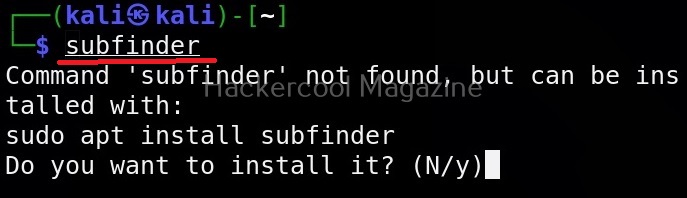
Let’s see how to use this tool to perform subdomain enumeration. For this, we will be using Kali Linux as our attacker machine. Subfinder can be installed on Kali as shown below.
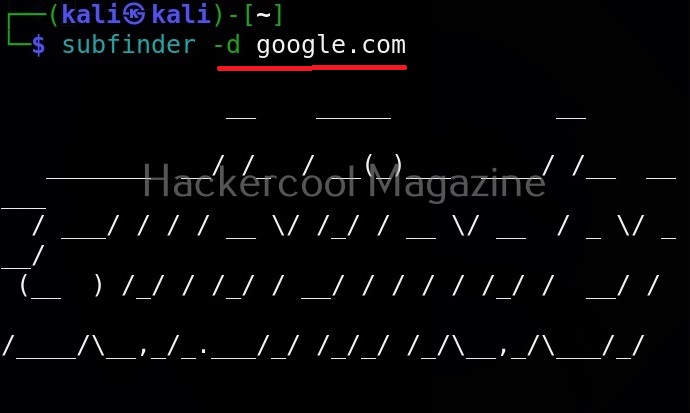
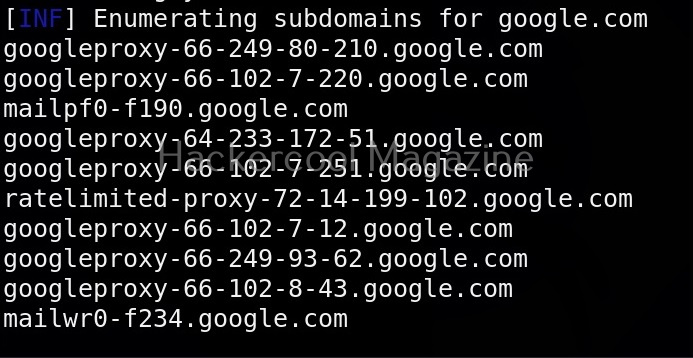
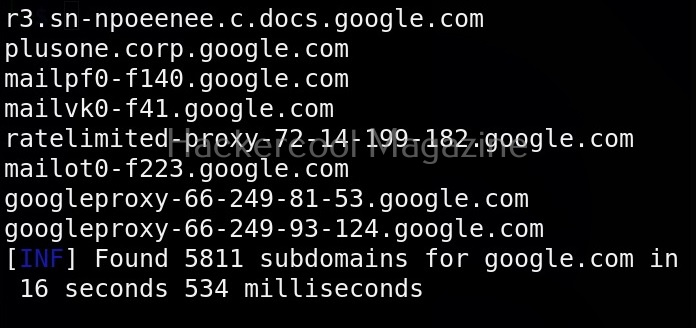
The simplest method to use subfinder to query a sub domain of a particular domain is as shown below.
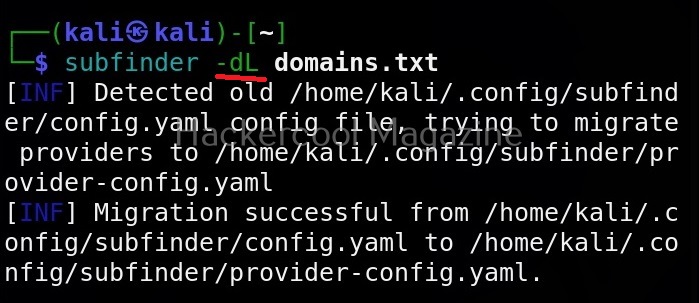
Specify multiple domains at once (-dL)
This tool can also query multiple domains at once. You can supply these domains using a file. For example, let’s create a new file “Domains.txt” and add a domain as shown below.
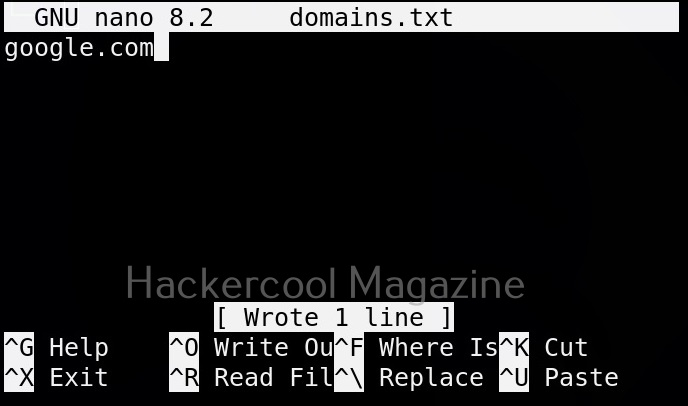
This file can be provided as input to subfinder as shown below.
View all the sources of this tool (-ls)
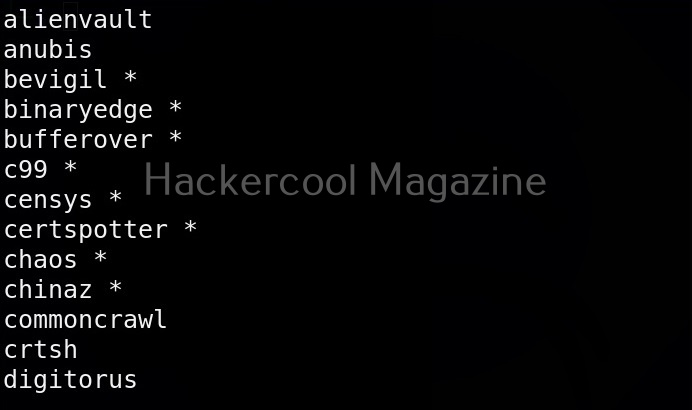
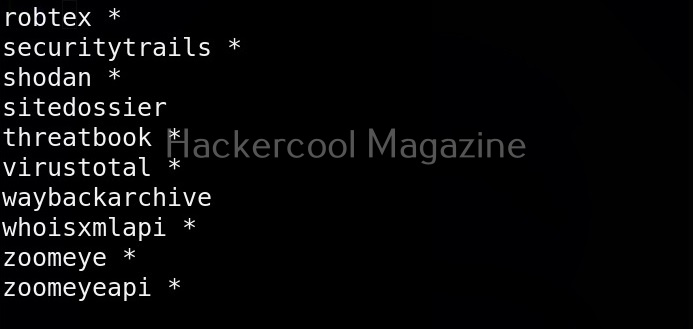
Subfinder collects information from a number of sources like AlienVault, Anubis, Censys, Shodan etc. You can view all the sources the subfinder tool queries using the command given below.
Want to Learn Ethical Hacking Step-by-Step?
If you’re serious about learning cybersecurity, a structured roadmap makes the journey much easier.
Download The Beginner Ethical Hacker Starter Kit (2026 Edition) and discover:
✔ The ethical hacking learning path
✔ Beginner-friendly security concepts
✔ Essential tools ethical hackers use
✔ The most common vulnerabilities explained

Query a single source (-s)
You can specify subfinder to query just one source using (-s) option as shown below. For example, let’s just specify GitHub and Anubis as sources.


Query all the sources (-all)
We can also specify this tool to query all the sources using the “-all” option.

Exclude some sources (-es)
We can even exclude some sources as shown below. For example, let’s exclude GitHub.

Display the source this tool queried in results (-cs)
We can even display source information to be displayed in output using the “-cs” option as shown below.

Saving output (-o)
You can save the output of this tool to a file as shown below.

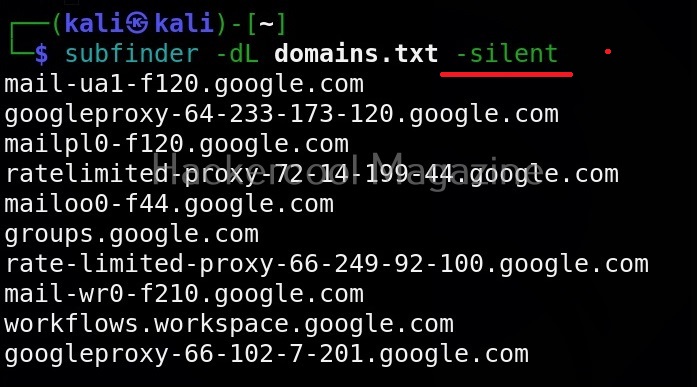
Silent mode
In this mode, sub finder just displays the sub domains it found and nothing else.
Start Your Ethical Hacking Journey Today
Learning cybersecurity can feel overwhelming at first. The best way to start is with a clear roadmap and the right resources.
Download The Beginner Ethical Hacker Starter Kit (2026 Edition) and get instant access to:
✔ Ethical hacking fundamentals
✔ A beginner cybersecurity learning roadmap
✔ Essential hacking tools every beginner should know
✔ Common vulnerabilities explained simply


